

Supplement Engine
Supplement Engine builds a personal supplement guide for a client from their goal and body.
 1 Open the toolFrom the Dashboard, tap Supplement Engine. | 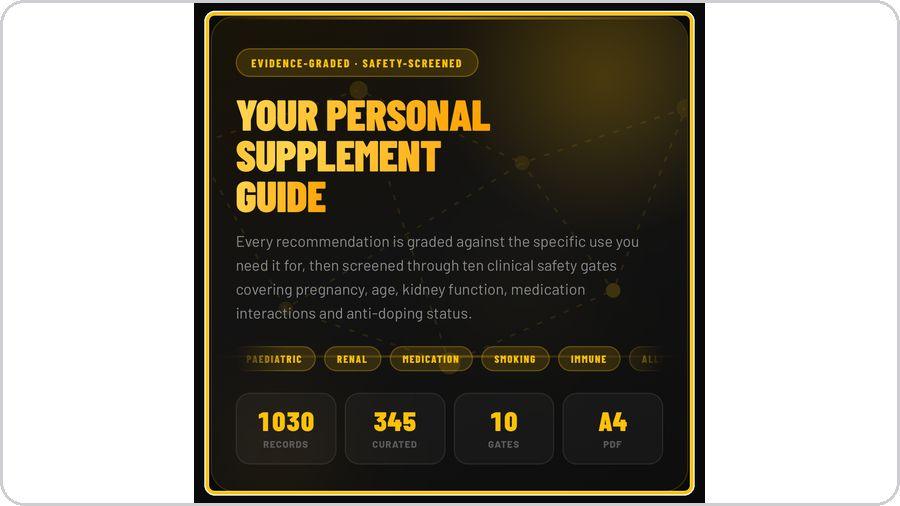 2 Read what it doesYour personal supplement guide: every recommendation is graded against the use you need it for, then screened through ten clinical safety gates. | 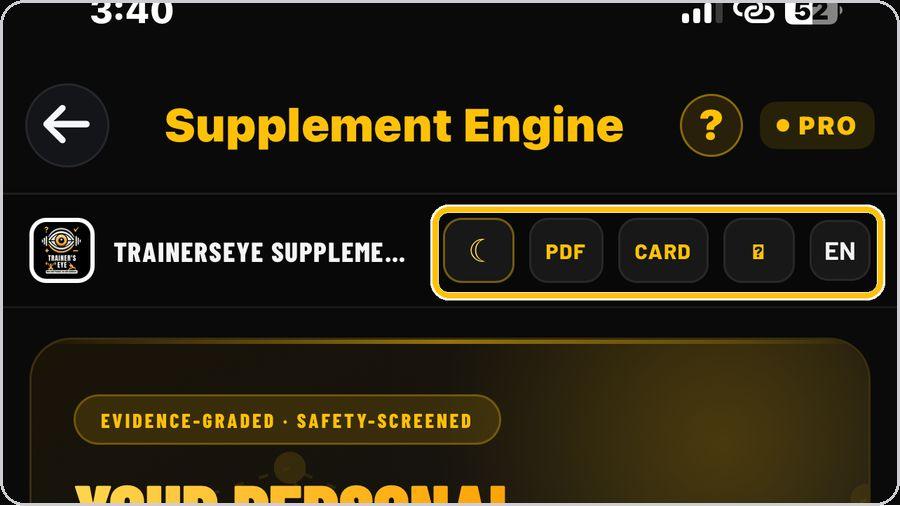 3 Look, PDF, Card, help, languageThe header buttons switch the look, open the PDF and the A4 card of the current guide, open help, and set the language. | 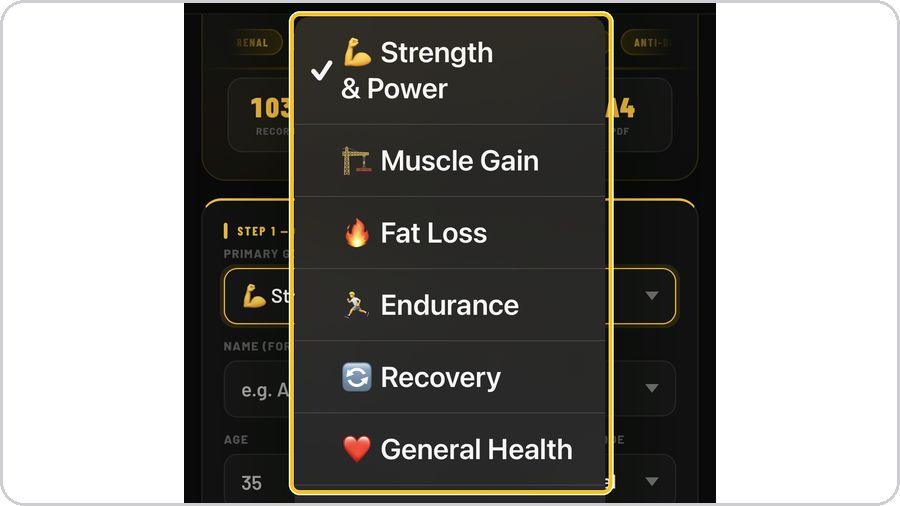 4 Step 1 — choose the primary goalPick one of eleven goals: strength & power, muscle gain, fat loss, endurance, recovery, general health, joint & connective tissue, pain management, sleep quality, combat sport or team sport. |
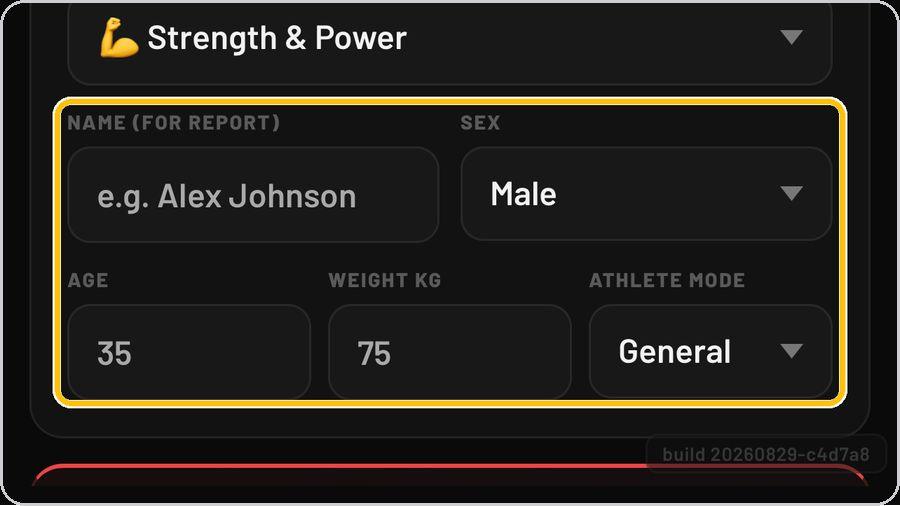 5 Name, sex, age, weight, athlete modeAdd the client's name for the report, then sex, age, weight in kilograms and athlete mode — general or the sport-specific modes. | 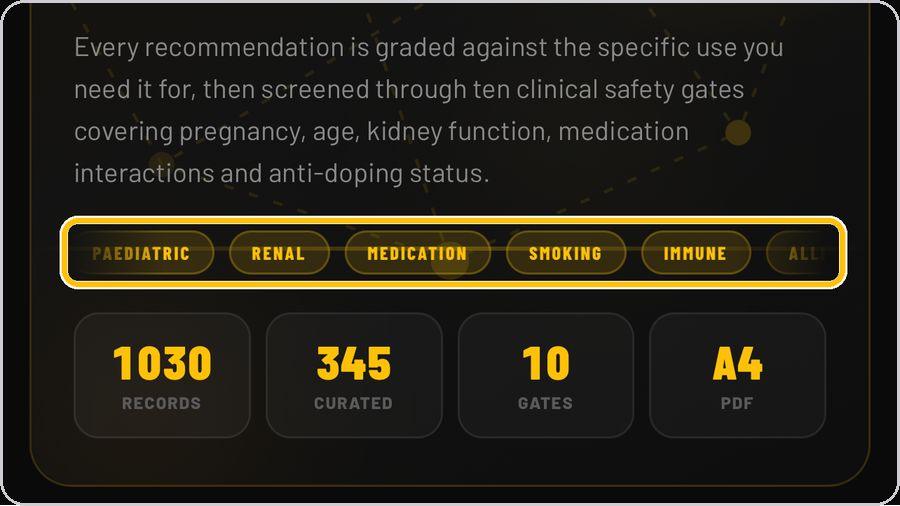 6 Step 2 — safety screeningAnswer the safety questions — pregnancy, breastfeeding, current medication and the rest of the ten gates. |  7 Build the guideTap Build. The engine grades, screens and composes the PDF in a few seconds — Building your guide, Composing PDF. | 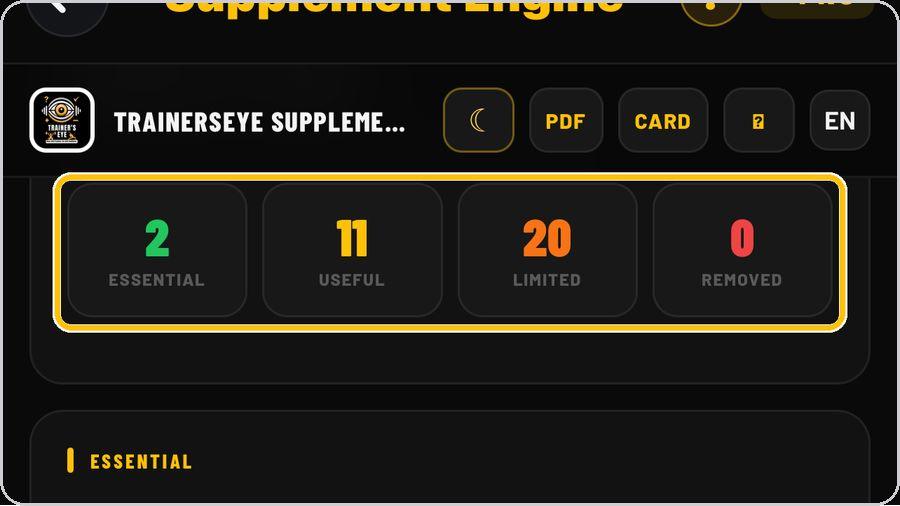 8 Read the summaryFour tiles head the guide: essential, useful, limited and removed — how many supplements land in each after grading and screening. |
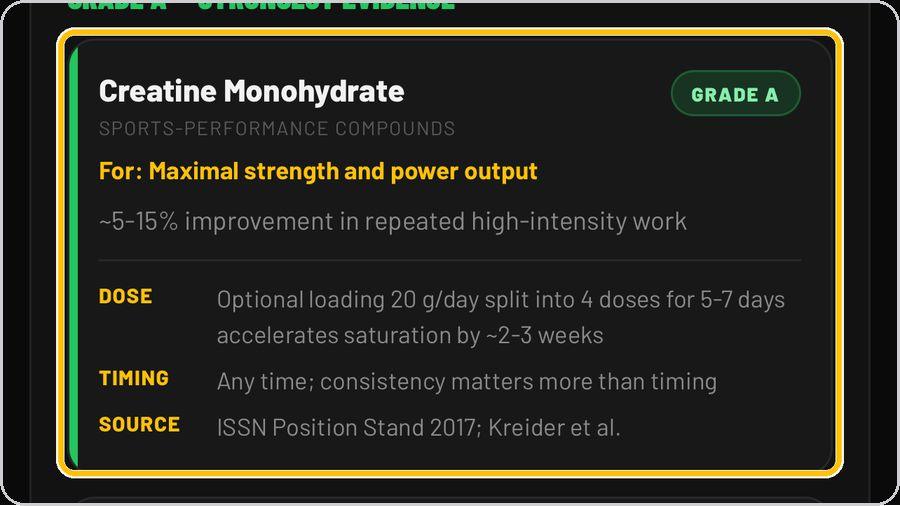 9 Read each recommendationEach supplement shows its grade — Grade A is the strongest evidence — what it is for, the expected effect, the dose, the timing and the source. | 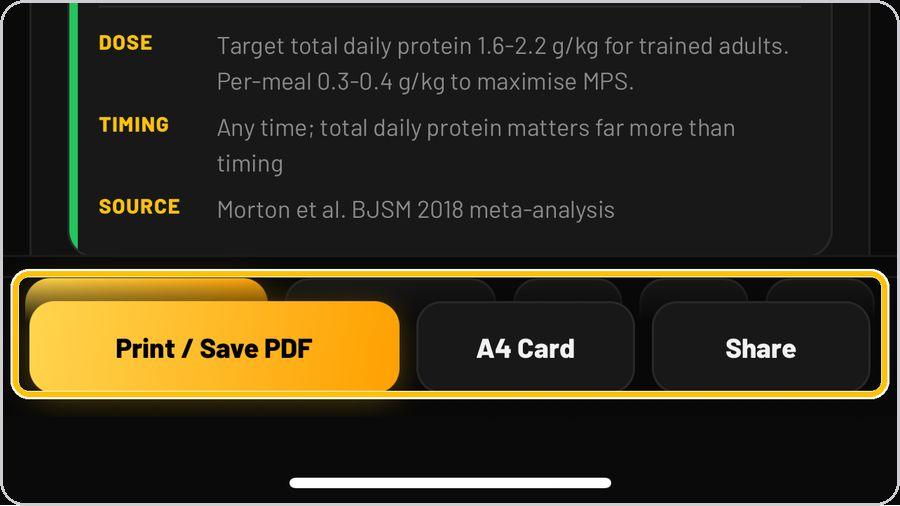 10 Print / Save PDF, A4 Card, ShareThe bar at the bottom prints or saves the full guide as a PDF, opens the one-page A4 card, or shares the guide. | 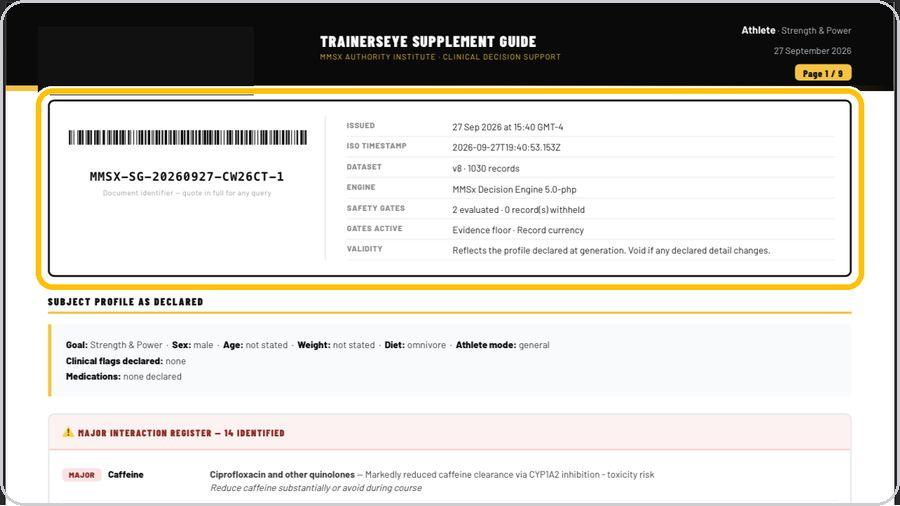 11 The document: control blockPage one of the PDF opens with the document identifier and barcode, then the control block — issued, timestamp, dataset, engine, safety gates evaluated, gates active and validity. | 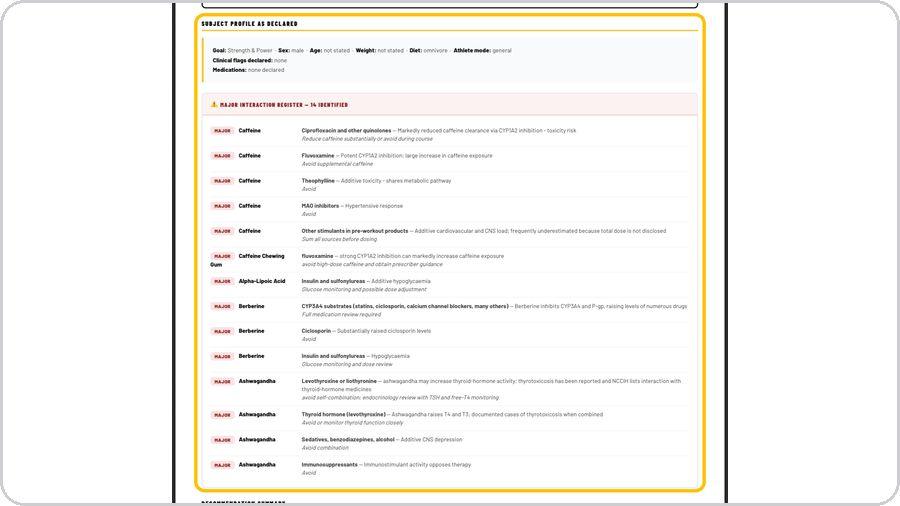 12 Profile and interaction registerThe subject profile as declared follows, then the major interaction register — each supplement, the medicines it interacts with and what to do. |
 13 Get help any timeTap the question mark at the top whenever you need help. | ✓ You're readyThat's it. Open Supplement Engine, enter the goal and body, and build the first guide. | On the documentMasthead · Document identifier · Control block · Subject profile as declared · Major interaction register · Recommendation summary · Summary tiles · Footer | |