
Biomechanical Analysis
Clinical muscle assessment — 25 zones, ISAK anthropometry, symmetry, proportion and risk, in one report.
What is Biomechanical Analysis?
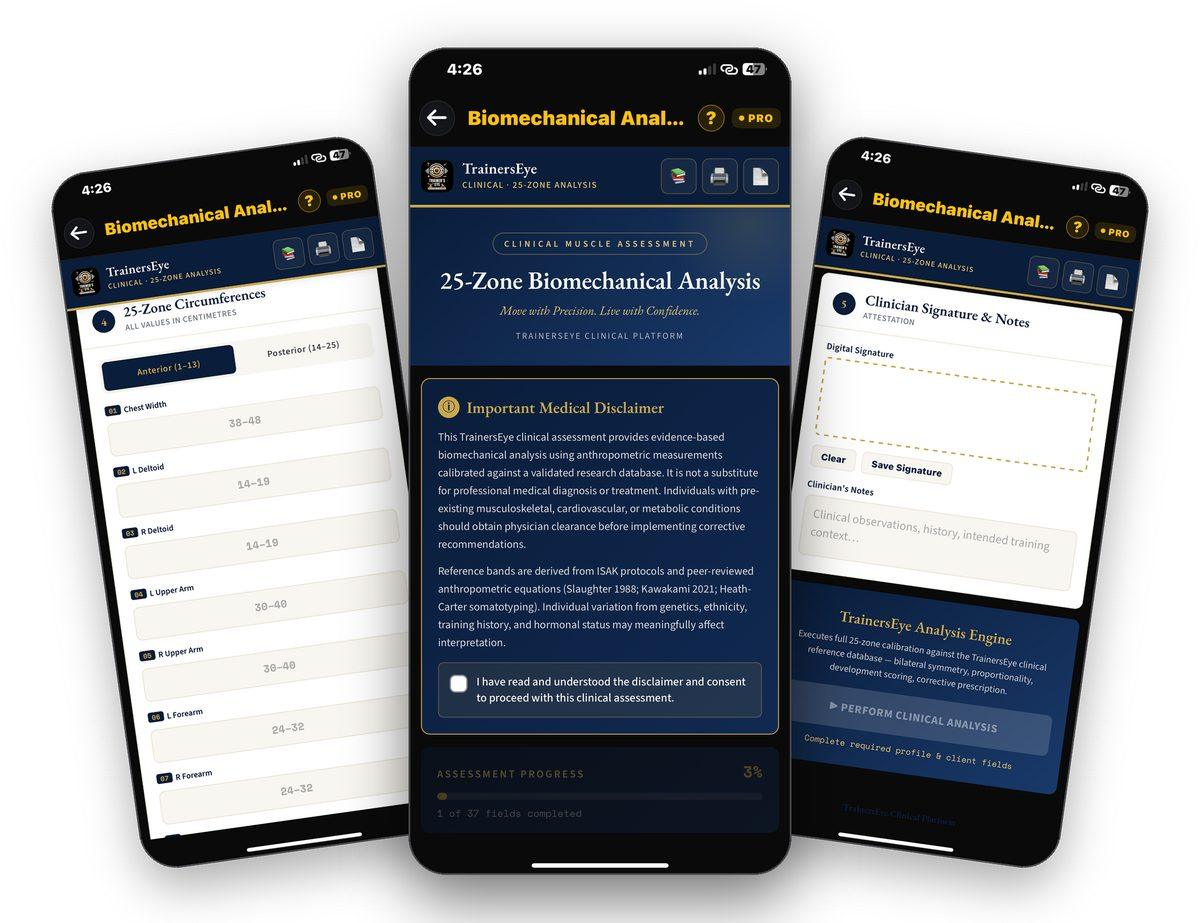
Biomechanical Analysis is the TrainersEye clinical muscle assessment. A clinician records the subject profile, ISAK skinfolds, breadths and girths, and the circumferences of 25 body zones; the analysis engine calibrates them against the TrainersEye clinical reference database — 27 calibration profiles — and returns bilateral symmetry, proportionality, a development score and a composite risk tier, with a corrective prescription. The output is an eight-page clinical biomechanical report with a report ID, ready to print or send. Reference bands derive from ISAK protocols and peer-reviewed anthropometric equations.
25 zones, ISAK method
Anterior zones 1–13 and posterior 14–25 in centimetres, plus triceps and subscapular skinfolds, biacromial and bi-iliocristal breadths, arm and calf girths.
Calibrated, not guessed
Every zone is measured against the ideal for the chosen profile — general fitness, professional athlete, elite bodybuilder or custom — from a 27-profile calibration database.
Symmetry, proportion, risk
Left–right asymmetry index with clinical bands, structural ratios against acceptable bands, a development score out of 100 and a composite risk index out of 40.
A clinical report
Eight pages: cover and subject block, executive summary, anthropometric profile, symmetry analysis, proportionality and risk, corrective prescription and references — with a report ID.
Where to find it
Open the TrainersEye app, go to the Dashboard and tap Biomechanical Analysis. It is part of the Pro plan.
This guide in thirteen steps
Open the tool
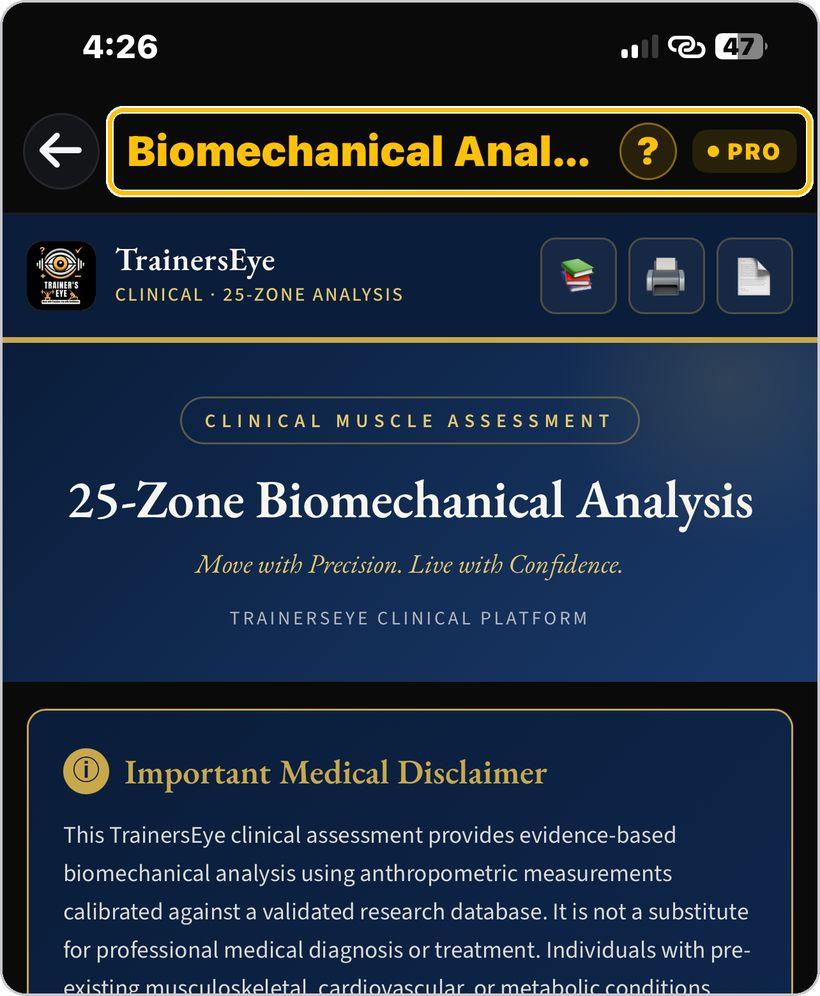
From the Dashboard, tap Biomechanical Analysis. It is a Pro-plan tool on the TrainersEye Clinical Platform.
Read and accept the disclaimer
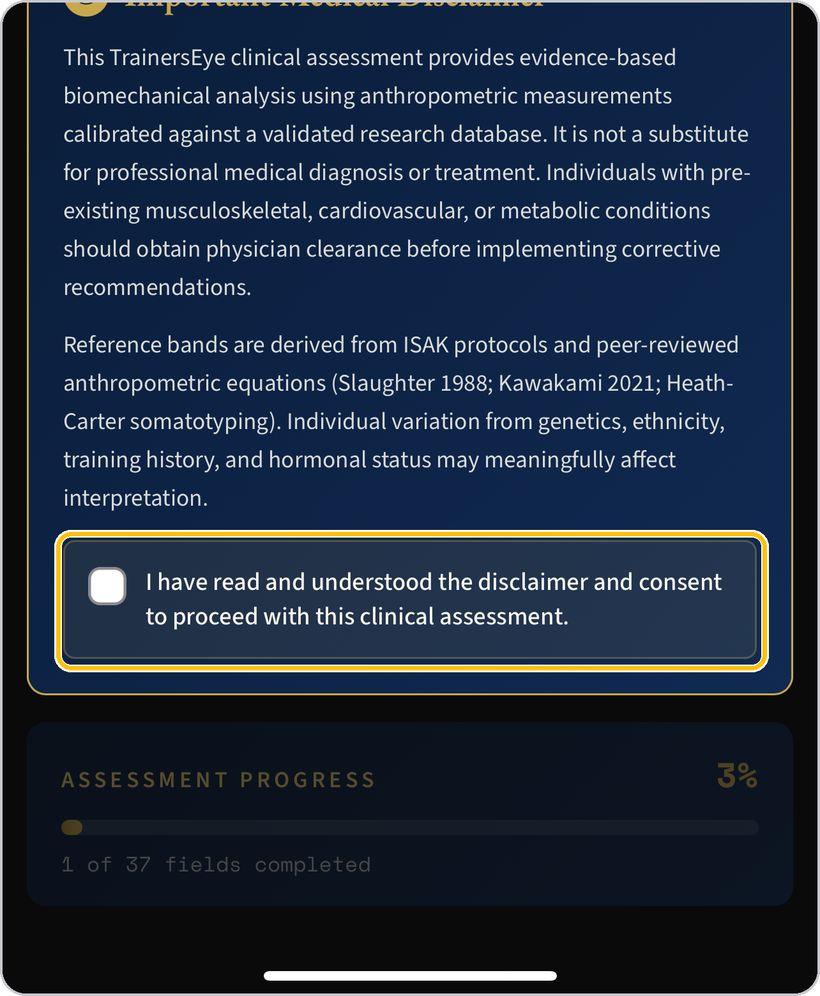
Read the medical disclaimer — evidence-based analysis, not a substitute for diagnosis; physician clearance for clients with pre-existing conditions — then tick the consent box. The assessment unlocks.
References, print and report
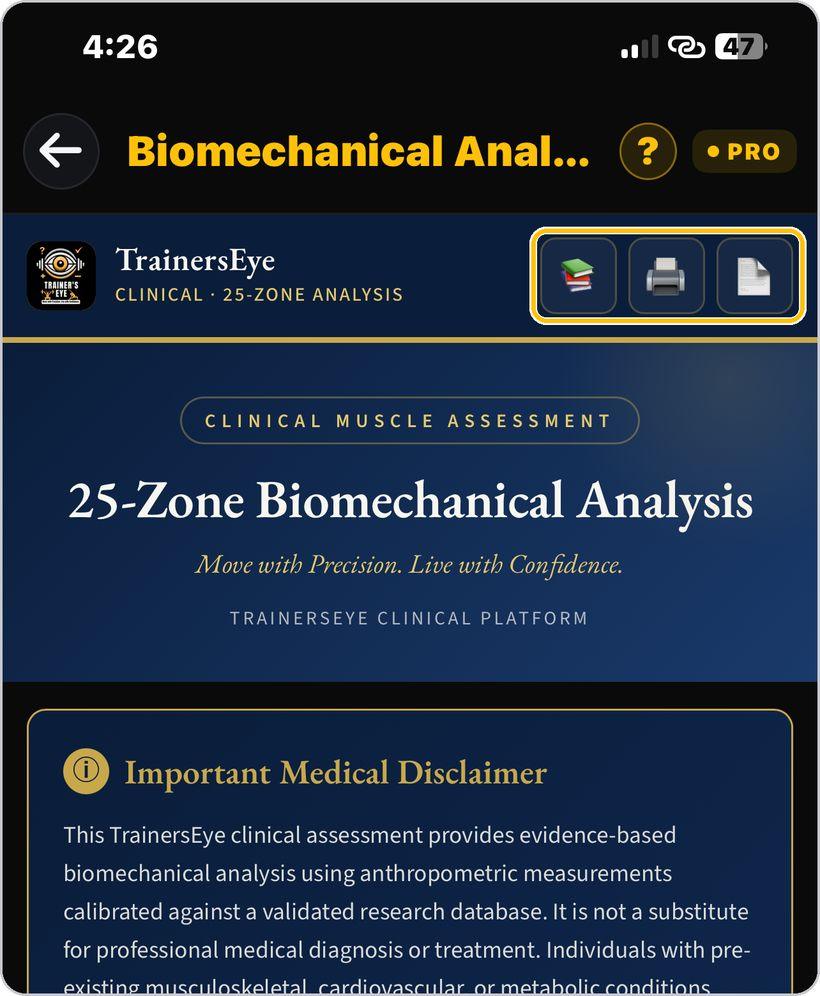
The three header buttons open the references behind the calculations, print the assessment, and open the report document.
Subject profile
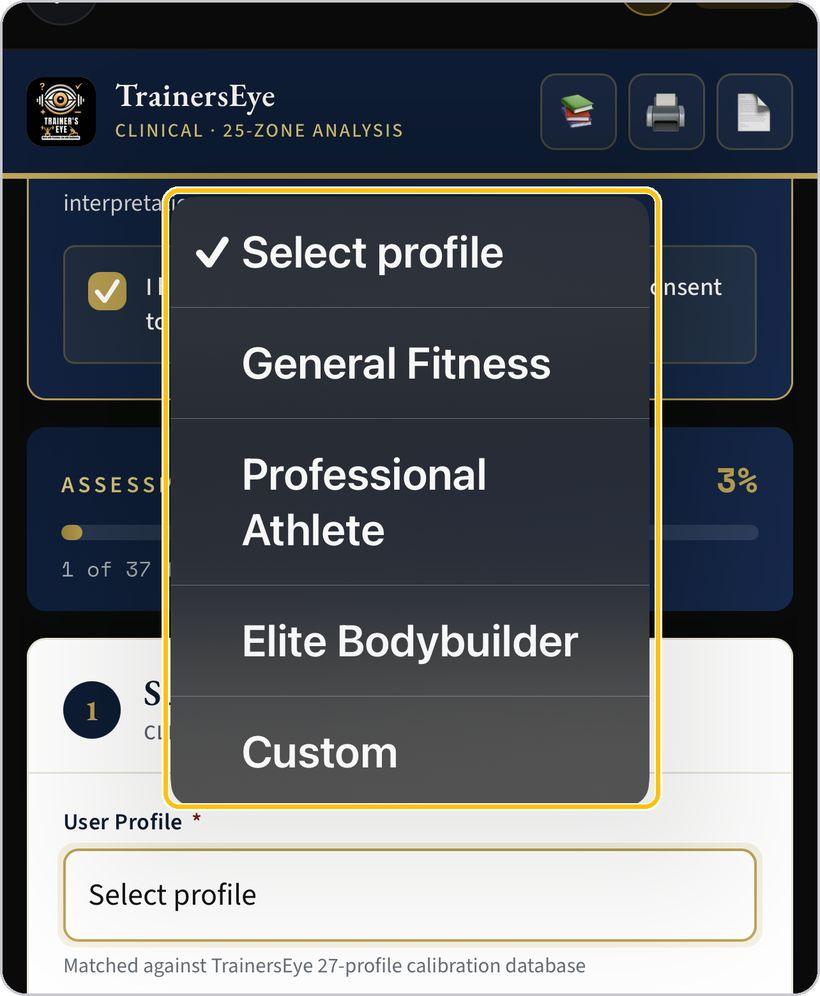
Choose the user profile — general fitness, professional athlete, elite bodybuilder or custom — and the biological sex. The profile is matched against the 27-profile calibration database; anthropometric norms vary by sex.
Client and clinician
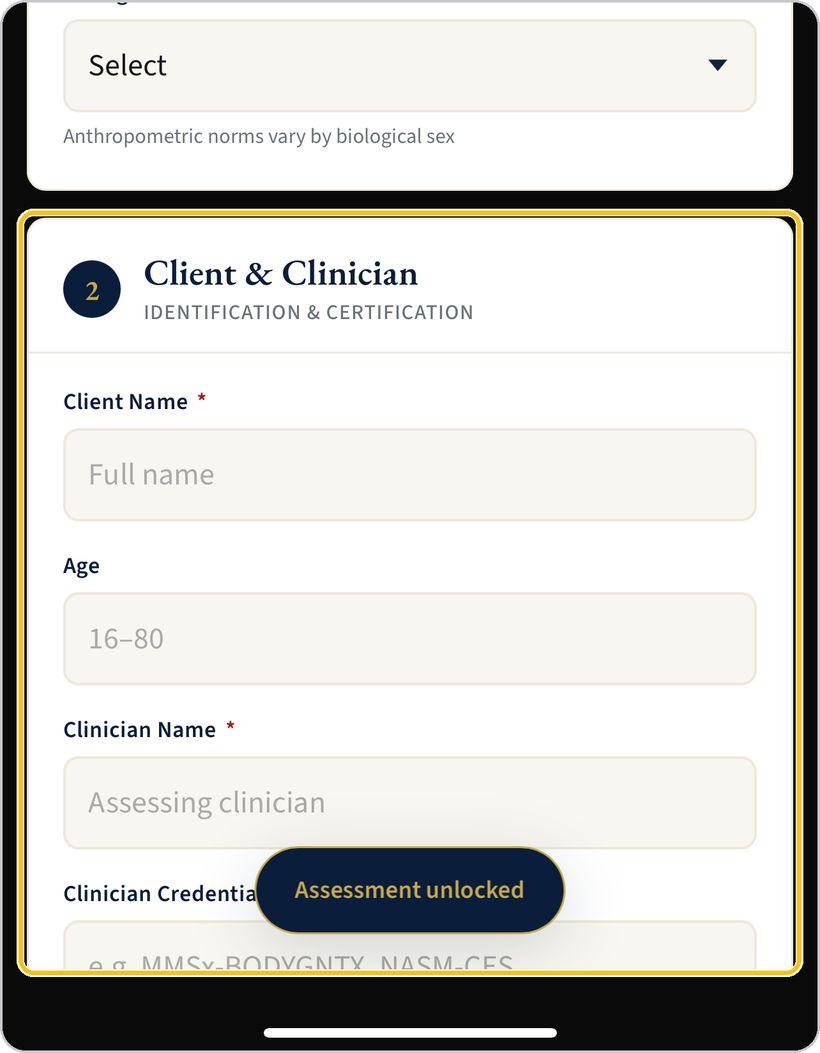
Enter the client's name, age, height and weight, then your own name and credentials as the assessing clinician — for example MMSx-BODYGNTX or NASM-CES.
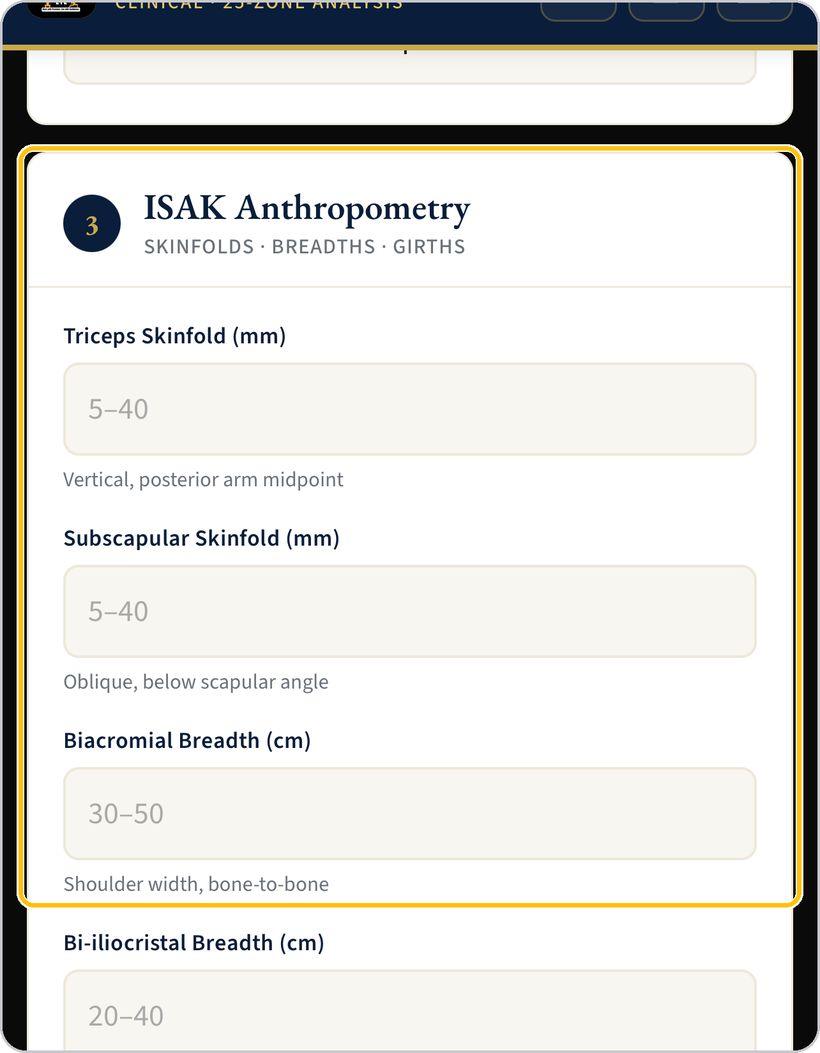
ISAK anthropometry
Record the triceps and subscapular skinfolds in millimetres, the biacromial and bi-iliocristal breadths and the relaxed arm and calf girths in centimetres, each at its ISAK landmark.
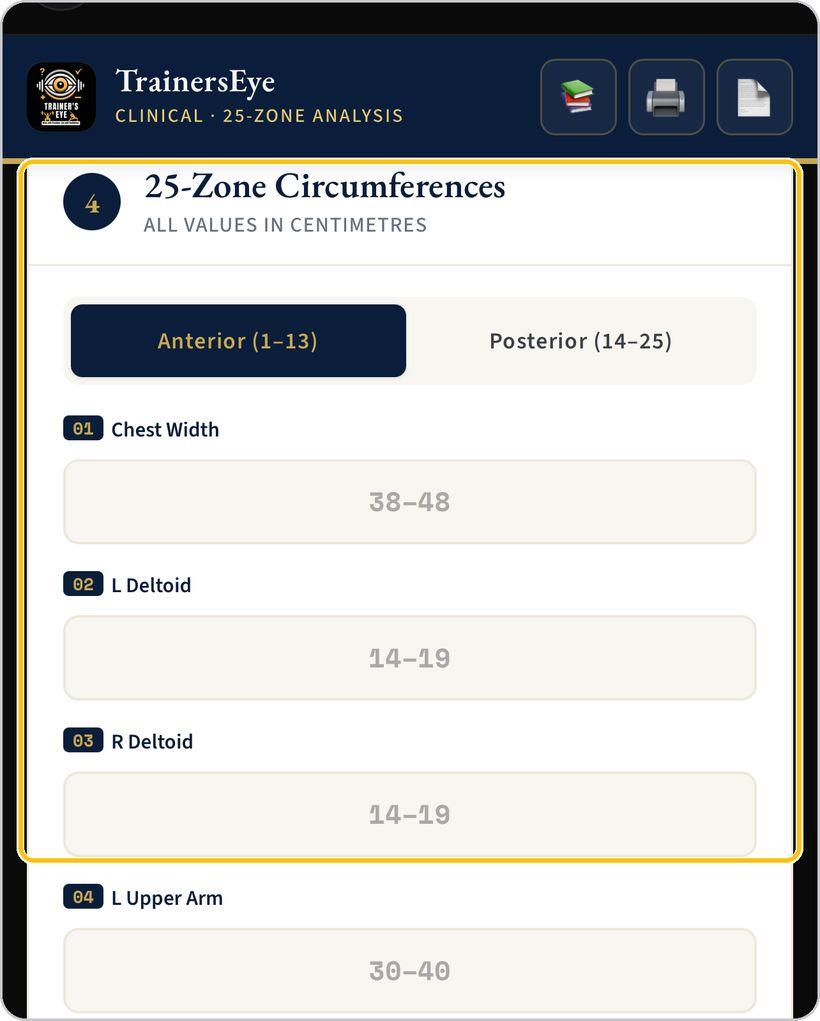
The 25 zones
Enter the circumferences in centimetres — Anterior 1 to 13 from chest width and deltoids to calves, Posterior 14 to 25 from upper trapezius to hamstrings. Each field shows its expected range.
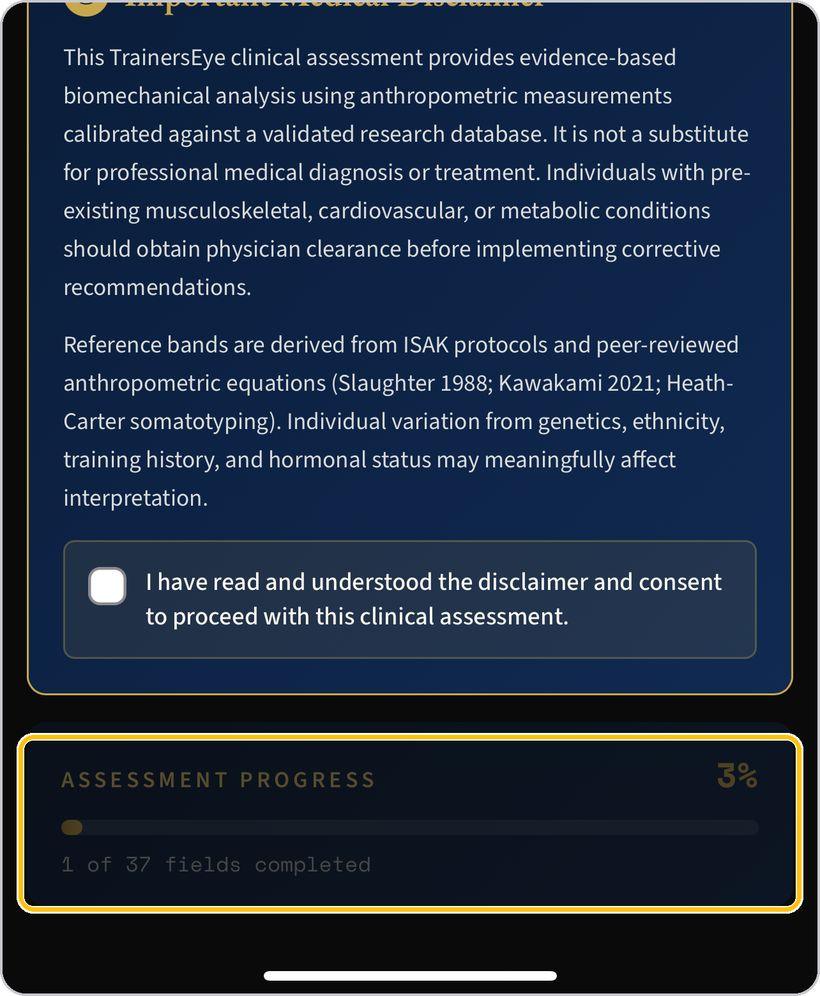
Watch the progress
The progress bar counts the 37 fields; it fills as you go and shows how many remain.
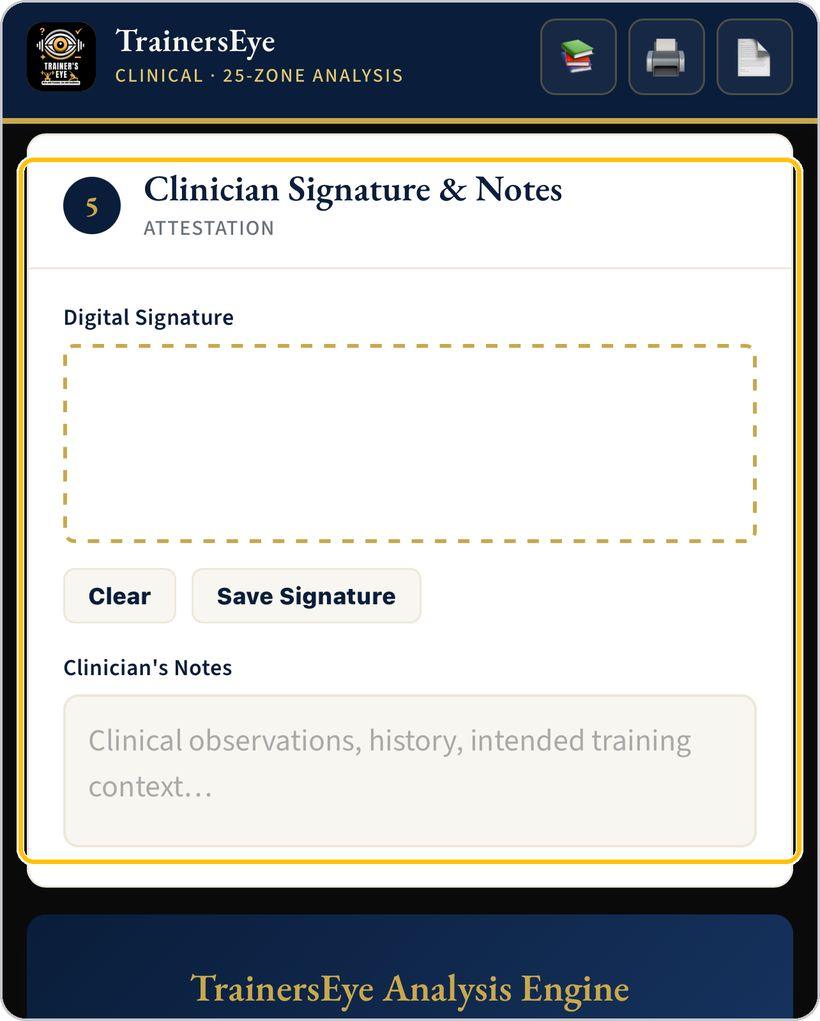
Signature and notes
Sign in the signature box and save it; add clinical observations, history and the intended training context in the notes.
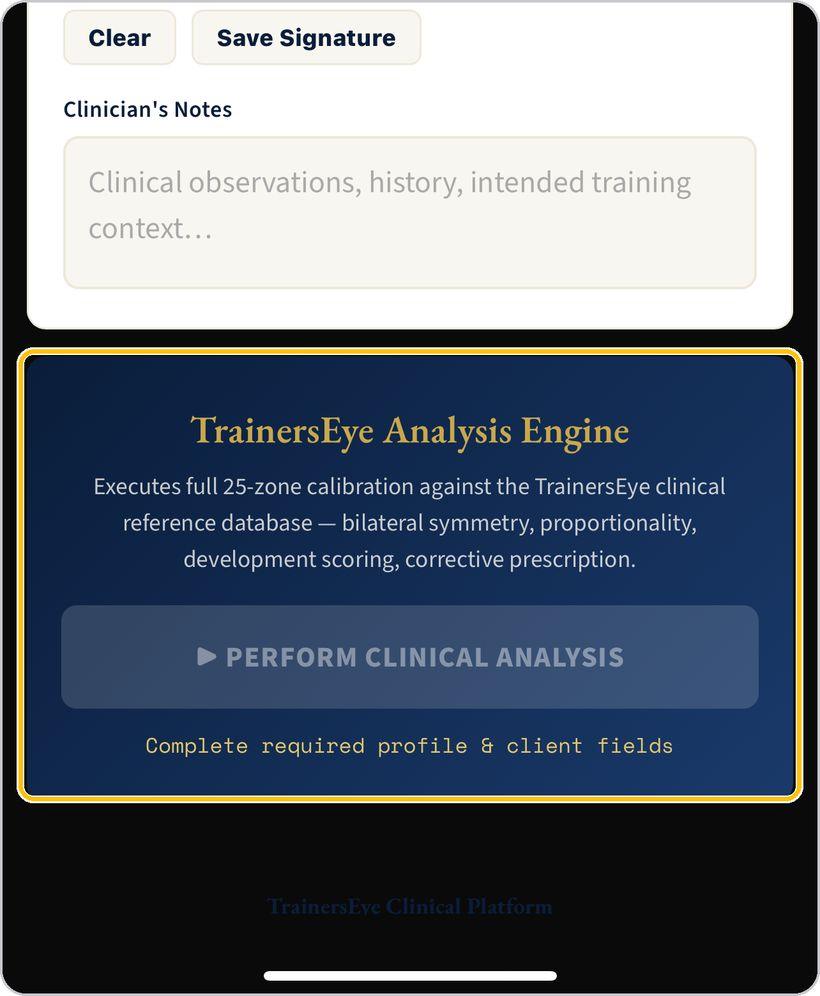
Perform the clinical analysis
Tap Perform Clinical Analysis. The engine calibrates all 25 zones against the reference database — bilateral symmetry, proportionality, development scoring and corrective prescription.
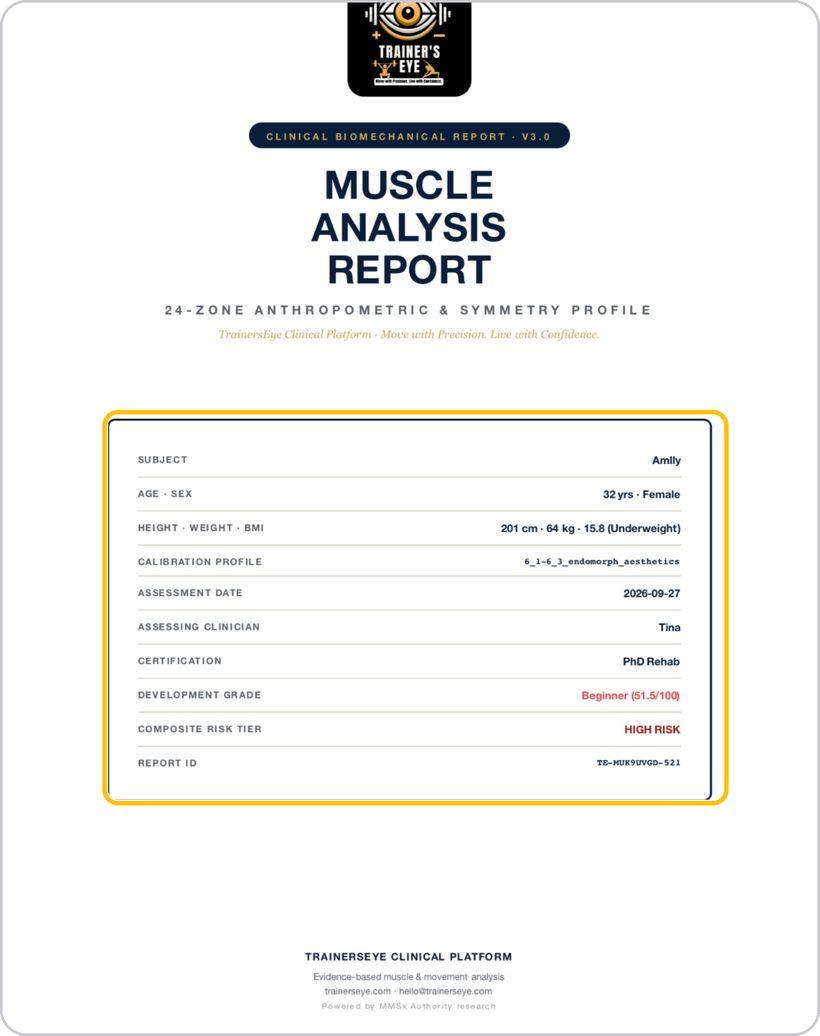
The report cover
The report opens with the subject block: subject, age and sex, height, weight and BMI, calibration profile, date, clinician and certification, development grade, composite risk tier and the report ID.
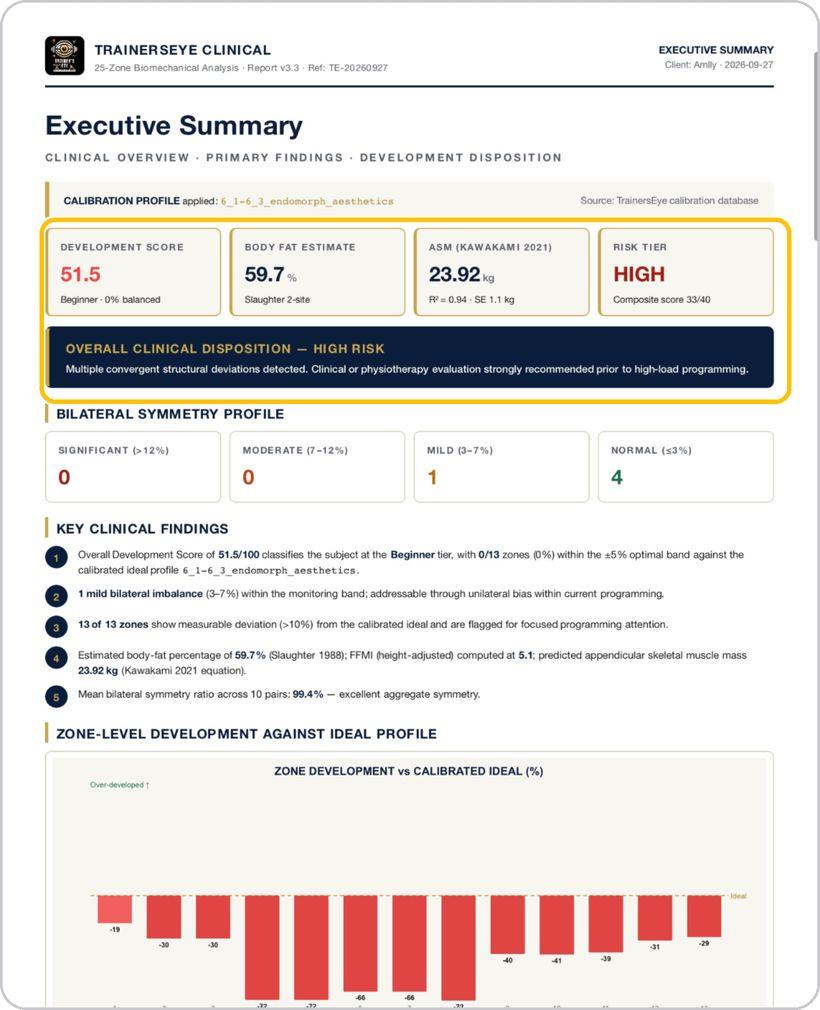
Read the analysis pages
Executive summary with development score, body-fat estimate, ASM and risk tier; anthropometric profile measured against ideal; bilateral symmetry with the asymmetry index; proportionality, ratios and risk; then the corrective prescription and references.
Get help any time
Tap the question mark at the top whenever you need help.
You're ready
That's it. Open Biomechanical Analysis, accept the disclaimer and record the first assessment.
Reading the report
Page two is the executive summary — the page a clinician reads first. Here is what each part means.
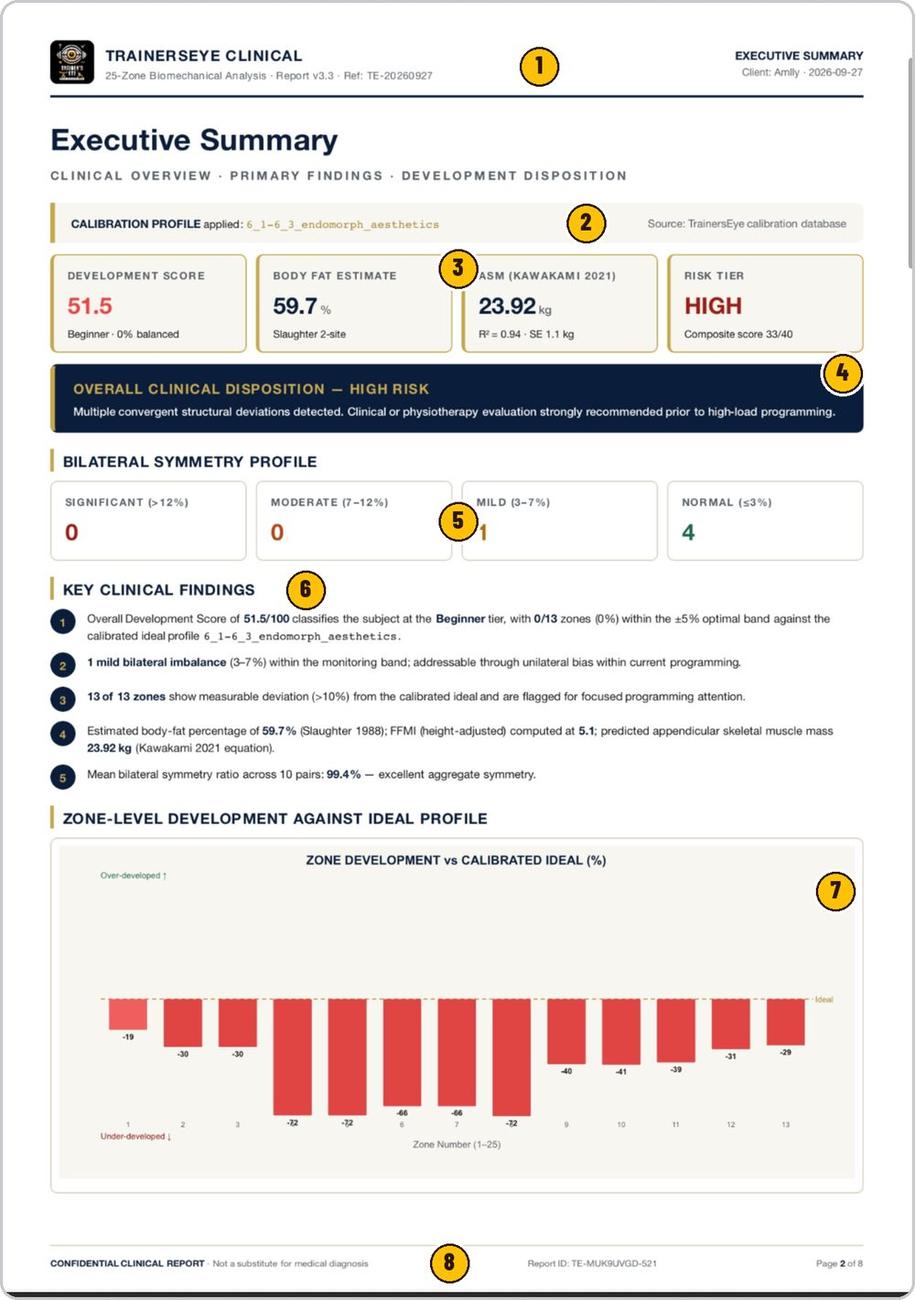
TrainersEye Clinical, report version and reference, client and date.
The reference profile the zone ideals were drawn from.
Development score out of 100, body-fat estimate, appendicular skeletal muscle mass and the risk tier.
The one-line conclusion and the recommended action.
How many muscle pairs fall in each band — significant, moderate, mild, normal.
The numbered findings behind the disposition.
Every zone against its calibrated ideal — over- or under-developed, in percent.
Confidential clinical report, not a substitute for medical diagnosis, report ID and page.
Biomechanical Analysis is part of TrainersEye
Support: support@trainerseye.com · trainerseye.com
TrainersEye Clinical Platform · Powered by MMSx Authority research
Evidence-based biomechanical analysis, not a substitute for professional medical diagnosis or treatment. Clients with pre-existing musculoskeletal, cardiovascular or metabolic conditions should obtain physician clearance before corrective recommendations are implemented.