
TE-MMOForms
Movement Mechanics Observation Form — observe, tick the flaws, get the corrective protocol and the A4 report.
What is TE-MMOForms?
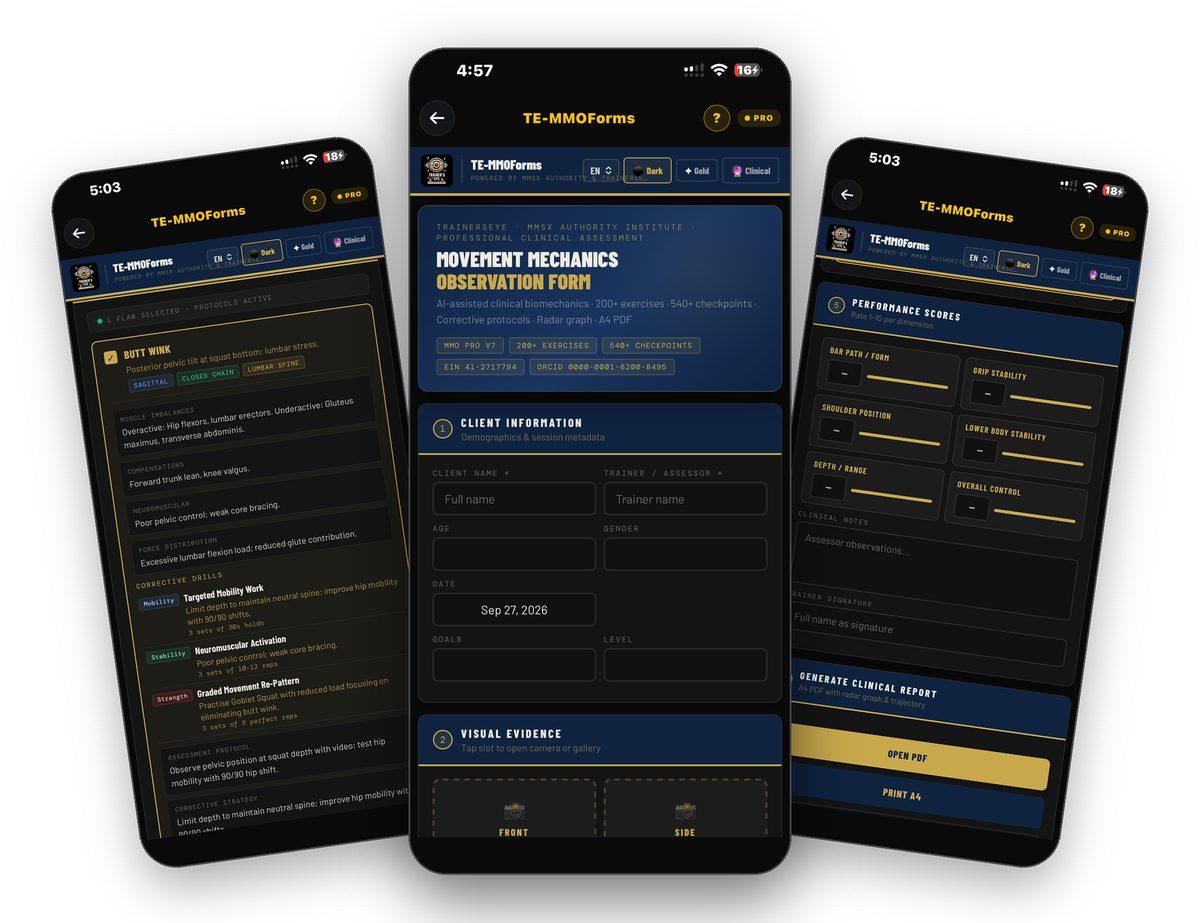
TE-MMOForms is the Movement Mechanics Observation Form — the professional clinical assessment for a single exercise. Record the client, attach front, side, rear and detail photographs, choose the movement pattern, and the form loads its checkpoints. Tick the flaws you observe and each one opens its protocol: muscle imbalances, compensations, neuromuscular control, force distribution, corrective drills with dose, an assessment protocol and a corrective strategy. Score six performance dimensions, add clinical notes and your signature, and generate the A4 clinical report with radar graph and trajectory. AI-assisted clinical biomechanics, 200+ exercises, 540+ checkpoints, powered by MMSx Authority and TrainersEye.
One exercise, every checkpoint
Search the movement pattern and the form loads its checkpoints — the flaws a trained eye looks for in that lift.
Evidence attached
Front, side, rear and detail photographs from the camera or the gallery, printed with the report.
A protocol for every flaw
Imbalances, compensations, neuromuscular control, force distribution, corrective drills with sets and reps, assessment protocol and strategy.
Scores, notes and the A4 report
Six performance dimensions rated 1–10, clinical notes, trainer signature, then the A4 PDF with radar graph and trajectory.
Where to find it
Open the TrainersEye app, go to the Dashboard and tap TE-MMOForms. It is part of the Pro plan. The question mark at the top opens help on every screen.
This guide in thirteen steps
Open the tool
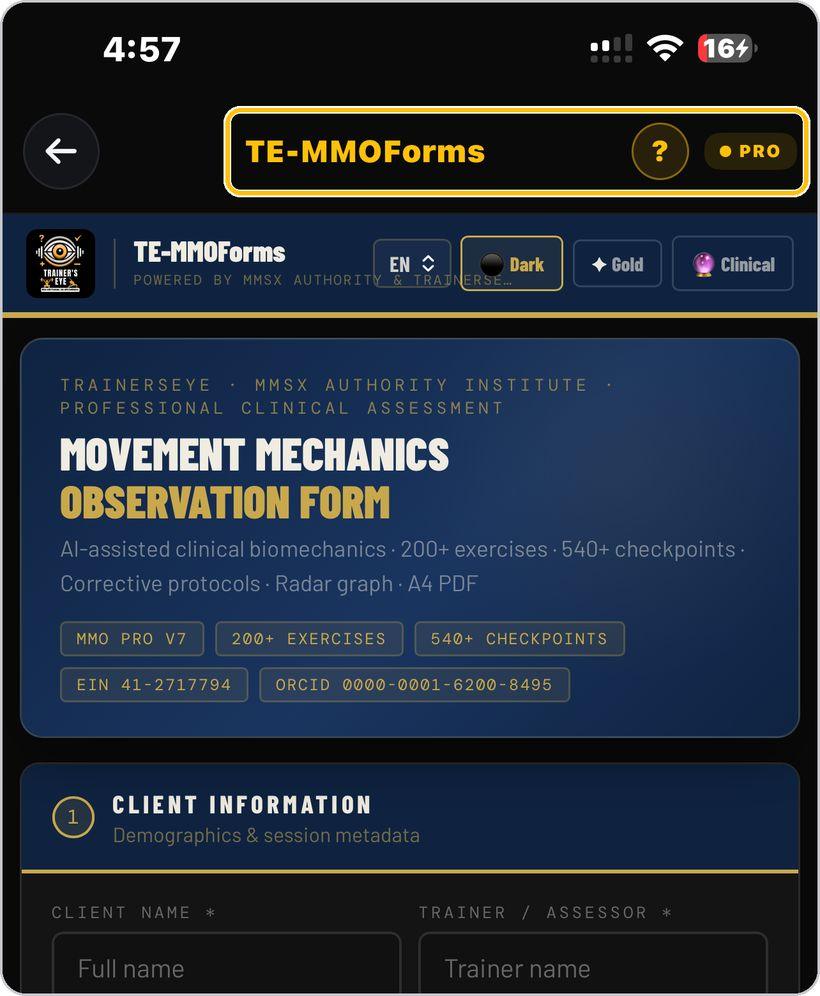
From the Dashboard, tap TE-MMOForms — the Movement Mechanics Observation Form, powered by MMSx Authority and TrainersEye. It is a Pro-plan tool.
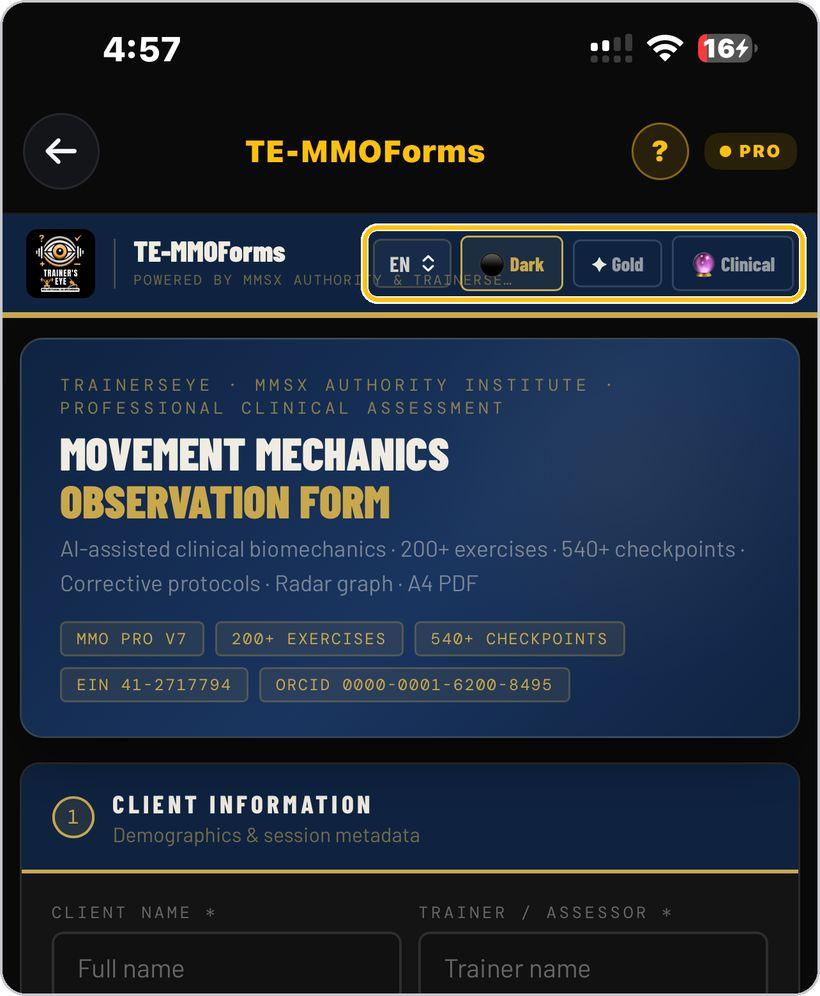
Language and look
EN sets the language — English, Hindi, Spanish or Arabic. Dark, Gold and Clinical switch the look of the form.
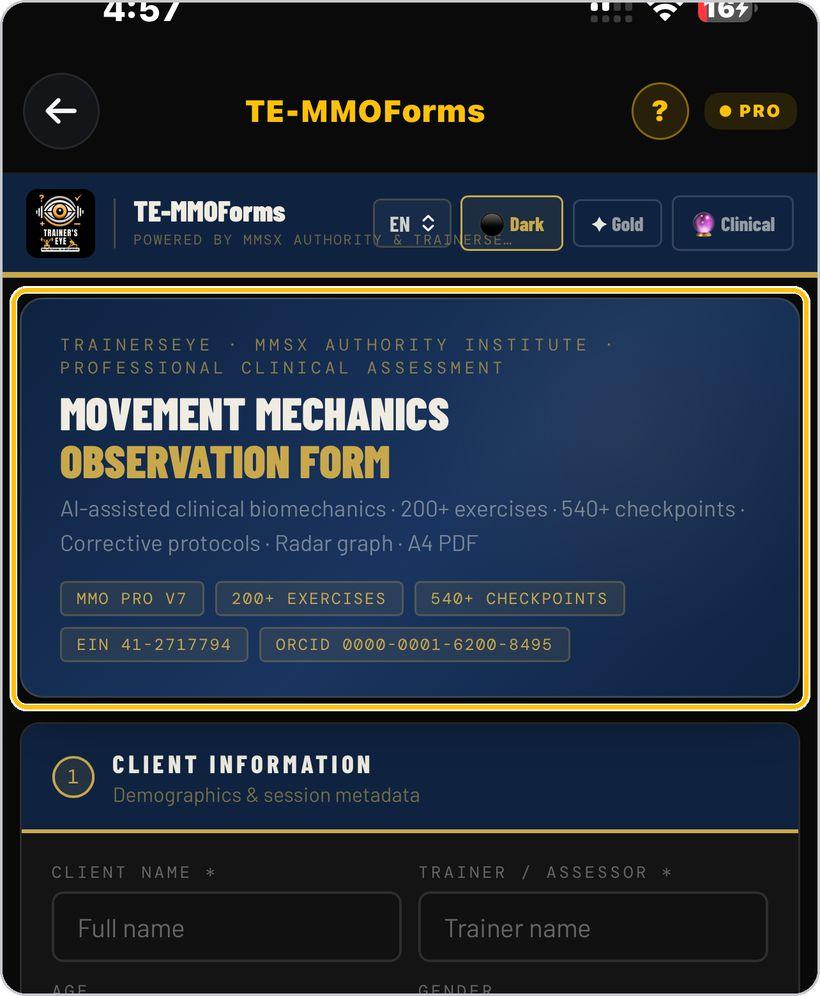
What the form does
The header states the scope: AI-assisted clinical biomechanics, 200+ exercises, 540+ checkpoints, corrective protocols, radar graph, A4 PDF — with the institute's EIN and the principal investigator's ORCID.
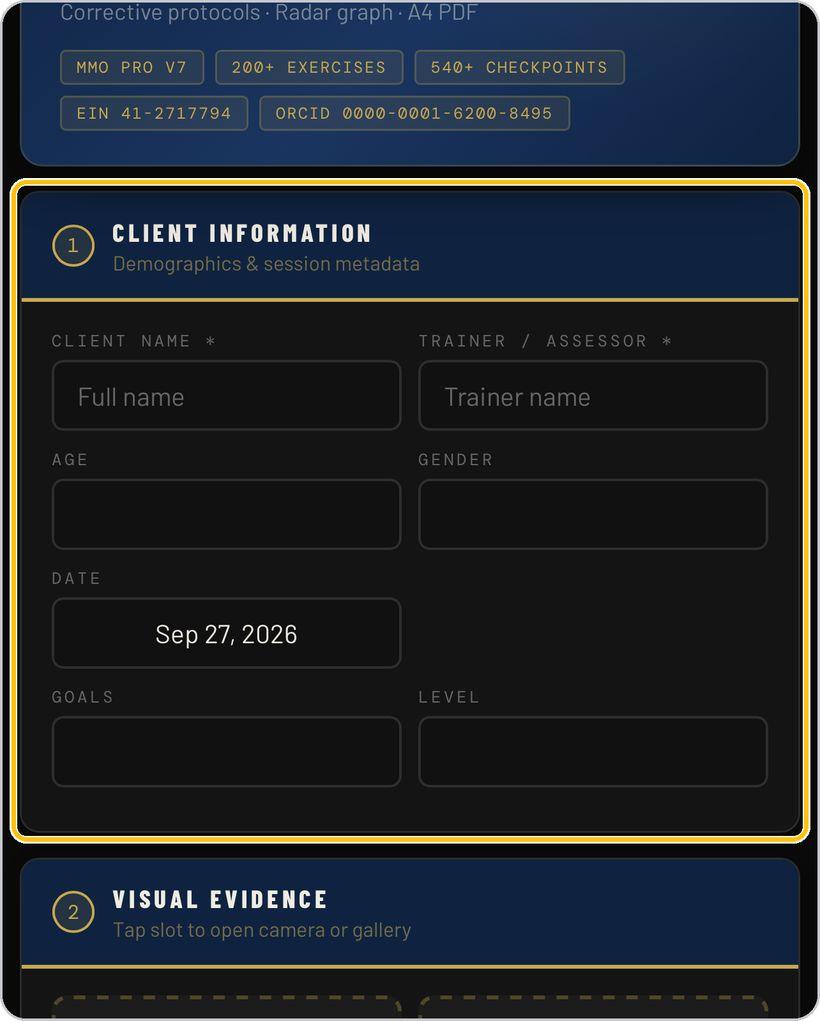
Client information
Enter the client's name and your own as trainer or assessor — both required — then age, gender, date, goals and level.
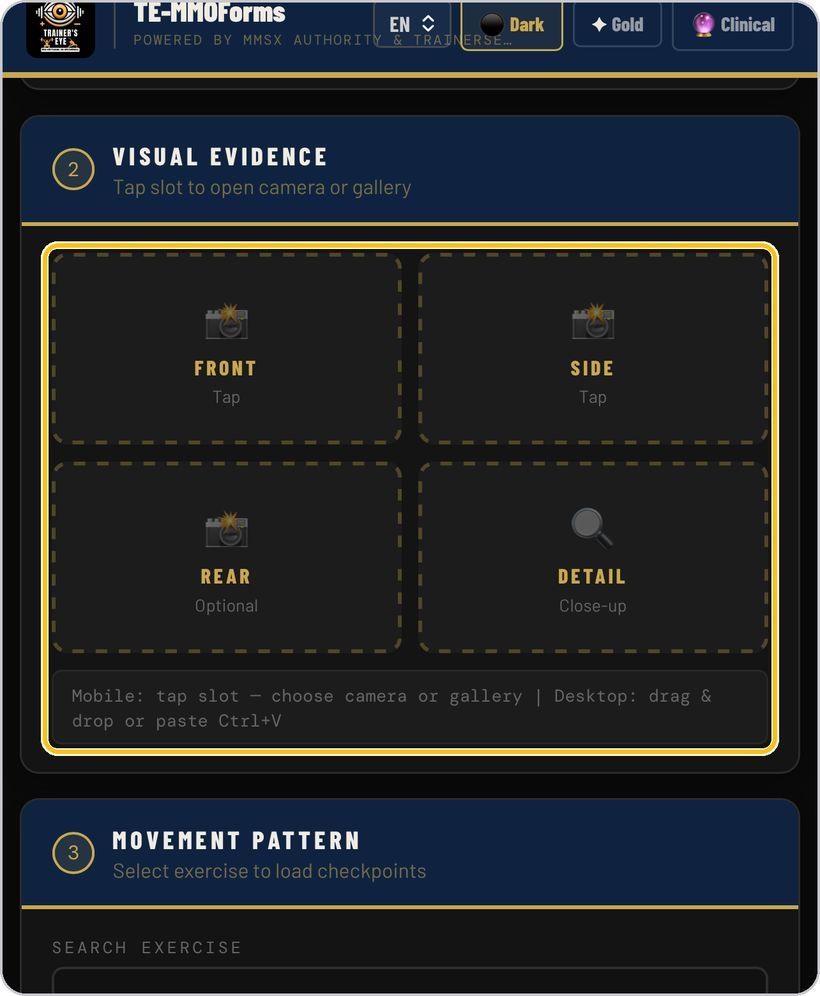
Visual evidence
Tap a slot to take a photograph or pick one from the gallery: Front and Side are the two views to capture; Rear is optional; Detail is a close-up of the joint or the fault.
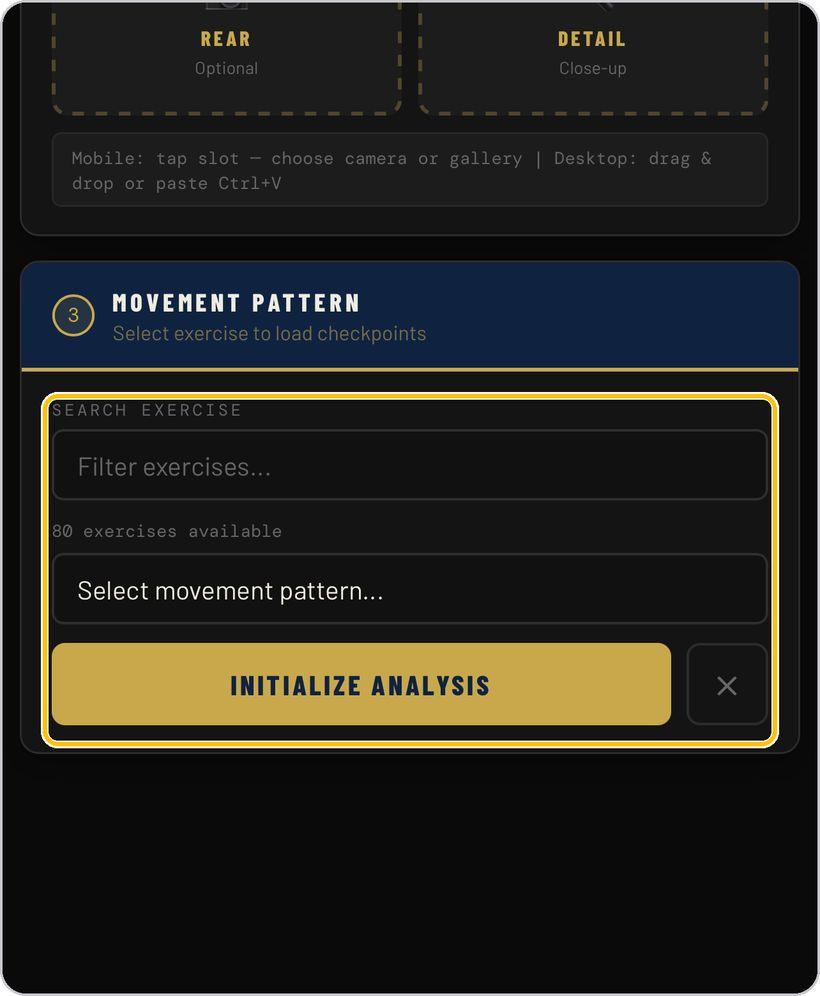
Movement pattern
Search or choose the exercise, then tap Initialize Analysis. The form loads the checkpoints for that lift.
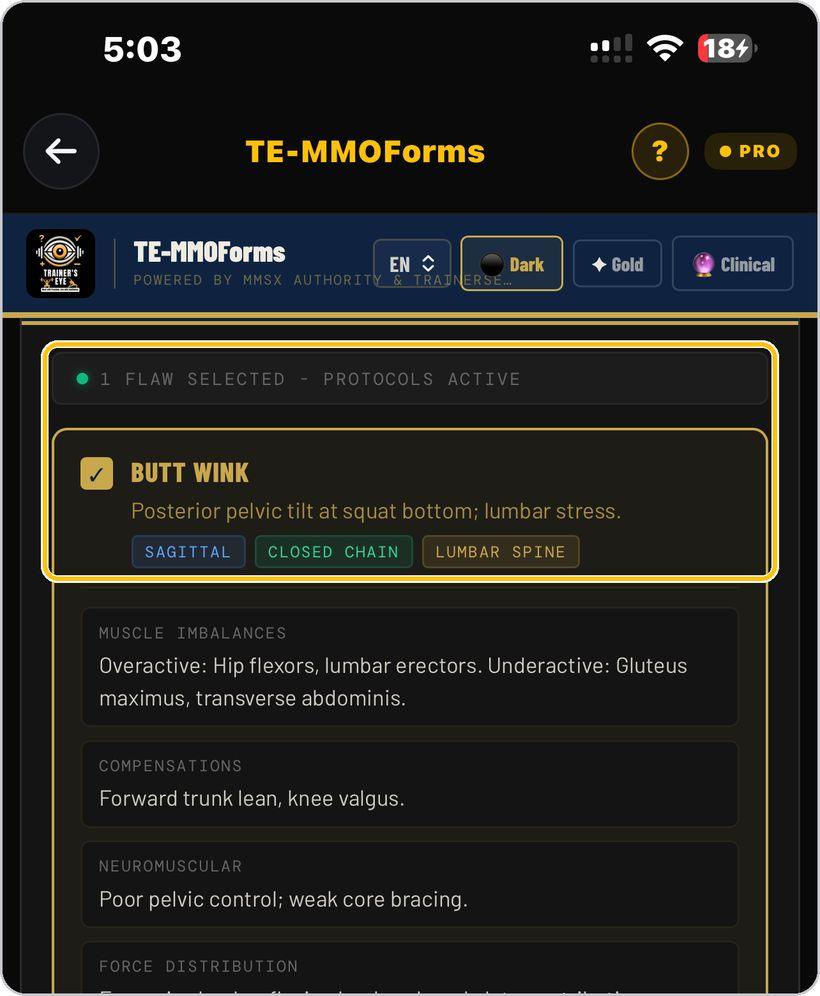
Tick the flaws
Section 4 lists the checkpoints. Tick each flaw you observe; the counter confirms how many are selected and that their protocols are active.
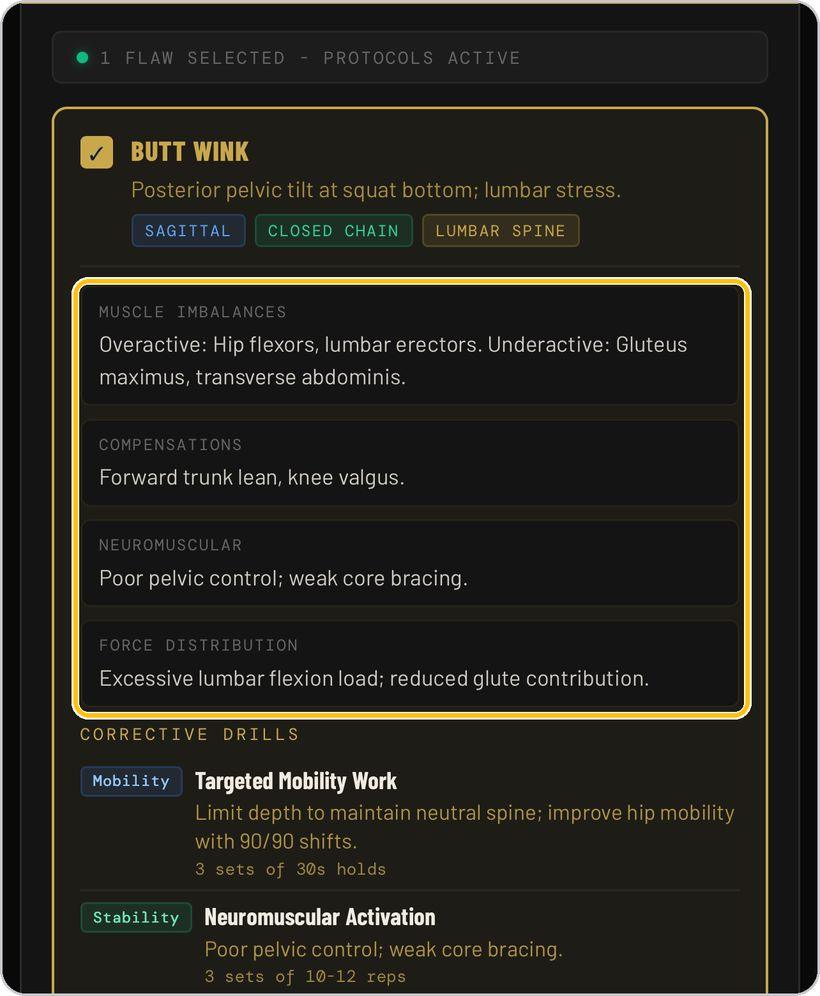
What each flaw carries
Each flaw opens with what it is and its plane, chain and region, then four blocks: muscle imbalances — overactive and underactive — compensations, neuromuscular control and force distribution.
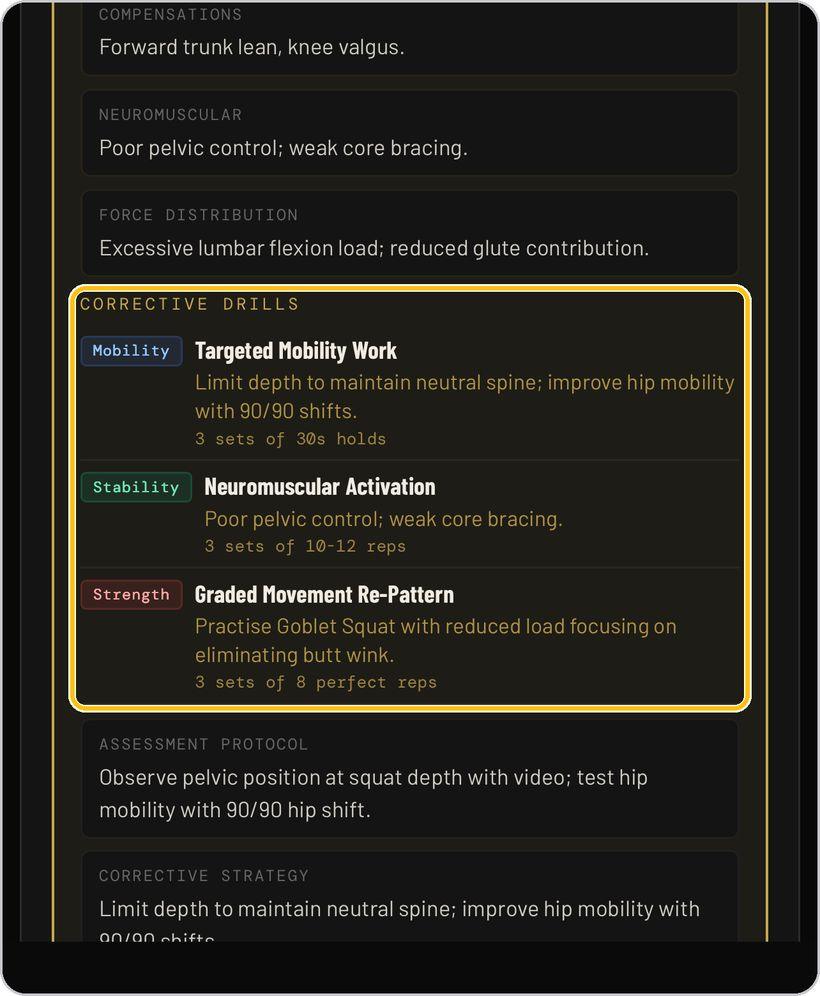
Corrective drills
Then the corrective drills — mobility, stability, strength or technique — each with its dose: sets, reps, holds or when to practise.
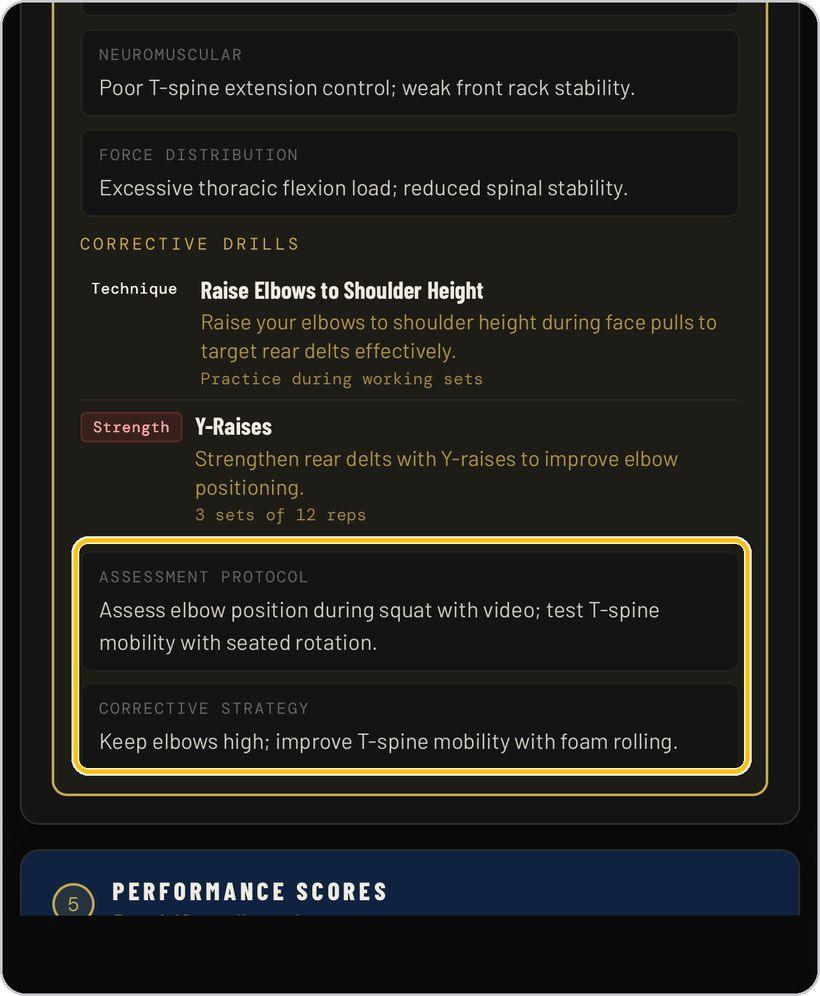
Assessment protocol and strategy
The card closes with the assessment protocol — how to test the flaw with video and a mobility test — and the corrective strategy in one line.
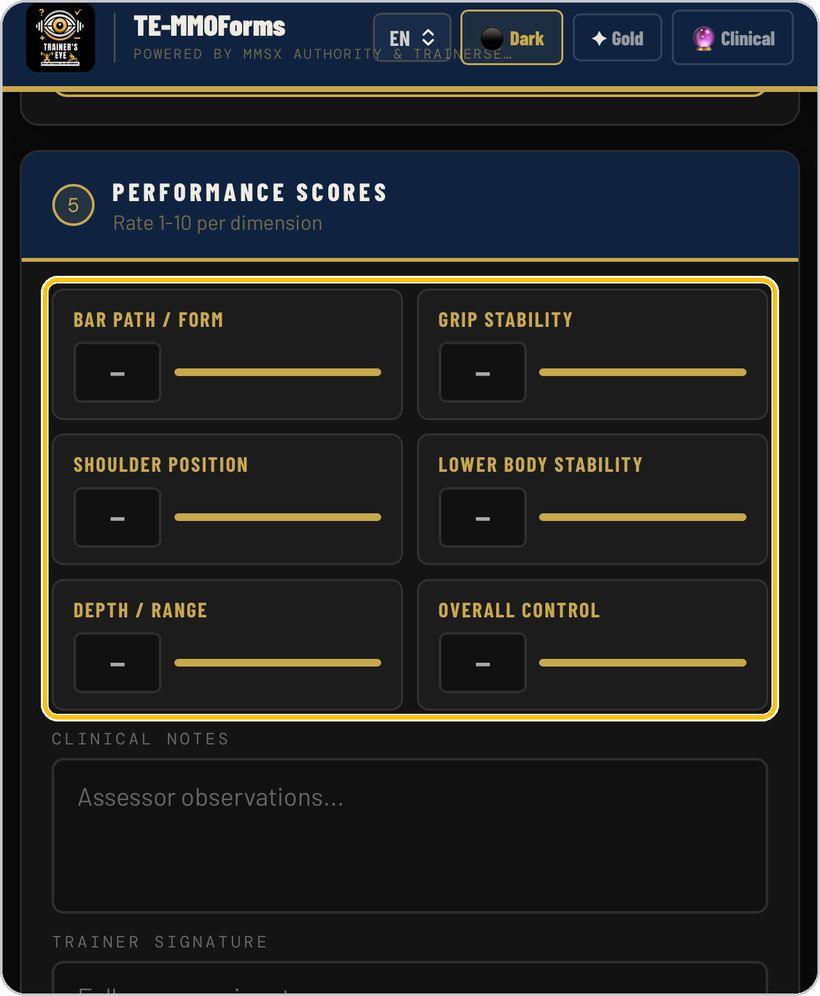
Performance scores
Rate six dimensions from 1 to 10 — bar path or form, grip stability, shoulder position, lower-body stability, depth or range, overall control — by typing or sliding.
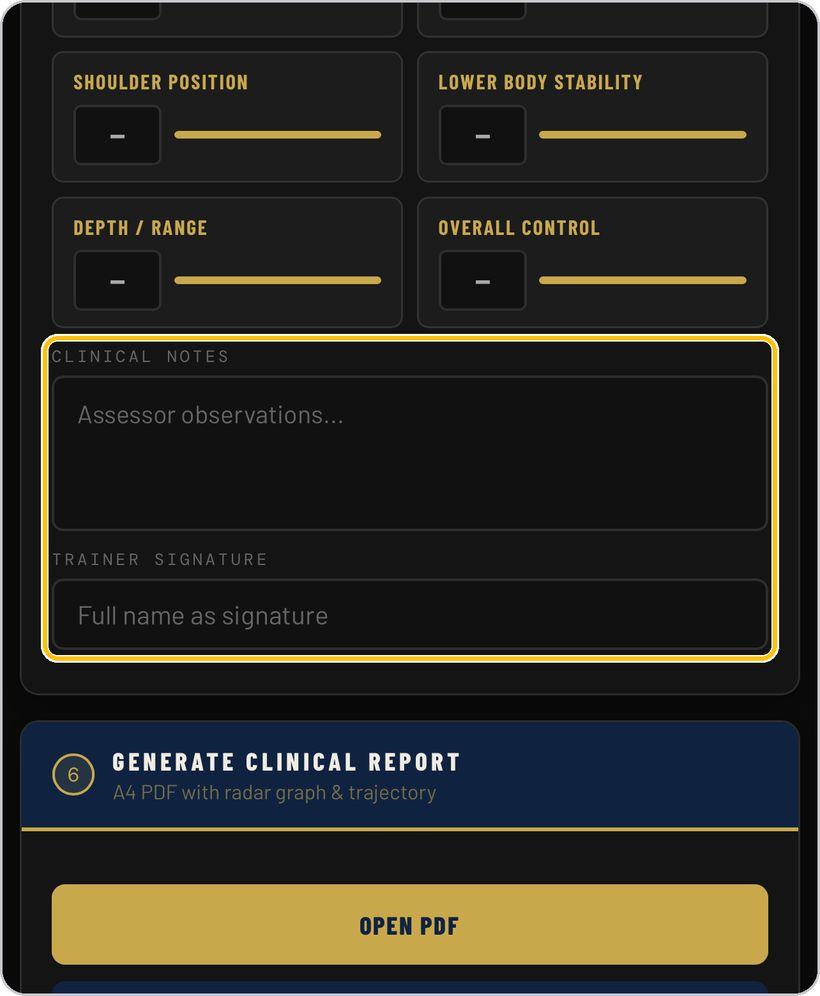
Clinical notes and signature
Add assessor observations in the clinical notes, then type your full name as the trainer signature.
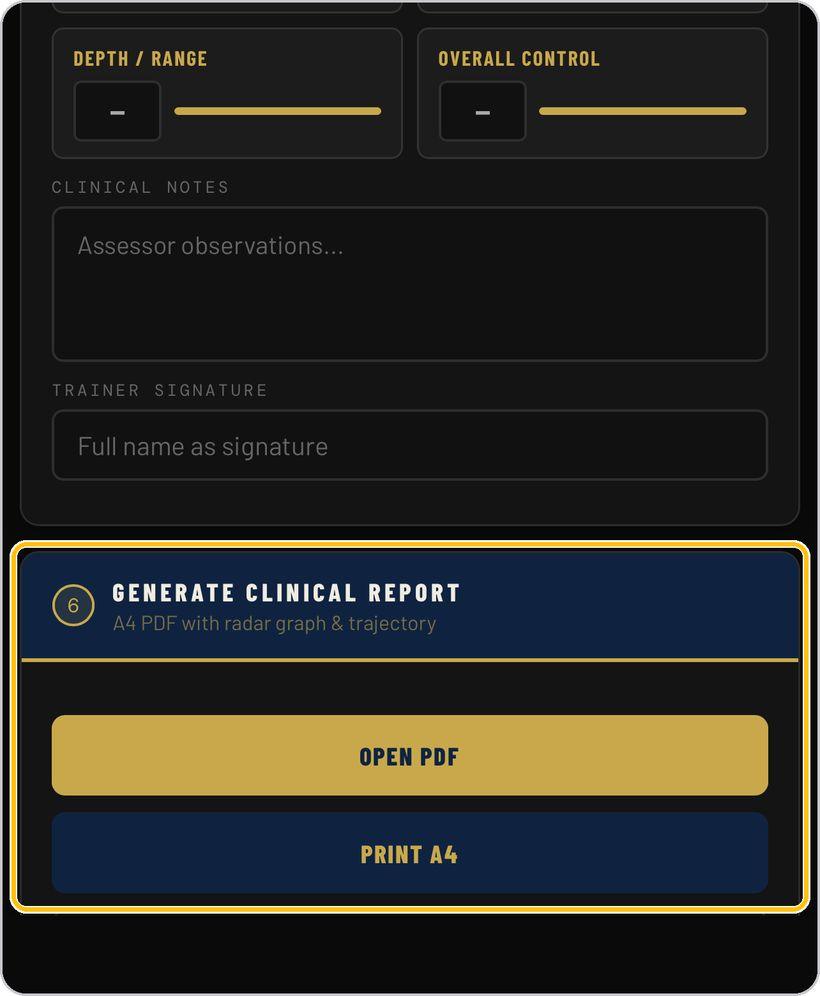
Generate the clinical report
Tap Open PDF for the A4 clinical report with radar graph and trajectory, or Print A4 to print it directly.
You're ready
That's it. Open TE-MMOForms, choose the exercise and record the first observation.
Reading a flaw card
Every ticked flaw opens the same card. Here is what each part means.
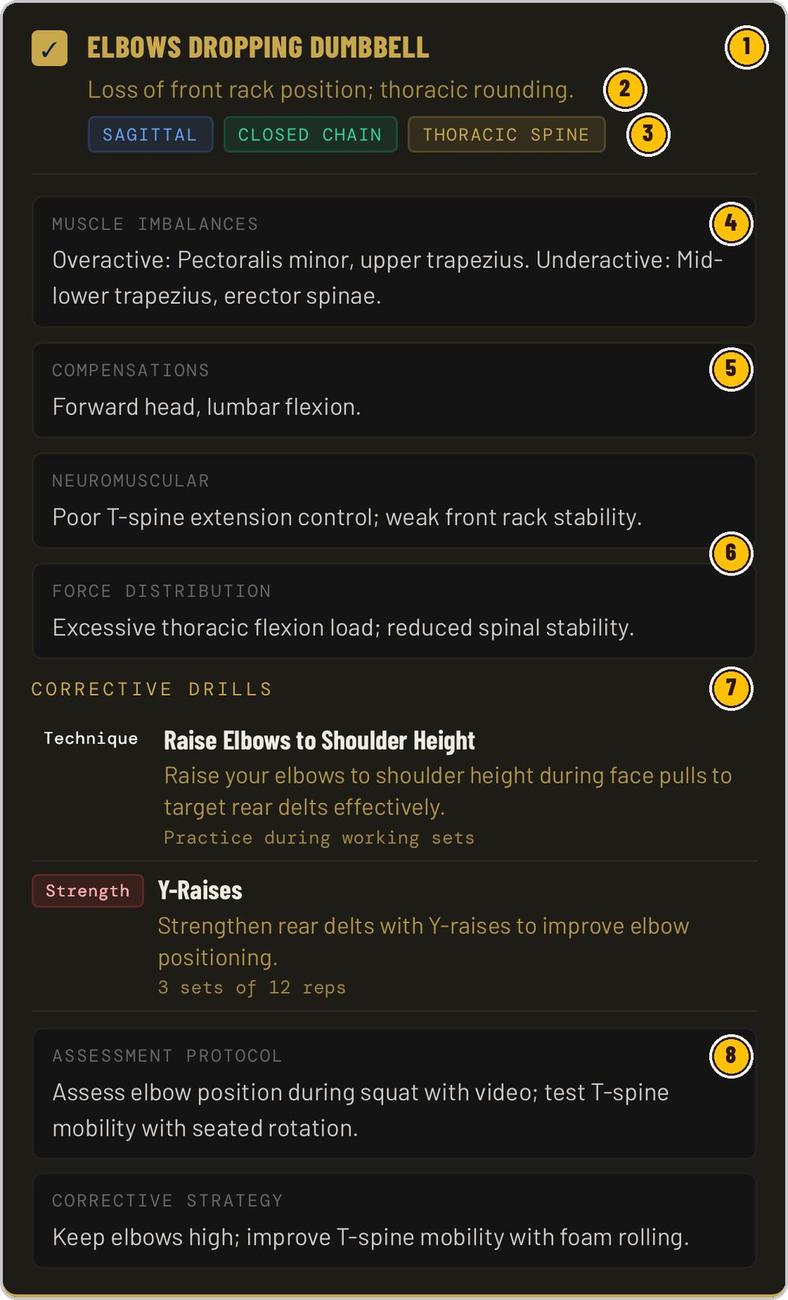
The flaw's name; the tick means its protocol is active and will print.
One line — the fault and the tissue it stresses.
Sagittal or frontal; open or closed chain; the joint or spinal region.
Overactive and underactive muscles behind the flaw.
What the body does instead when the pattern fails.
Control deficit, and where the load goes.
Mobility, stability, strength or technique — each with its dose.
How to test the flaw, and the one-line corrective strategy.
TE-MMOForms is part of TrainersEye
Support: support@trainerseye.com · trainerseye.com
TE-MMOForms · MMO Pro · Powered by MMSx Authority Institute and TrainersEye
Professional clinical assessment for trained assessors. Observations, scores and corrective protocols support a practitioner's judgement; they are not a medical diagnosis. Refer clients with pain or a diagnosed condition to a clinician.