

Biomechanical Analysis
Biomechanical Analysis is the TrainersEye clinical muscle assessment.
 1 Open the toolFrom the Dashboard, tap Biomechanical Analysis. It is a Pro-plan tool on the TrainersEye Clinical Platform. | 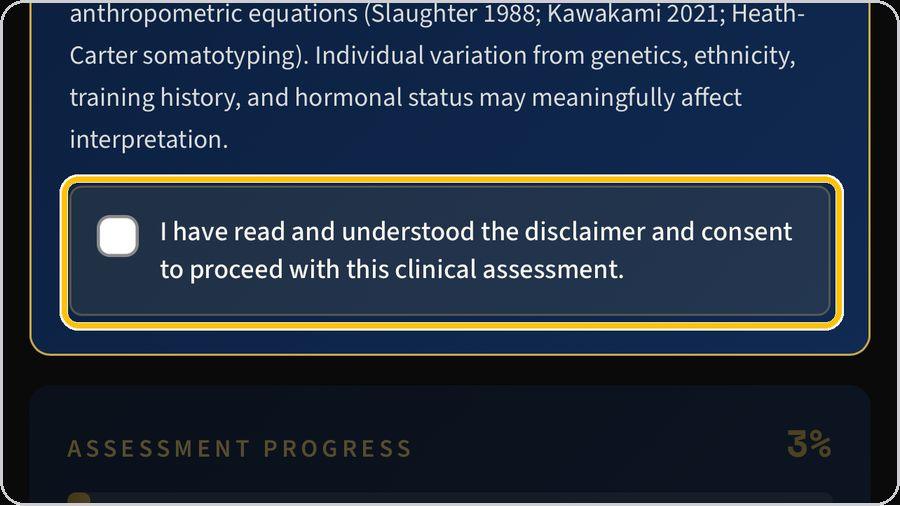 2 Read and accept the disclaimerRead the medical disclaimer — evidence-based analysis, not a substitute for diagnosis; physician clearance for clients with pre-existing conditions — then tick the consent box. |  3 References, print and reportThe three header buttons open the references behind the calculations, print the assessment, and open the report document. | 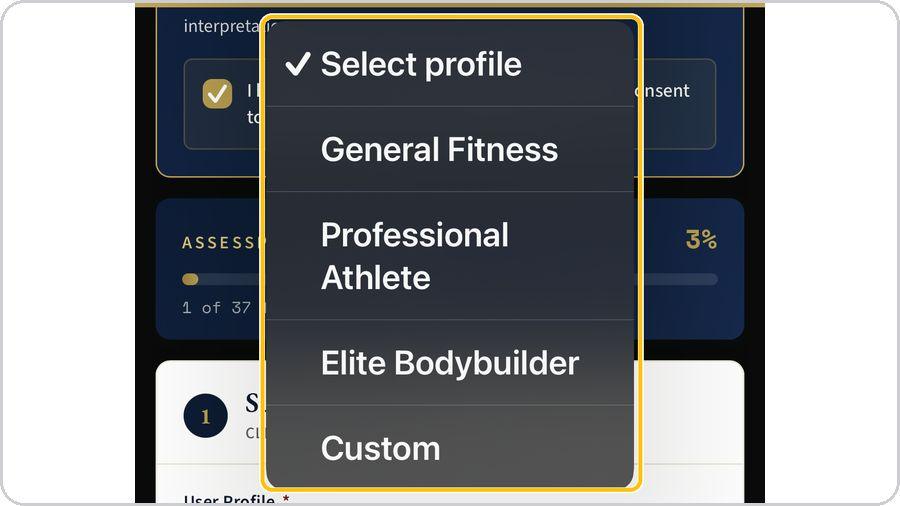 4 Subject profileChoose the user profile — general fitness, professional athlete, elite bodybuilder or custom — and the biological sex. |
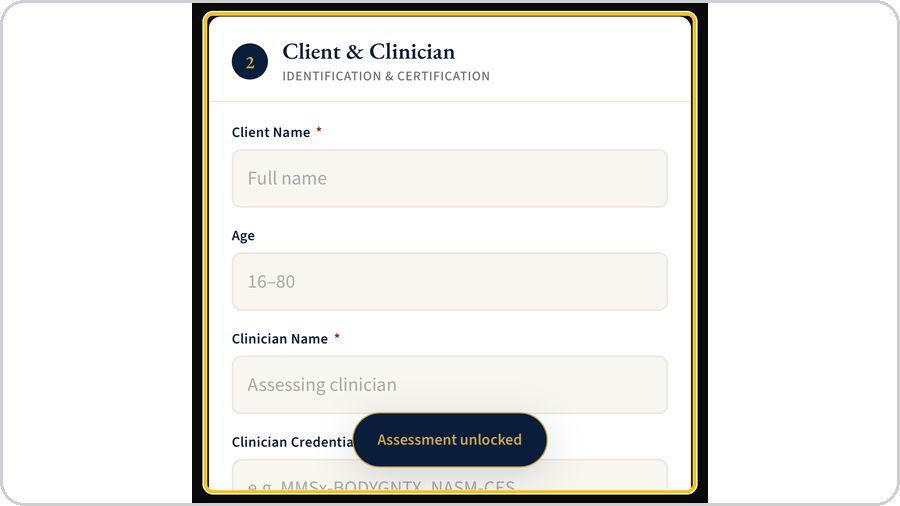 5 Client and clinicianEnter the client's name, age, height and weight, then your own name and credentials as the assessing clinician — for example MMSx-BODYGNTX or NASM-CES. | 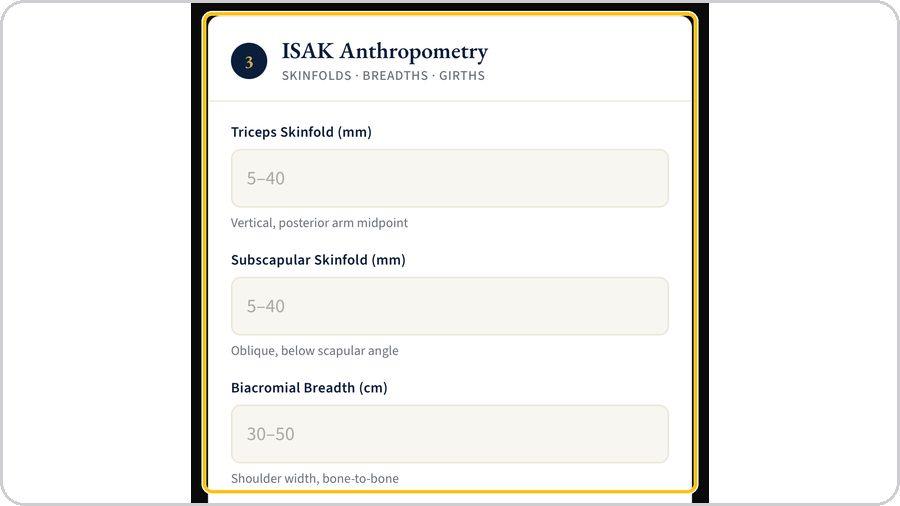 6 ISAK anthropometryRecord the triceps and subscapular skinfolds in millimetres, the biacromial and bi-iliocristal breadths and the relaxed arm and calf girths in centimetres, each at its ISAK landmark. | 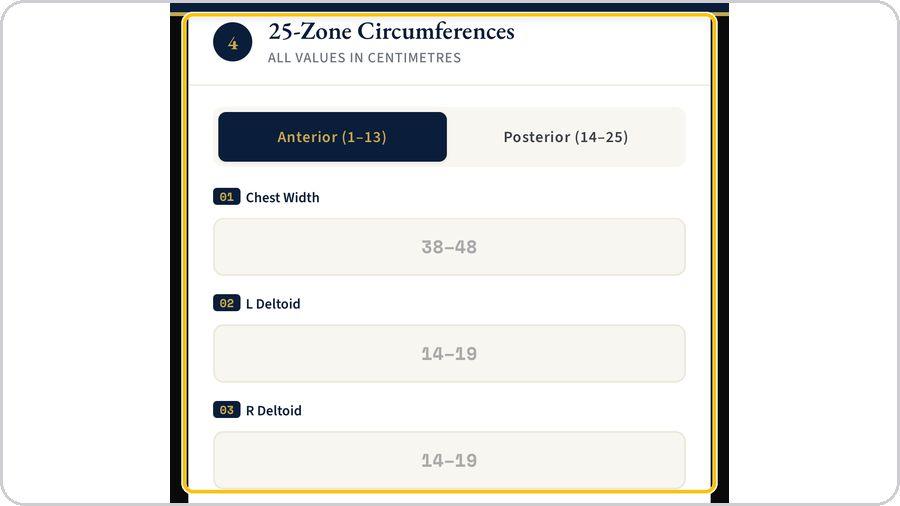 7 The 25 zonesEnter the circumferences in centimetres — Anterior 1 to 13 from chest width and deltoids to calves, Posterior 14 to 25 from upper trapezius to hamstrings. | 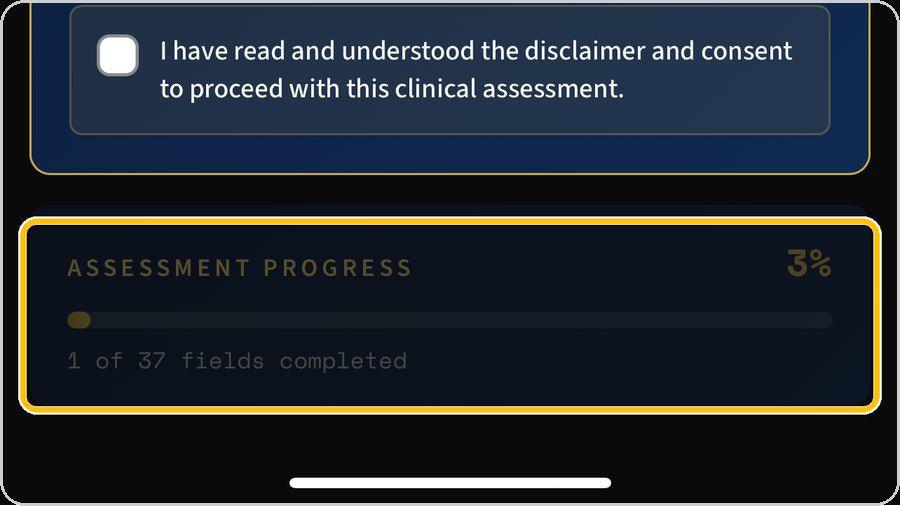 8 Watch the progressThe progress bar counts the 37 fields; it fills as you go and shows how many remain. |
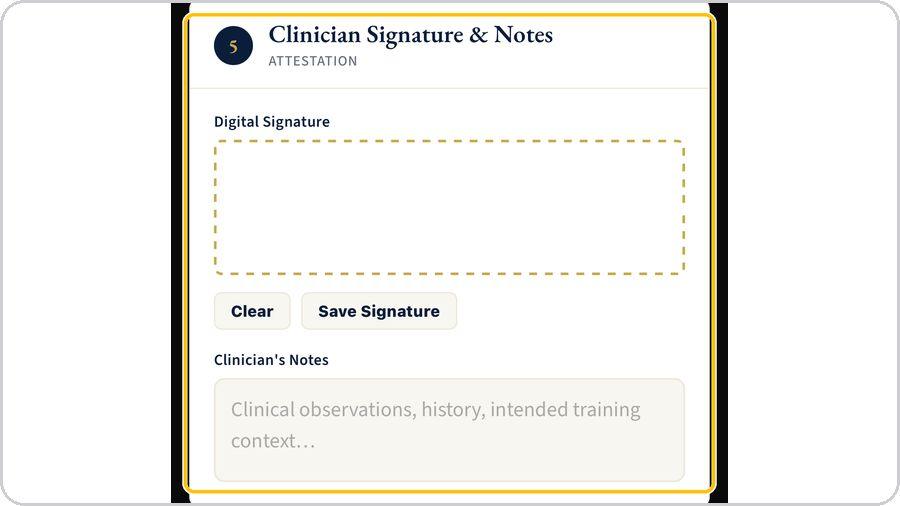 9 Signature and notesSign in the signature box and save it; add clinical observations, history and the intended training context in the notes. | 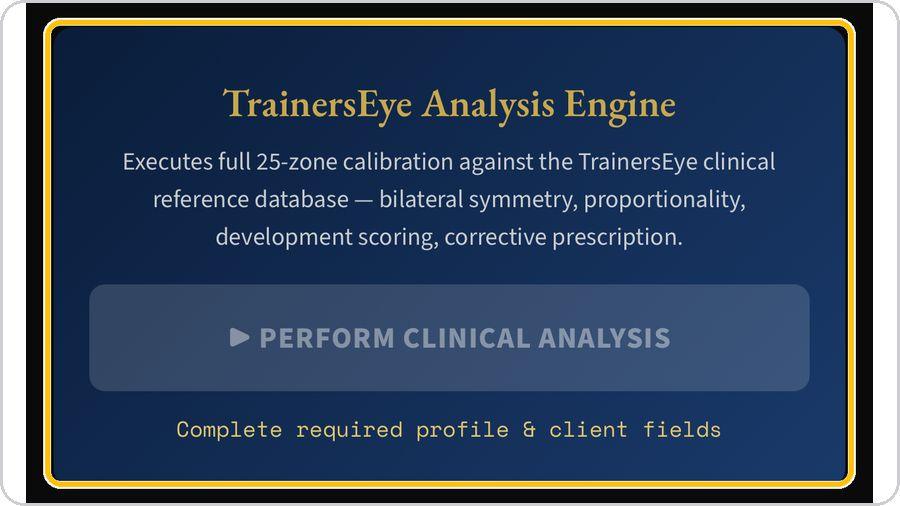 10 Perform the clinical analysisTap Perform Clinical Analysis. | 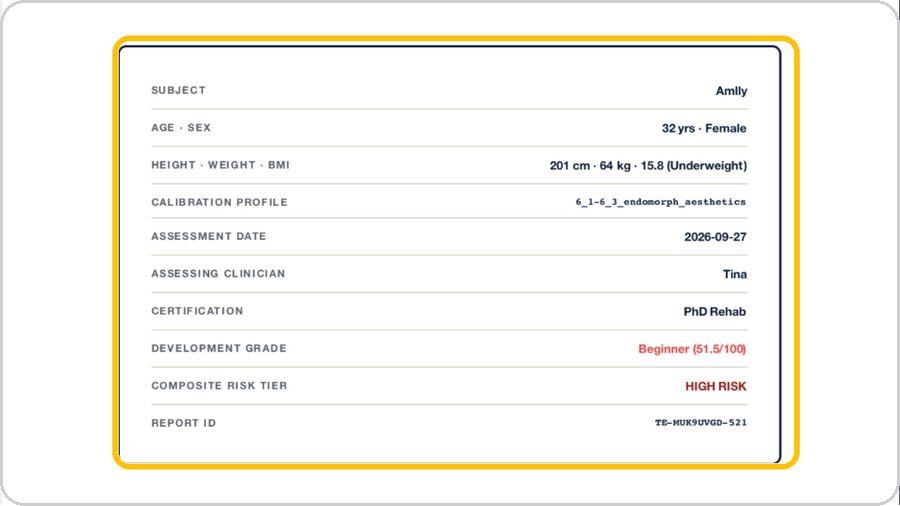 11 The report coverThe report opens with the subject block: subject, age and sex, height, weight and BMI, calibration profile, date, clinician and certification, development grade, composite risk tier and the report ID. | 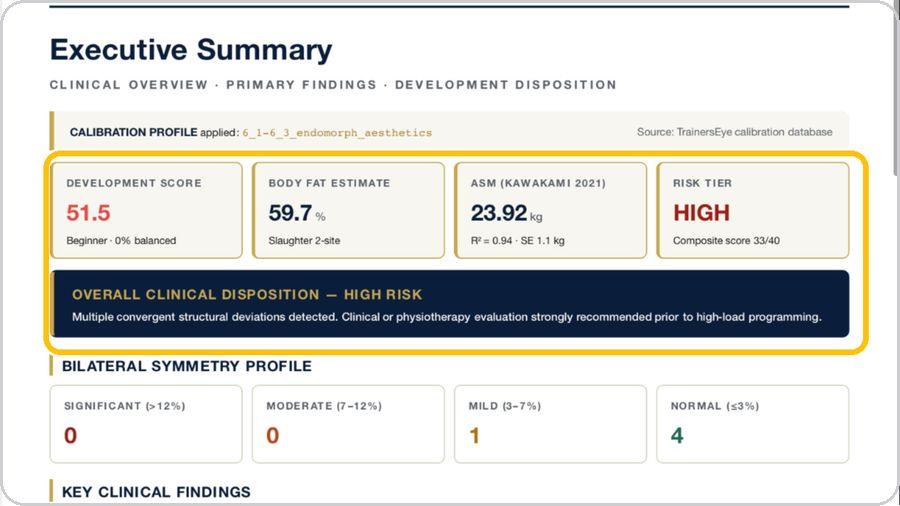 12 Read the analysis pagesExecutive summary with development score, body-fat estimate, ASM and risk tier; anthropometric profile measured against ideal; bilateral symmetry with the asymmetry index; proportionality, ratios and risk; then the corrective prescription and references. |
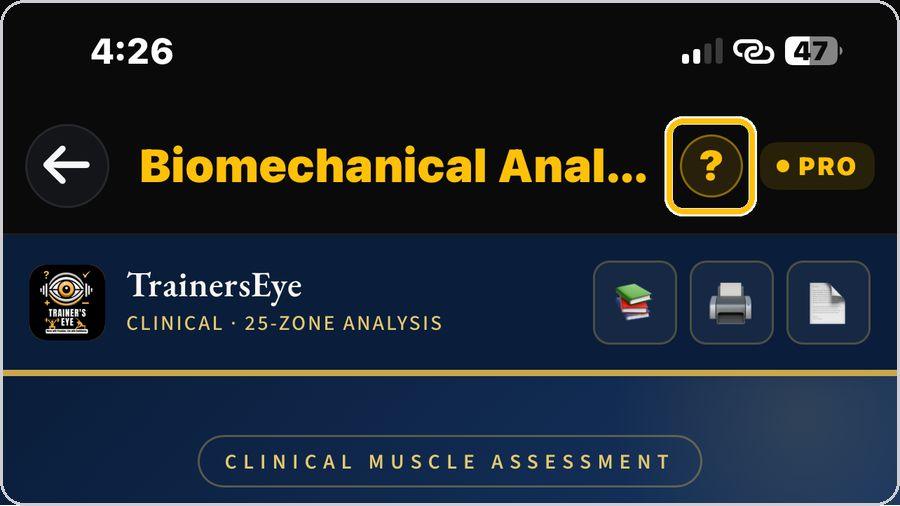 13 Get help any timeTap the question mark at the top whenever you need help. | ✓ You're readyThat's it. Open Biomechanical Analysis, accept the disclaimer and record the first assessment. | In the reportMasthead · Calibration profile applied · Four headline figures · Overall clinical disposition · Bilateral symmetry profile · Key clinical findings · Zone development chart · Footer | |