
Clinical Posture Screening
Clinical Posture Screening is the TrainersEye posture workspace, run by the MMSx Posture engine.
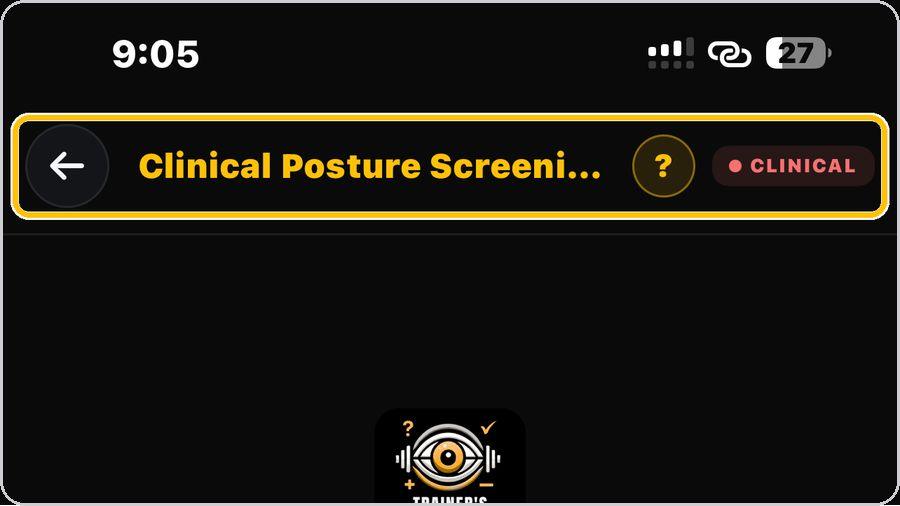 1 Open the toolFrom the Dashboard, tap Clinical Posture Screening. | 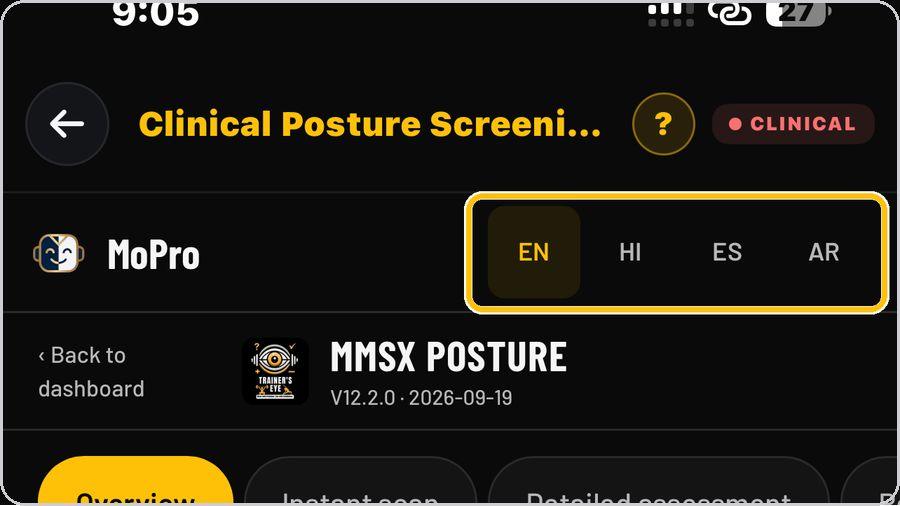 2 Choose your languagePick EN, HI, ES or AR beside the MoPro header. | 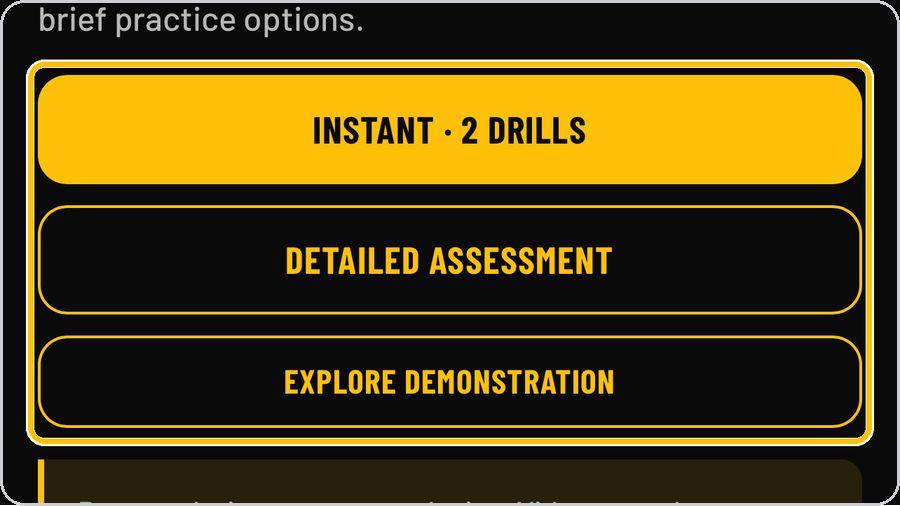 3 Three ways inThe Overview explains the method — see the visible differences first, add another view when useful. | 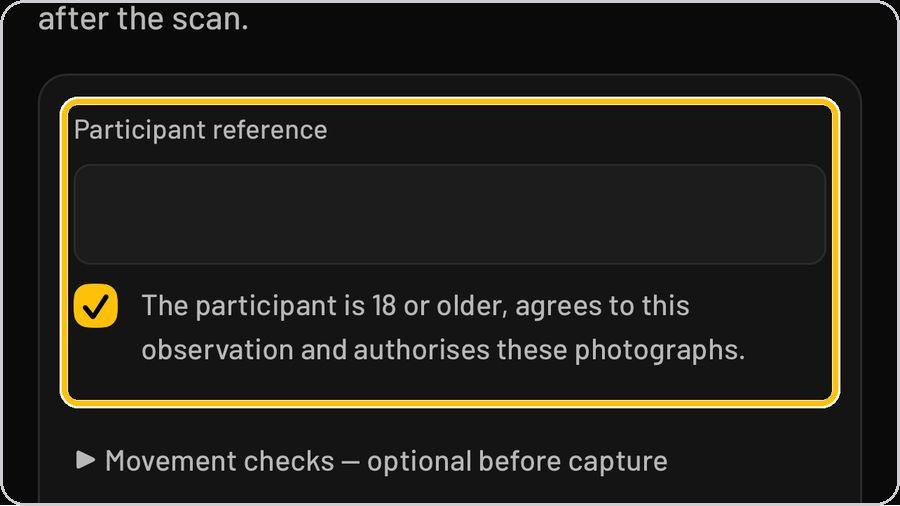 4 Consent firstInstant scan starts with a photograph, but consent comes first. |
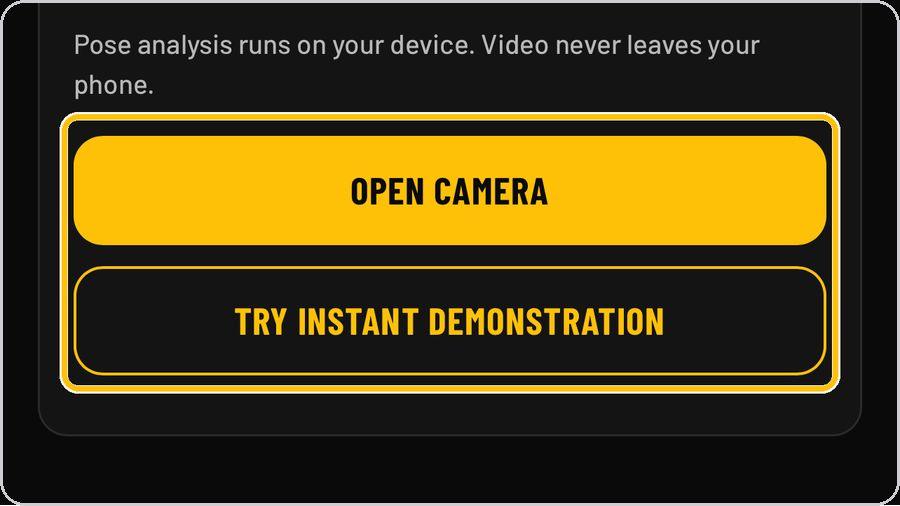 5 Capture the viewsTap Open camera and photograph the participant from the front, the right side, the left side and the back. | 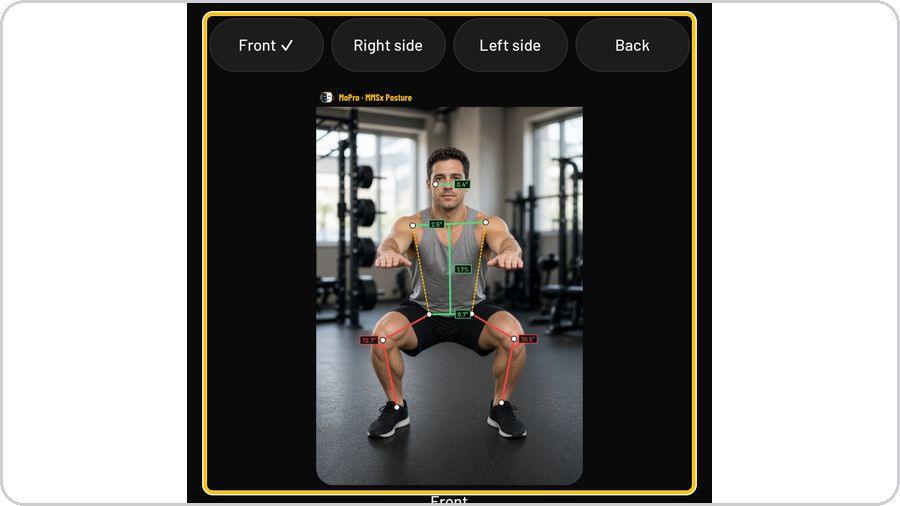 6 Read a viewEach captured view shows the pose lines drawn on the photograph — ear line, shoulder line, trunk shift. | 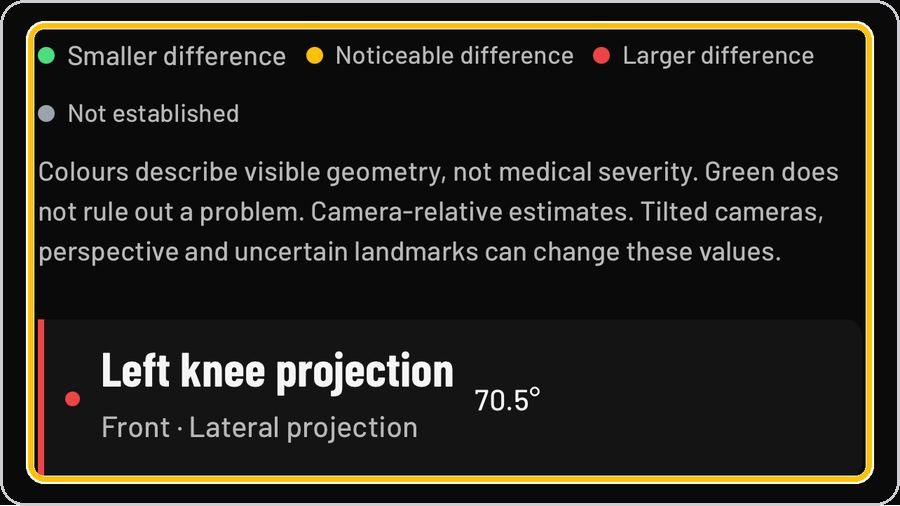 7 Read the findingsUnder the photograph, every finding is a tile: its name, the view and projection it comes from. | 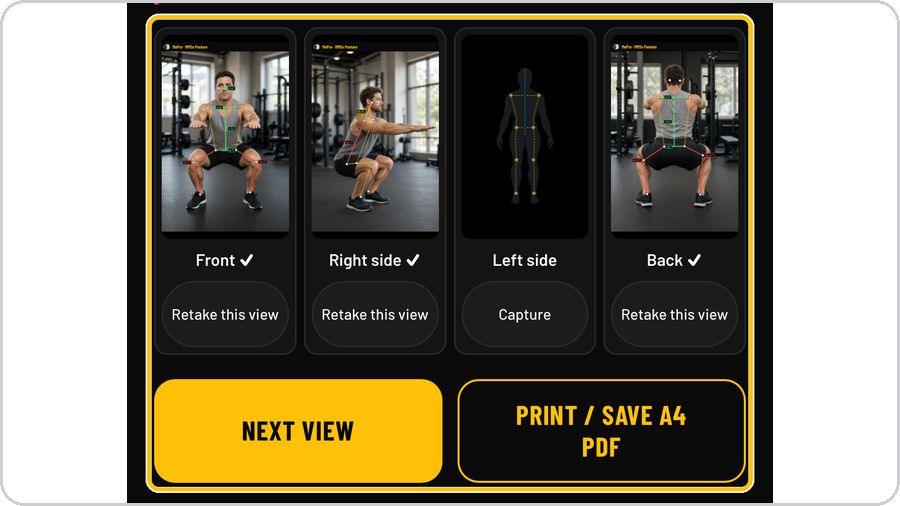 8 Your observation summaryThe summary shows the four views with a tick on each one captured, Retake this view under each and Capture under any still missing. |
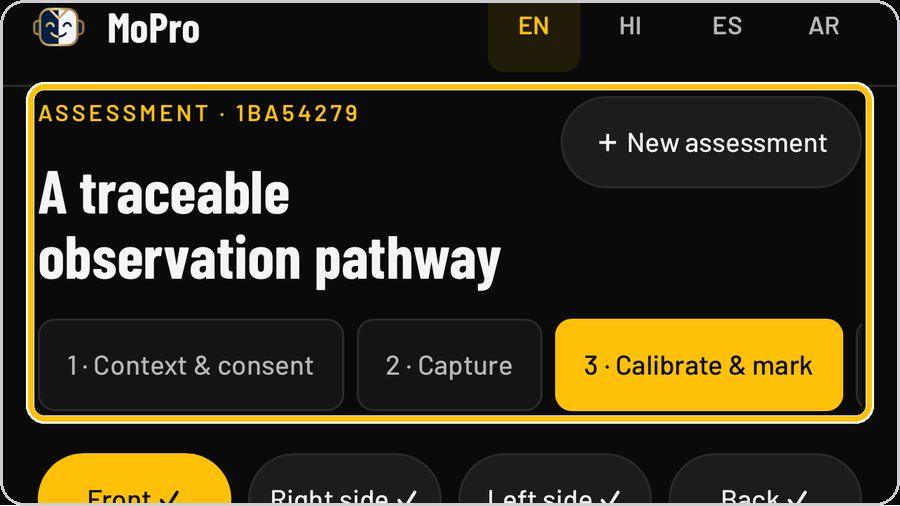 9 Start the traceable pathwayDetailed assessment records an assessment with its own ID and walks a numbered pathway: 1 · Context & consent, 2. | 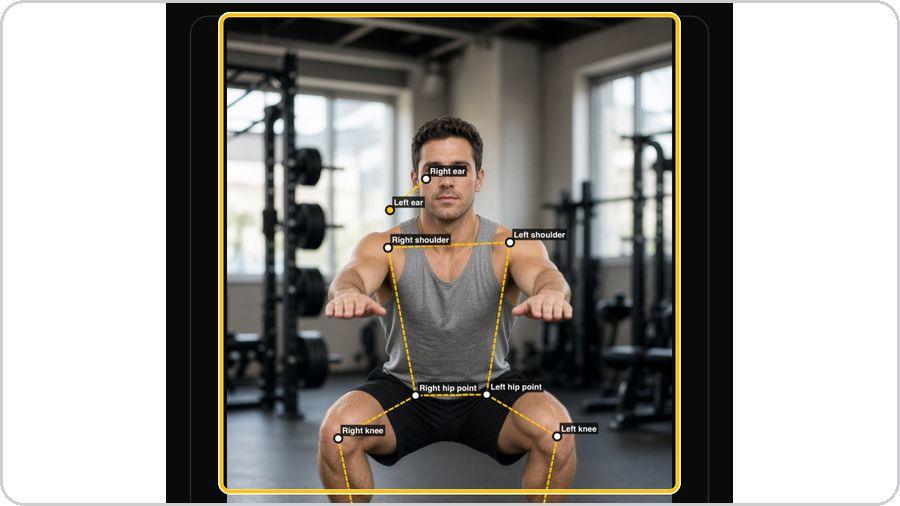 10 Calibrate and markIn Calibrate & mark, each view carries named landmarks — right and left ear, shoulder, hip point, knee and ankle. | 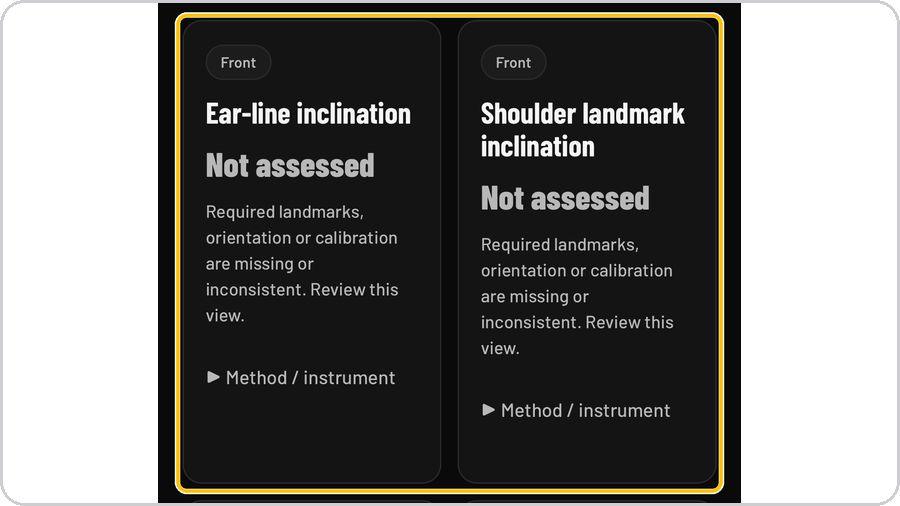 11 The measurement cardsEvery measurement is a card by view — Ear-line inclination, Shoulder landmark inclination. | 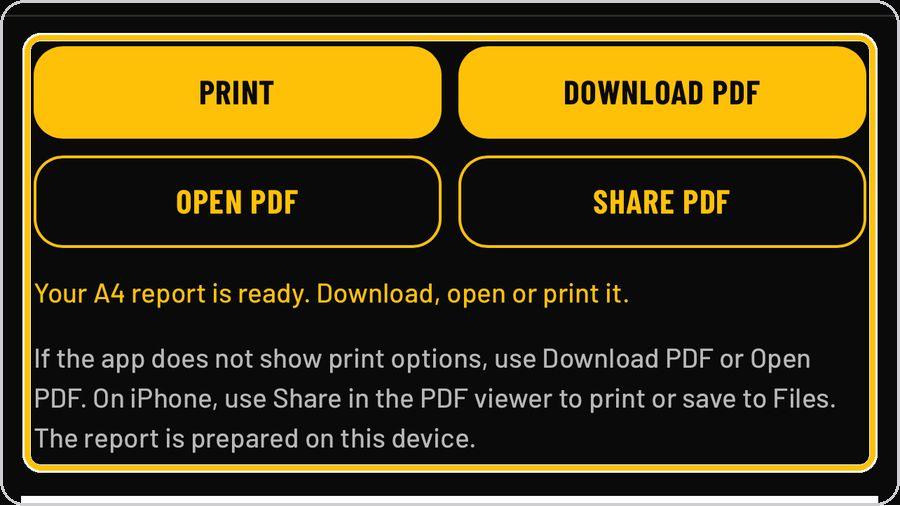 12 Print or save the reportPrint / Save A4 PDF opens the A4 report preview with four buttons: Print, Download PDF, Open PDF and Share PDF. |
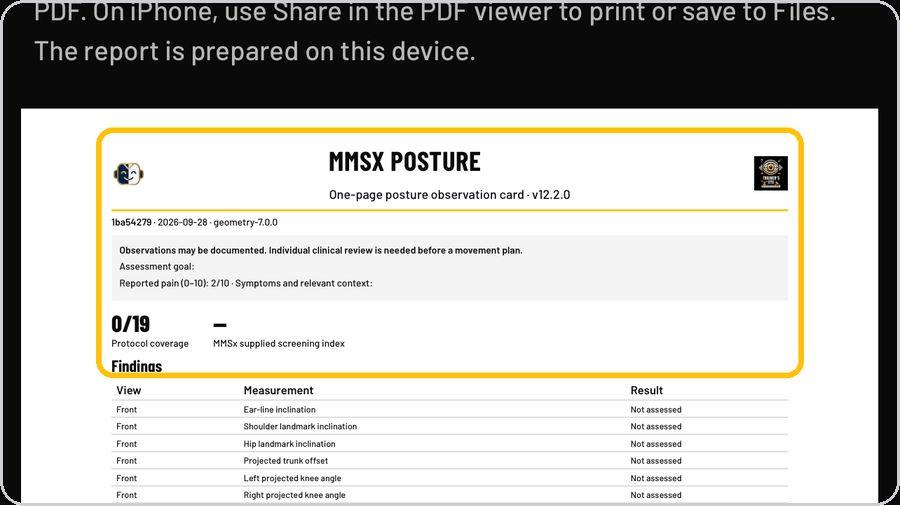 13 The one-page observation cardThe detailed assessment prints its own card: protocol coverage out of nineteen and the MMSx screening index. | ✓ You're readyThat's it. Open Clinical Posture Screening and capture the first view. | On the documentReport masthead · Record line · Status banner · Four views · Visible posture findings · Legend · Geometry note · Movement programme · Method line · Not established | |