

Session of the Day
A complete, expert-built workout, every single day.
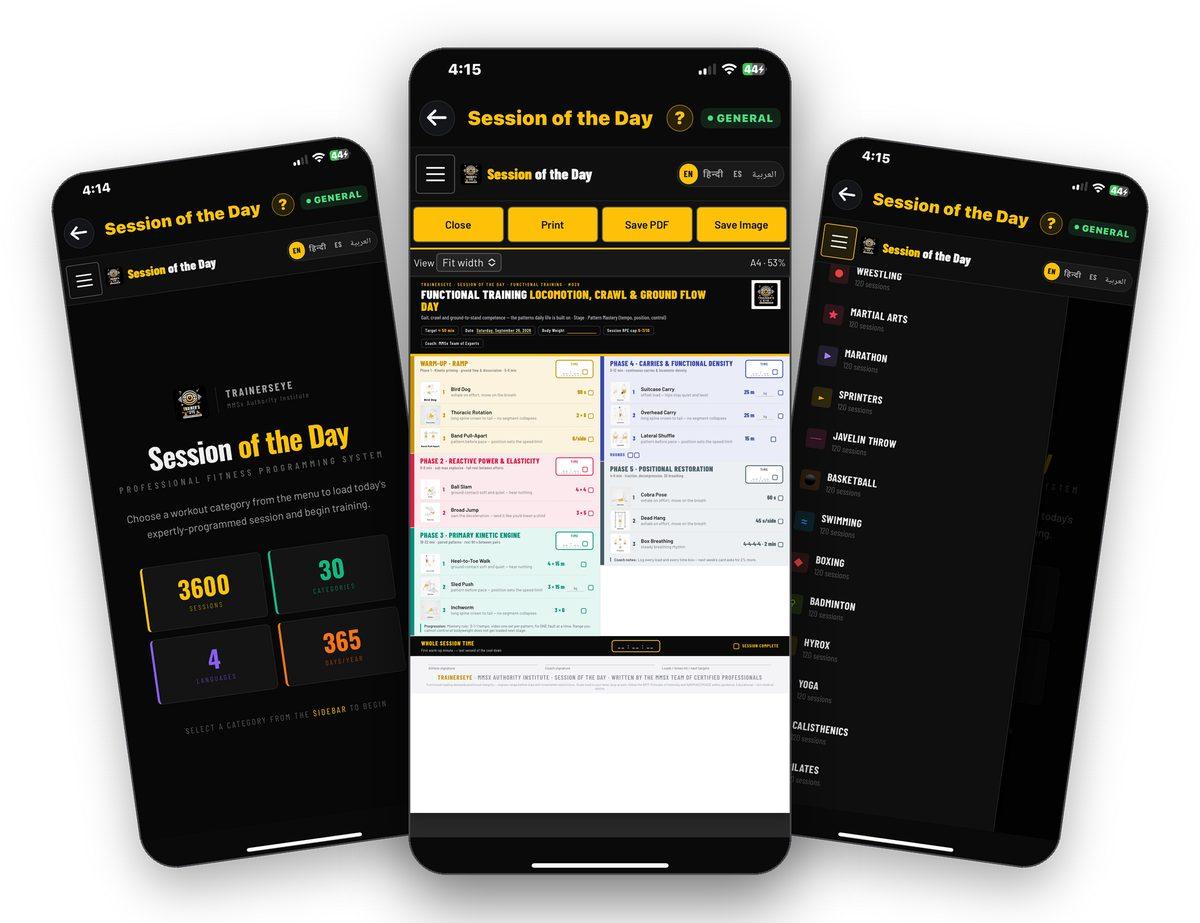
What is Session of the Day?
Session of the Day gives you a complete workout sheet every day — written by certified professionals and laid out on a single page: warm-up, main phases and cool-down, with a picture, a dose and a coaching cue for every exercise. Choose your category once; a fresh session is waiting every morning.
A new session every day
Come back tomorrow and the sheet has changed — no repeats, no planning.
A category for every goal
General fitness, strength, fat loss, sports, mind–body and active ageing.
Four languages
English, Hindi, Spanish and Arabic — the whole sheet switches, not just the labels.
One printable sheet
Print it, save it as a PDF or save it as an image to share with a client.
Where to find it
Open the TrainersEye app, go to the Dashboard and tap Session of the Day. It is part of the General plan, so every subscriber can use it.
This guide in eleven steps
Open the tool
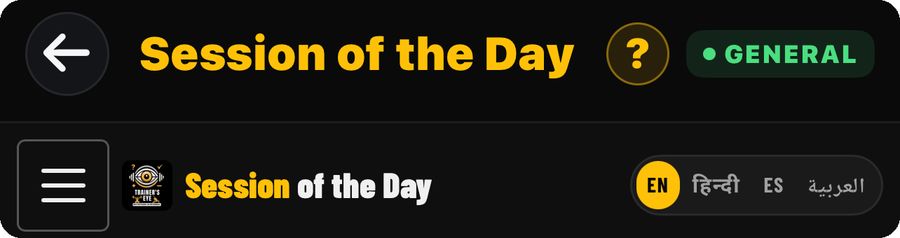
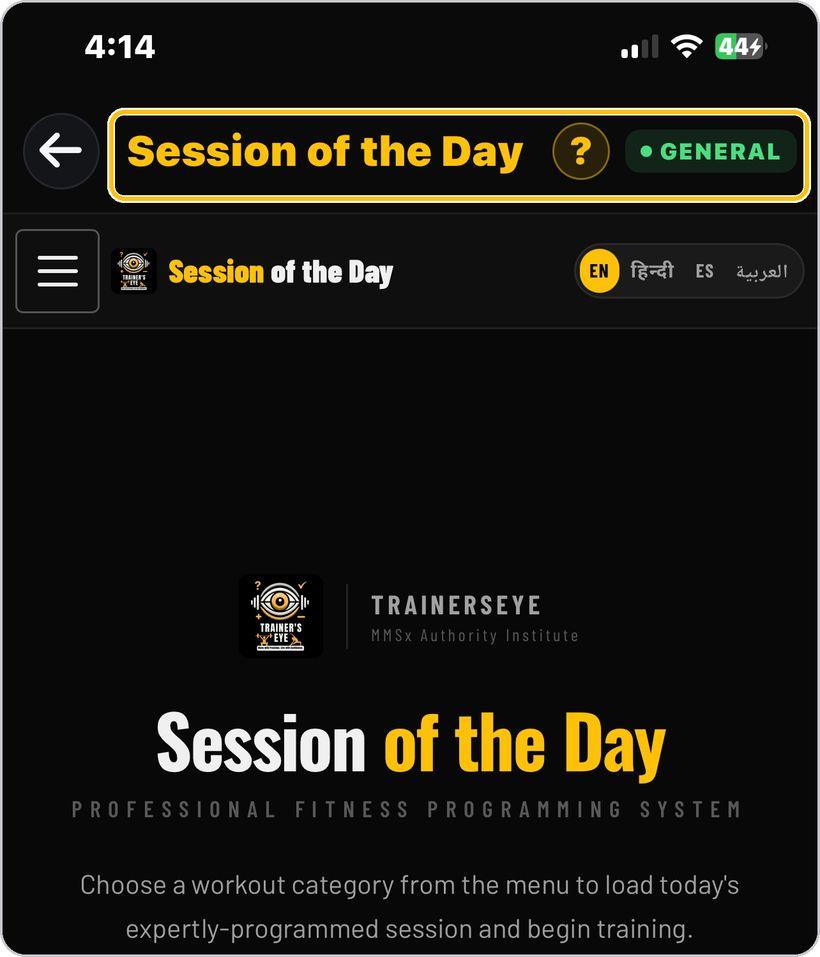
From the Dashboard, tap Session of the Day. It is part of the General plan, so every subscriber can use it.
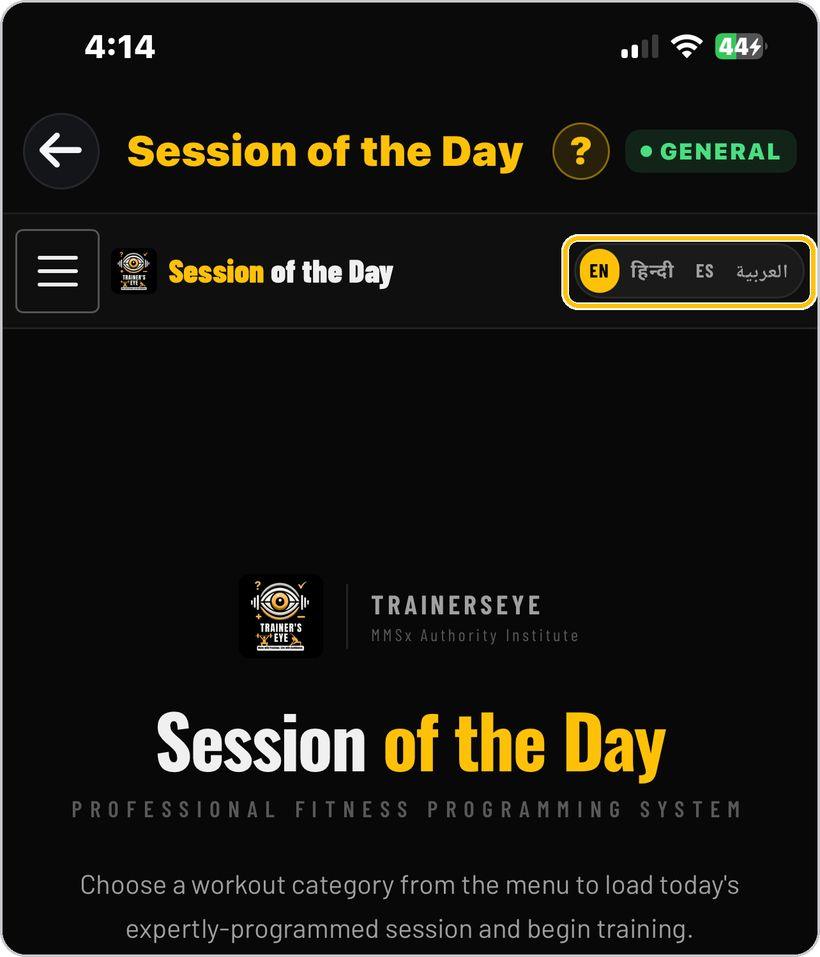
Choose your language
At the top right, pick English, Hindi, Spanish or Arabic. The whole session switches to your language.
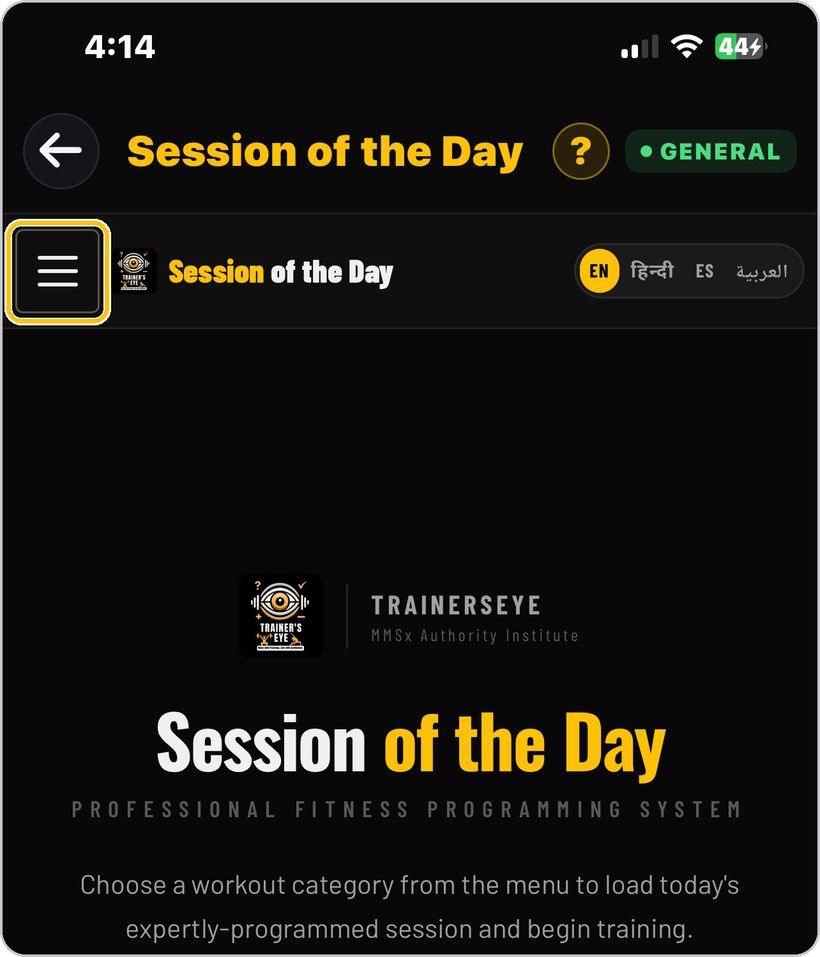
Open the menu
Tap the menu button on the left to open the list of workout categories.
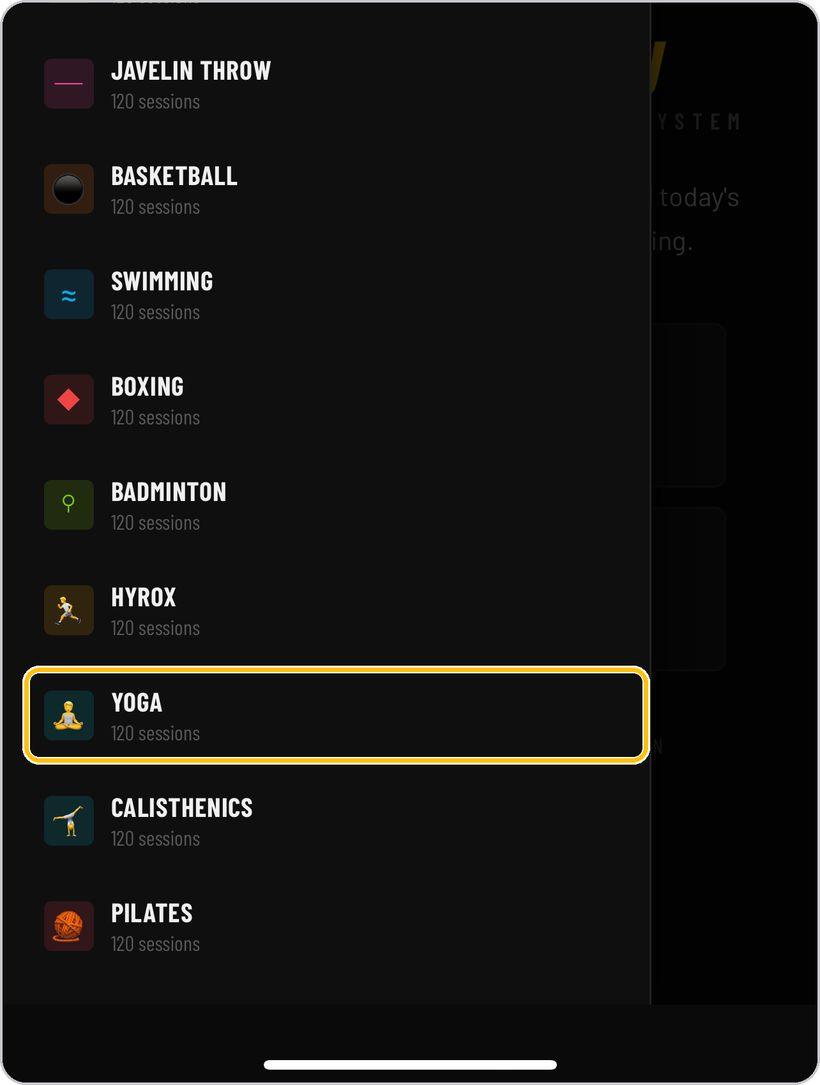
Pick a category
Choose the category that suits you, such as Yoga. Scroll the list to see them all. Today's session loads straight away, and a fresh one is ready every day.
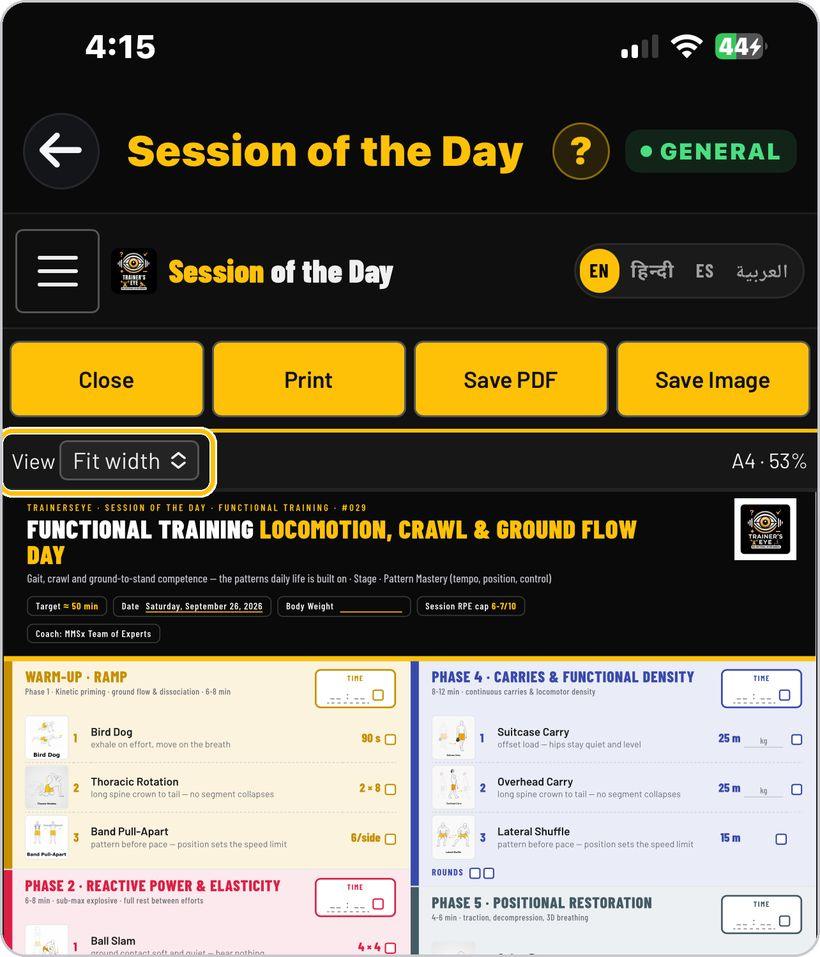
See the whole sheet
The session opens fitted to your screen. Use the View control to fit the page to your screen or show it at full size.
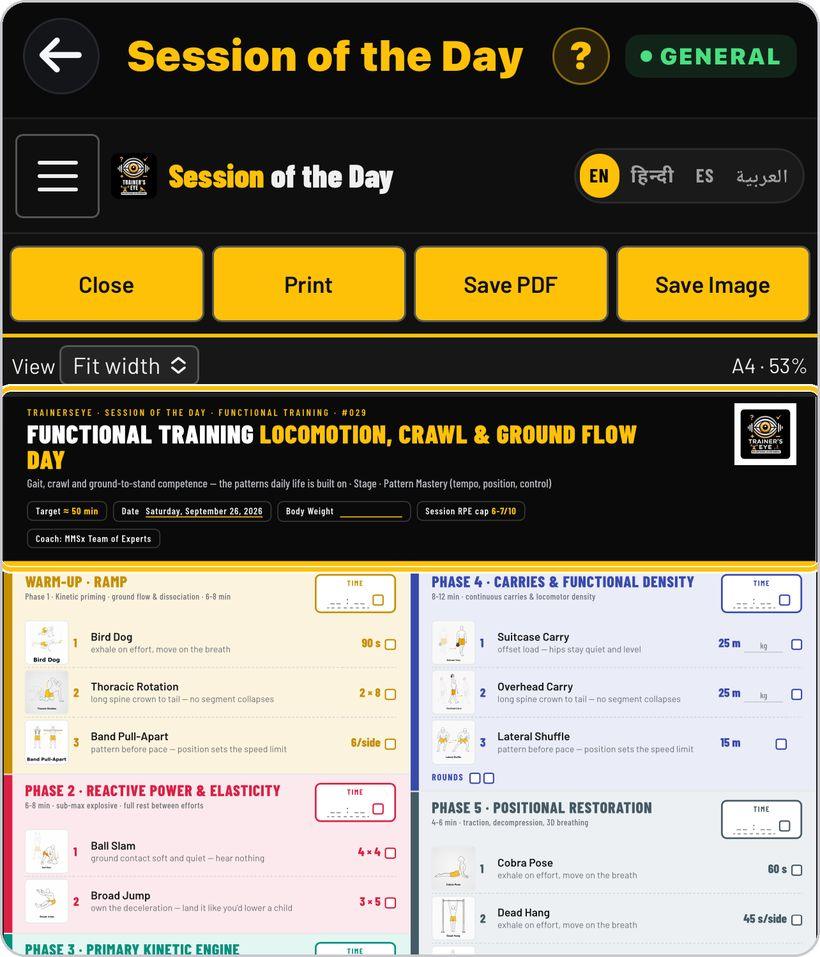
Read the header
The top of the sheet shows the session name, target time, today's date, a space for your body weight, and the effort limit for the session.
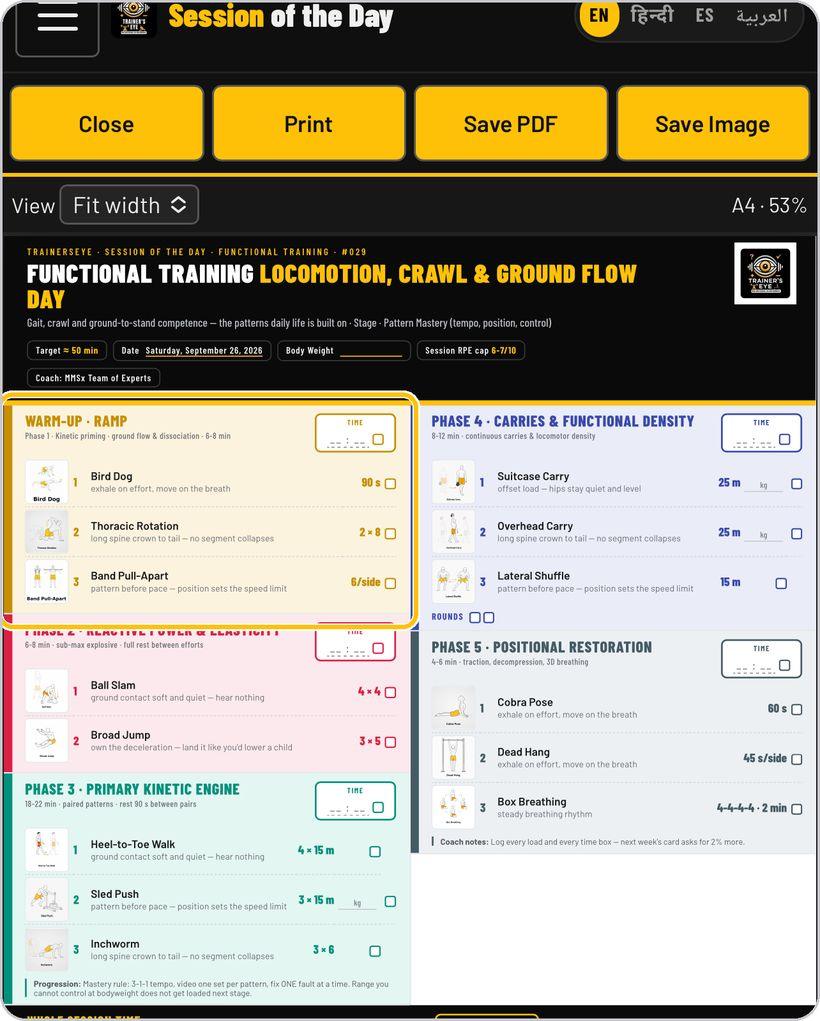
Follow the phases
Work down the sheet phase by phase, from warm-up to cool-down. Each exercise shows a picture, its sets and reps, and a short coaching cue underneath.
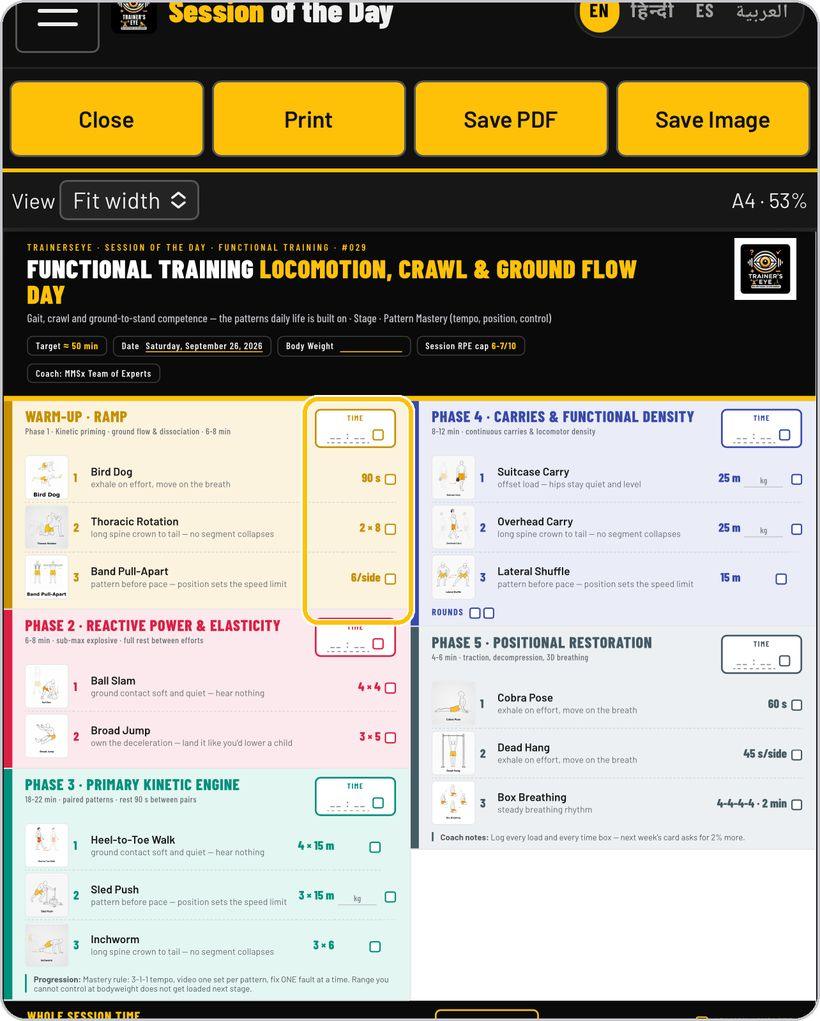
Tick and time
Tick each exercise as you finish it, and write the time for each phase in its time box.
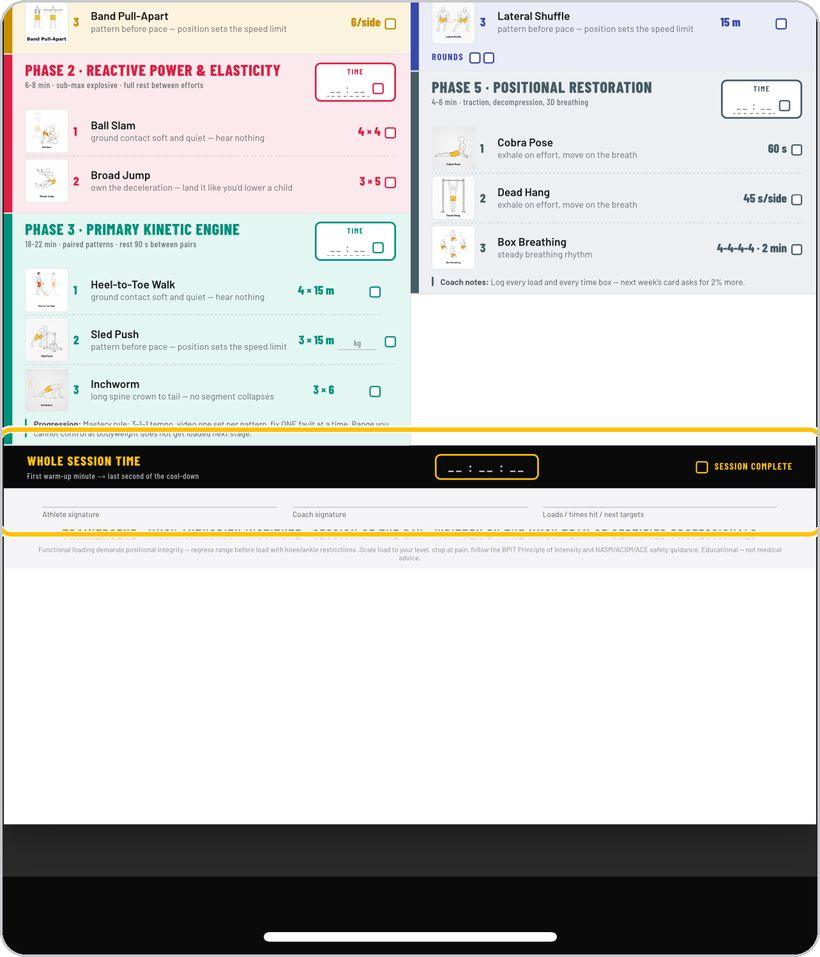
Finish the session
At the bottom, record your whole session time and tick Session Complete. There is space for your signature and your coach's.
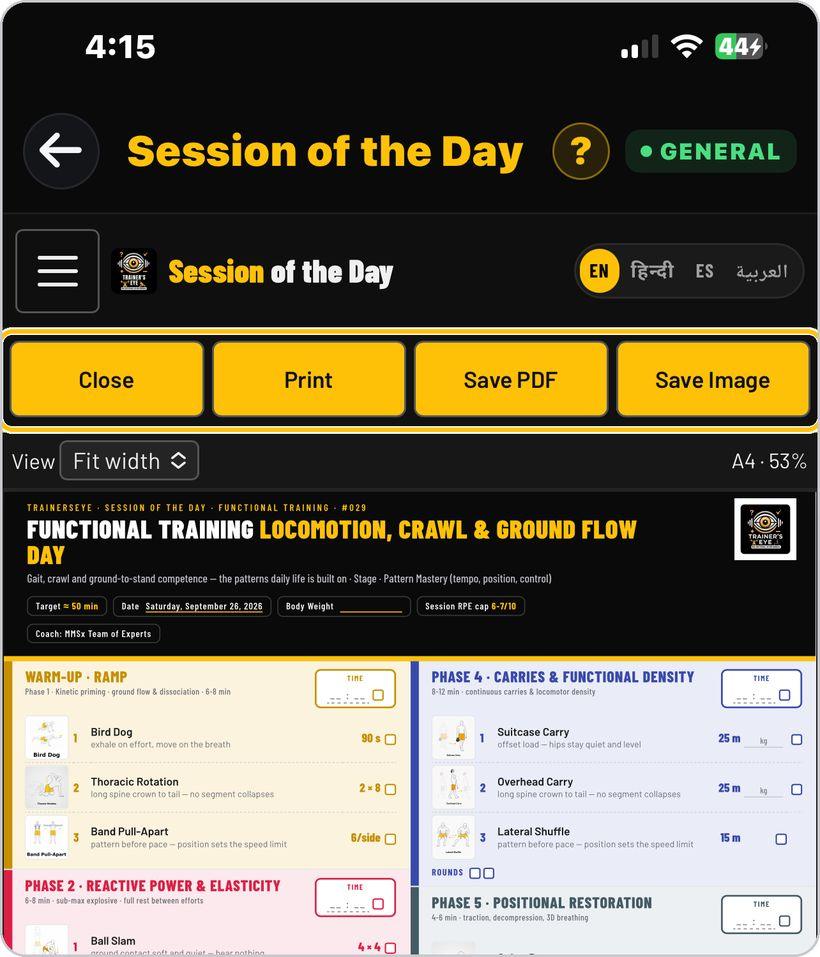
Print or save
Use the buttons at the top to print the sheet, save it as a PDF, or save it as an image to share. Close takes you back to the categories.
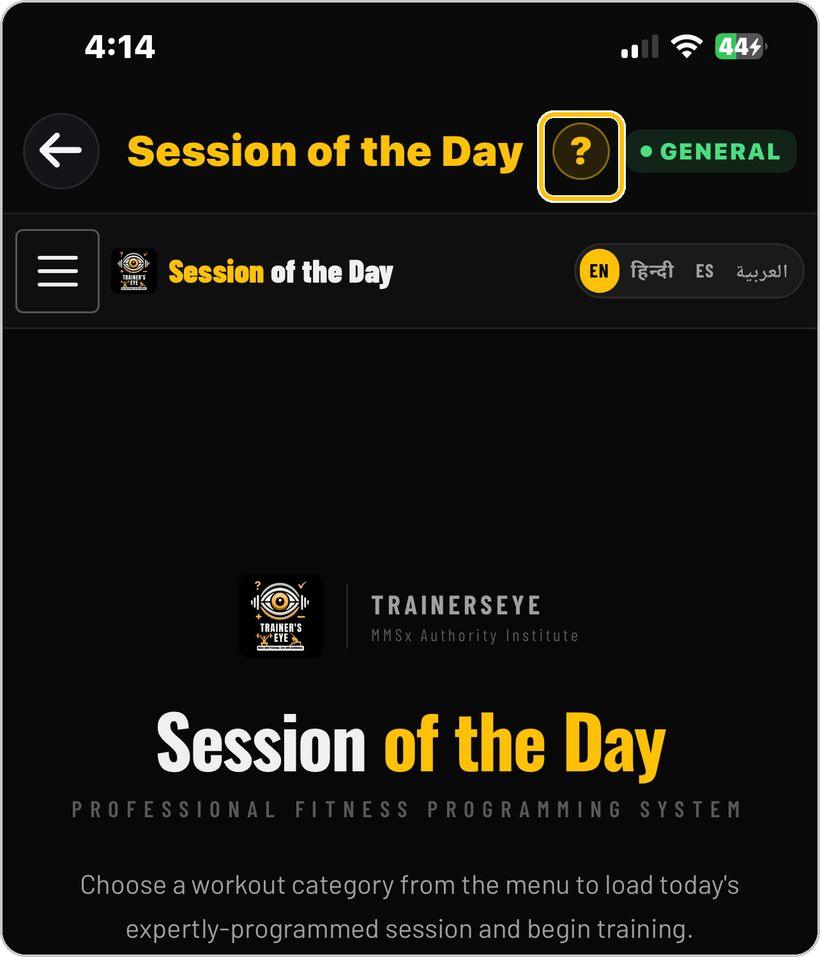
Get help any time
Tap the question mark at the top whenever you need help. Come back tomorrow for a brand new session.
You're ready
That's it. Open Session of the Day and start training.
Reading the session sheet
Every session is one page. Here is what each part means.
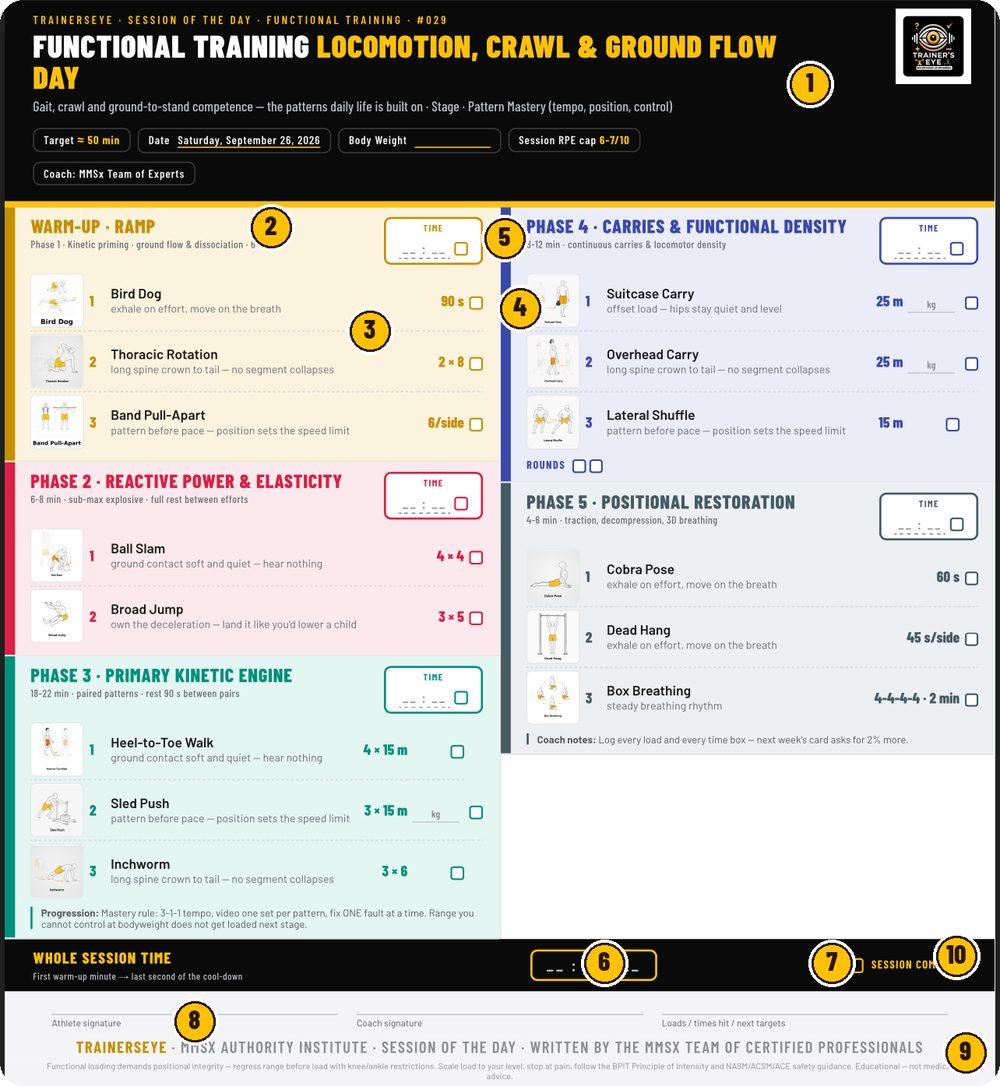
Session name and category, target time, today's date, body weight, effort cap and coach.
Colour-coded blocks from warm-up to cool-down, each with its own aim and time.
How to do the movement, and the one thing to get right.
Sets, reps, distance or time — tick the box when the exercise is done.
Write the time each phase actually took.
From the first warm-up minute to the last second of the cool-down.
Tick it when you finish.
Athlete and coach sign; note loads and times for the next session.
Written by the MMSx team of certified professionals. Educational — not medical advice.
How to progress next week, and the rule for moving up a stage.
Session of the Day is part of TrainersEye
Audio version of this guide: trainerseye.com/guides/session-of-the-day-guide.html
Support: support@trainerseye.com · trainerseye.com
Sessions written by the MMSx team of certified professionals · Backed by MMSx Authority Institute
Scale every session to your level and stop at pain. Educational content — not medical advice.