Asymmetry Engine: Tri-view asymmetry analysis — front, side and back at the same phase, run through the MMSx pose brain, gated for capture quality
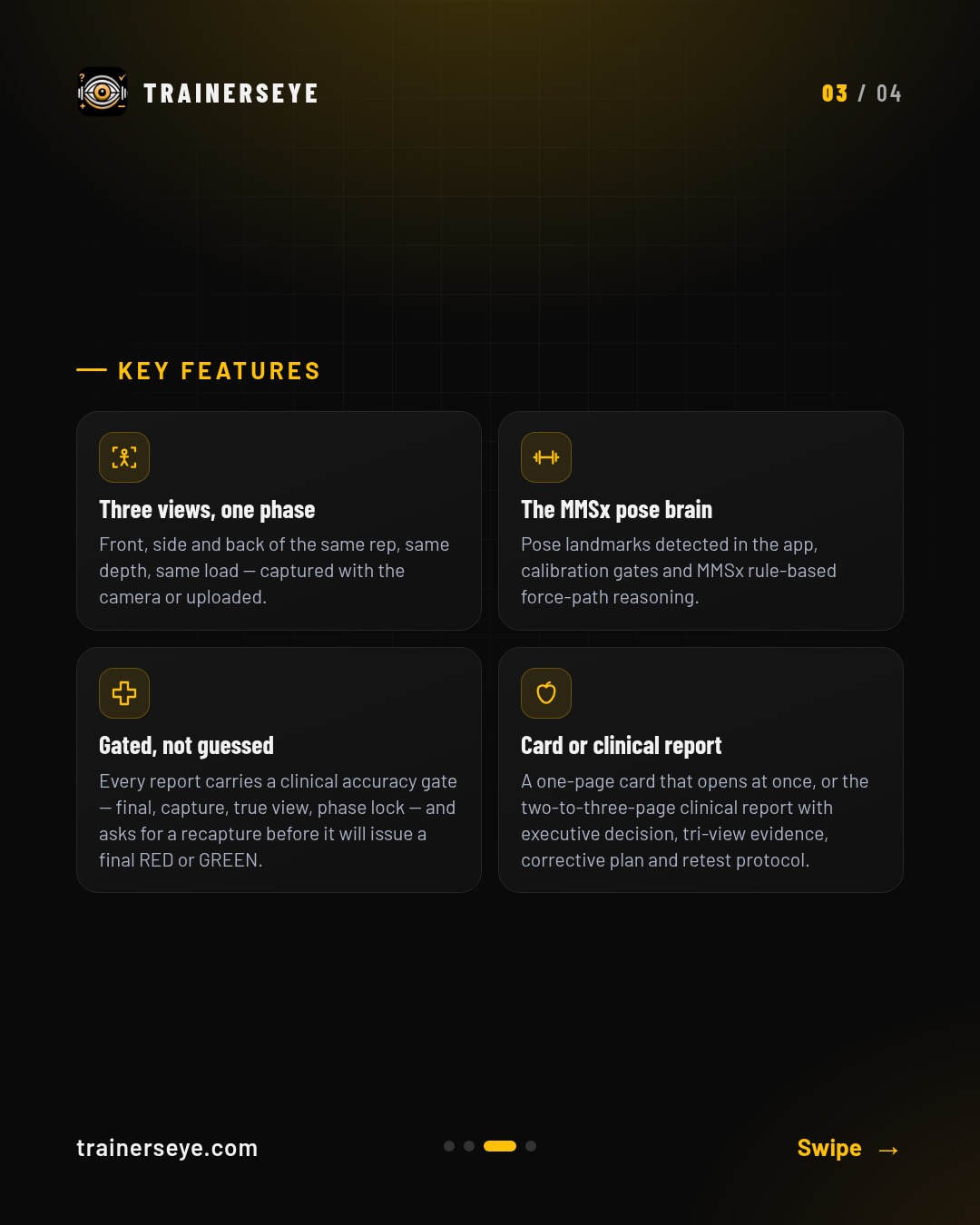
Asymmetry Engine is TrainersEye MMSx Body Mechanic — a tri-view asymmetry decision engine. Three views, one phase: Front, side and back of the same rep, same depth, same load — captured with the camera or uploaded.
Slide 1 · Overview — Asymmetry Engine: Tri-view asymmetry analysis — front, side and back at the same phase, run through the MMSx pose brain, gated for capture qualitySlide 2 · What it does — What Asymmetry Engine does: Asymmetry Engine is TrainersEye MMSx Body Mechanic — a tri-view asymmetry decision engine. Three views, one phase: Front, side and back of the same rep, same depth, same load — captured with the camera or uploaded.Slide 3 · Key features — Asymmetry Engine key features: Three views, one phase, The MMSx pose brain, Gated, not guessed, Card or clinical reportSlide 4 · Start your free trial — Asymmetry Engine in the TrainersEye app: download with a 7-day free trial on the App Store and Google Play
Biomechanical Analysis: Clinical muscle assessment — 25 zones, ISAK anthropometry, symmetry, proportion and risk, in one report
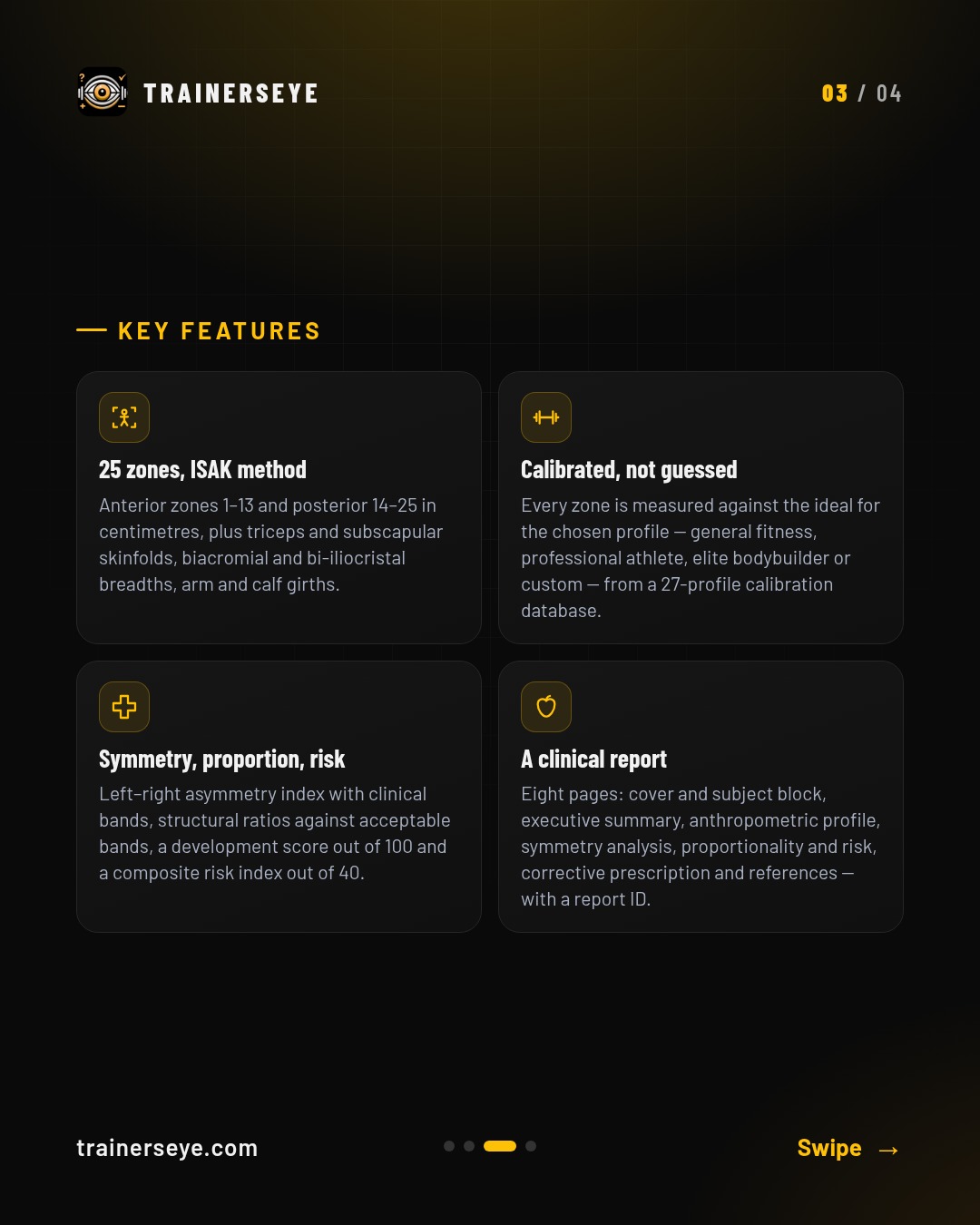
Biomechanical Analysis is the TrainersEye clinical muscle assessment. 25 zones, ISAK method: Anterior zones 1–13 and posterior 14–25 in centimetres, plus triceps and subscapular skinfolds, biacromial and bi-iliocristal breadths, arm and calf girths.
Slide 1 · Overview — Biomechanical Analysis: Clinical muscle assessment — 25 zones, ISAK anthropometry, symmetry, proportion and risk, in one reportSlide 2 · What it does — What Biomechanical Analysis does: Biomechanical Analysis is the TrainersEye clinical muscle assessment. 25 zones, ISAK method: Anterior zones 1–13 and posterior 14–25 in centimetres, plus triceps and subscapular skinfolds, biacromial and bi-iliocristal breadths, arm and calf girths.Slide 3 · Key features — Biomechanical Analysis key features: 25 zones, ISAK method, Calibrated, not guessed, Symmetry, proportion, risk, A clinical reportSlide 4 · Start your free trial — Biomechanical Analysis in the TrainersEye app: download with a 7-day free trial on the App Store and Google Play
Classes & challenges: Run a class, send sessions with alerts, and run challenges with a completion card
Your clients and athletes should not train alone between sessions. Run a class from your phone, send them the exact session, and keep them going with challenges, in the app or on the web.
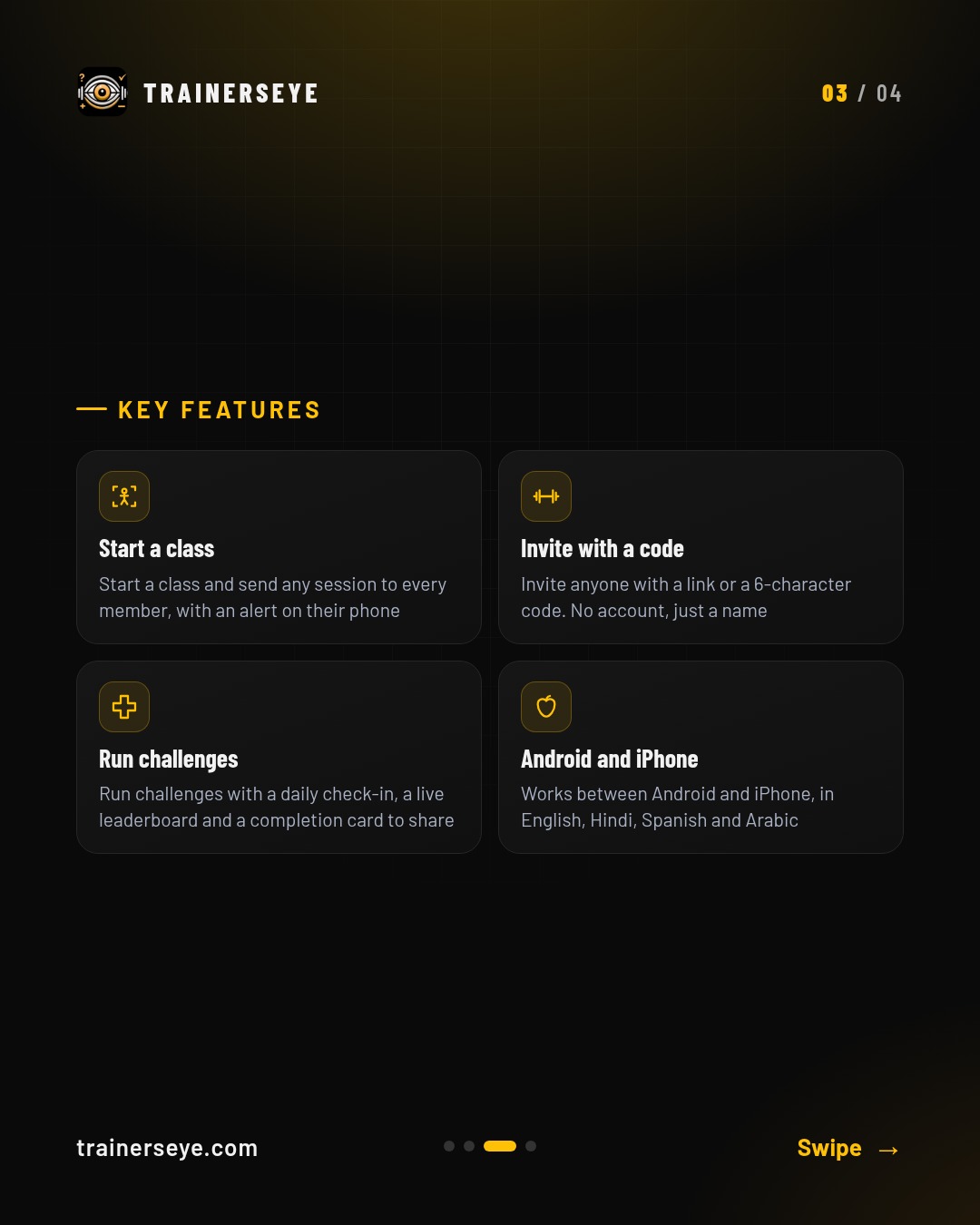
Slide 1 · Overview — Classes & challenges: Run a class, send sessions with alerts, and run challenges with a completion cardSlide 2 · What it does — What Classes & challenges does: Your clients and athletes should not train alone between sessions. Run a class from your phone, send them the exact session, and keep them going with challenges, in the app or on the web.Slide 3 · Key features — Classes & challenges key features: Start a class, Invite with a code, Run challenges, Android and iPhoneSlide 4 · Start your free trial — Classes & challenges in the TrainersEye app: download with a 7-day free trial on the App Store and Google Play
Clinical Posture Screening: A four-view posture screen from photographs — visible differences first, then a traceable clinical assessment and an A4 record
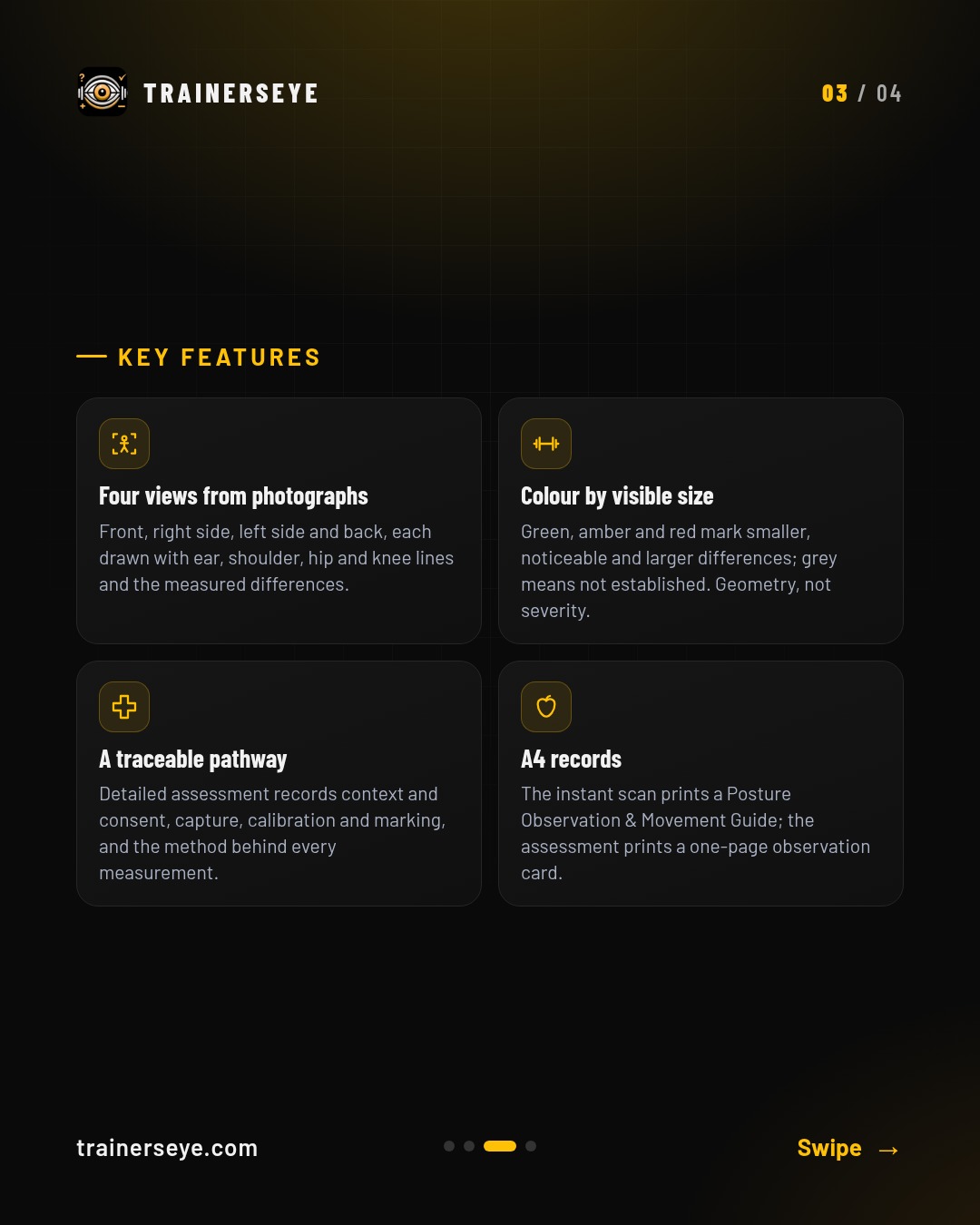
Clinical Posture Screening is the TrainersEye posture workspace, run by the MMSx Posture engine. Four views from photographs: Front, right side, left side and back, each drawn with ear, shoulder, hip and knee lines and the measured differences.
Slide 1 · Overview — Clinical Posture Screening: A four-view posture screen from photographs — visible differences first, then a traceable clinical assessment and an A4 recordSlide 2 · What it does — What Clinical Posture Screening does: Clinical Posture Screening is the TrainersEye posture workspace, run by the MMSx Posture engine. Four views from photographs: Front, right side, left side and back, each drawn with ear, shoulder, hip and knee lines and the measured differences.Slide 3 · Key features — Clinical Posture Screening key features: Four views from photographs, Colour by visible size, A traceable pathway, A4 recordsSlide 4 · Start your free trial — Clinical Posture Screening in the TrainersEye app: download with a 7-day free trial on the App Store and Google Play
Clinical Rehab Sessions: Four rehab libraries behind one door — adults by body region, kids 4–16, seniors 50 to 80+, and clinical plans by named condition — every session created and approved by MMSx Authority Institute
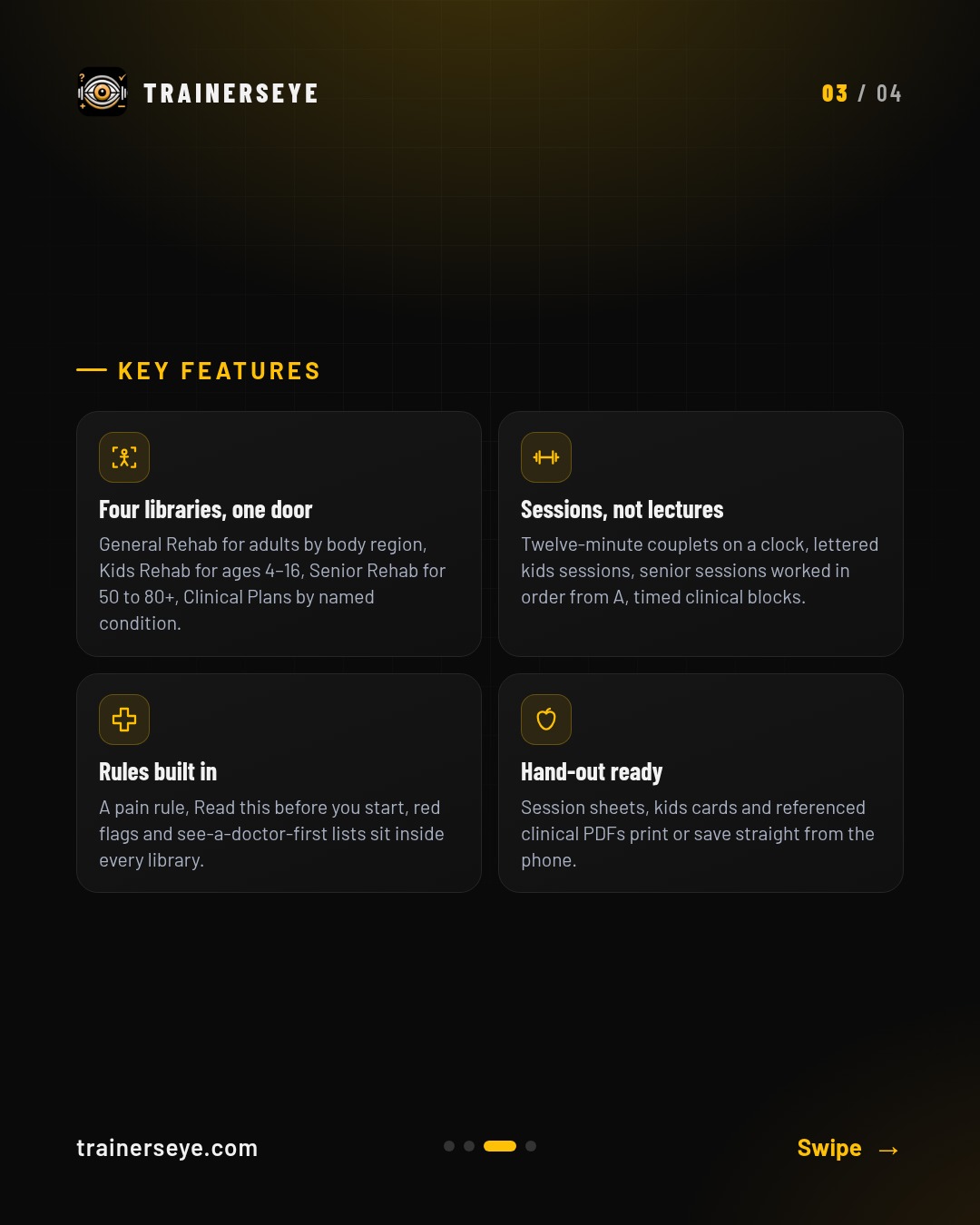
Clinical Rehab Sessions is the TrainersEye rehab library — four doors, one for whoever is in front of you. Four libraries, one door: General Rehab for adults by body region, Kids Rehab for ages 4–16, Senior Rehab for 50 to 80+, Clinical Plans by named condition.
Slide 1 · Overview — Clinical Rehab Sessions: Four rehab libraries behind one door — adults by body region, kids 4–16, seniors 50 to 80+, and clinical plans by named condition — every session created and approved by MMSx Authority InstituteSlide 2 · What it does — What Clinical Rehab Sessions does: Clinical Rehab Sessions is the TrainersEye rehab library — four doors, one for whoever is in front of you. Four libraries, one door: General Rehab for adults by body region, Kids Rehab for ages 4–16, Senior Rehab for 50 to 80+, Clinical Plans by named condition.Slide 3 · Key features — Clinical Rehab Sessions key features: Four libraries, one door, Sessions, not lectures, Rules built in, Hand-out readySlide 4 · Start your free trial — Clinical Rehab Sessions in the TrainersEye app: download with a 7-day free trial on the App Store and Google Play
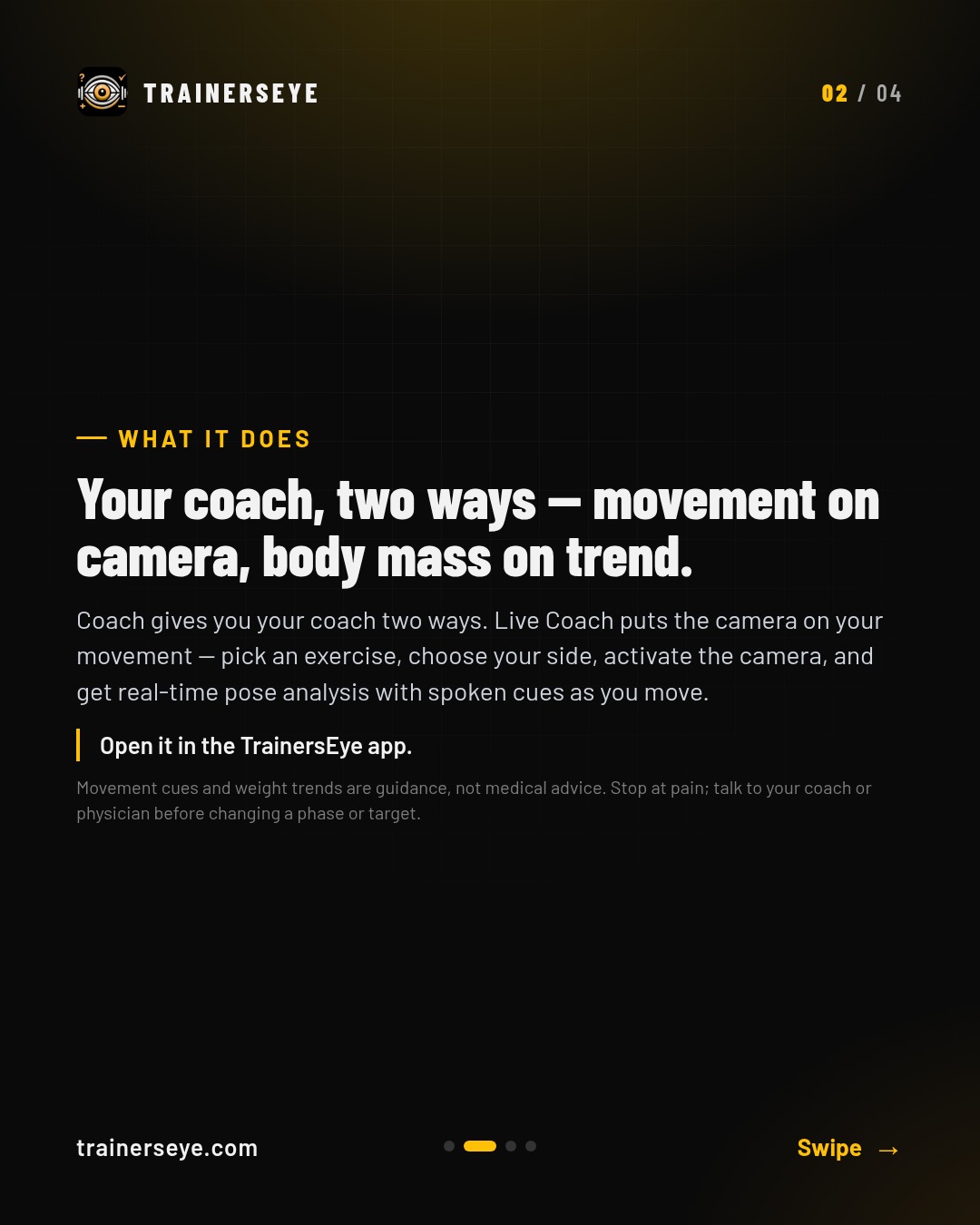
Coach: Your coach, two ways — movement on camera, body mass on trend
Coach gives you your coach two ways. Live Coach puts the camera on your movement — pick an exercise, choose your side, activate the camera, and get real-time pose analysis with spoken cues as you move.
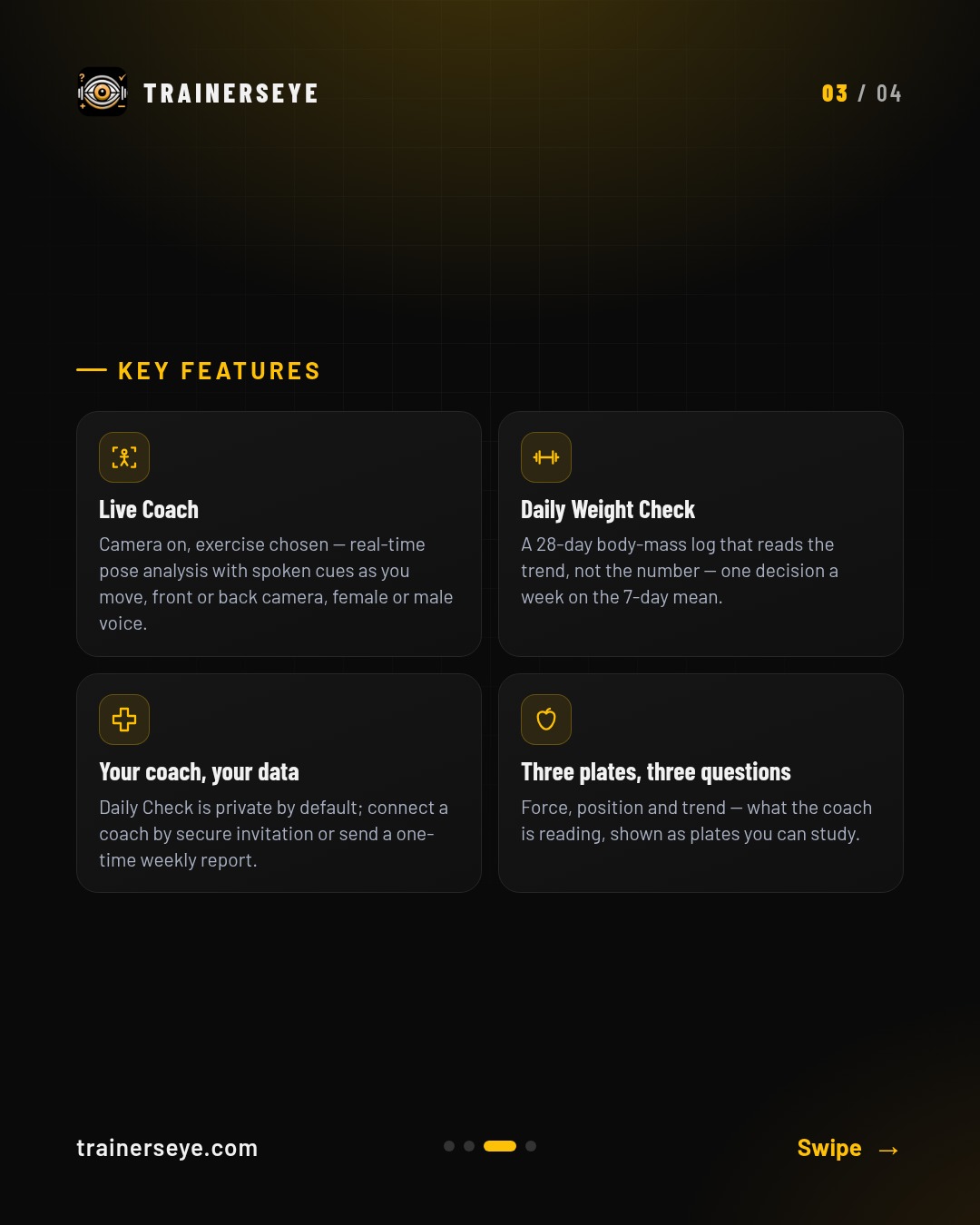
Slide 1 · Overview — Coach: Your coach, two ways — movement on camera, body mass on trendSlide 2 · What it does — What Coach does: Coach gives you your coach two ways. Live Coach puts the camera on your movement — pick an exercise, choose your side, activate the camera, and get real-time pose analysis with spoken cues as you move.Slide 3 · Key features — Coach key features: Live Coach, Daily Weight Check, Your coach, your data, Three plates, three questionsSlide 4 · Start your free trial — Coach in the TrainersEye app: download with a 7-day free trial on the App Store and Google Play
EMG & Exercise Atlas: Two research-grade graph libraries — muscle activation and force in the EMG Lab, joint kinetics and coaching data in the Exercise Atlas
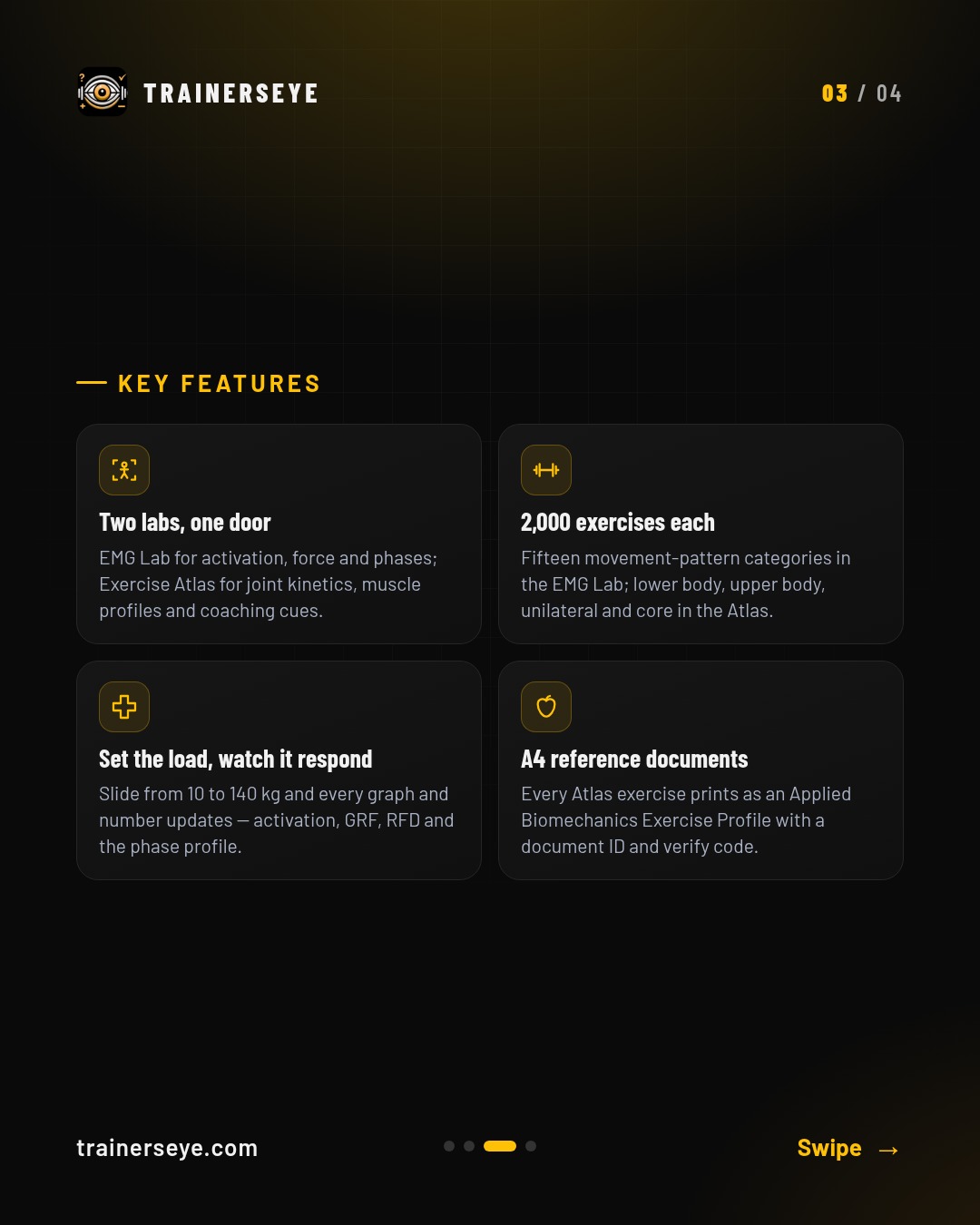
EMG & Exercise Atlas is the TrainersEye Graph Lab — two interactive biomechanics libraries behind one door. Two labs, one door: EMG Lab for activation, force and phases; Exercise Atlas for joint kinetics, muscle profiles and coaching cues.
Slide 1 · Overview — EMG & Exercise Atlas: Two research-grade graph libraries — muscle activation and force in the EMG Lab, joint kinetics and coaching data in the Exercise AtlasSlide 2 · What it does — What EMG & Exercise Atlas does: EMG & Exercise Atlas is the TrainersEye Graph Lab — two interactive biomechanics libraries behind one door. Two labs, one door: EMG Lab for activation, force and phases; Exercise Atlas for joint kinetics, muscle profiles and coaching cues.Slide 3 · Key features — EMG & Exercise Atlas key features: Two labs, one door, 2,000 exercises each, Set the load, watch it respond, A4 reference documentsSlide 4 · Start your free trial — EMG & Exercise Atlas in the TrainersEye app: download with a 7-day free trial on the App Store and Google Play
Exercise Protocols: Two libraries of ready-to-use sessions: 2,087 print-ready PDF sessions, and A4 sports-drill cards for 25 sports
Exercise Protocols opens two libraries behind one door. PDF Session Cards holds 2,087 ready-to-print sessions in 484 programmes across 16 categories — strength, sport, mobility, youth, para-athlete and general fitness.
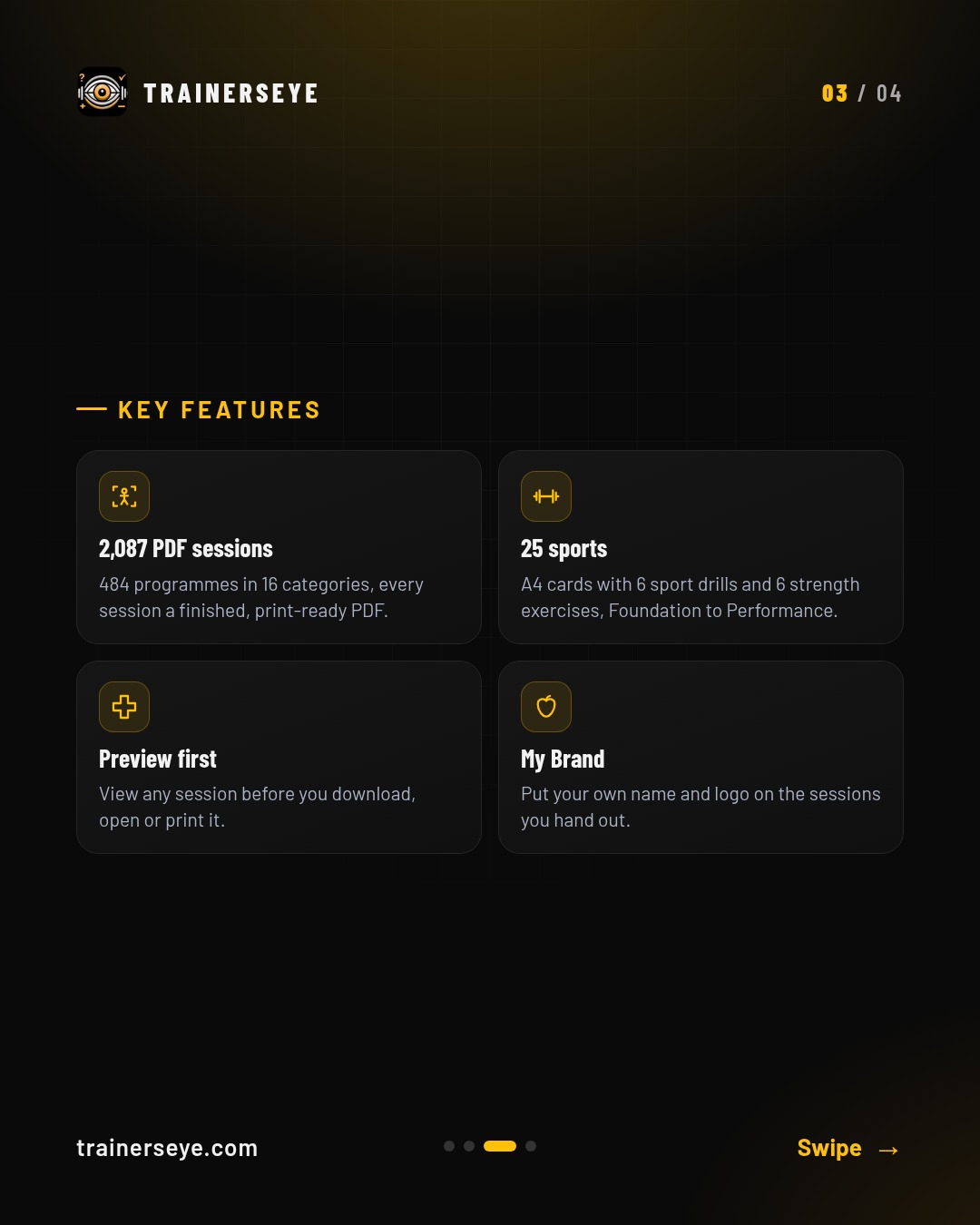
Slide 1 · Overview — Exercise Protocols: Two libraries of ready-to-use sessions: 2,087 print-ready PDF sessions, and A4 sports-drill cards for 25 sportsSlide 2 · What it does — What Exercise Protocols does: Exercise Protocols opens two libraries behind one door. PDF Session Cards holds 2,087 ready-to-print sessions in 484 programmes across 16 categories — strength, sport, mobility, youth, para-athlete and general fitness.Slide 3 · Key features — Exercise Protocols key features: 2,087 PDF sessions, 25 sports, Preview first, My BrandSlide 4 · Start your free trial — Exercise Protocols in the TrainersEye app: download with a 7-day free trial on the App Store and Google Play
Figure Intelligence: Research figures from your data — the Chart Advisor picks the chart, the figure draws in the MMSx Institute style at journal size, the APA 7 legend is written for you, and CONSORT diagrams draw themselves from their numbers
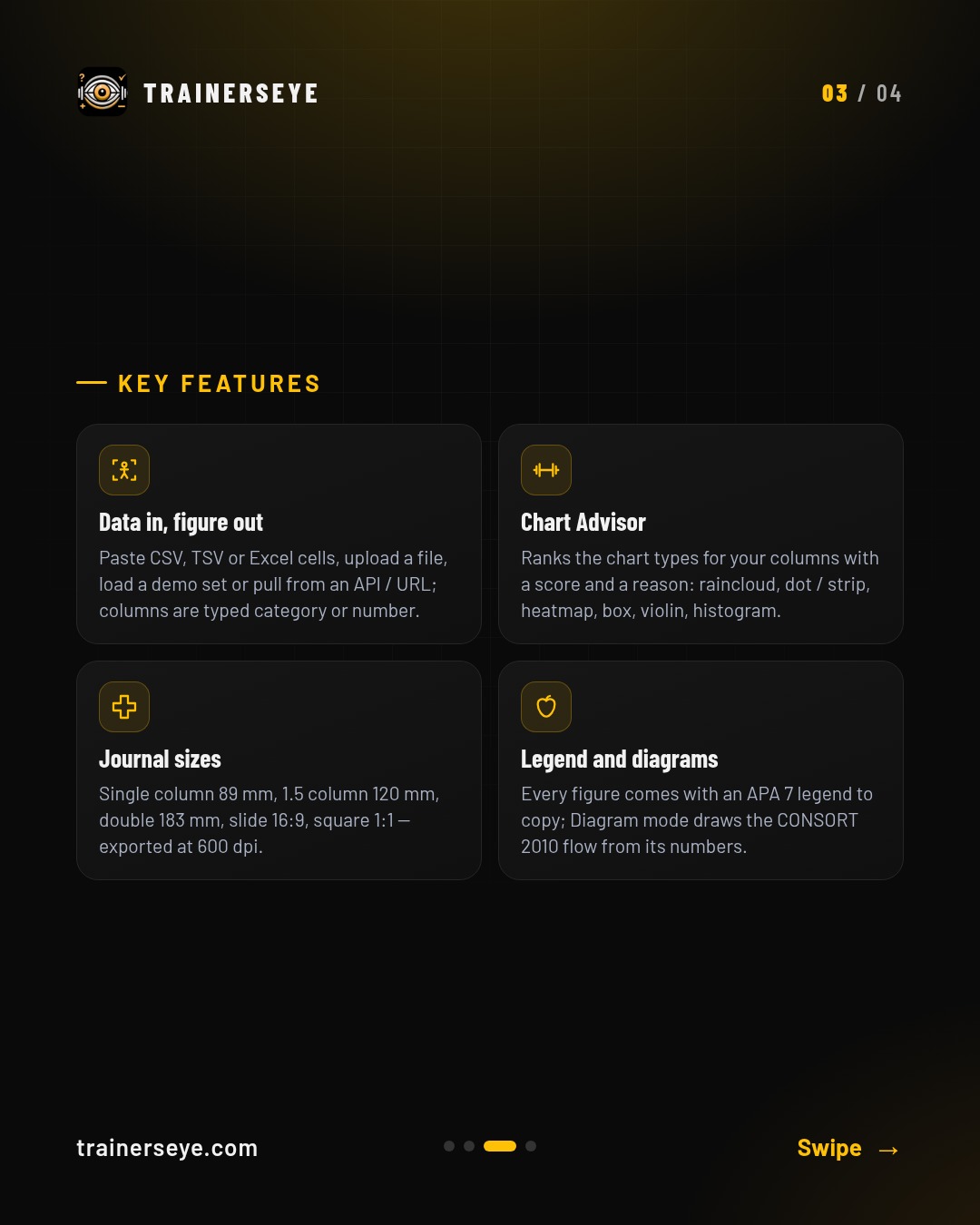
Figure Intelligence is the MoPro research-figure engine, Research Edition. Data in, figure out: Paste CSV, TSV or Excel cells, upload a file, load a demo set or pull from an API / URL; columns are typed category or number.
Slide 1 · Overview — Figure Intelligence: Research figures from your data — the Chart Advisor picks the chart, the figure draws in the MMSx Institute style at journal size, the APA 7 legend is written for you, and CONSORT diagrams draw themselves from their numbersSlide 2 · What it does — What Figure Intelligence does: Figure Intelligence is the MoPro research-figure engine, Research Edition. Data in, figure out: Paste CSV, TSV or Excel cells, upload a file, load a demo set or pull from an API / URL; columns are typed category or number.Slide 3 · Key features — Figure Intelligence key features: Data in, figure out, Chart Advisor, Journal sizes, Legend and diagramsSlide 4 · Start your free trial — Figure Intelligence in the TrainersEye app: download with a 7-day free trial on the App Store and Google Play
FuelPlanner Pro: A costed, periodised nutrition plan for every client — with the reasoning behind every number
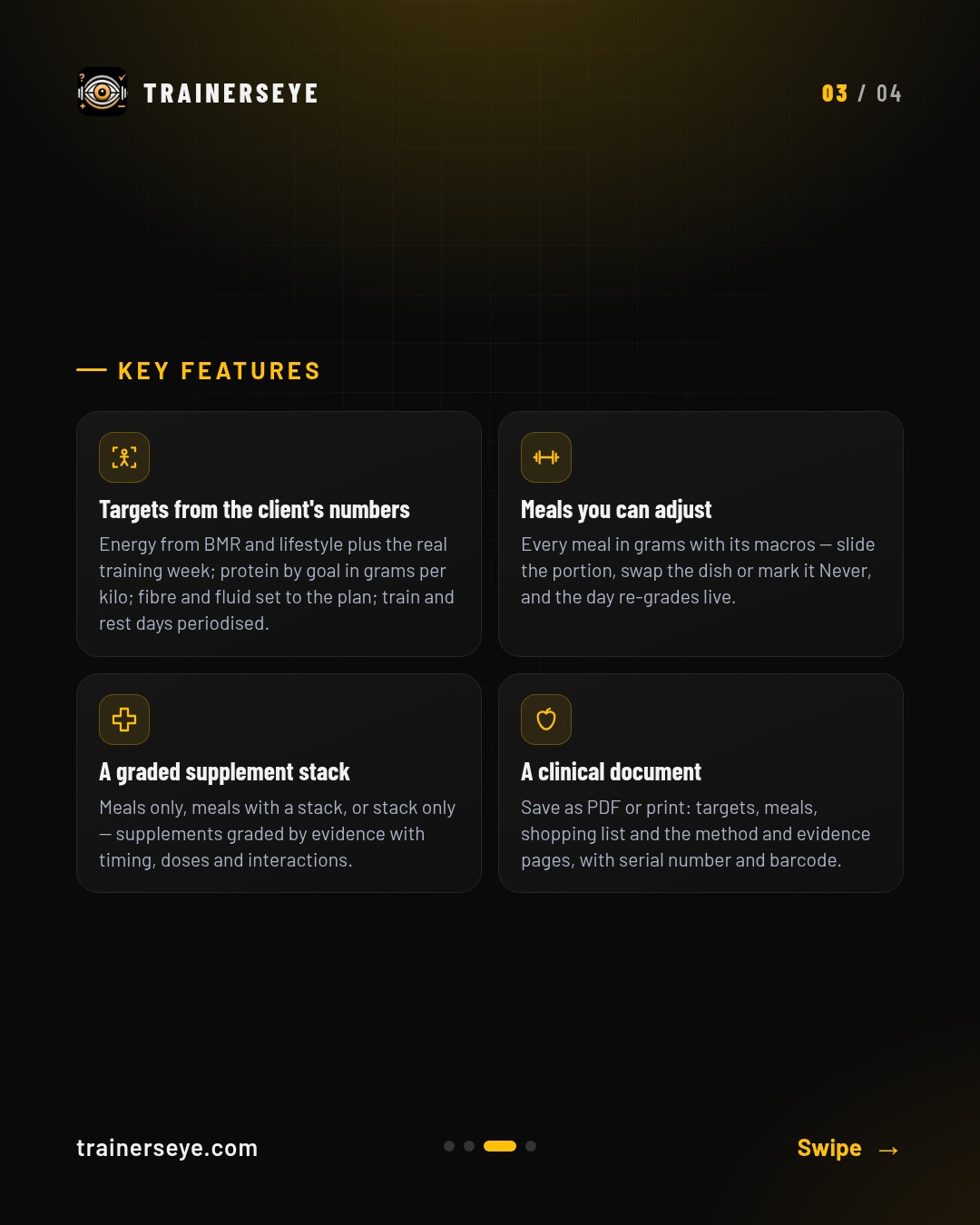
FuelPlanner Pro is a multi-brain nutrition engine for trainers. Targets from the client's numbers: Energy from BMR and lifestyle plus the real training week; protein by goal in grams per kilo; fibre and fluid set to the plan; train and rest days periodised.
Slide 1 · Overview — FuelPlanner Pro: A costed, periodised nutrition plan for every client — with the reasoning behind every numberSlide 2 · What it does — What FuelPlanner Pro does: FuelPlanner Pro is a multi-brain nutrition engine for trainers. Targets from the client's numbers: Energy from BMR and lifestyle plus the real training week; protein by goal in grams per kilo; fibre and fluid set to the plan; train and rest days periodised.Slide 3 · Key features — FuelPlanner Pro key features: Targets from the client's numbers, Meals you can adjust, A graded supplement stack, A clinical documentSlide 4 · Start your free trial — FuelPlanner Pro in the TrainersEye app: download with a 7-day free trial on the App Store and Google Play
Home & Bodyweight: Illustrated bodyweight and home-props sessions in 12- and 45-minute formats, with a timer, pictures, doses, cues and a printable sheet
Home & Bodyweight is the TrainersEye session library for training at home. Pick a format — Bodyweight or Home Workout, 12 or 45 minutes — filter by level and open a session.
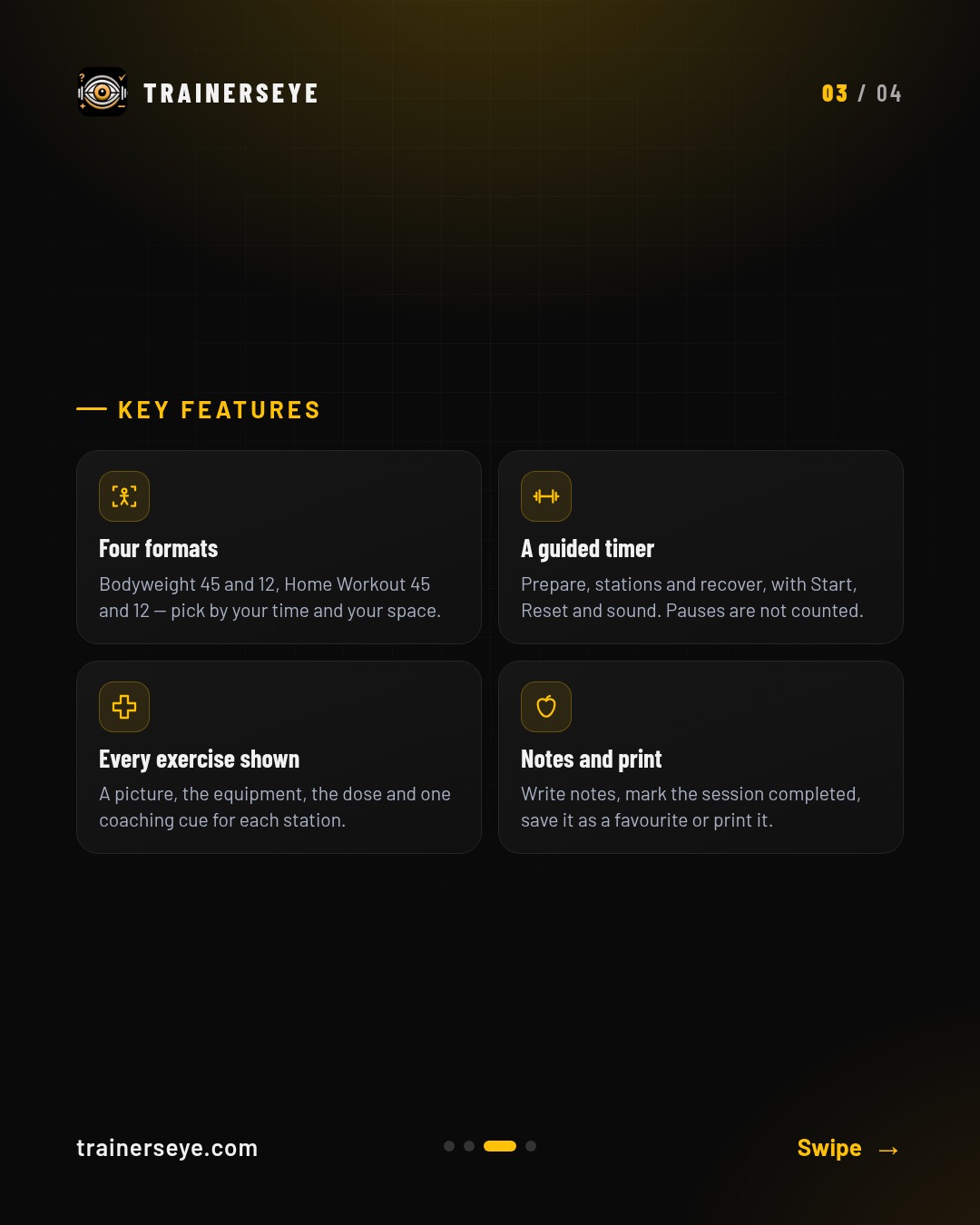
Slide 1 · Overview — Home & Bodyweight: Illustrated bodyweight and home-props sessions in 12- and 45-minute formats, with a timer, pictures, doses, cues and a printable sheetSlide 2 · What it does — What Home & Bodyweight does: Home & Bodyweight is the TrainersEye session library for training at home. Pick a format — Bodyweight or Home Workout, 12 or 45 minutes — filter by level and open a session.Slide 3 · Key features — Home & Bodyweight key features: Four formats, A guided timer, Every exercise shown, Notes and printSlide 4 · Start your free trial — Home & Bodyweight in the TrainersEye app: download with a 7-day free trial on the App Store and Google Play
Meal of the Day: A professional meal plan for every goal, every day
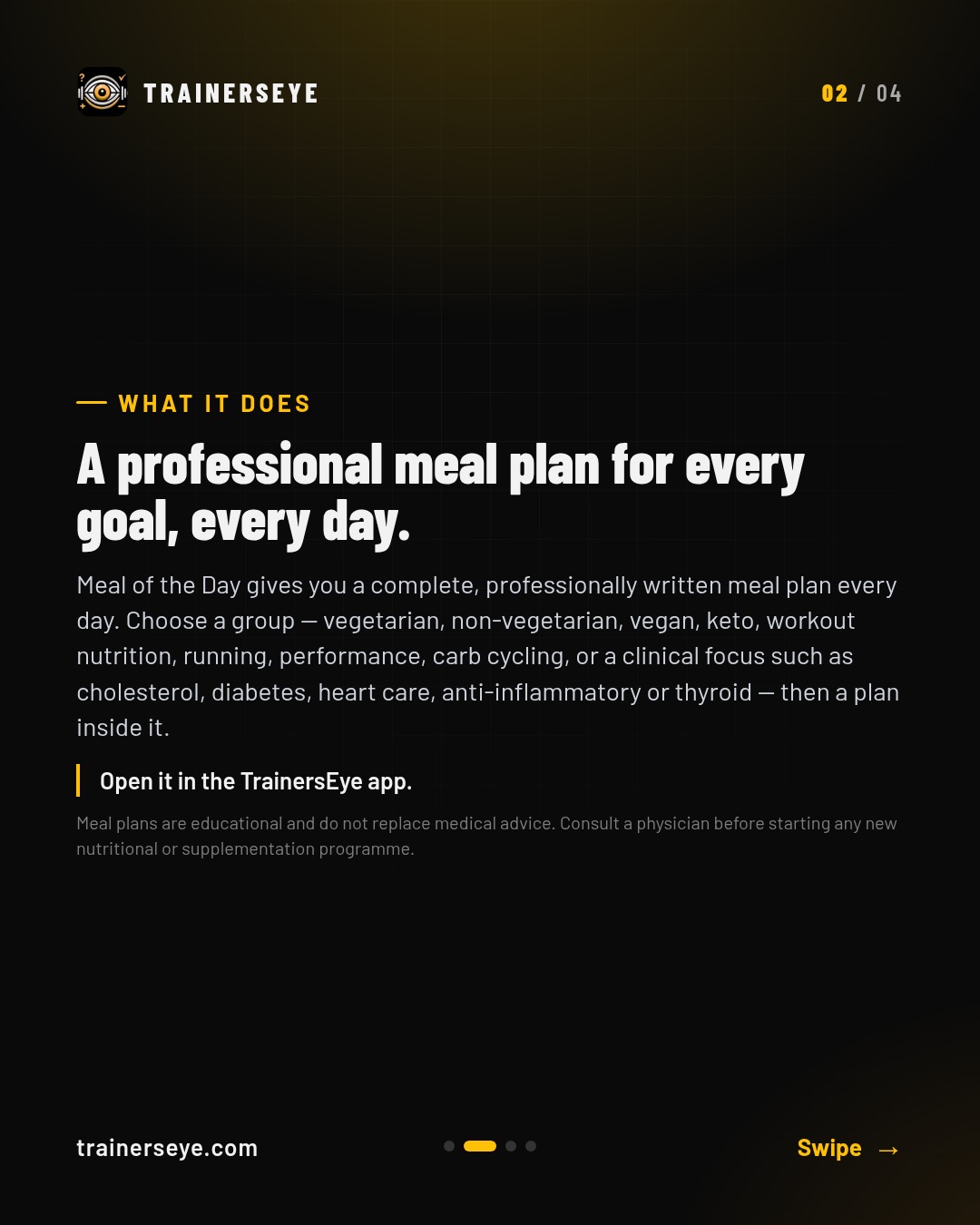
Meal of the Day gives you a complete, professionally written meal plan every day. A plan for every goal: Groups from everyday vegetarian and non-vegetarian eating to sport, performance and clinical focus, each with its own plans.
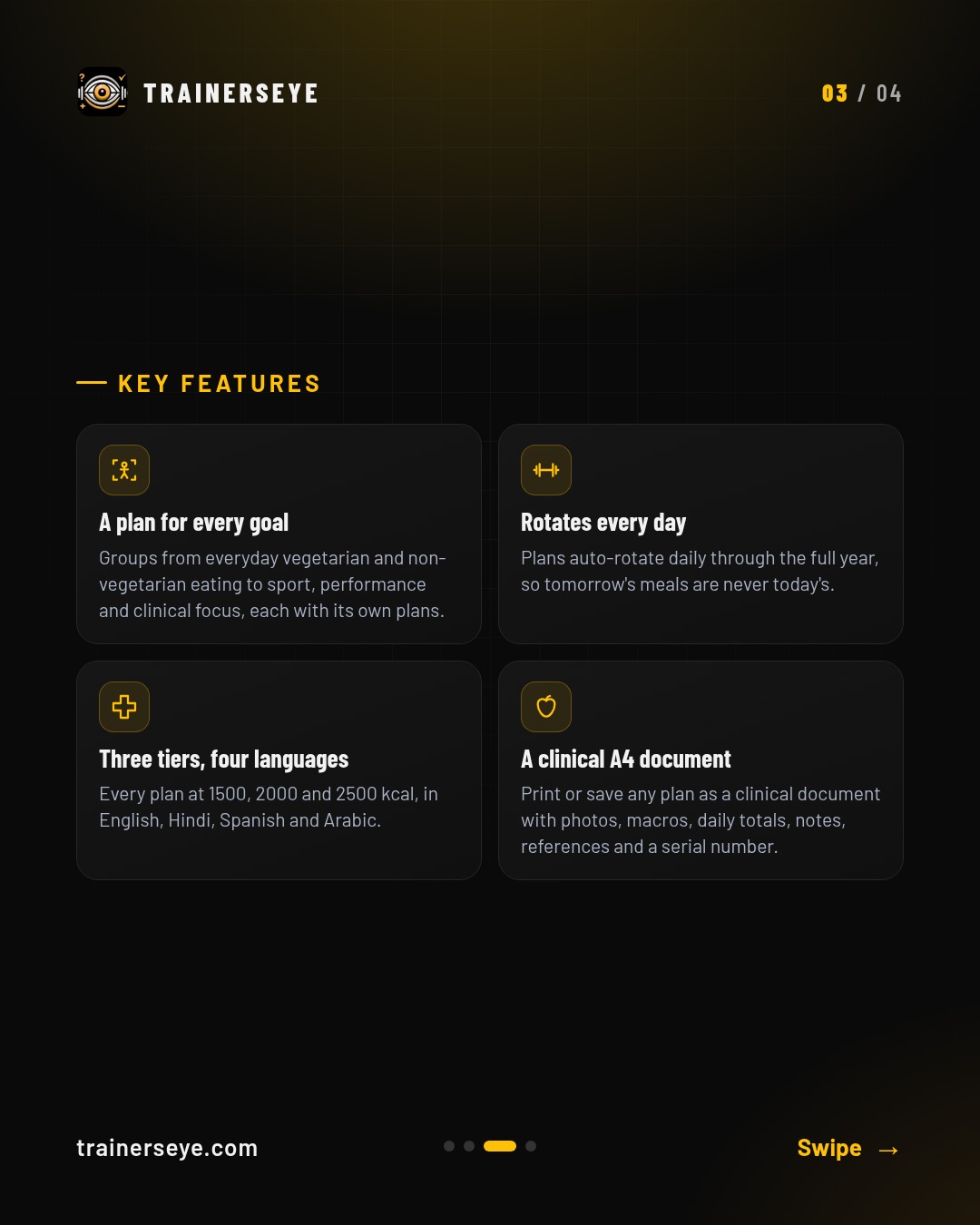
Slide 1 · Overview — Meal of the Day: A professional meal plan for every goal, every daySlide 2 · What it does — What Meal of the Day does: Meal of the Day gives you a complete, professionally written meal plan every day. A plan for every goal: Groups from everyday vegetarian and non-vegetarian eating to sport, performance and clinical focus, each with its own plans.Slide 3 · Key features — Meal of the Day key features: A plan for every goal, Rotates every day, Three tiers, four languages, A clinical A4 documentSlide 4 · Start your free trial — Meal of the Day in the TrainersEye app: download with a 7-day free trial on the App Store and Google Play
Mile Tracker: Every step counted. Every walk rewarded
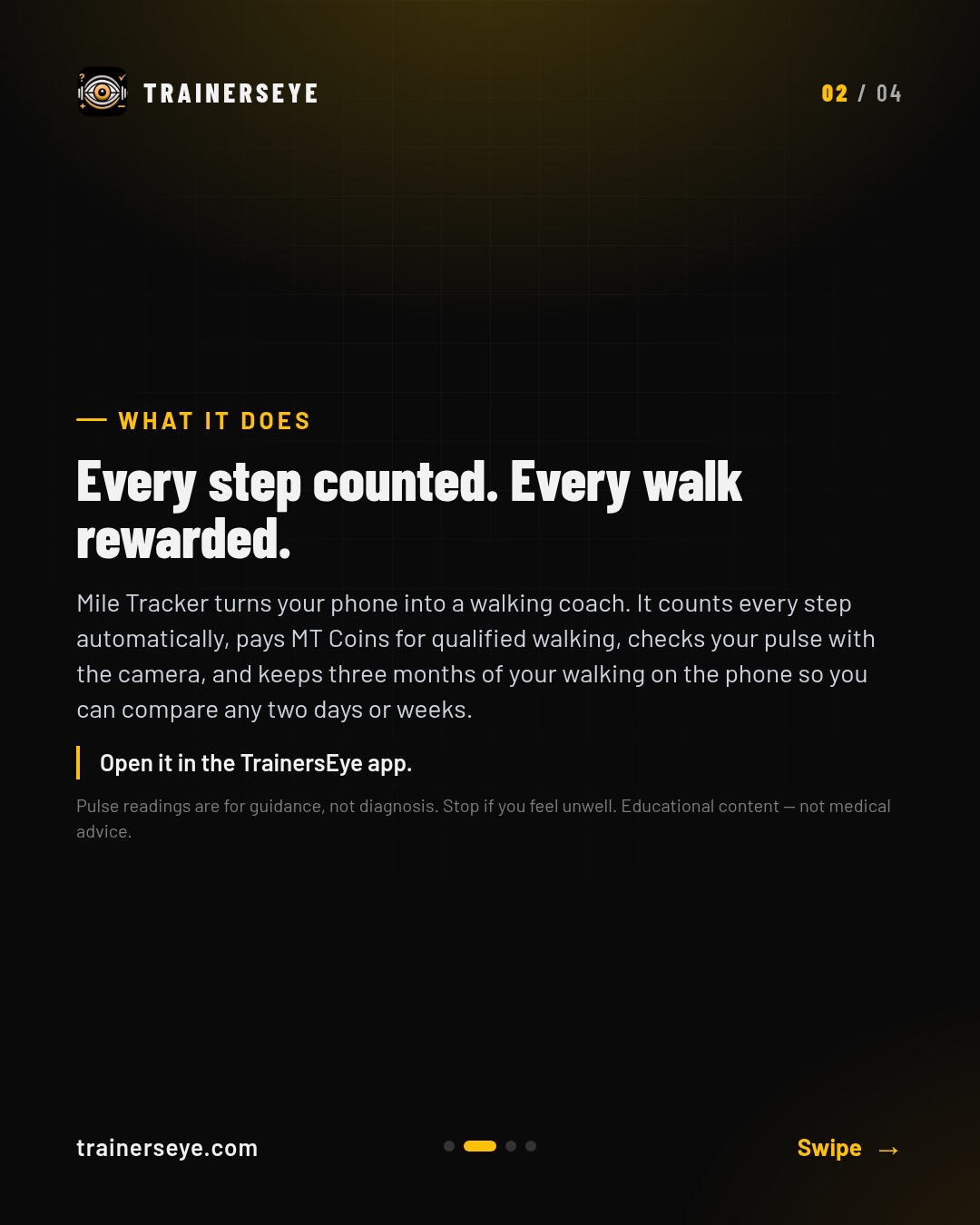
Mile Tracker turns your phone into a walking coach. It counts every step automatically, pays MT Coins for qualified walking, checks your pulse with the camera, and keeps three months of your walking on the phone so you can compare any two days or weeks.
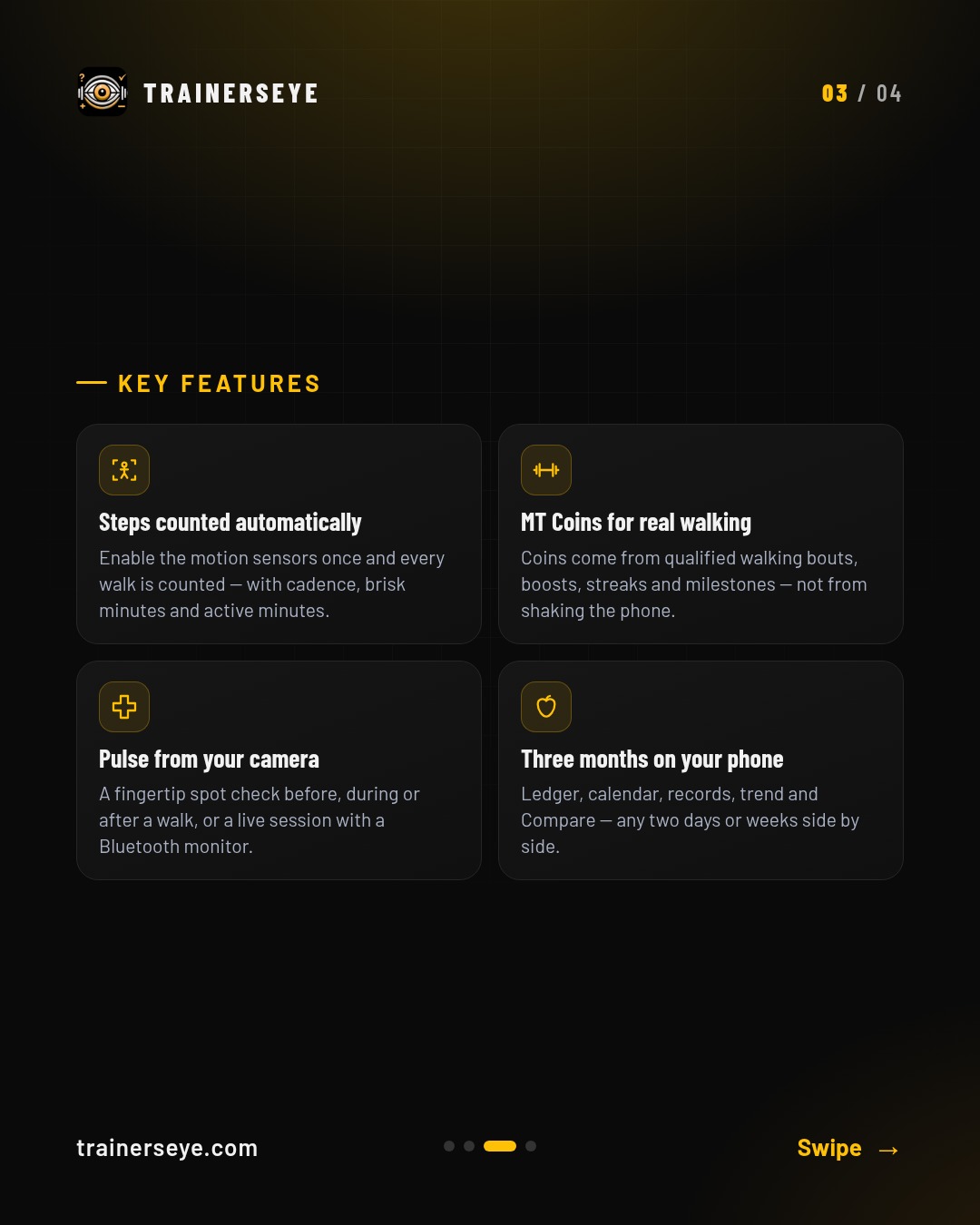
Slide 1 · Overview — Mile Tracker: Every step counted. Every walk rewardedSlide 2 · What it does — What Mile Tracker does: Mile Tracker turns your phone into a walking coach. It counts every step automatically, pays MT Coins for qualified walking, checks your pulse with the camera, and keeps three months of your walking on the phone so you can compare any two days or weeks.Slide 3 · Key features — Mile Tracker key features: Steps counted automatically, MT Coins for real walking, Pulse from your camera, Three months on your phoneSlide 4 · Start your free trial — Mile Tracker in the TrainersEye app: download with a 7-day free trial on the App Store and Google Play
MMSx-SCAN: Eight scored domains, BFIS™ flaw grading and a Movement Intelligence Index out of 100 — the systematic clinical assessment, scored parameter by parameter on the phone and printed as an official report
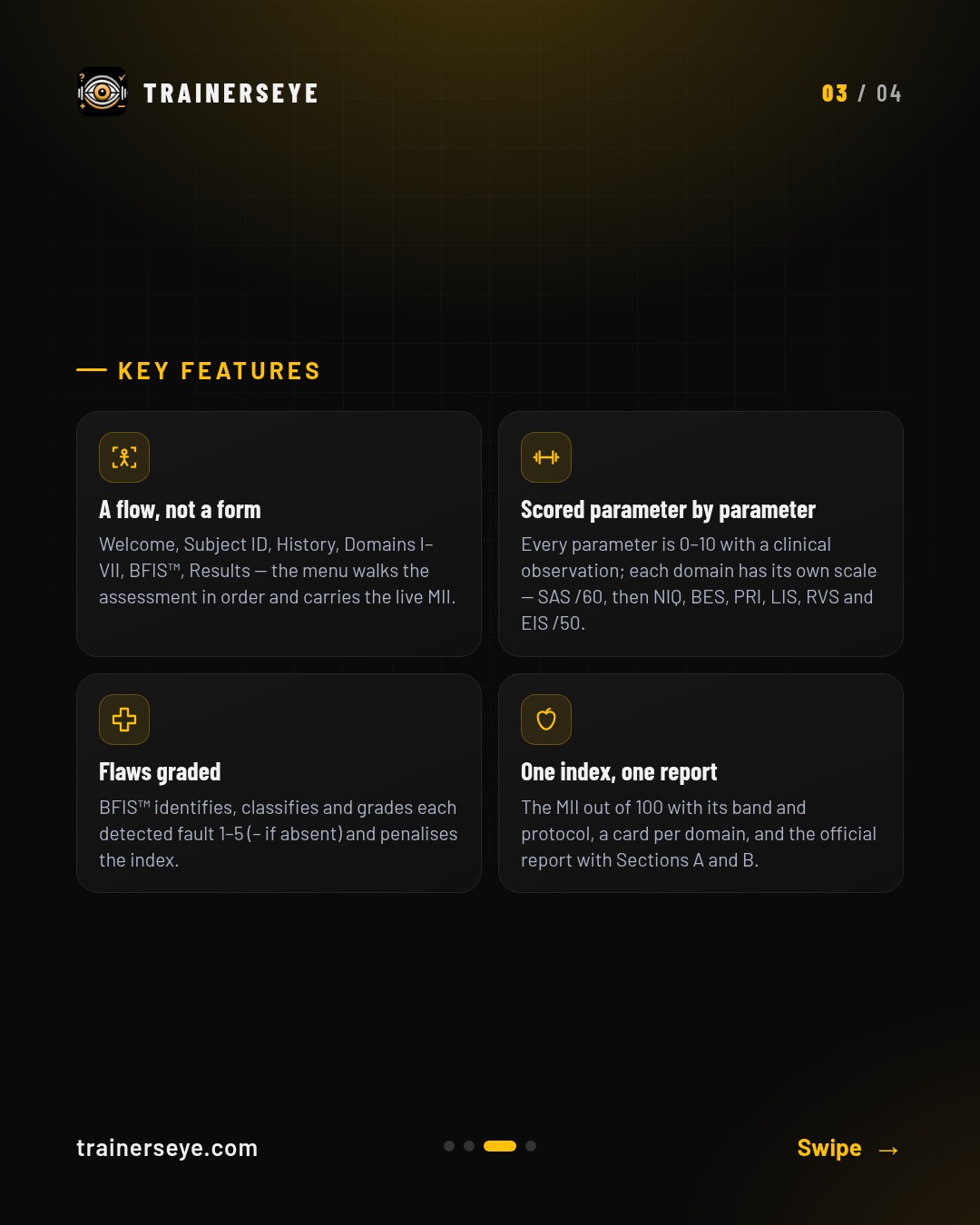
MMSx-SCAN™ is the TrainersEye Systematic Clinical Assessment Network — a multidimensional movement intelligence assessment. A flow, not a form: Welcome, Subject ID, History, Domains I–VII, BFIS™, Results — the menu walks the assessment in order and carries the live MII.
Slide 1 · Overview — MMSx-SCAN: Eight scored domains, BFIS™ flaw grading and a Movement Intelligence Index out of 100 — the systematic clinical assessment, scored parameter by parameter on the phone and printed as an official reportSlide 2 · What it does — What MMSx-SCAN does: MMSx-SCAN™ is the TrainersEye Systematic Clinical Assessment Network — a multidimensional movement intelligence assessment. A flow, not a form: Welcome, Subject ID, History, Domains I–VII, BFIS™, Results — the menu walks the assessment in order and carries the live MII.Slide 3 · Key features — MMSx-SCAN key features: A flow, not a form, Scored parameter by parameter, Flaws graded, One index, one reportSlide 4 · Start your free trial — MMSx-SCAN in the TrainersEye app: download with a 7-day free trial on the App Store and Google Play
MoPro AI: Ask anything about movement — force, torque, EMG, cues, progressions and loading decisions
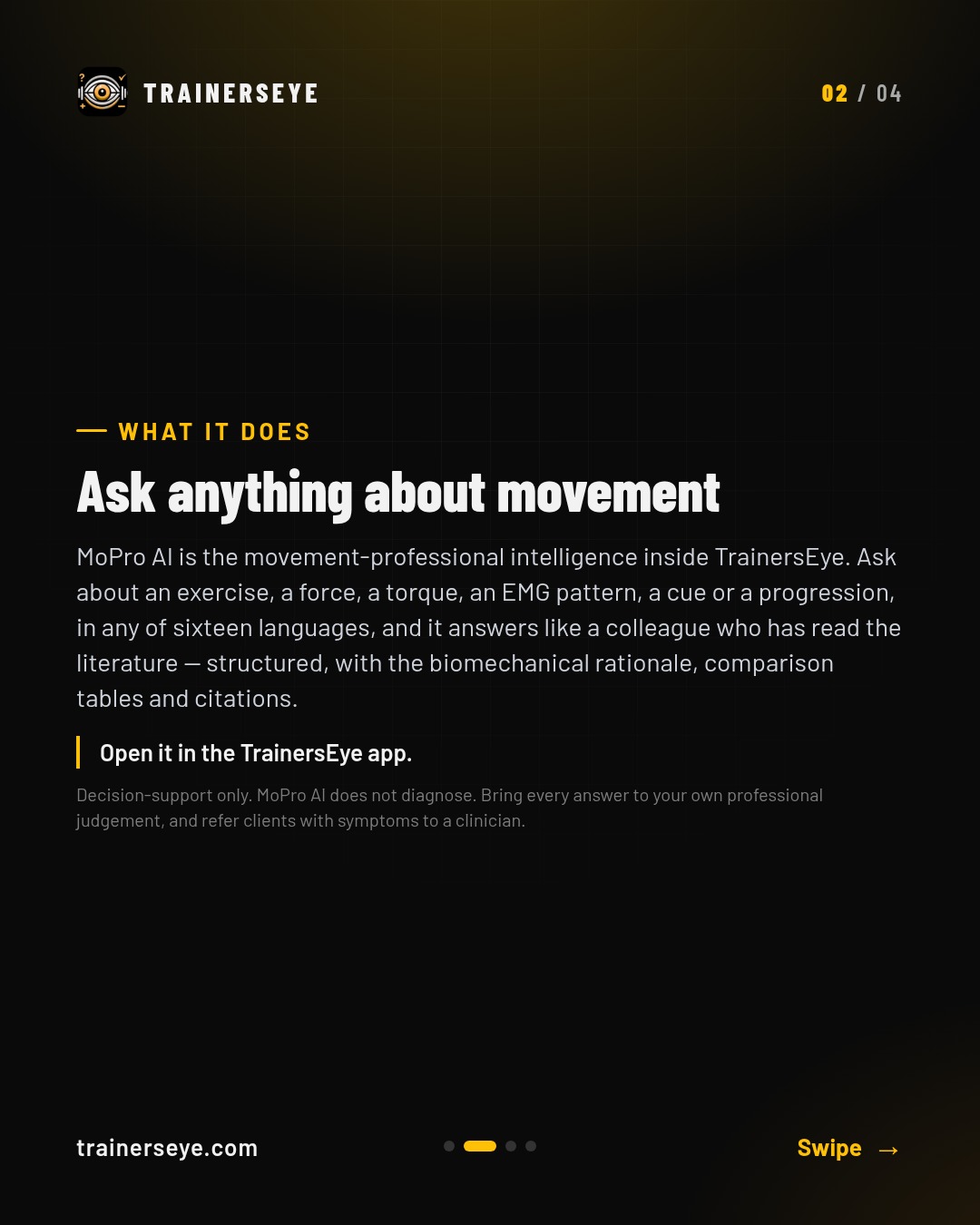
MoPro AI is the movement-professional intelligence inside TrainersEye. Ask like a professional: Exercise, force, torque, EMG, cues, progressions, loading decisions — type the question the way you would ask a colleague.
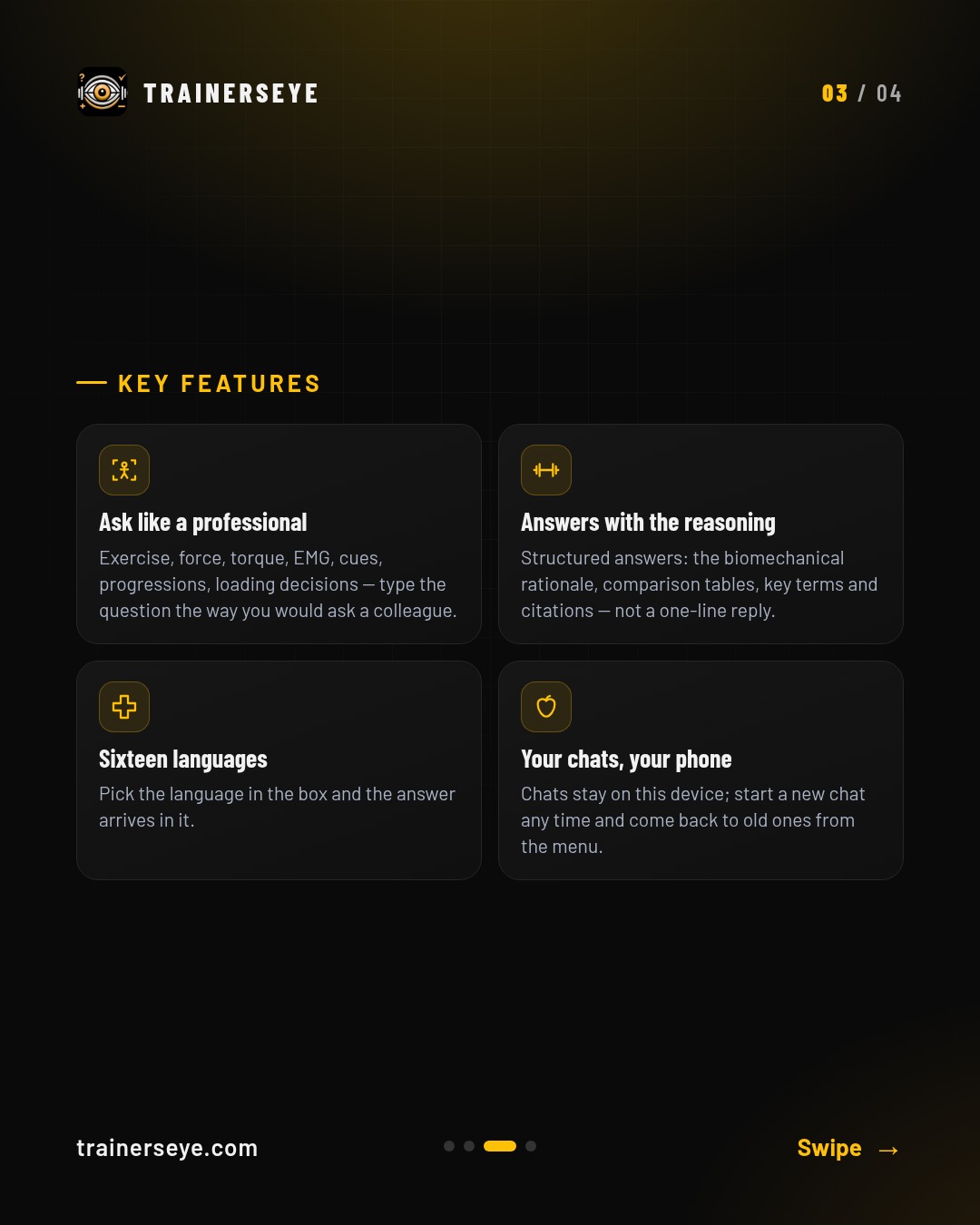
Slide 1 · Overview — MoPro AI: Ask anything about movement — force, torque, EMG, cues, progressions and loading decisionsSlide 2 · What it does — What MoPro AI does: MoPro AI is the movement-professional intelligence inside TrainersEye. Ask like a professional: Exercise, force, torque, EMG, cues, progressions, loading decisions — type the question the way you would ask a colleague.Slide 3 · Key features — MoPro AI key features: Ask like a professional, Answers with the reasoning, Sixteen languages, Your chats, your phoneSlide 4 · Start your free trial — MoPro AI in the TrainersEye app: download with a 7-day free trial on the App Store and Google Play
MoPro Consult: Cited answers on clinical and applied biomechanics — force, torque, EMG, progressions and rehab decisions — in Instant or Deep mode
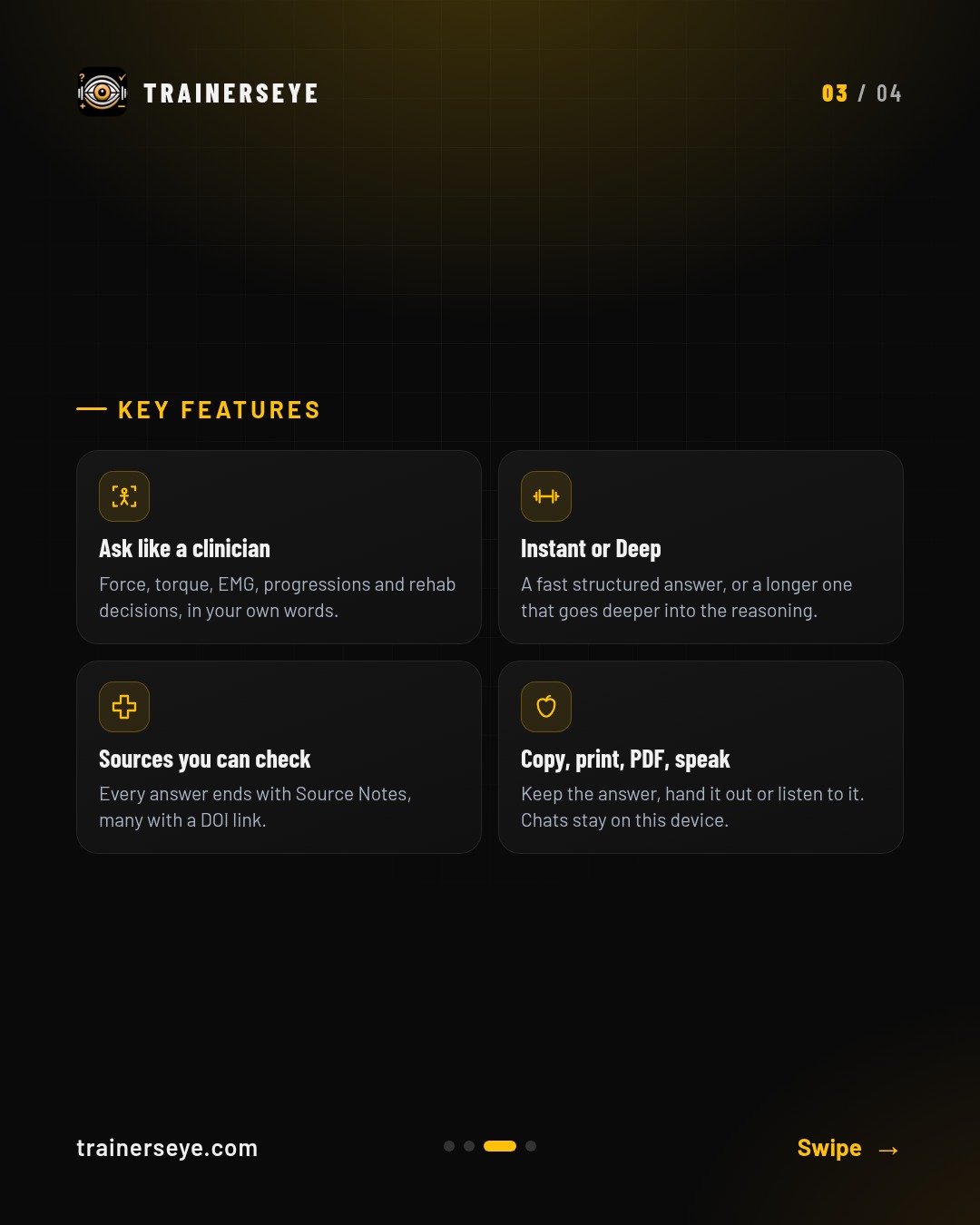
MoPro Consult is the professional consultation desk inside TrainersEye. Ask like a clinician: Force, torque, EMG, progressions and rehab decisions, in your own words.
Slide 1 · Overview — MoPro Consult: Cited answers on clinical and applied biomechanics — force, torque, EMG, progressions and rehab decisions — in Instant or Deep modeSlide 2 · What it does — What MoPro Consult does: MoPro Consult is the professional consultation desk inside TrainersEye. Ask like a clinician: Force, torque, EMG, progressions and rehab decisions, in your own words.Slide 3 · Key features — MoPro Consult key features: Ask like a clinician, Instant or Deep, Sources you can check, Copy, print, PDF, speakSlide 4 · Start your free trial — MoPro Consult in the TrainersEye app: download with a 7-day free trial on the App Store and Google Play
MoPro Create: Twelve document templates, a short brief, a style — and the MoPro engine writes the document, ready to edit, print or share
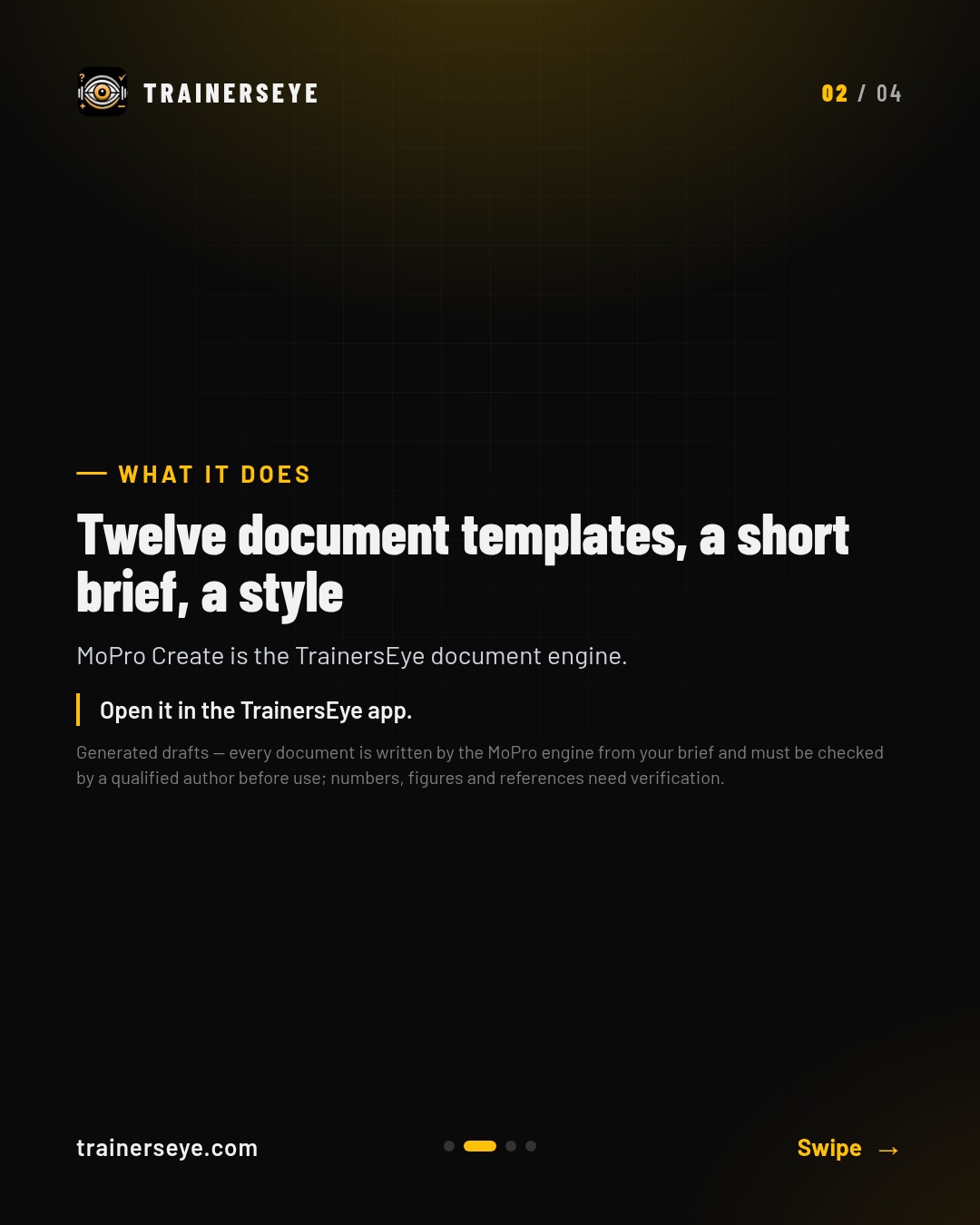
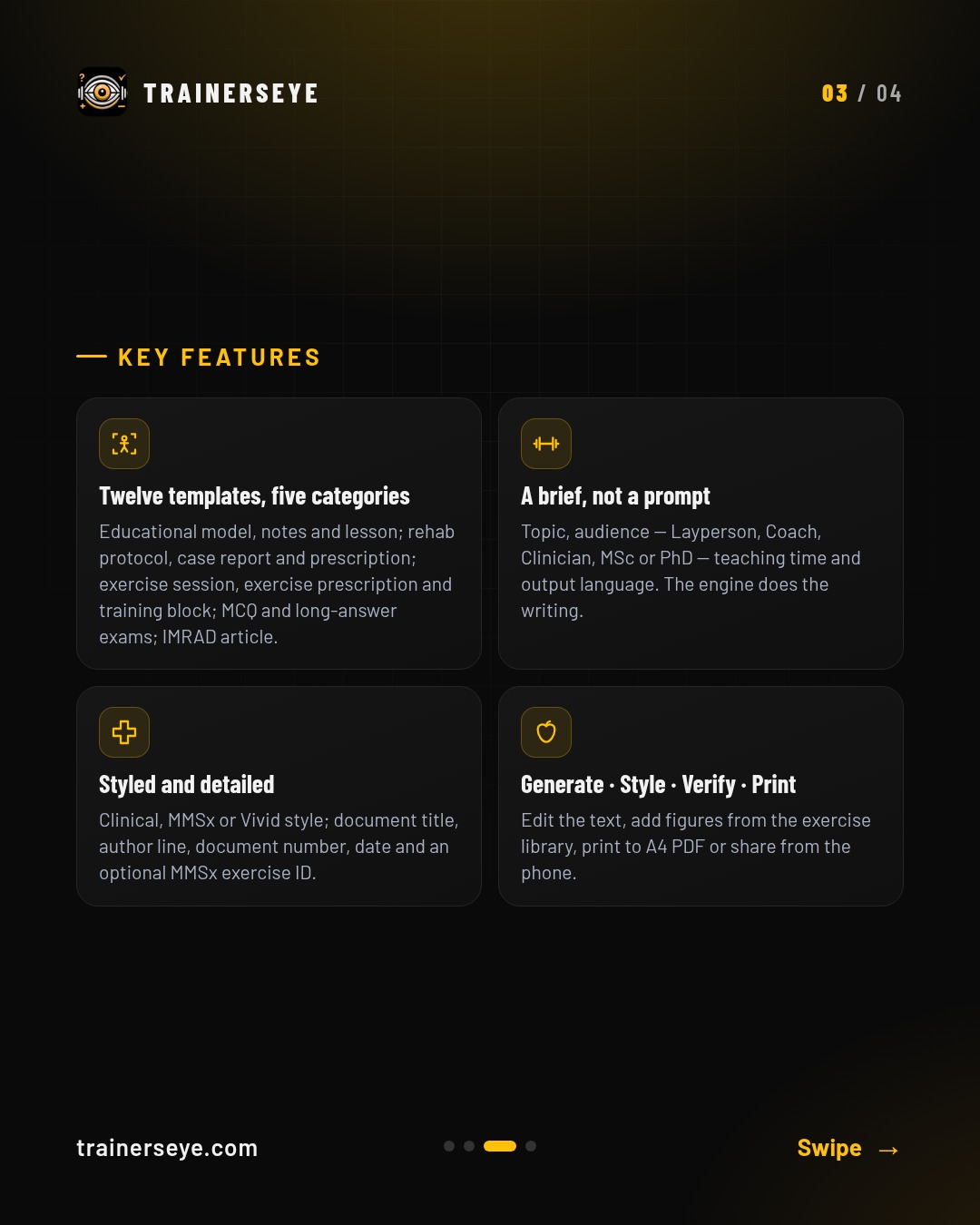
MoPro Create is the TrainersEye document engine. Twelve templates, five categories: Educational model, notes and lesson; rehab protocol, case report and prescription; exercise session, exercise prescription and training block; MCQ and long-answer exams; IMRAD article.
Slide 1 · Overview — MoPro Create: Twelve document templates, a short brief, a style — and the MoPro engine writes the document, ready to edit, print or shareSlide 2 · What it does — What MoPro Create does: MoPro Create is the TrainersEye document engine. Twelve templates, five categories: Educational model, notes and lesson; rehab protocol, case report and prescription; exercise session, exercise prescription and training block; MCQ and long-answer exams; IMRAD article.Slide 3 · Key features — MoPro Create key features: Twelve templates, five categories, A brief, not a prompt, Styled and detailed, Generate · Style · Verify · PrintSlide 4 · Start your free trial — MoPro Create in the TrainersEye app: download with a 7-day free trial on the App Store and Google Play
Movement Decision Tool: Three ways to a movement decision — a live camera scan of the lift, a clinical map from where it hurts, or a recorded video assessment
The Movement Decision Tool is the TrainersEye clinical decision hub. Choose how you want to start.
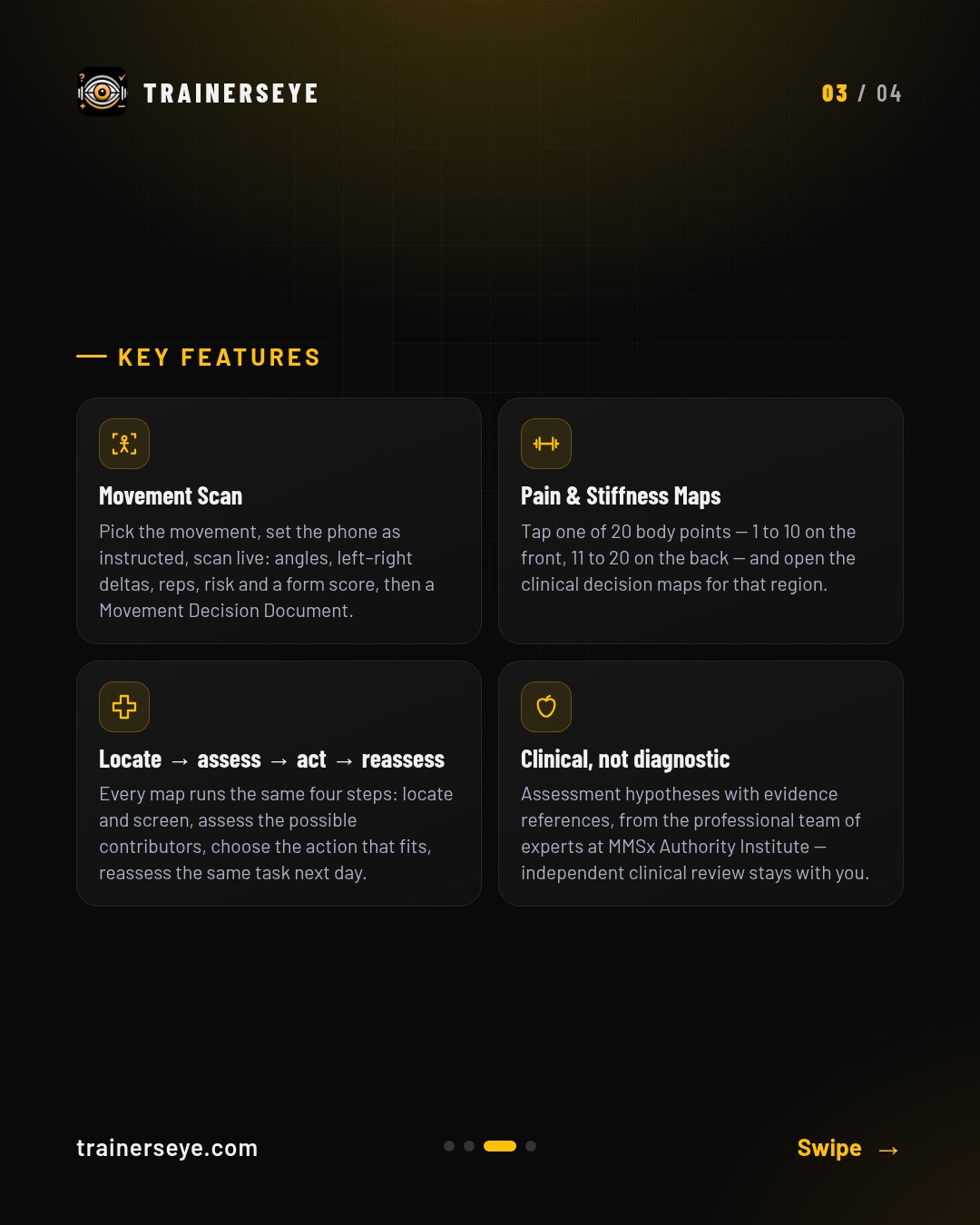
Slide 1 · Overview — Movement Decision Tool: Three ways to a movement decision — a live camera scan of the lift, a clinical map from where it hurts, or a recorded video assessmentSlide 2 · What it does — What Movement Decision Tool does: The Movement Decision Tool is the TrainersEye clinical decision hub. Choose how you want to start.Slide 3 · Key features — Movement Decision Tool key features: Movement Scan, Pain & Stiffness Maps, Locate → assess → act → reassess, Clinical, not diagnosticSlide 4 · Start your free trial — Movement Decision Tool in the TrainersEye app: download with a 7-day free trial on the App Store and Google Play
Open Education: The MoPro Codex Library — modules, monographs, books, slide decks, exercise comparisons, IMSO blueprints, articles and research readings — read online, print to A4, cite with a DOI
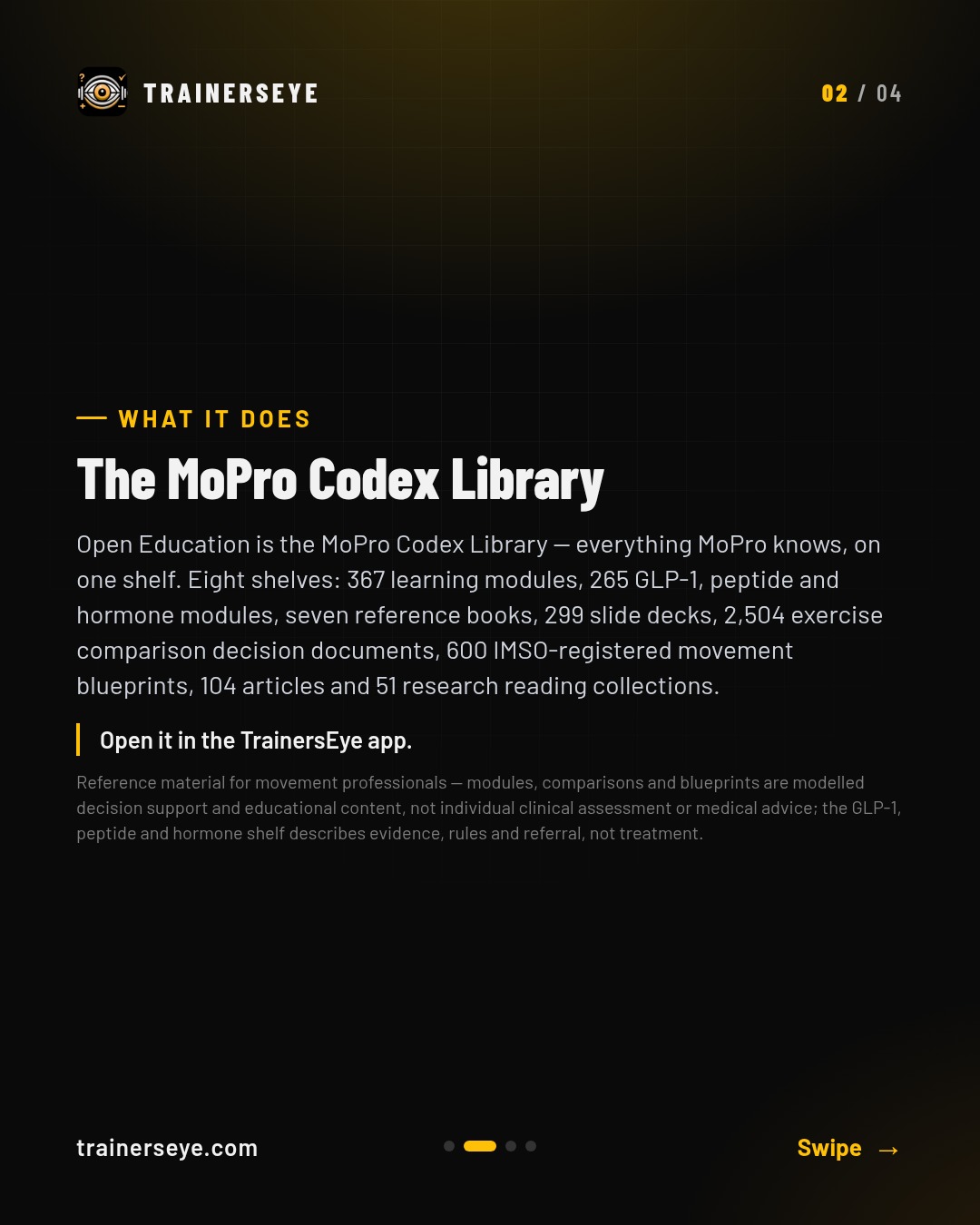
Open Education is the MoPro Codex Library — everything MoPro knows, on one shelf. Eight shelves: Modules, GLP-1 Peptides & Hormones, Books, Slides, Comparisons, Blueprints, Articles and Research Readings — each with its count on the door.
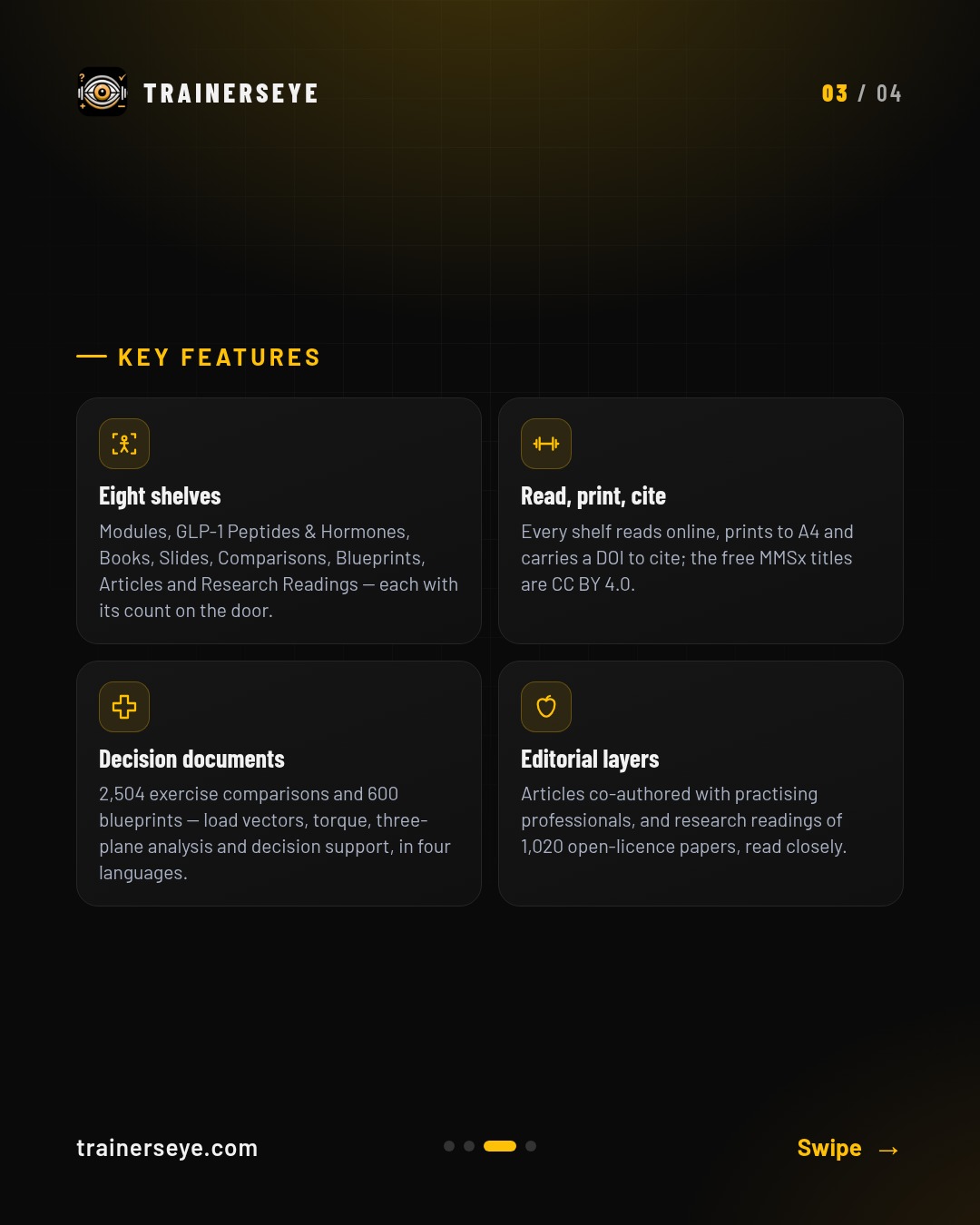
Slide 1 · Overview — Open Education: The MoPro Codex Library — modules, monographs, books, slide decks, exercise comparisons, IMSO blueprints, articles and research readings — read online, print to A4, cite with a DOISlide 2 · What it does — What Open Education does: Open Education is the MoPro Codex Library — everything MoPro knows, on one shelf. Eight shelves: Modules, GLP-1 Peptides & Hormones, Books, Slides, Comparisons, Blueprints, Articles and Research Readings — each with its count on the door.Slide 3 · Key features — Open Education key features: Eight shelves, Read, print, cite, Decision documents, Editorial layersSlide 4 · Start your free trial — Open Education in the TrainersEye app: download with a 7-day free trial on the App Store and Google Play
ProMobility: Mobility drill builder — a smart session from the brain, a hand-picked list, or an evidence-referenced Pro Card
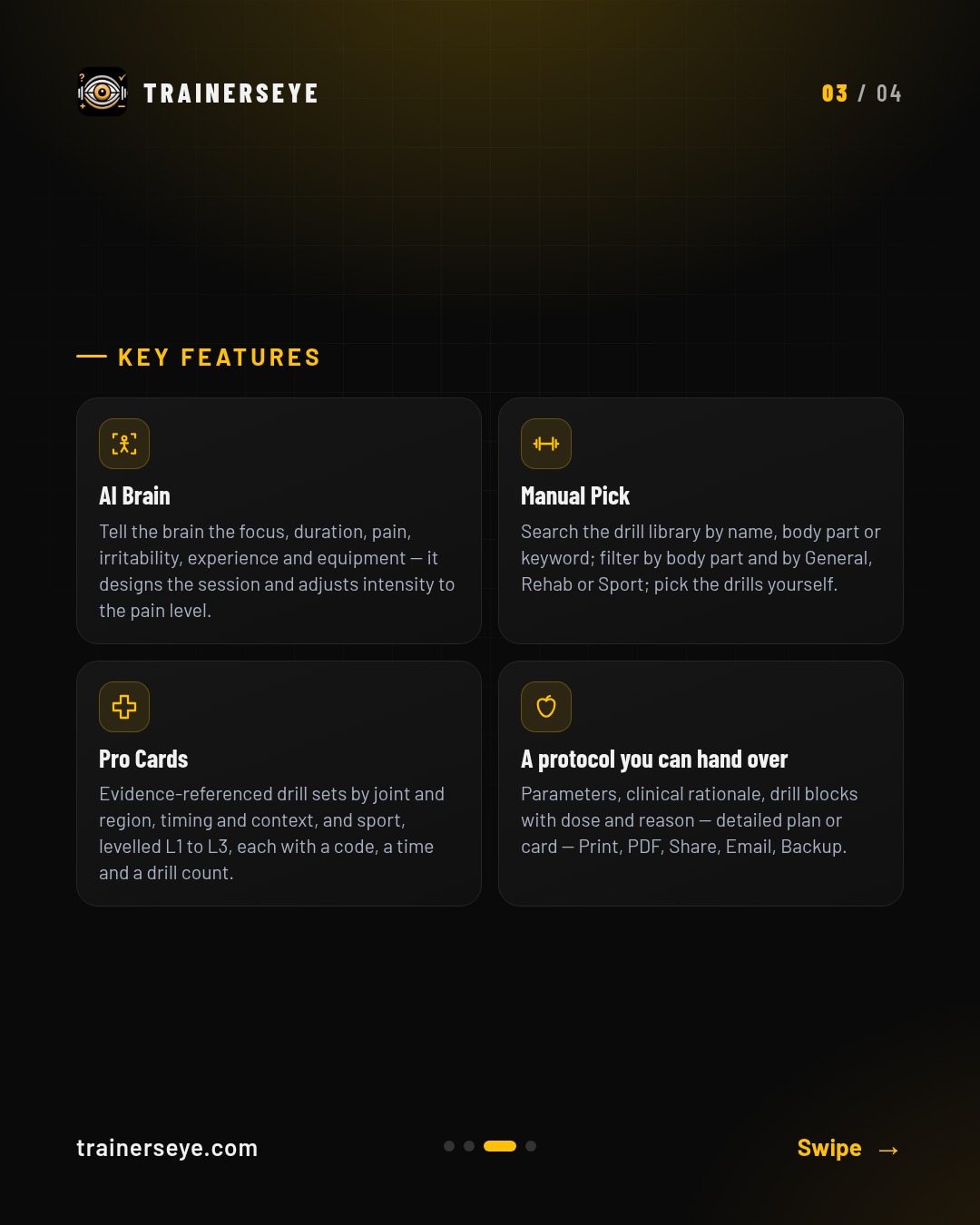
ProMobility is the TrainersEye mobility drill builder. AI Brain: Tell the brain the focus, duration, pain, irritability, experience and equipment — it designs the session and adjusts intensity to the pain level.
Slide 1 · Overview — ProMobility: Mobility drill builder — a smart session from the brain, a hand-picked list, or an evidence-referenced Pro CardSlide 2 · What it does — What ProMobility does: ProMobility is the TrainersEye mobility drill builder. AI Brain: Tell the brain the focus, duration, pain, irritability, experience and equipment — it designs the session and adjusts intensity to the pain level.Slide 3 · Key features — ProMobility key features: AI Brain, Manual Pick, Pro Cards, A protocol you can hand overSlide 4 · Start your free trial — ProMobility in the TrainersEye app: download with a 7-day free trial on the App Store and Google Play
QuickBuilder: A complete professional session in 30 seconds
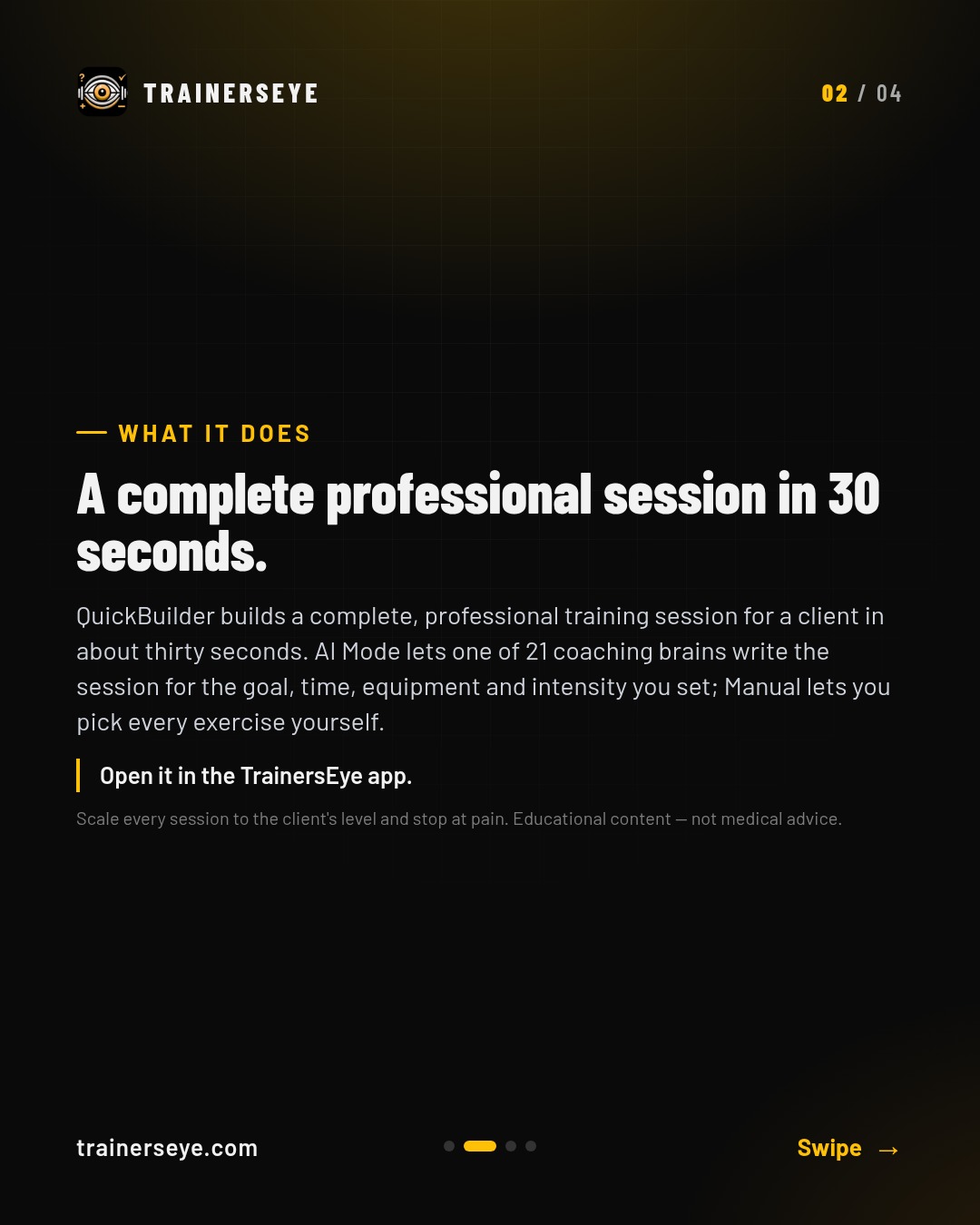
QuickBuilder builds a complete, professional training session for a client in about thirty seconds. AI Mode lets one of 21 coaching brains write the session for the goal, time, equipment and intensity you set; Manual lets you pick every exercise yourself.
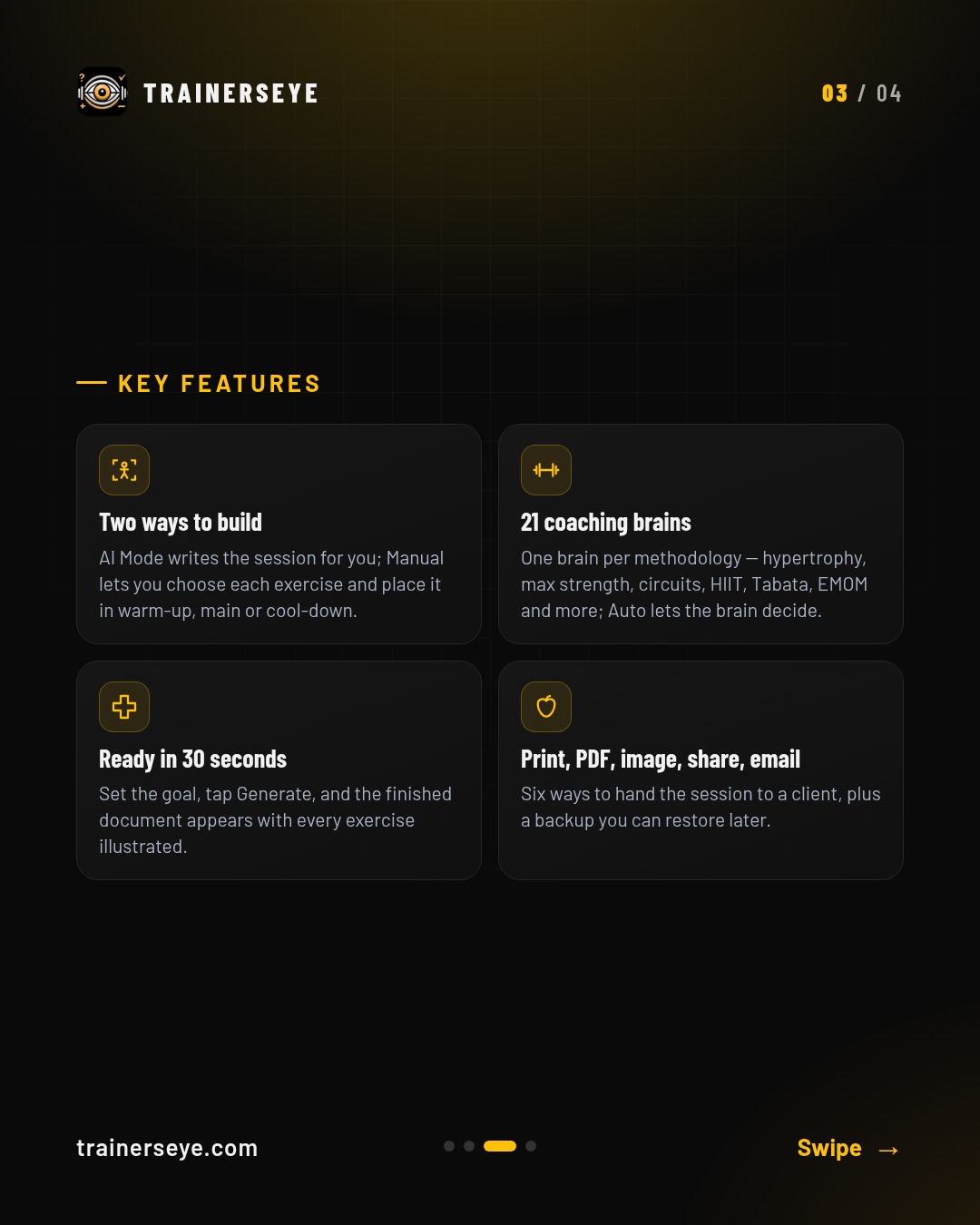
Slide 1 · Overview — QuickBuilder: A complete professional session in 30 secondsSlide 2 · What it does — What QuickBuilder does: QuickBuilder builds a complete, professional training session for a client in about thirty seconds. AI Mode lets one of 21 coaching brains write the session for the goal, time, equipment and intensity you set; Manual lets you pick every exercise yourself.Slide 3 · Key features — QuickBuilder key features: Two ways to build, 21 coaching brains, Ready in 30 seconds, Print, PDF, image, share, emailSlide 4 · Start your free trial — QuickBuilder in the TrainersEye app: download with a 7-day free trial on the App Store and Google Play
Rehab Builder: Phased rehabilitation plans for every pain point — clinical, printable, countersigned
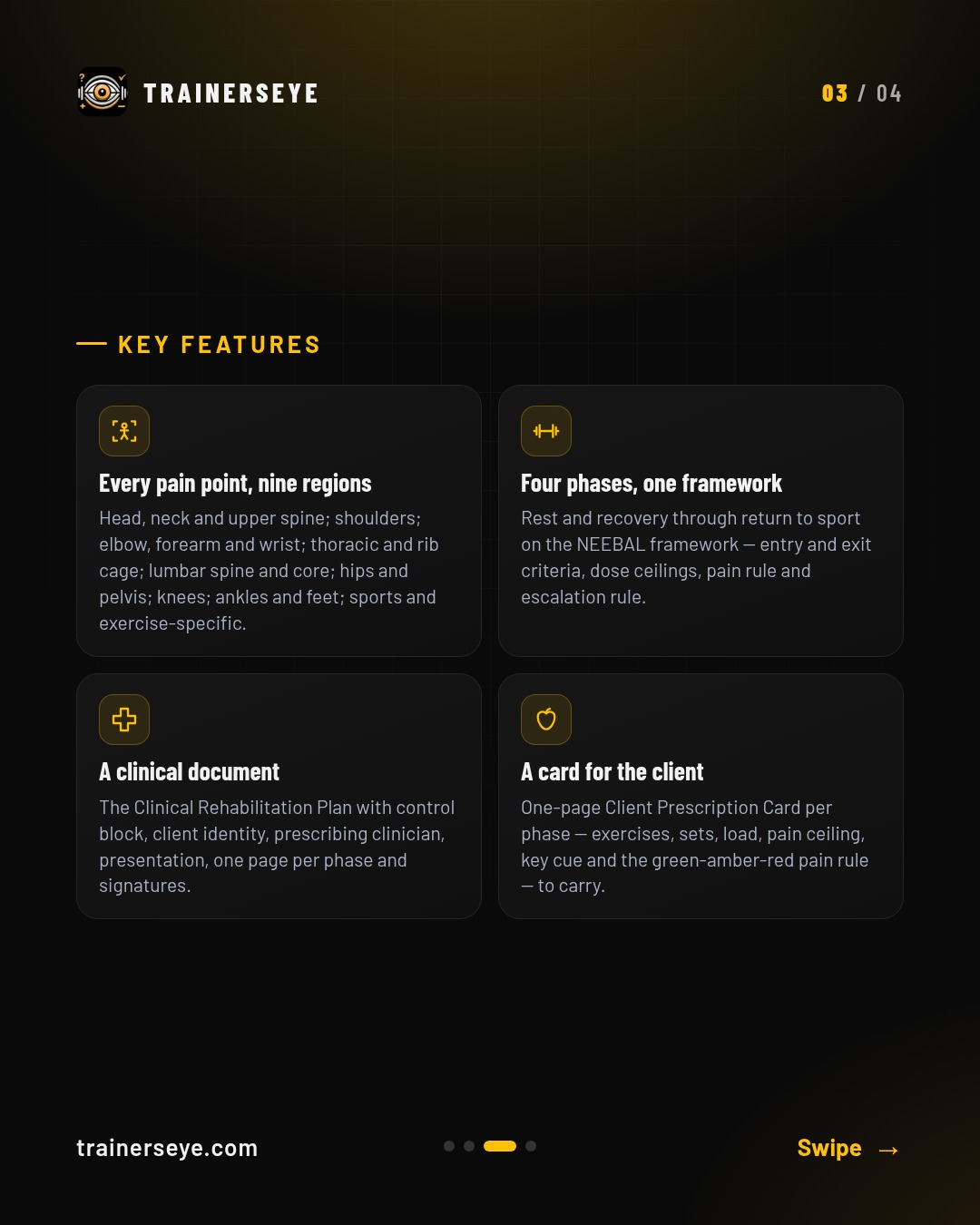
Rehab Builder gives a practitioner a complete, phased rehabilitation plan for a client's pain point in seconds. Every pain point, nine regions: Head, neck and upper spine; shoulders; elbow, forearm and wrist; thoracic and rib cage; lumbar spine and core; hips and pelvis; knees; ankles and feet; sports and exercise-specific.
Slide 1 · Overview — Rehab Builder: Phased rehabilitation plans for every pain point — clinical, printable, countersignedSlide 2 · What it does — What Rehab Builder does: Rehab Builder gives a practitioner a complete, phased rehabilitation plan for a client's pain point in seconds.Slide 3 · Key features — Rehab Builder key features: Every pain point, nine regions, Four phases, one framework, A clinical document, A card for the clientSlide 4 · Start your free trial — Rehab Builder in the TrainersEye app: download with a 7-day free trial on the App Store and Google Play
Session of the Day: A complete, expert-built workout, every single day
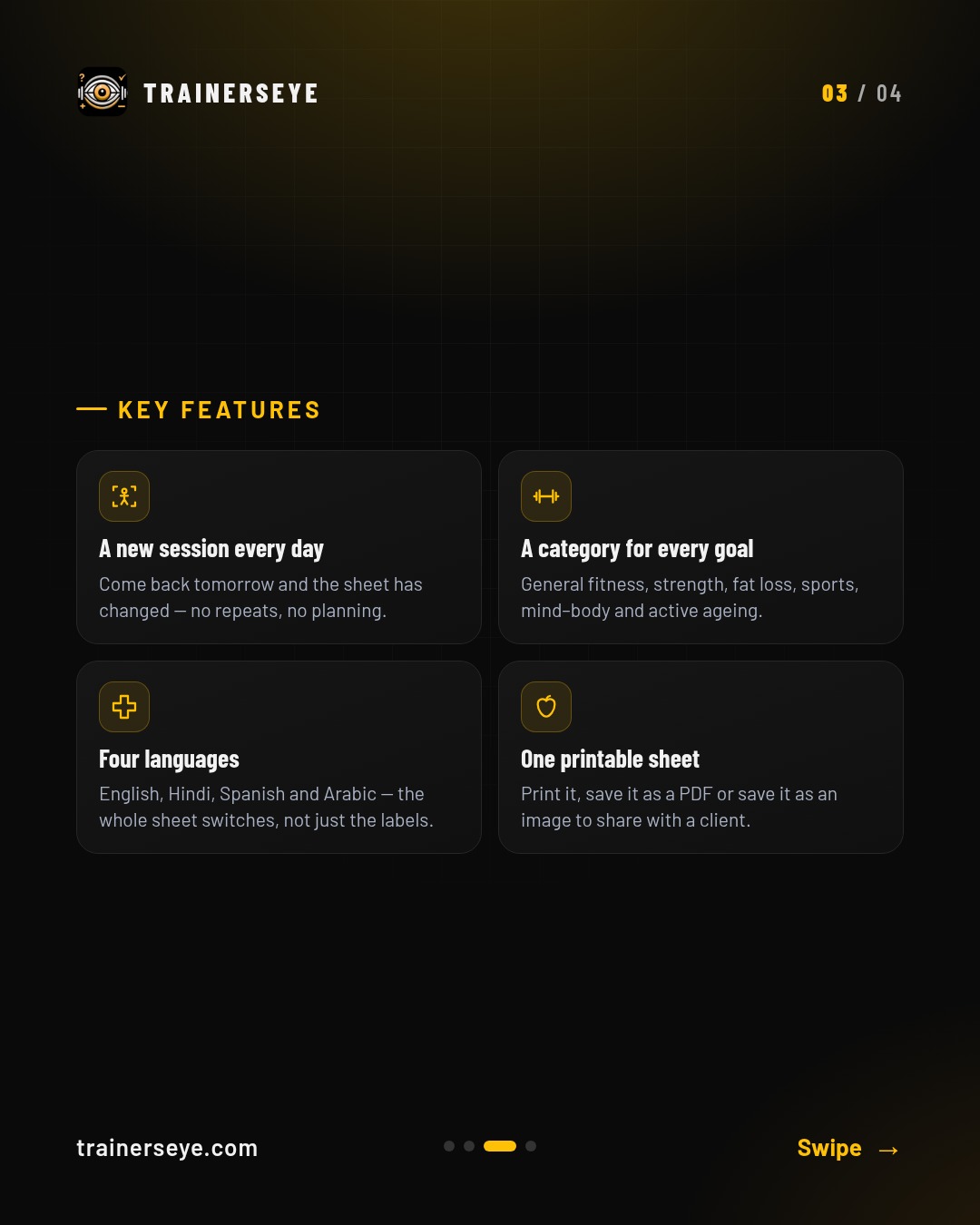
Session of the Day gives you a complete workout sheet every day — written by certified professionals and laid out on a single page: warm-up, main phases and cool-down, with a picture, a dose and a coaching cue for every exercise. A new session every day: Come back tomorrow and the sheet has changed — no repeats, no planning.
Slide 1 · Overview — Session of the Day: A complete, expert-built workout, every single daySlide 2 · What it does — What Session of the Day does: Session of the Day gives you a complete workout sheet every day — written by certified professionals and laid out on a single page: warm-up, main phases and cool-down, with a picture, a dose and a coaching cue for every exercise.Slide 3 · Key features — Session of the Day key features: A new session every day, A category for every goal, Four languages, One printable sheetSlide 4 · Start your free trial — Session of the Day in the TrainersEye app: download with a 7-day free trial on the App Store and Google Play
Supplement Engine: Evidence-graded, safety-screened supplement guides — with the reasoning
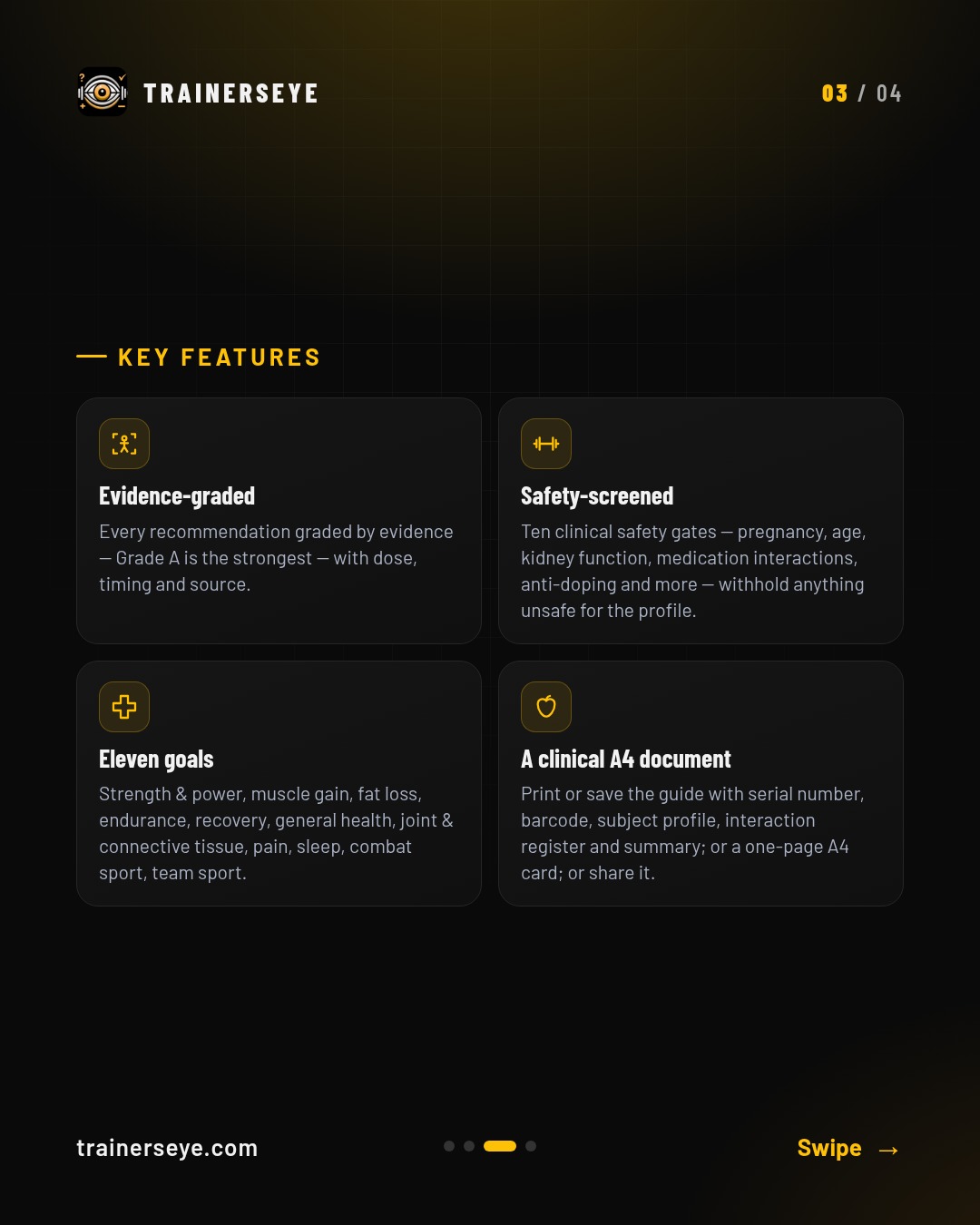
Supplement Engine builds a personal supplement guide for a client from their goal and body. Evidence-graded: Every recommendation graded by evidence — Grade A is the strongest — with dose, timing and source.
Slide 1 · Overview — Supplement Engine: Evidence-graded, safety-screened supplement guides — with the reasoningSlide 2 · What it does — What Supplement Engine does: Supplement Engine builds a personal supplement guide for a client from their goal and body. Evidence-graded: Every recommendation graded by evidence — Grade A is the strongest — with dose, timing and source.Slide 3 · Key features — Supplement Engine key features: Evidence-graded, Safety-screened, Eleven goals, A clinical A4 documentSlide 4 · Start your free trial — Supplement Engine in the TrainersEye app: download with a 7-day free trial on the App Store and Google Play
MMOForms: Movement Mechanics Observation Form — observe, tick the flaws, get the corrective protocol and the A4 report
MMOForms is the Movement Mechanics Observation Form — the professional clinical assessment for a single exercise. Record the client, attach front, side, rear and detail photographs, choose the movement pattern, and the form loads its checkpoints.
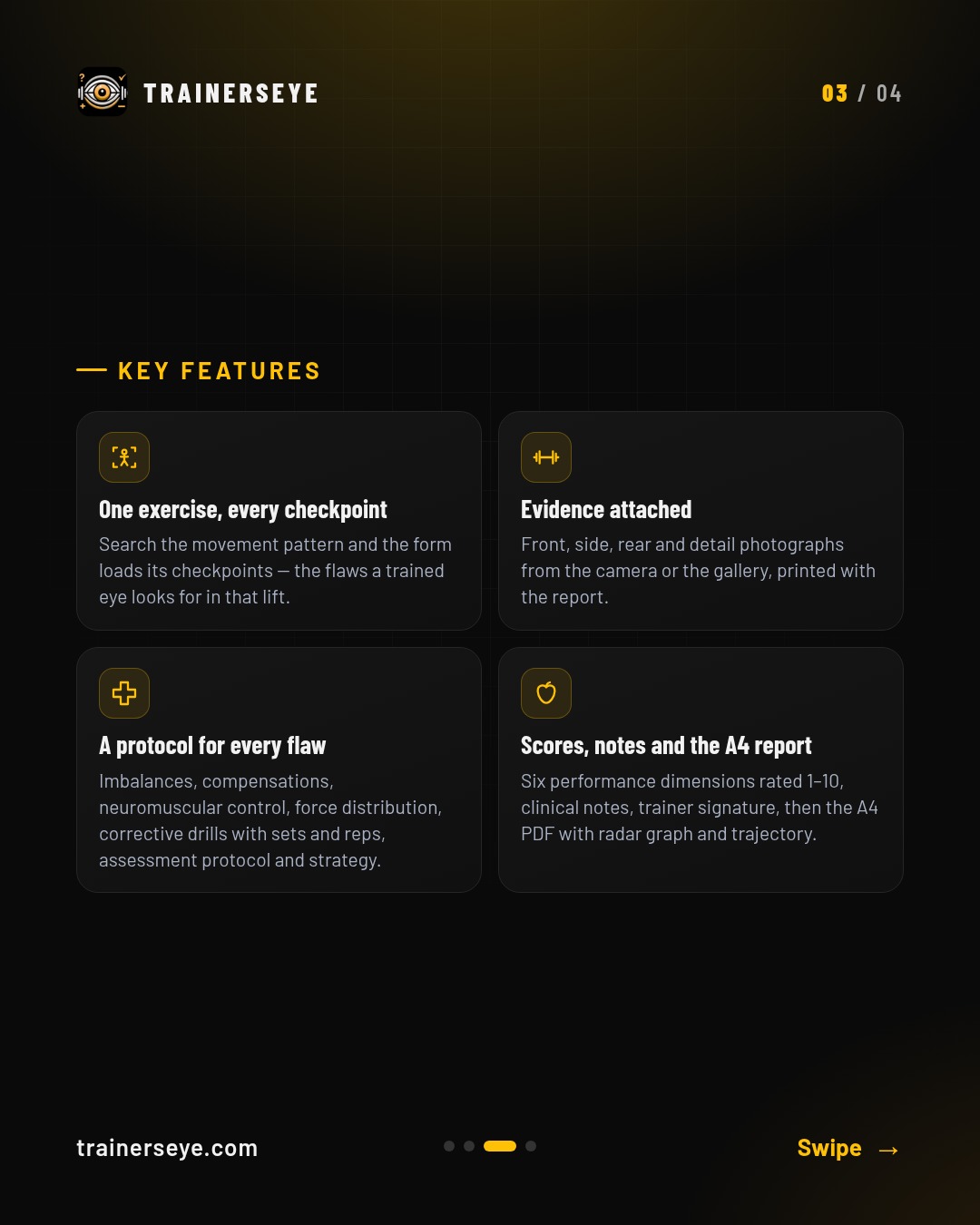
Slide 1 · Overview — MMOForms: Movement Mechanics Observation Form — observe, tick the flaws, get the corrective protocol and the A4 reportSlide 2 · What it does — What MMOForms does: MMOForms is the Movement Mechanics Observation Form — the professional clinical assessment for a single exercise. Record the client, attach front, side, rear and detail photographs, choose the movement pattern, and the form loads its checkpoints.Slide 3 · Key features — MMOForms key features: One exercise, every checkpoint, Evidence attached, A protocol for every flaw, Scores, notes and the A4 reportSlide 4 · Start your free trial — MMOForms in the TrainersEye app: download with a 7-day free trial on the App Store and Google Play
 TrainersEye