

Meal of the Day
A professional meal plan for every goal, every day.
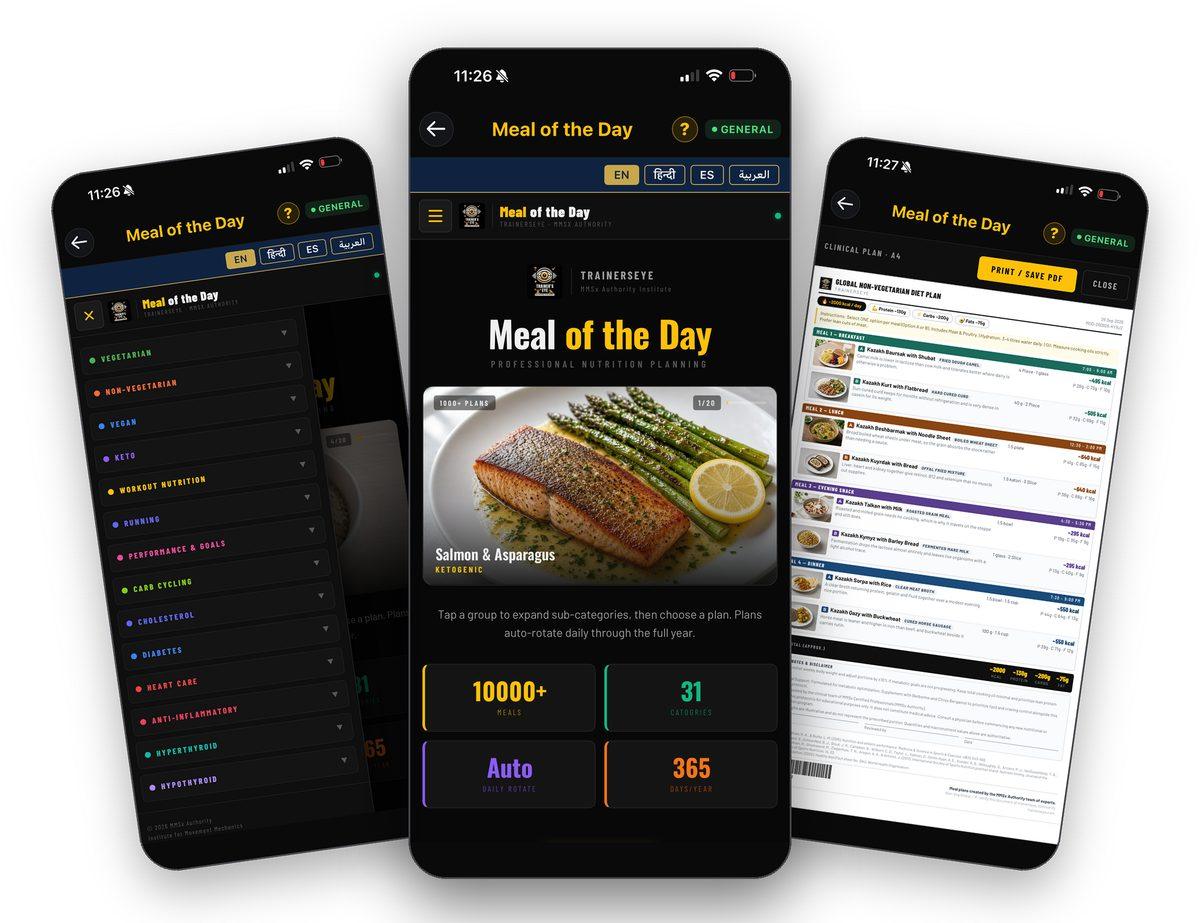
What is Meal of the Day?
Meal of the Day gives you a complete, professionally written meal plan every day. Choose a group — vegetarian, non-vegetarian, vegan, keto, workout nutrition, running, performance, carb cycling, or a clinical focus such as cholesterol, diabetes, heart care, anti-inflammatory or thyroid — then a plan inside it. Every plan comes at three calorie tiers, in four languages, with two options for each of four meals, and prints as a clinical A4 document with photos, macros, notes and references. Plans rotate daily through the whole year.
A plan for every goal
Groups from everyday vegetarian and non-vegetarian eating to sport, performance and clinical focus, each with its own plans.
Rotates every day
Plans auto-rotate daily through the full year, so tomorrow's meals are never today's.
Three tiers, four languages
Every plan at 1500, 2000 and 2500 kcal, in English, Hindi, Spanish and Arabic.
A clinical A4 document
Print or save any plan as a clinical document with photos, macros, daily totals, notes, references and a serial number.
Where to find it
Open the TrainersEye app, go to the Dashboard and tap Meal of the Day. It is part of the General plan, so every subscriber can use it.
This guide in thirteen steps
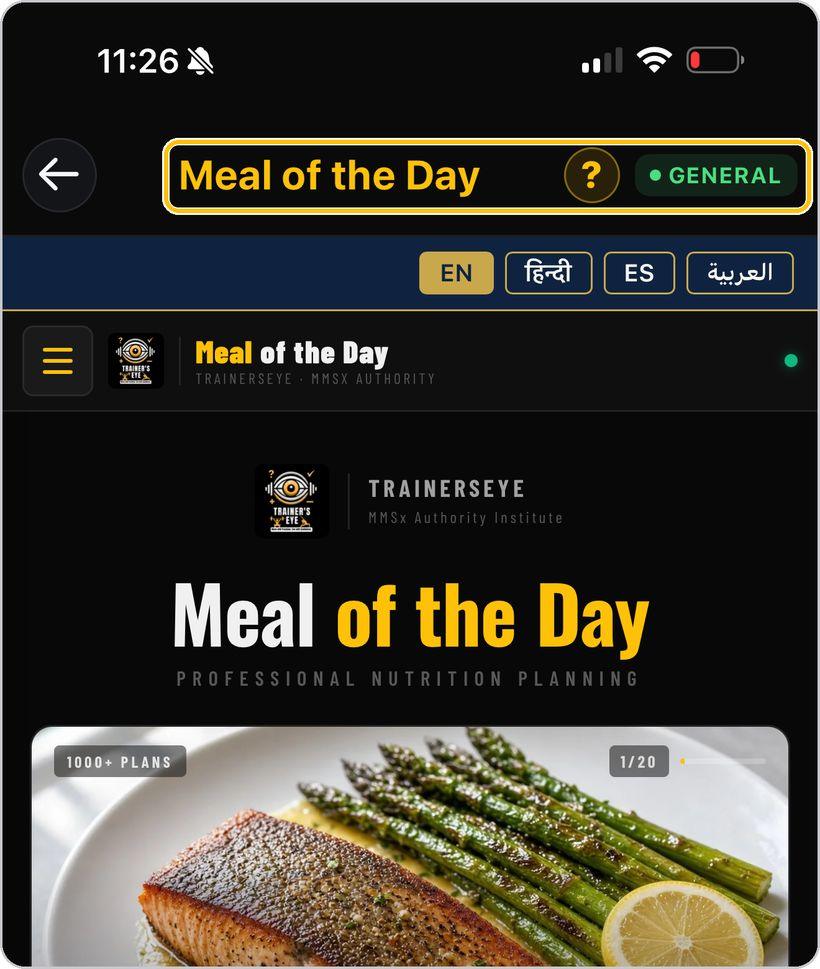
Open the tool
From the Dashboard, tap Meal of the Day. It is part of the General plan, so every subscriber can use it.
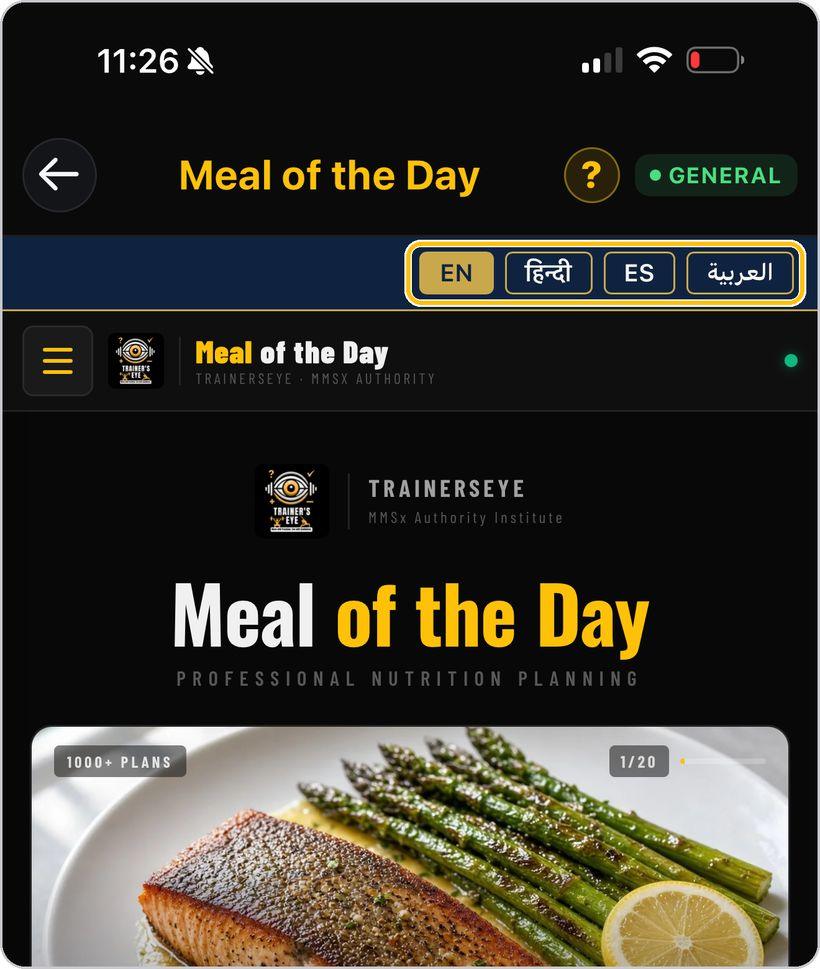
Choose your language
In the bar under the title, pick English, Hindi, Spanish or Arabic. The menu, the plans and the printed document all switch.
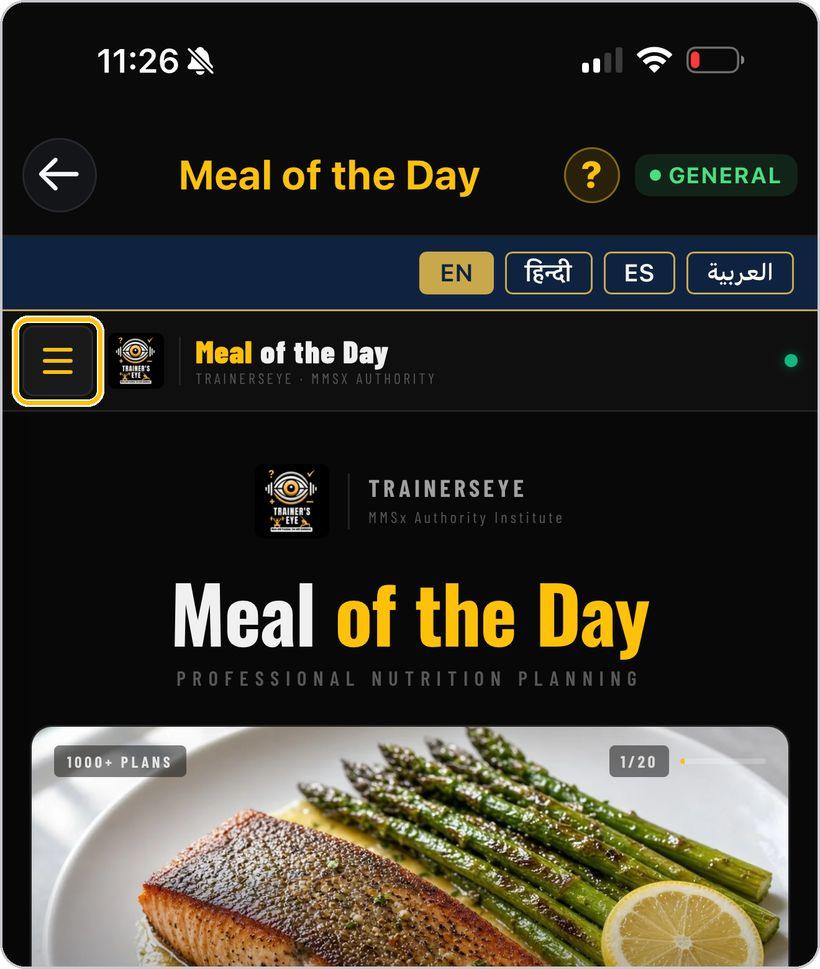
Open the menu
Tap the menu button on the left to open the list of groups.
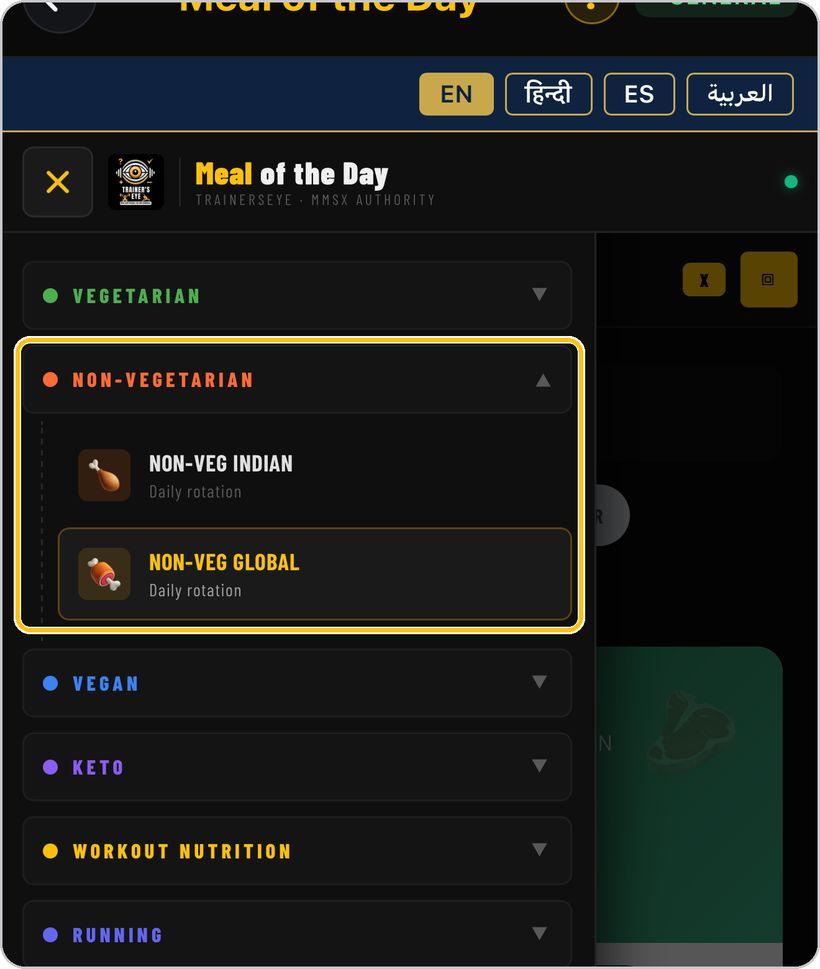
Pick a group and a plan
Tap a group to expand it, then choose a plan inside — for example Non-Vegetarian, then Non-Veg Global. Every plan is on daily rotation: a fresh day's meals load each time.
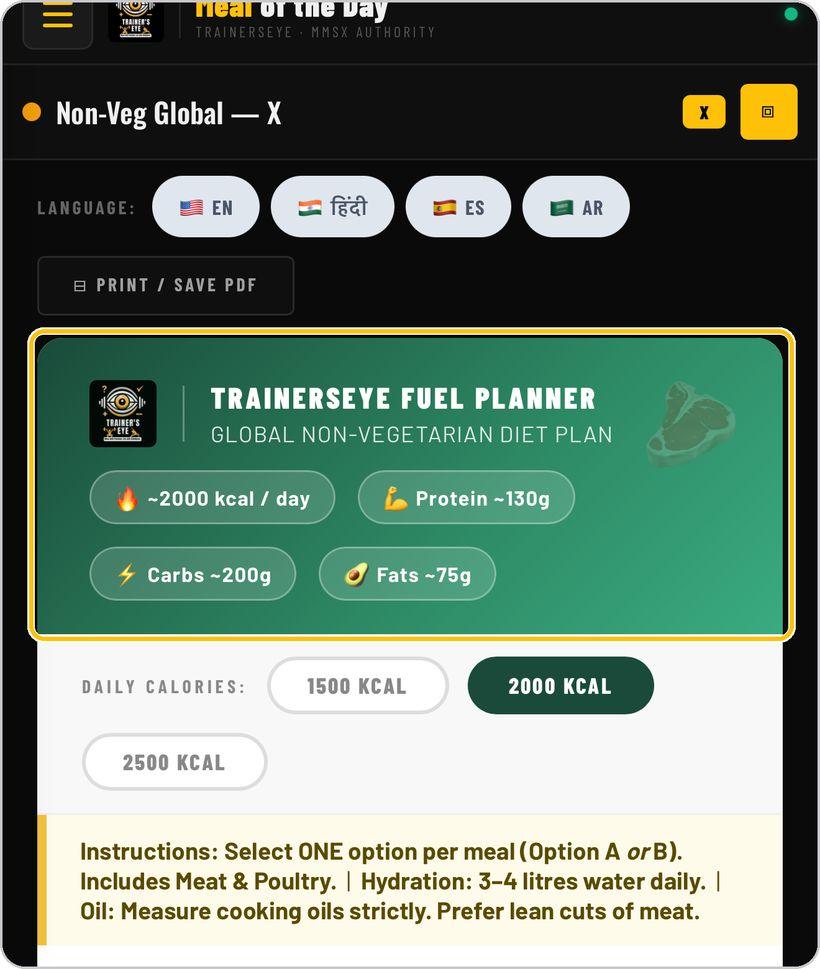
Read the plan header
The green header names the plan and shows the day's targets: calories, protein, carbohydrate and fat.
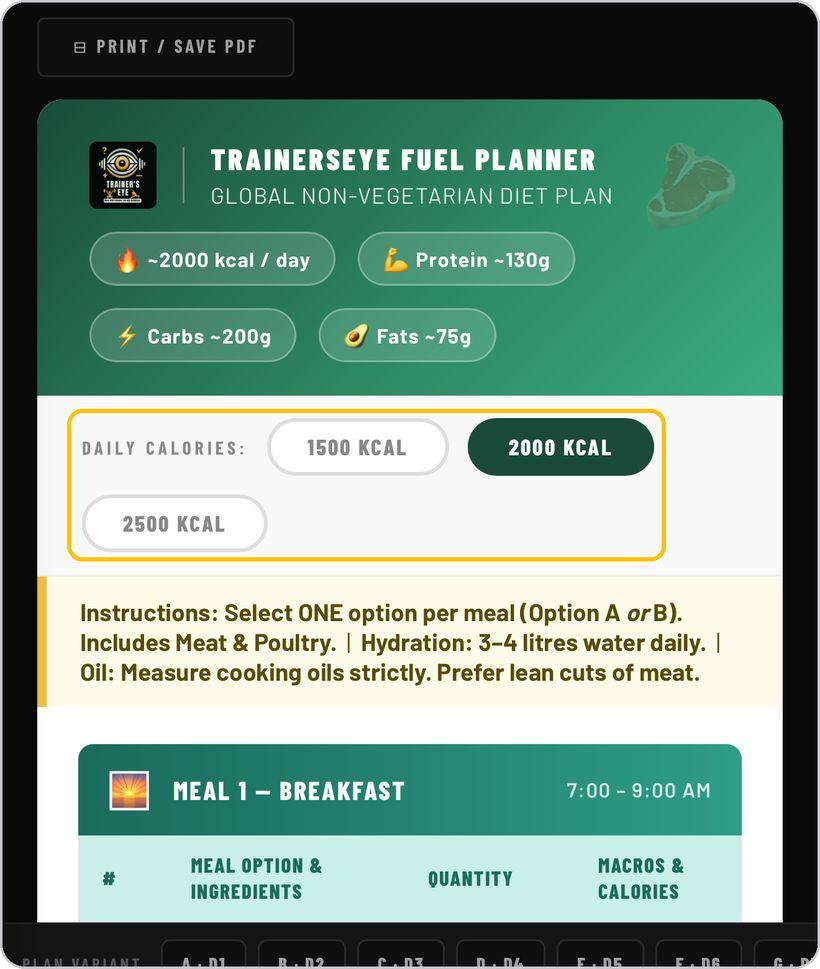
Choose the calorie tier
Tap 1500, 2000 or 2500 kcal. Every quantity and macro in the plan changes to match.
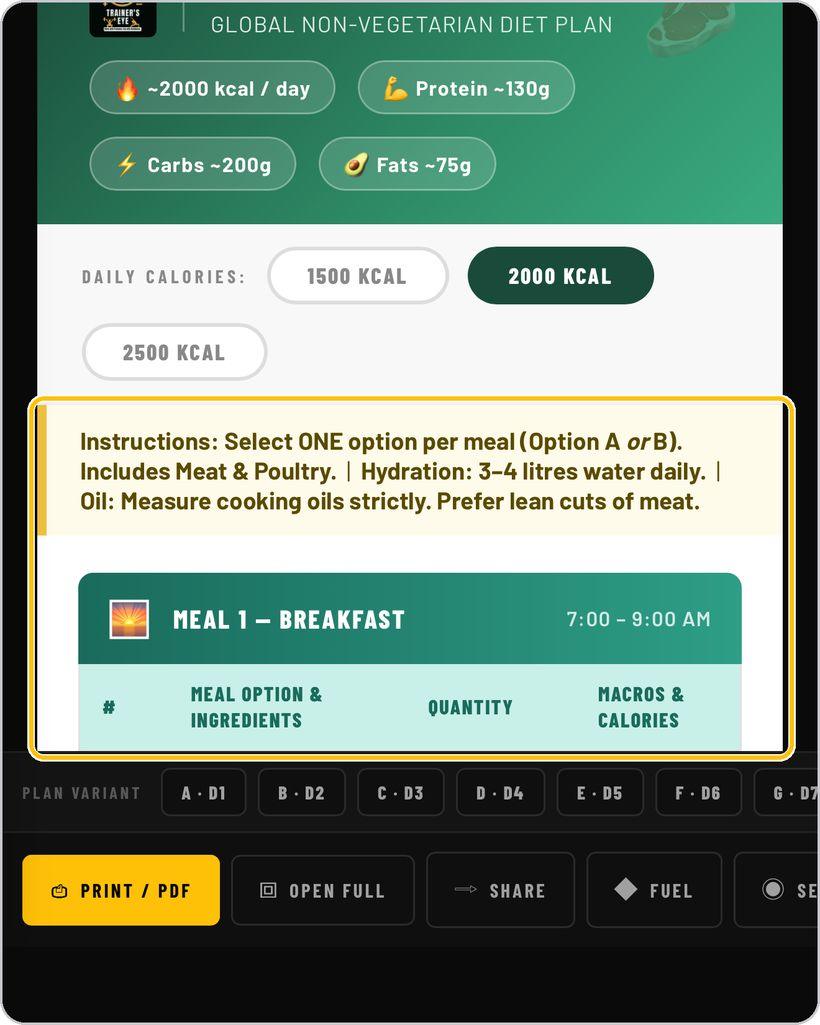
Follow the instructions and the meals
Read the instruction line — one option per meal, hydration and oil rules — then work through the four meals. Each meal has an Option A and an Option B with ingredients, quantity, macros and calories; pick one.
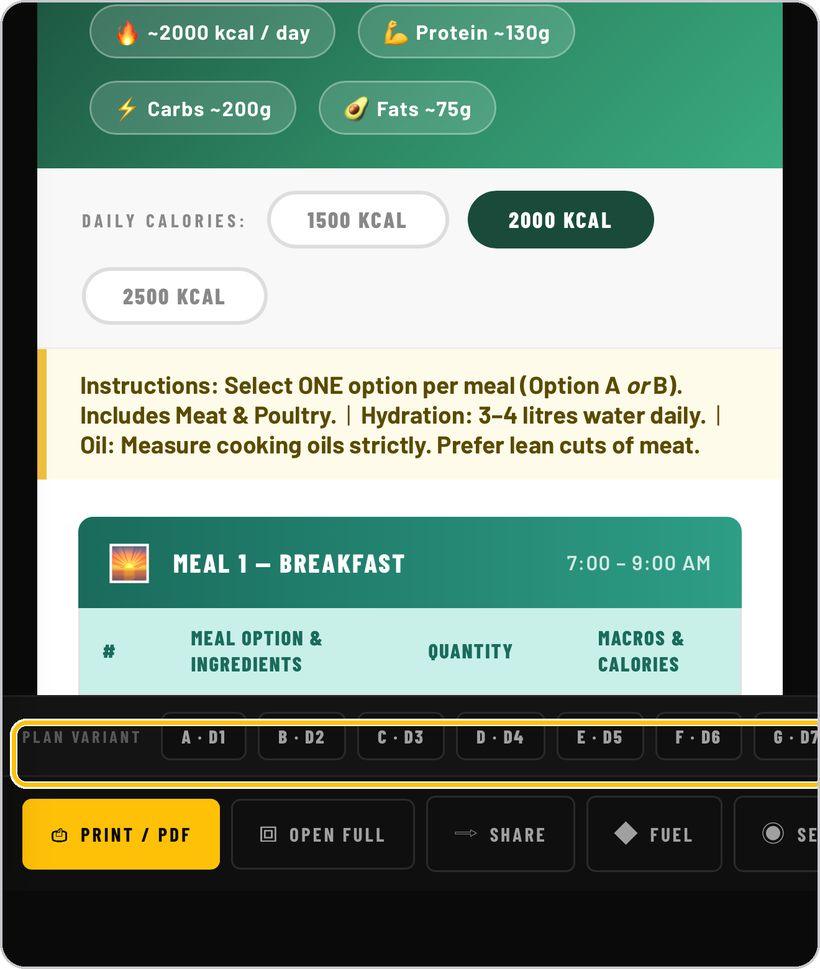
Plan variants
The variant bar at the bottom — A·D1 to G·D7 — holds the plan's daily versions. Tap one to see another day's meals.
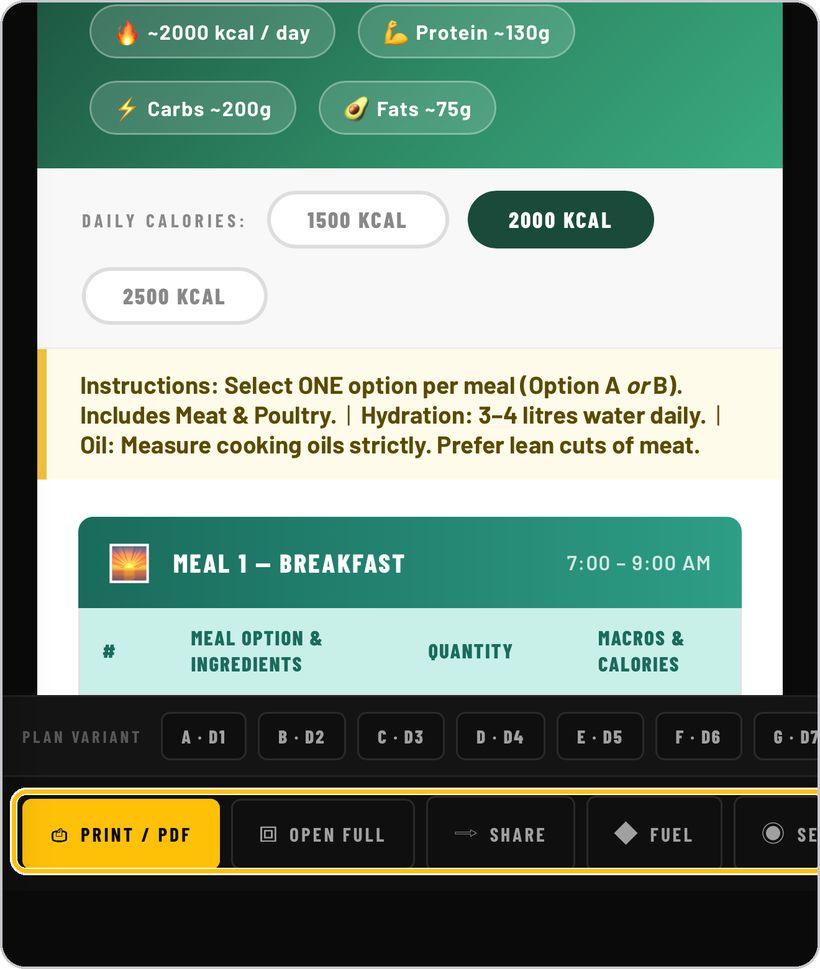
Print, open full, share
The action bar gives you Print / PDF, Open Full for a full-screen view, Share, and quick links to related tools.
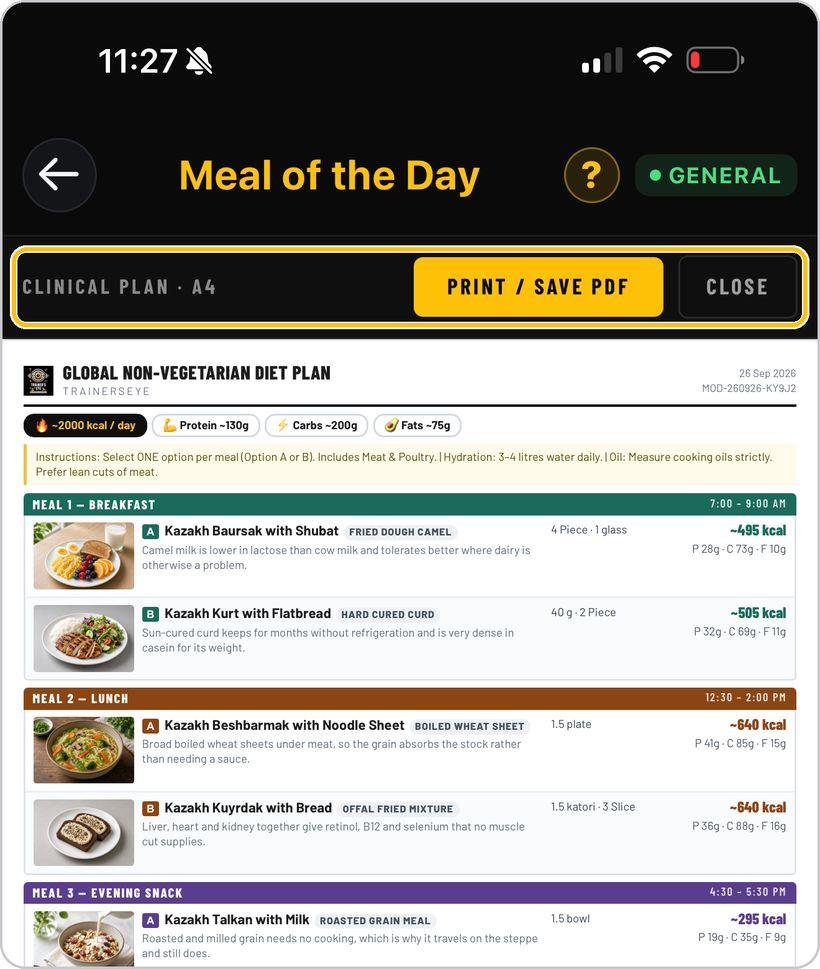
The clinical A4 plan
Tap Print / PDF to open the Clinical Plan preview — an A4 document for the calorie tier you chose. Print / Save PDF sends it to paper or a file; Close returns you to the plan.
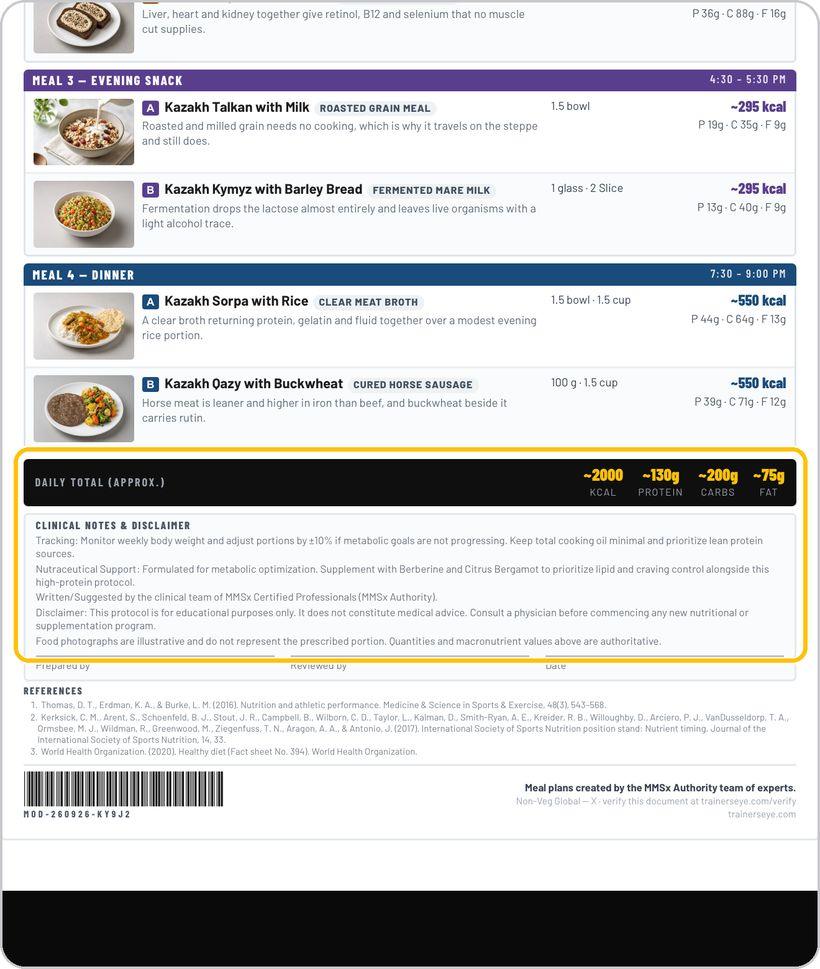
Read the clinical document
Each meal shows Option A and Option B with a photo, dish, quantity, calories and macros; the daily total follows, then the clinical notes, disclaimer, signature lines and references.
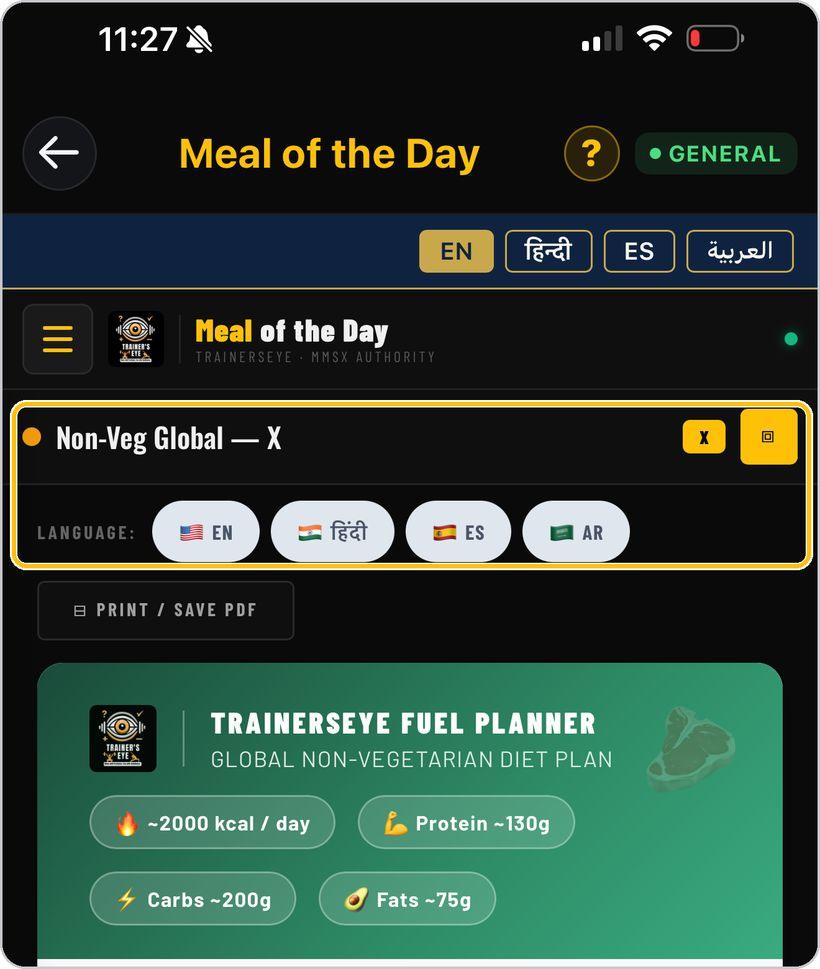
Plan language and close
Inside a plan, the language pills switch that plan's text on their own. X closes the plan; the square icon opens it full screen.
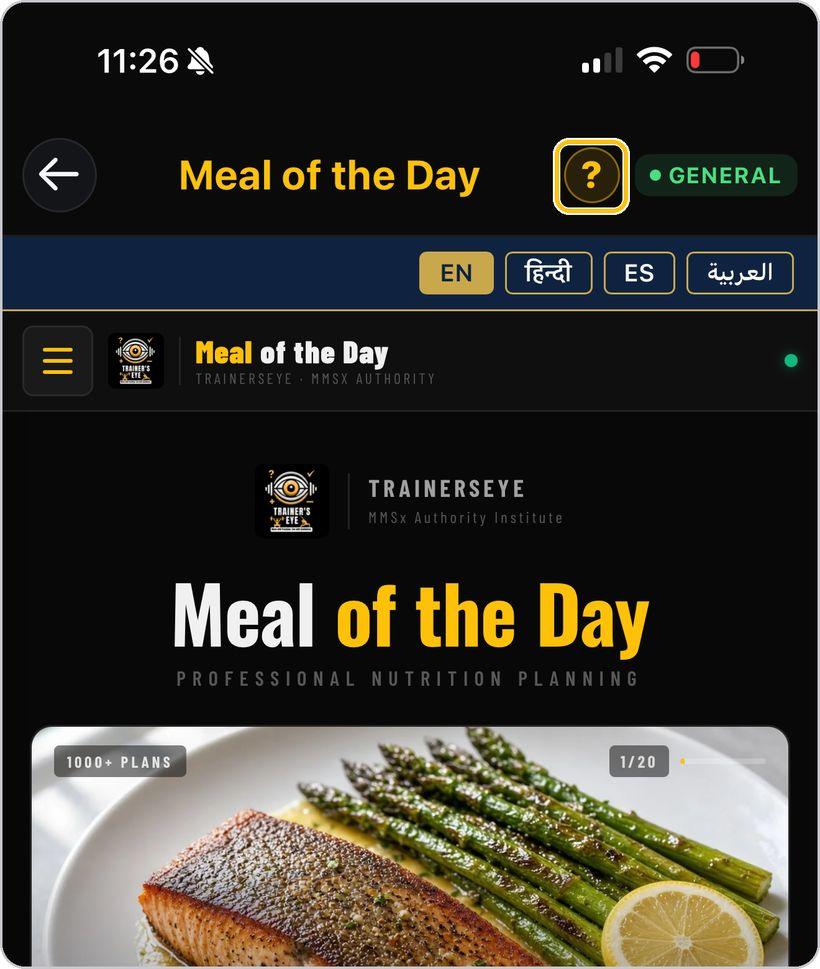
Get help any time
Tap the question mark at the top whenever you need help.
You're ready
That's it. Open Meal of the Day and pick today's plan.
Reading the clinical plan
Every printed plan is one clinical document. Here is what each part means.
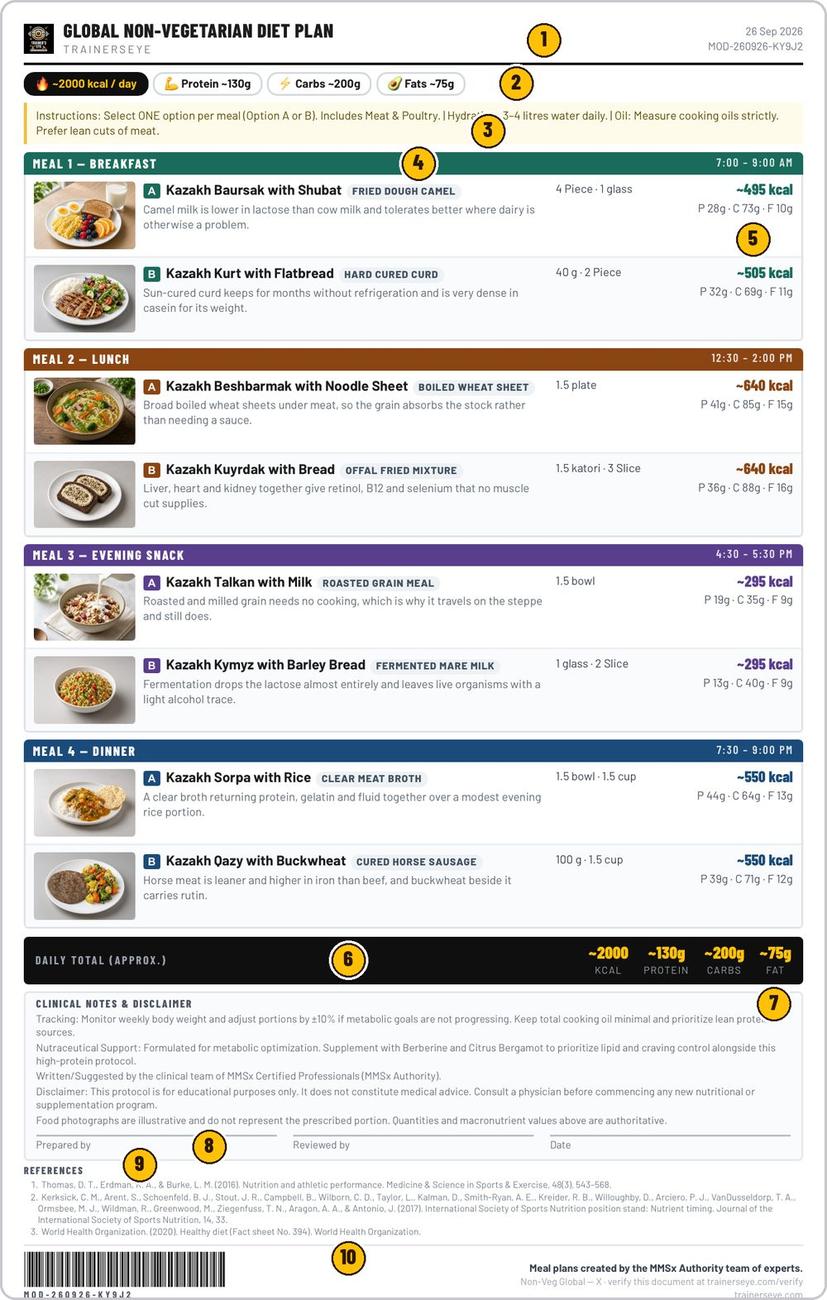
The plan name, the date it was issued and its MOD serial number.
Calories, protein, carbohydrate and fat for the day.
One option per meal, hydration and oil rules, and the plan's own notes.
Meal name and its time window; four meals a day.
Photo, dish and description, quantity, calories and macros — choose one.
Calories, protein, carbohydrate and fat added up.
Tracking guidance, nutraceutical support, authorship and the educational-use notice.
Prepared by, reviewed by and date.
The evidence the plan is written against.
Barcode and the address where a client can verify the document.
Meal of the Day is part of TrainersEye
Support: support@trainerseye.com · trainerseye.com
Meal plans created by the MMSx Authority team of experts · Backed by MMSx Authority Institute
Meal plans are educational and do not replace medical advice. Consult a physician before starting any new nutritional or supplementation programme.