
Coach
Coach gives you your coach two ways.
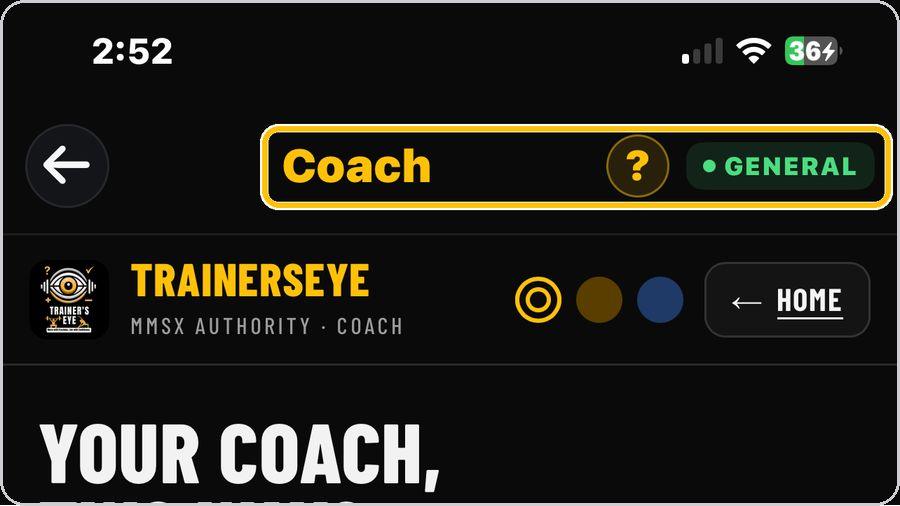 1 Open the toolFrom the Dashboard, tap Coach. It is part of the General plan, so every subscriber can use it. | 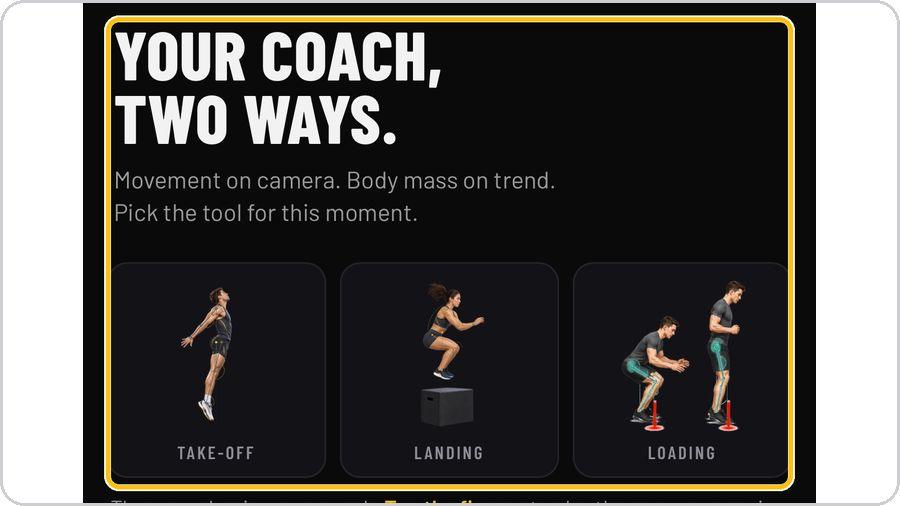 2 Pick the tool for this momentYour coach, two ways: Live Coach watches movement on camera; Daily Weight Check reads body mass on trend. | 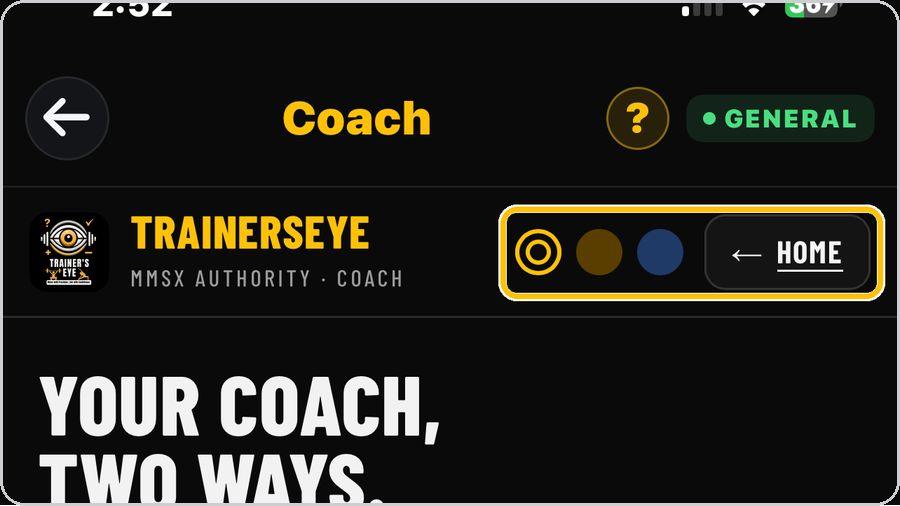 3 Look, theme and HomeThe three dots switch the look — amber, warm dark or navy. Home brings you back to this landing from either tool. |  4 Open Live CoachTap Open Live Coach. Coach V4 opens with the camera off and the start panel ready. |
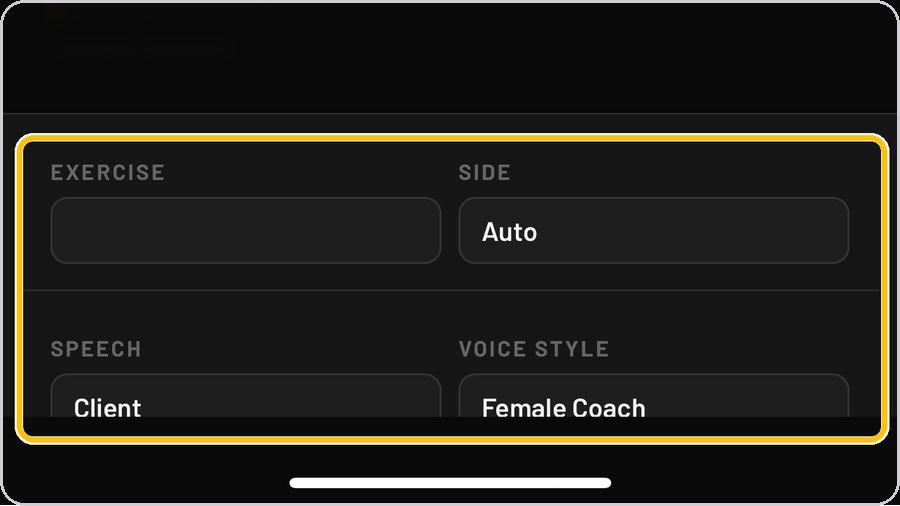 5 Exercise, side, speech and voiceBelow the panel choose the exercise, your side (Auto lets the coach decide), who the speech is for and the voice style — female or male coach. | 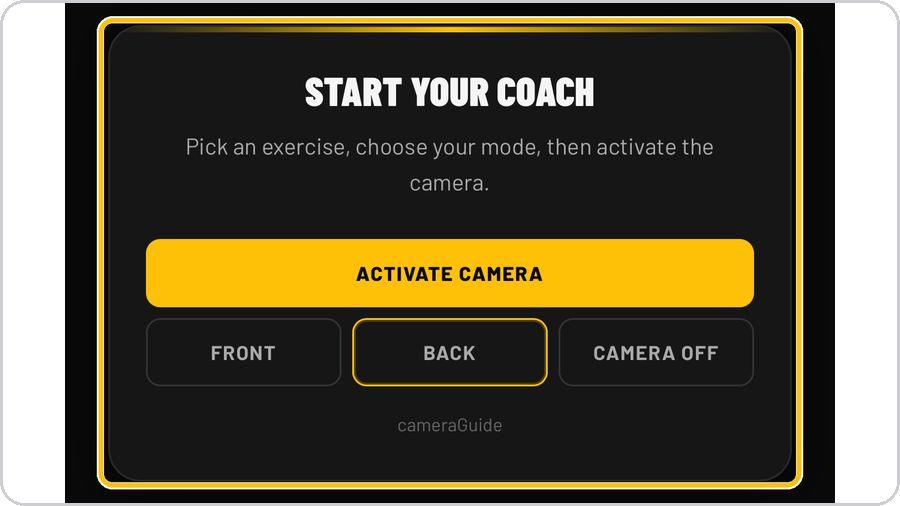 6 Activate the cameraTap Activate Camera, then choose Front or Back. Camera Off stops the coach at any time. | 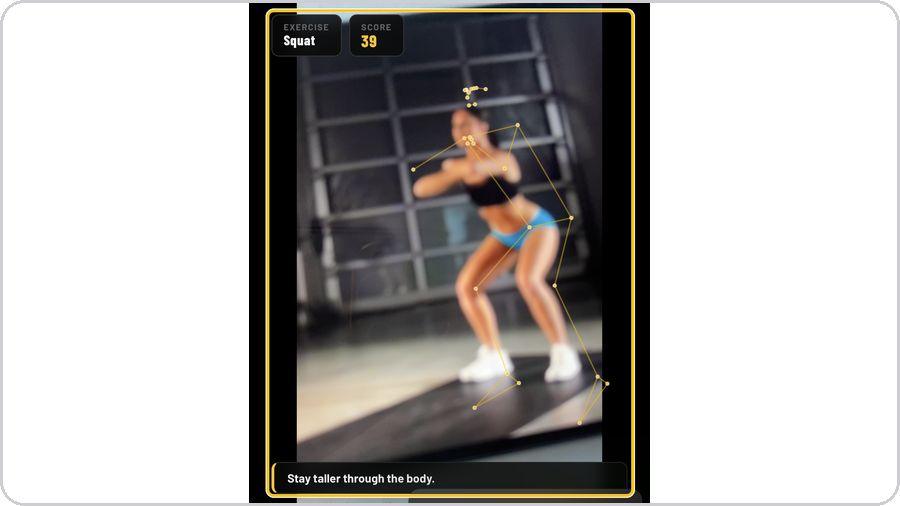 7 Move — score, skeleton and cuesAs you move, the coach draws your joints, scores the rep and speaks a cue — such as Stay taller through the body. | 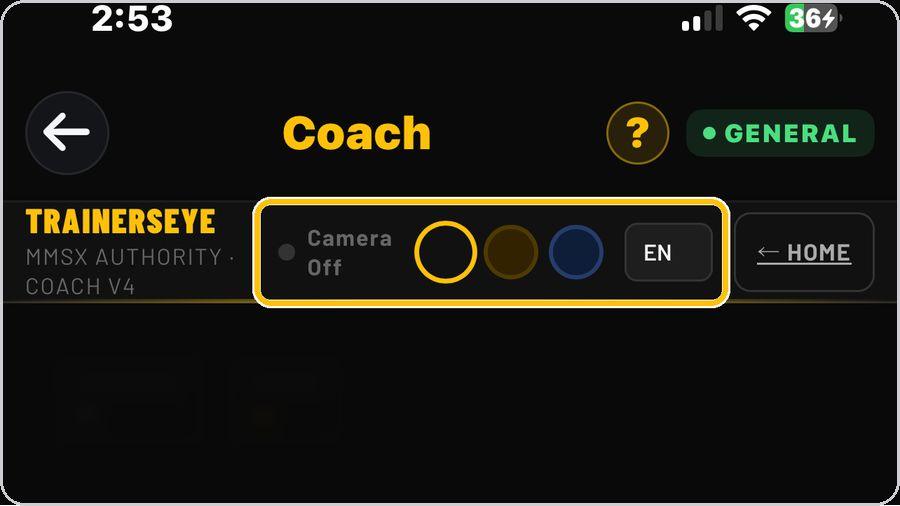 8 Language and statusThe header shows the camera status, the look and the language. |
 9 Open Daily Weight CheckBack on the landing, tap Open Daily Check. Daily Check V1 opens on your private 28-day log — only you can see it. | 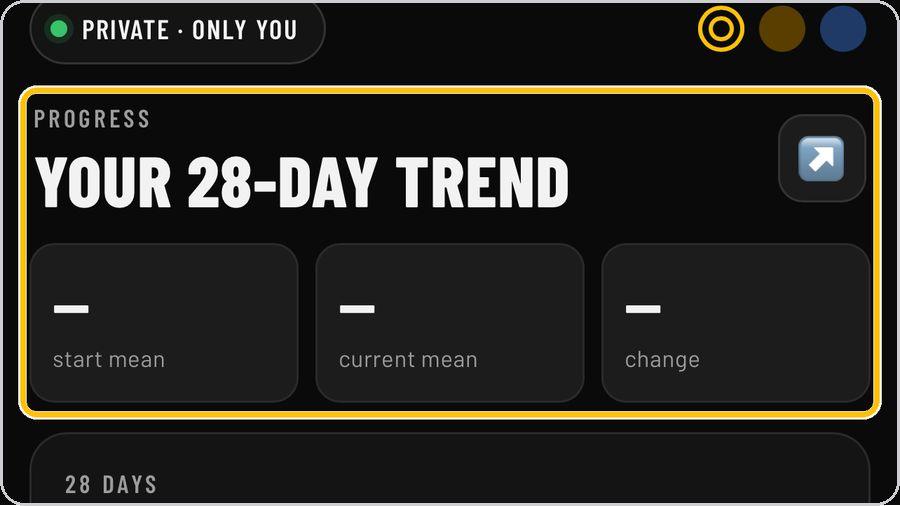 10 Today and TrendToday logs this morning's weight; Trend shows the 28-day chart with the start mean, current mean and change, and the ±1 kg noise zone. | 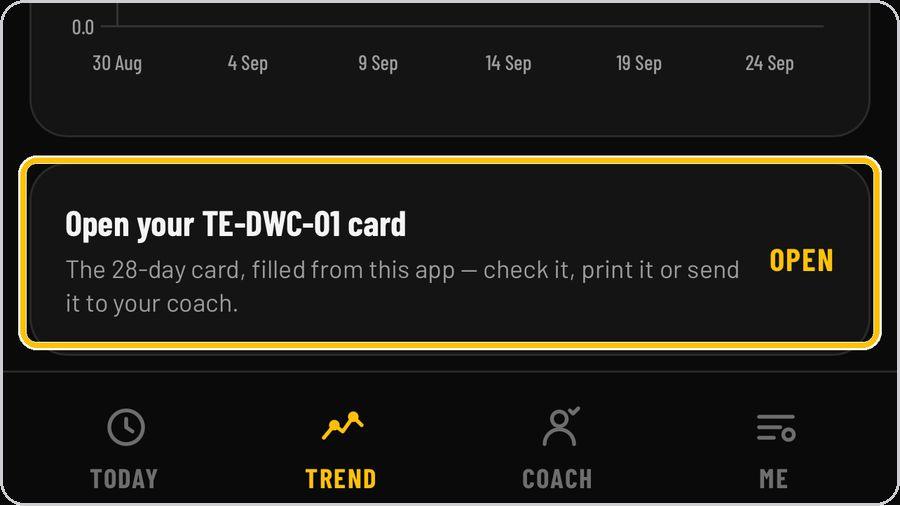 11 Your TE-DWC-01 cardOpen your TE-DWC-01 card — the 28-day card filled from the app — to check it, print it or send it to your coach. |  12 Share with your coachCoach sharing is yours to control: connect a coach by secure email invitation, or send a one-time weekly report by an expiring link or local share. |
 13 Unit, phase and targetIn Me, set the weight unit, the phase — loss, maintain or gain — and the weekly target as a percentage of body mass. | ✓ You're readyThat's it. Open Coach, pick the tool for this moment and start. | What the coach readsUnweighting · Peak braking · Flight · Landing peak · Joint flexion · Sticking region · Noise zone · Weekly means | |