

Figure Intelligence
Figure Intelligence is the MoPro research-figure engine, Research Edition.
 1 Open the toolFrom the Dashboard, tap Figure Intelligence. It is a Clinical-plan tool — the CLINICAL badge sits beside the title. | 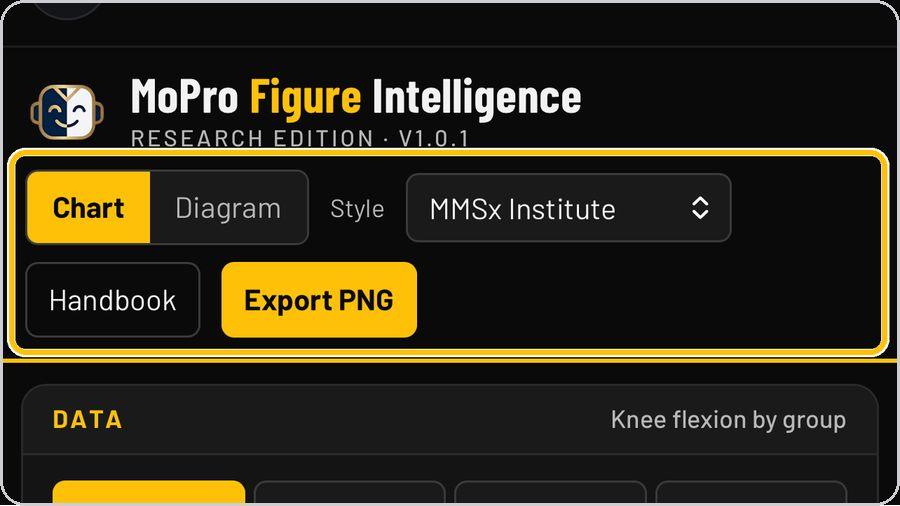 2 Chart or DiagramChart draws a figure from your data; Diagram draws a structured diagram from its numbers — the CONSORT 2010 flow to start. | 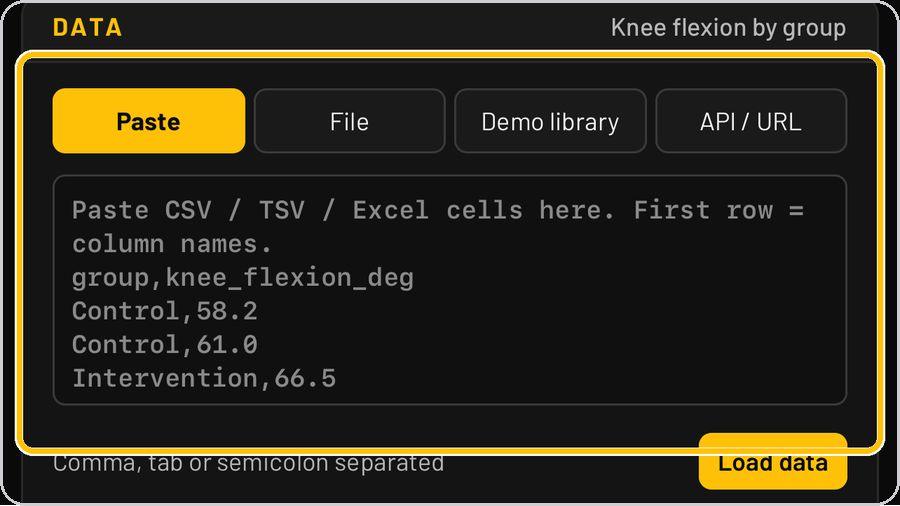 3 Bring in dataThe Data panel takes your data four ways: Paste CSV, TSV or Excel cells (first row = column names; comma. | 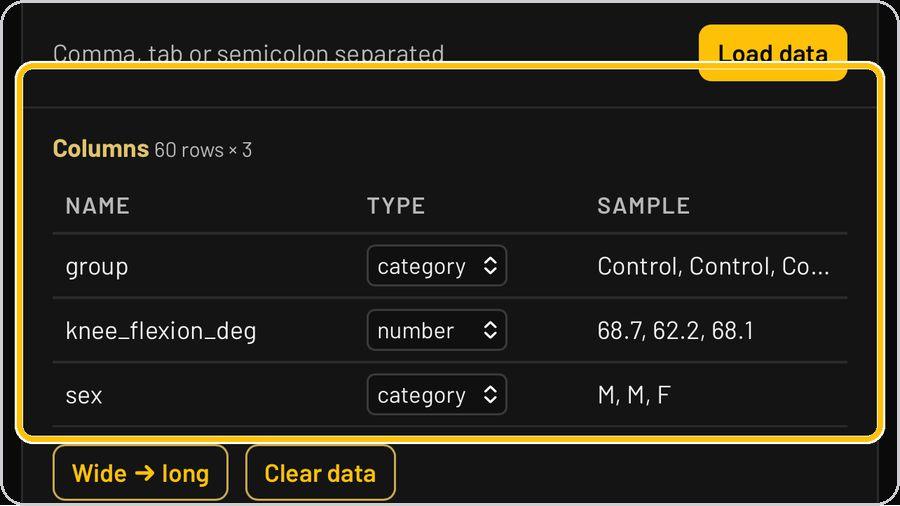 4 Check the columnsLoaded data shows as Columns — 60 rows × 3 — with each column's name, type and sample: group (category). |
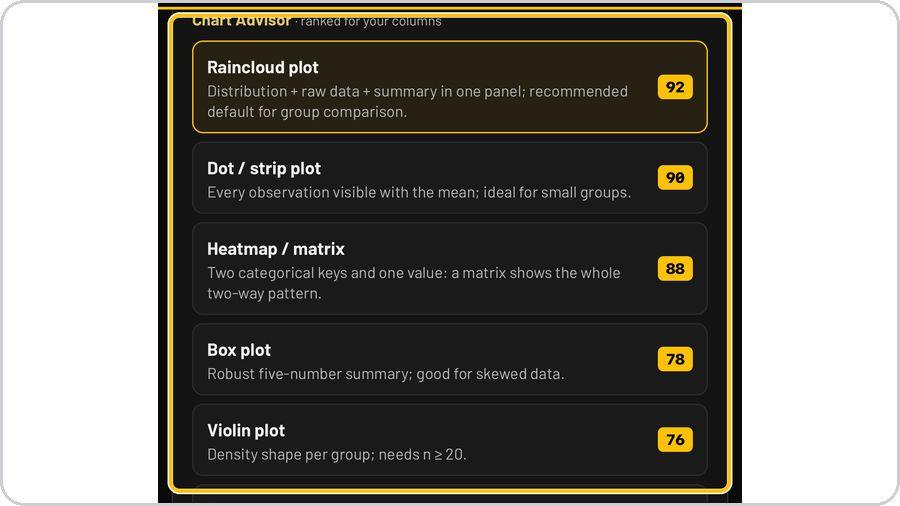 5 The Chart AdvisorChart Advisor ranks the chart types for your columns, each with a score and a reason: Raincloud plot 92. | 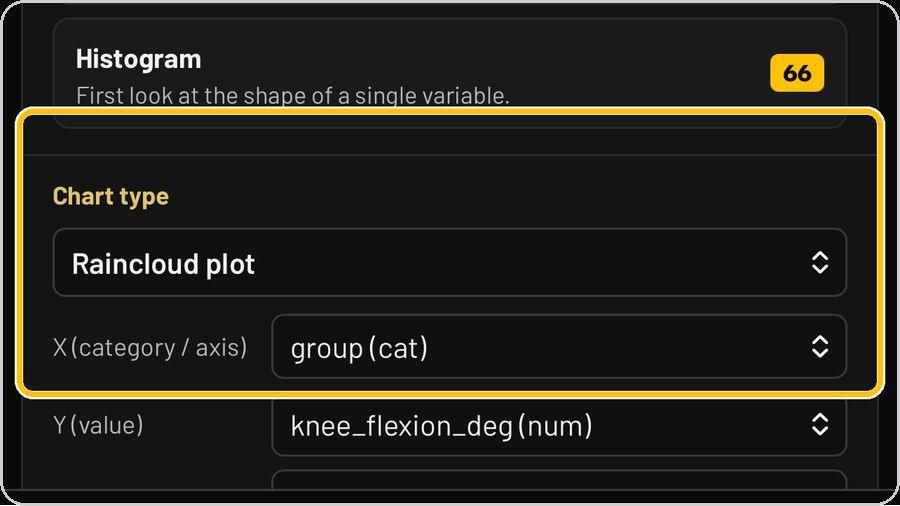 6 Set the chart type and axesChart type picks the chart; X (category / axis) takes the grouping column — group (cat). | 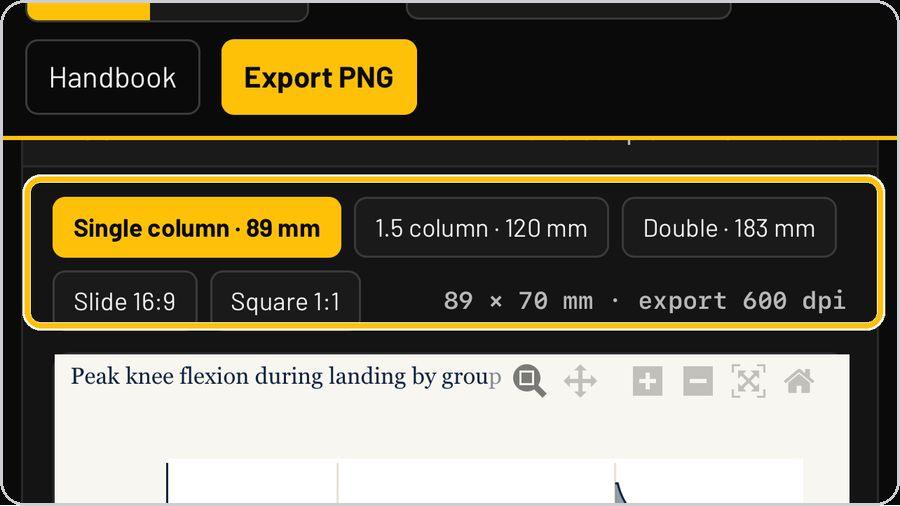 7 Choose the figure sizeThe size chips set the journal size: Single column · 89 mm, 1.5 column · 120 mm, Double · 183 mm, Slide 16:9, Square 1:1. | 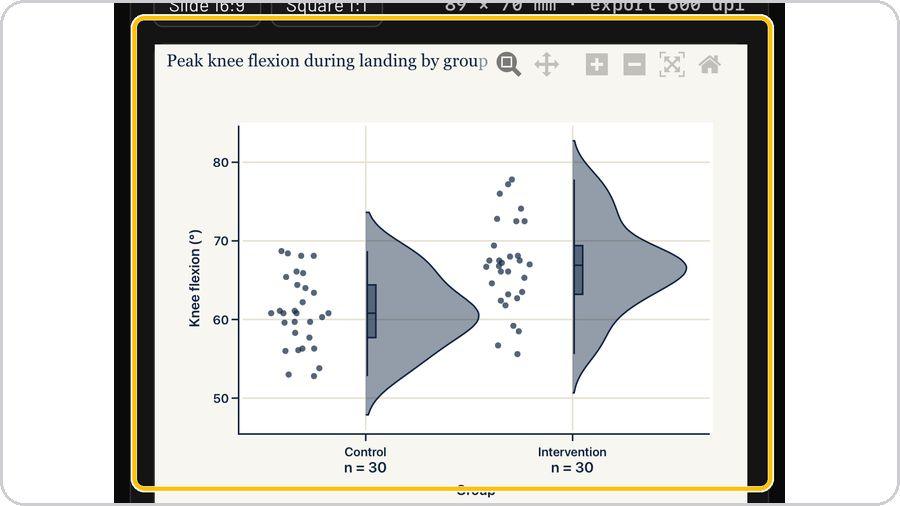 8 Read the figureThe figure draws in the MMSx Institute style: title, axis with unit, group labels with n. |
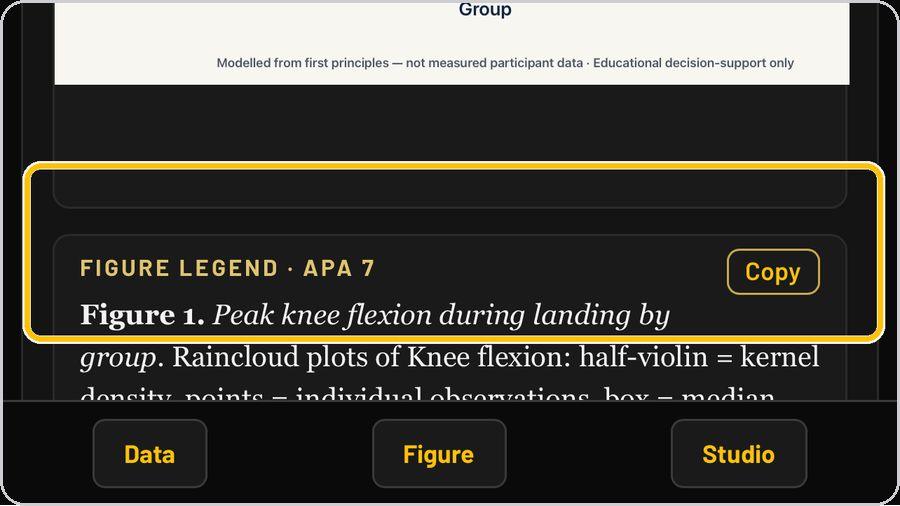 9 The APA 7 legendEvery figure comes with its legend written in APA 7 — Figure 1. Peak knee flexion during landing by group. | 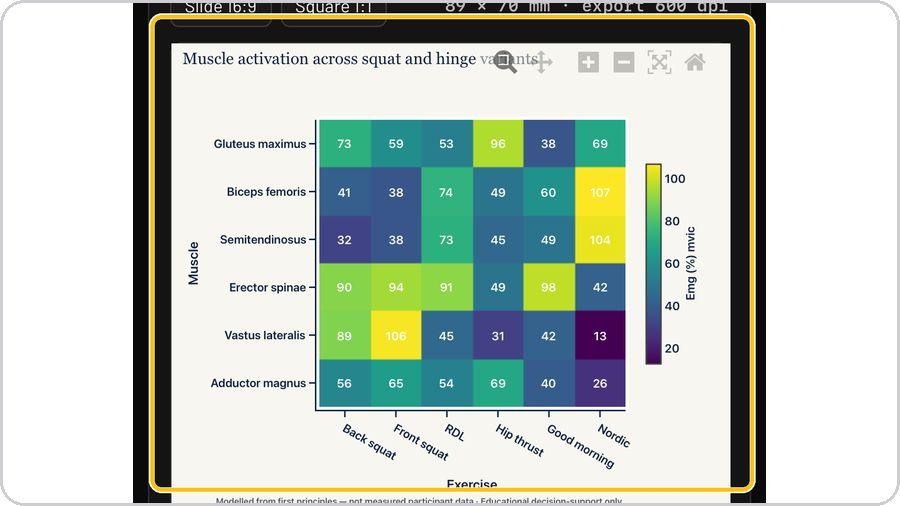 10 Other chart typesThe same data panel drives every chart: heatmap / matrix for two categorical keys and one value (muscle ×… | 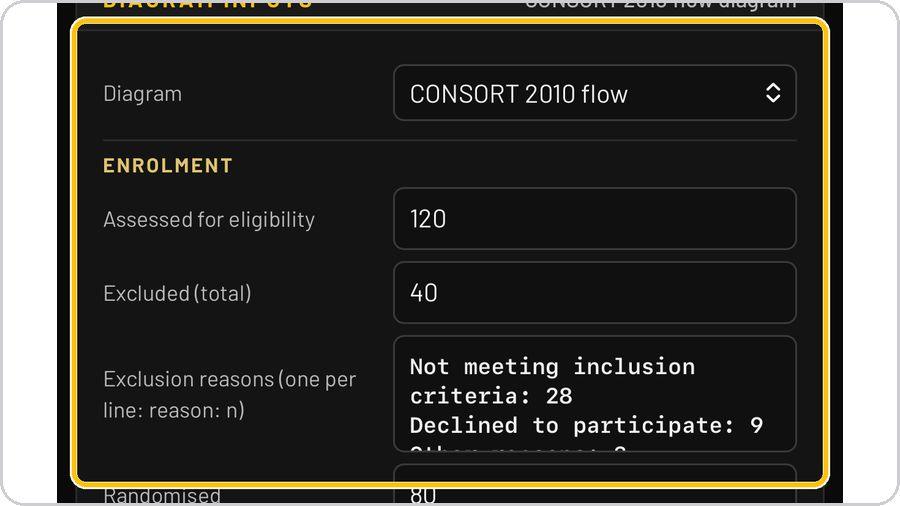 11 Diagram mode: CONSORT inputsDiagram opens the Diagram inputs — CONSORT 2010 flow: Enrolment (assessed for eligibility, excluded in total. | 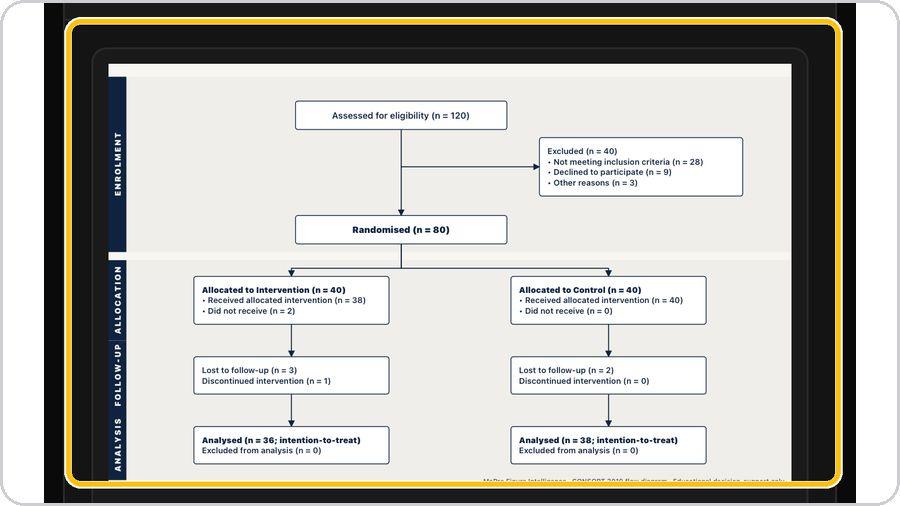 12 The CONSORT diagramThe diagram draws itself from the numbers: assessed for eligibility, excluded with reasons, randomised. |
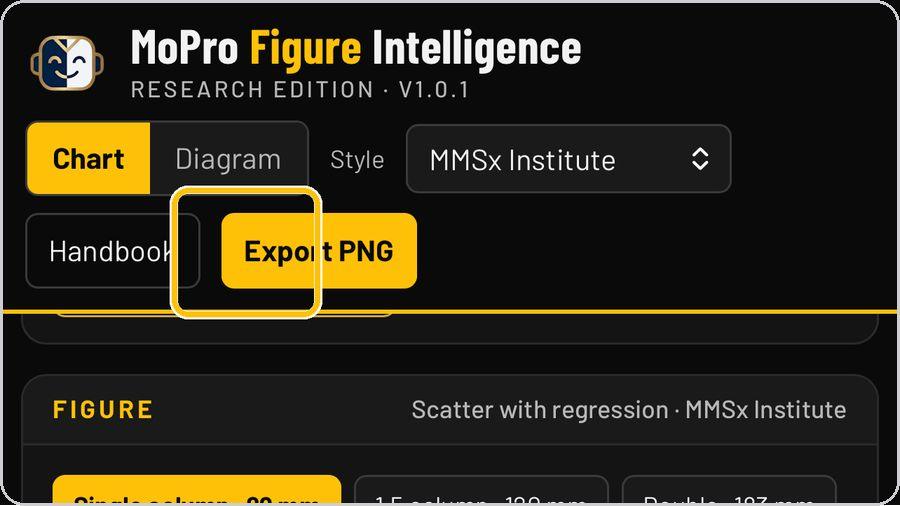 13 Export PNGExport PNG renders the figure at the chosen size and 600 dpi. | ✓ You're readyThat's it. Open Figure Intelligence, load a demo set and let the Advisor pick the chart. | On the documentSize chips · Size and export readout · Title · Provenance footer · Points · Half-violin · Axis and unit · Box · Group labels with n · APA 7 legend and Copy | |