

Mile Tracker
Mile Tracker turns your phone into a walking coach.
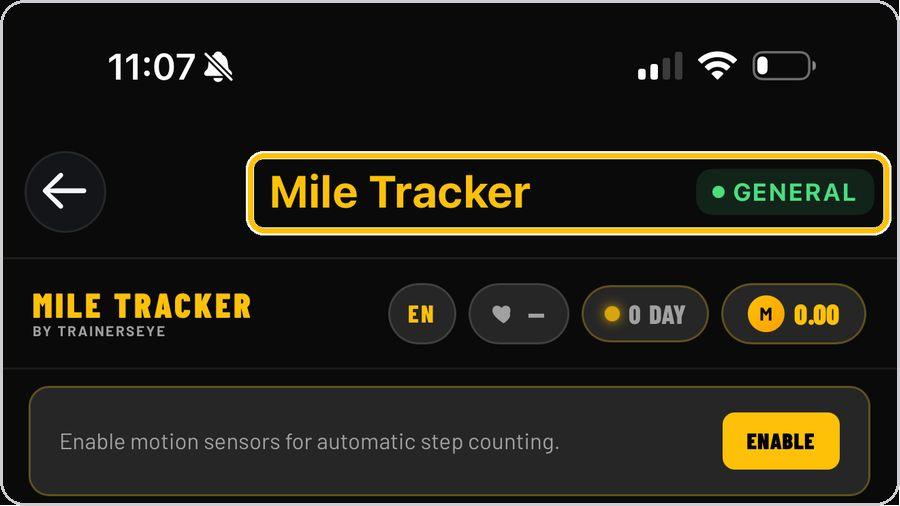 1 Open the toolFrom the Dashboard, tap Mile Tracker. It is part of the General plan, so every subscriber can use it. | 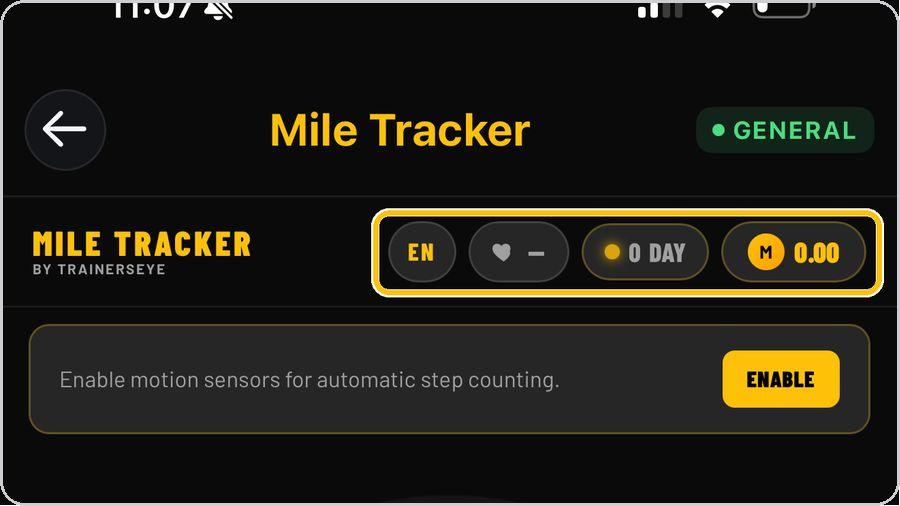 2 Know the headerThe four chips at the top are yours to watch: language, your latest heart rate, your streak in days and your MT Coin balance. | 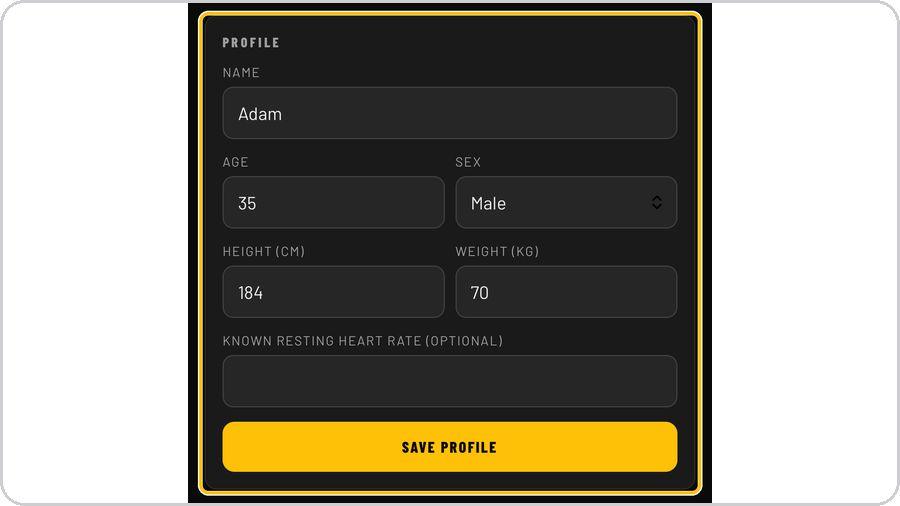 3 Set up your profileOpen More and fill in your name, age, sex, height and weight, plus your resting heart rate if you know it, then tap Save Profile. | 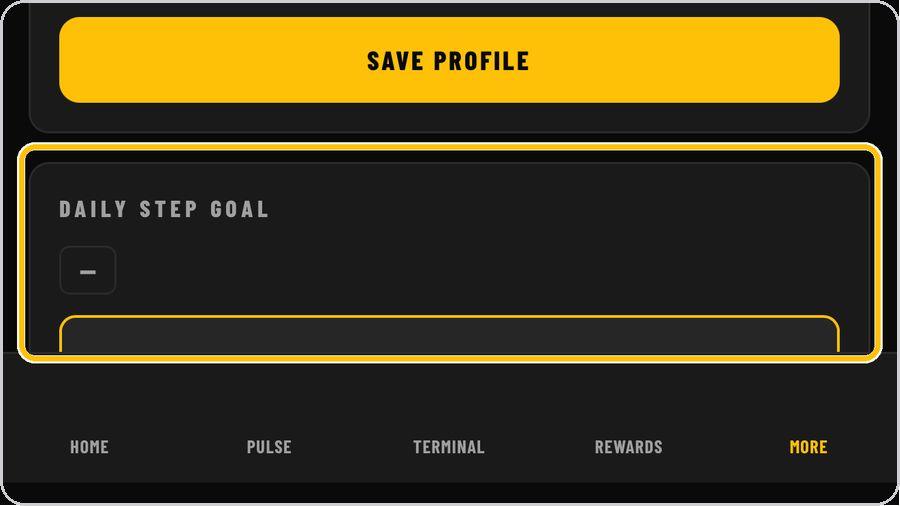 4 Set your daily goalBelow the profile, set your daily step goal with the minus and plus buttons. |
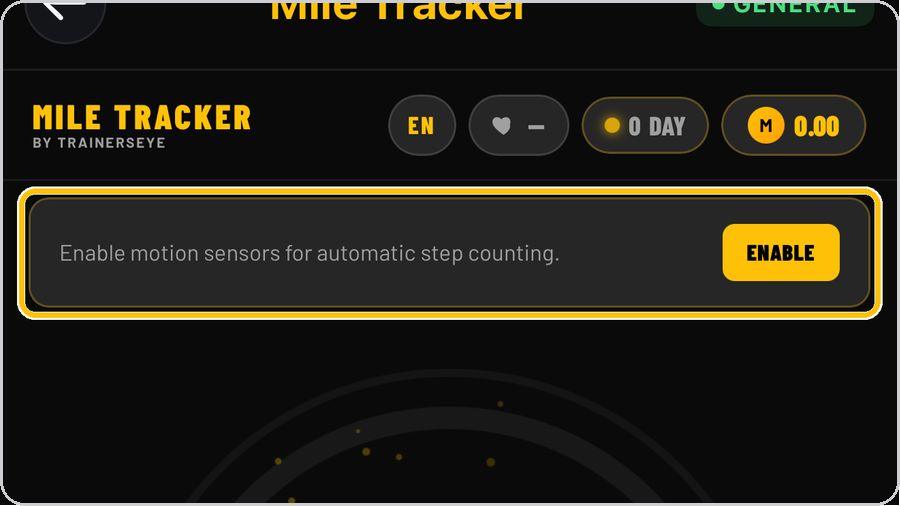 5 Enable motion sensorsOn Home, tap Enable so the phone's motion sensors count your steps automatically. Without it nothing is counted. | 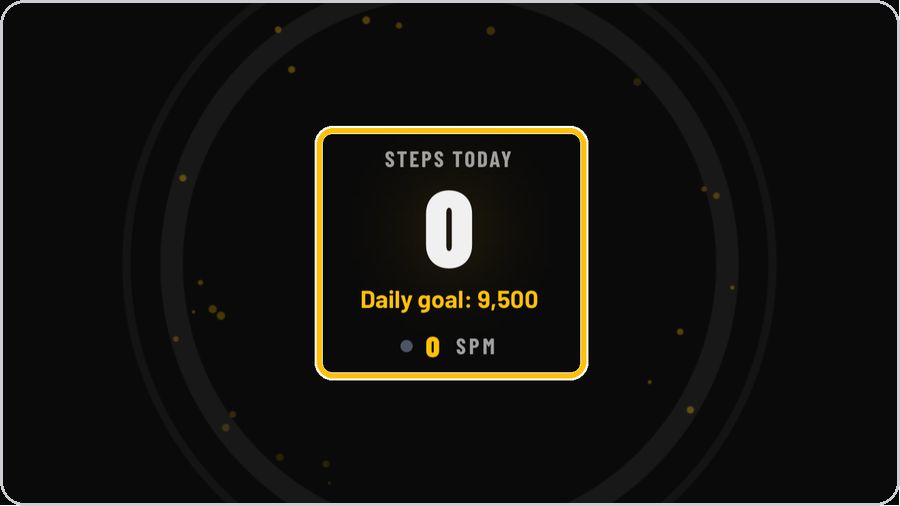 6 Read the ringThe centre shows today's steps against your daily goal and your cadence in steps per minute. | 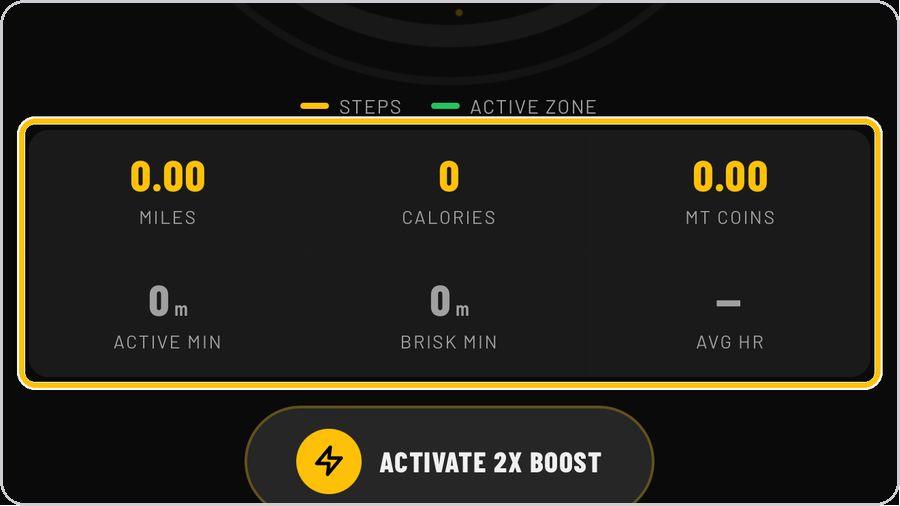 7 Today at a glanceUnder the ring: miles, calories and MT Coins earned, then active minutes, brisk minutes and your average heart rate for the day. | 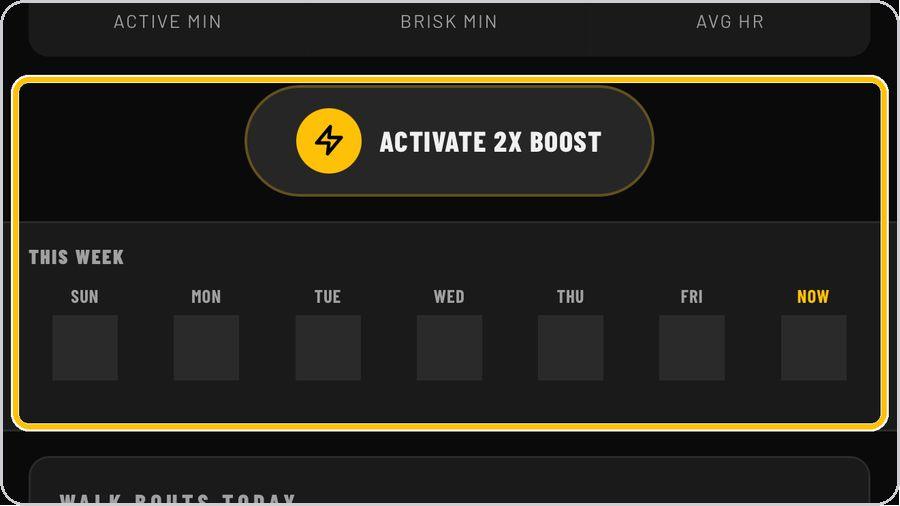 8 Boost, streak and your weekTap Activate 2X Boost before a walk to double the coins it earns. |
 9 Walk bouts and bonus cardsWalk Bouts Today lists each qualified walk as it is recorded. |  10 RewardsRewards shows your MT Coin balance and the milestones — first thousand, five thousand, the ten-thousand club, fifteen thousand and streaks — each with its coin bonus. |  11 Check your pulseOn Pulse, choose when you are checking — before, mid-walk, after, recovery or resting — then tap Start Check and place your fingertip flat over the rear camera and flash. |  12 Hold still for the readingKeep your hand relaxed while the signal bar fills and the countdown runs. |
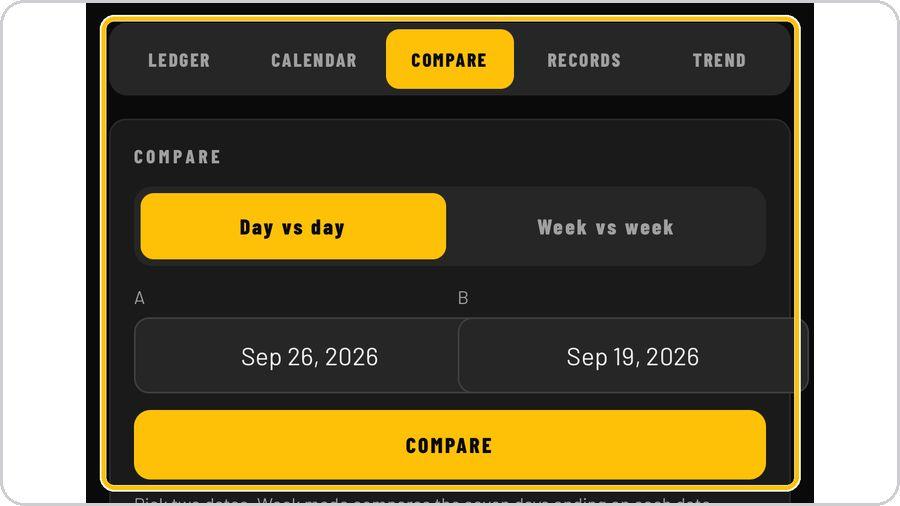 13 The TerminalTerminal keeps three months of your walking on the phone: a day-by-day ledger, a calendar, records, a trend line and Compare, which sets any two days or weeks side by side — steps, distance, brisk and active minutes, walk bouts, energy and training load. | ✓ You're readyThat's it. Open Mile Tracker, enable the sensors and take your first walk. | On the Home screenLanguage · Heart rate · Streak · MT Coin balance · Motion sensors · Steps ring · Legend · Today's numbers · 2X Boost · Tabs | |