

MoPro AI
MoPro AI is the movement-professional intelligence inside TrainersEye.
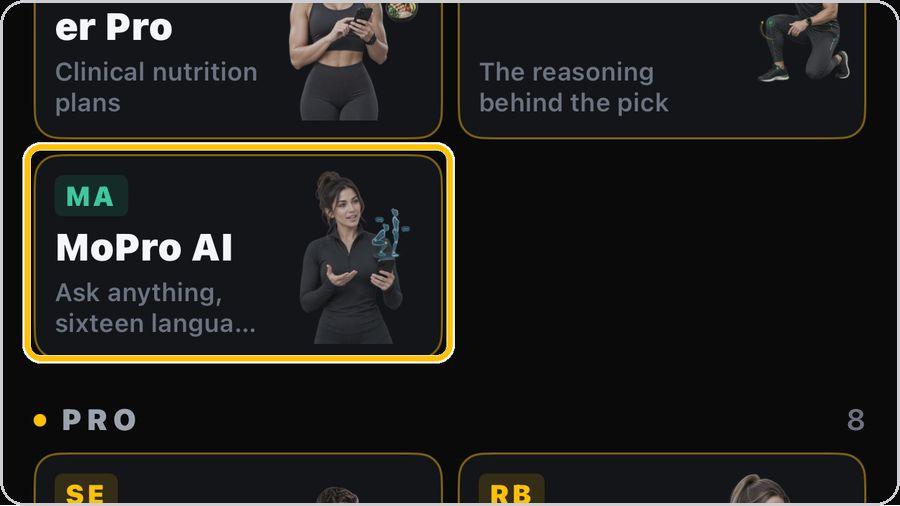 1 Open the toolFrom the Dashboard, tap MoPro AI — the card that says Ask anything, sixteen languages. |  2 Meet MoPro AIThe landing shows what MoPro is for: movement-professional intelligence — force, torque, EMG, cues, progressions and loading decisions. | 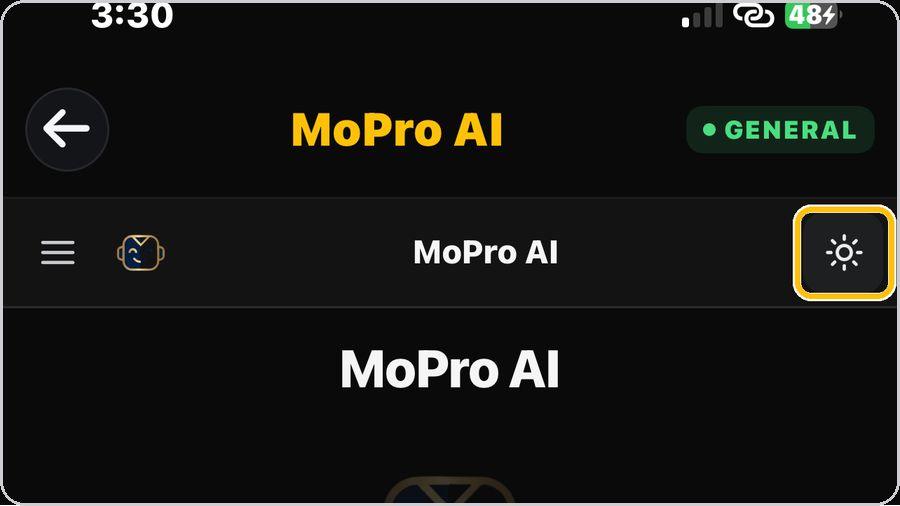 3 Light or darkTap the sun at the top right to switch between the light and dark look. | 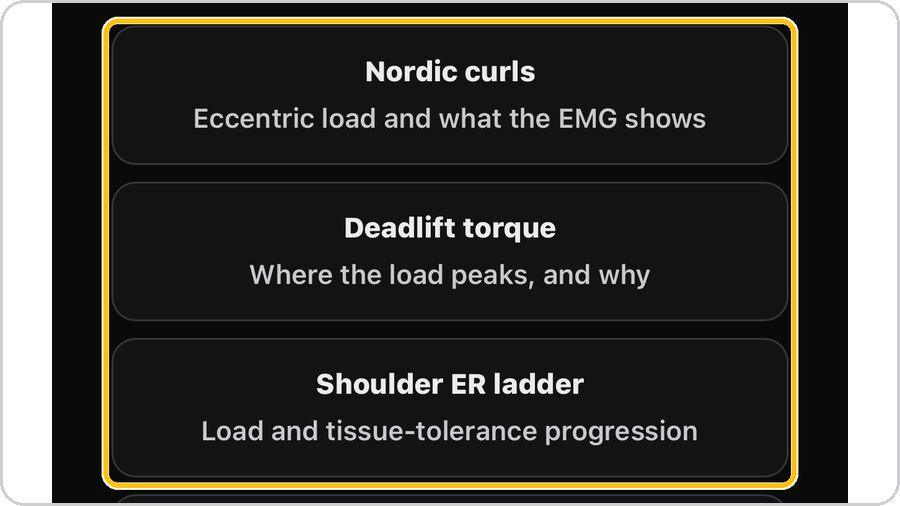 4 Start from a suggested questionTap one of the cards — Nordic curls, Deadlift torque, Shoulder ER ladder and more — to see how MoPro answers before you ask your own. |
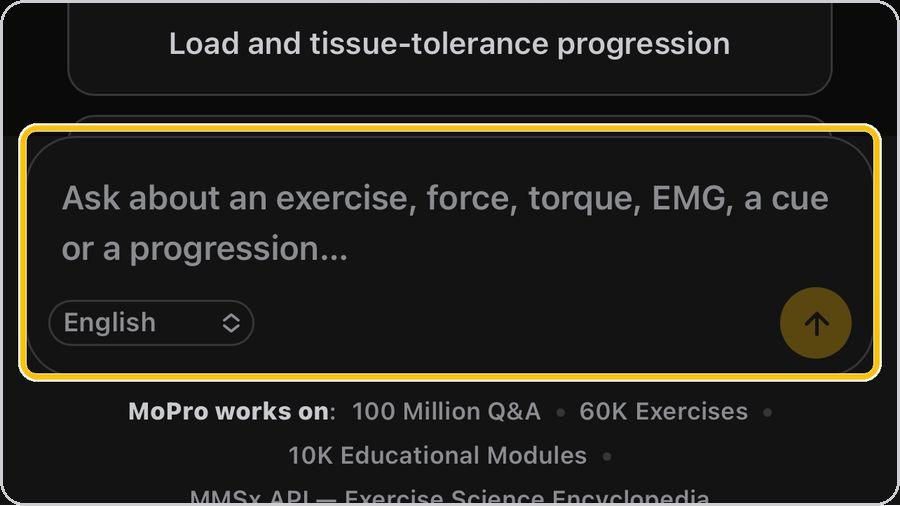 5 Ask in your own wordsType in the box: an exercise, a force, a torque, an EMG question, a cue or a progression — the way you would ask a colleague. | 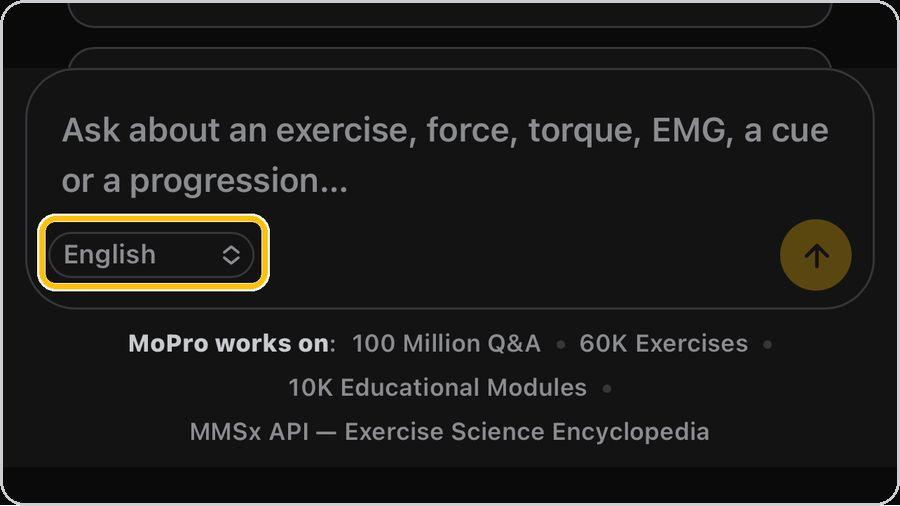 6 Choose your languageThe selector in the box sets the answer language — sixteen to choose from. | 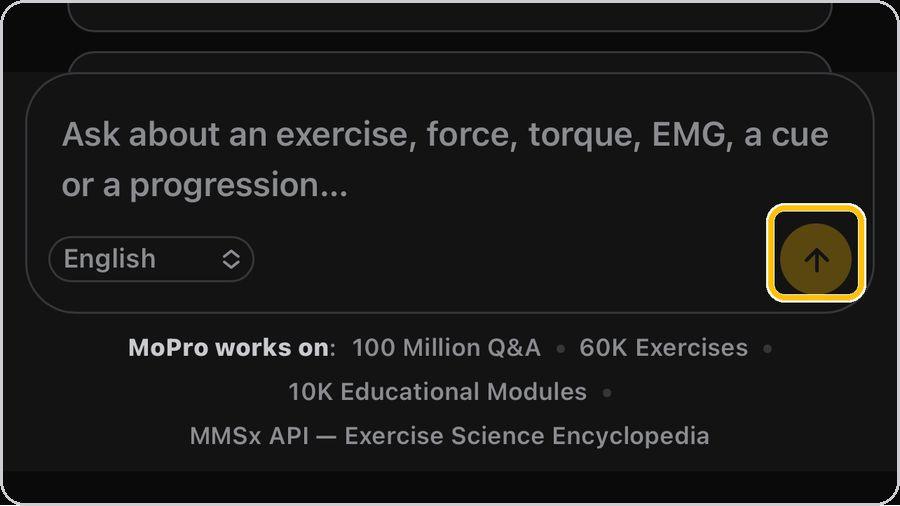 7 Send and wait for the answerTap the arrow. MoPro thinks, then the answer types out — a title, then the body. | 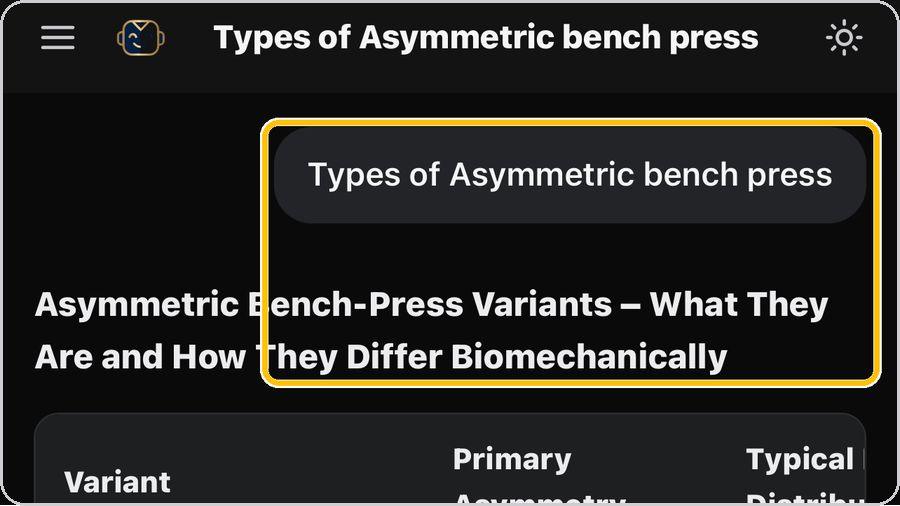 8 Your question, then a structured answerYour question sits at the top in a bubble; the answer opens with a title that states what it covers. |
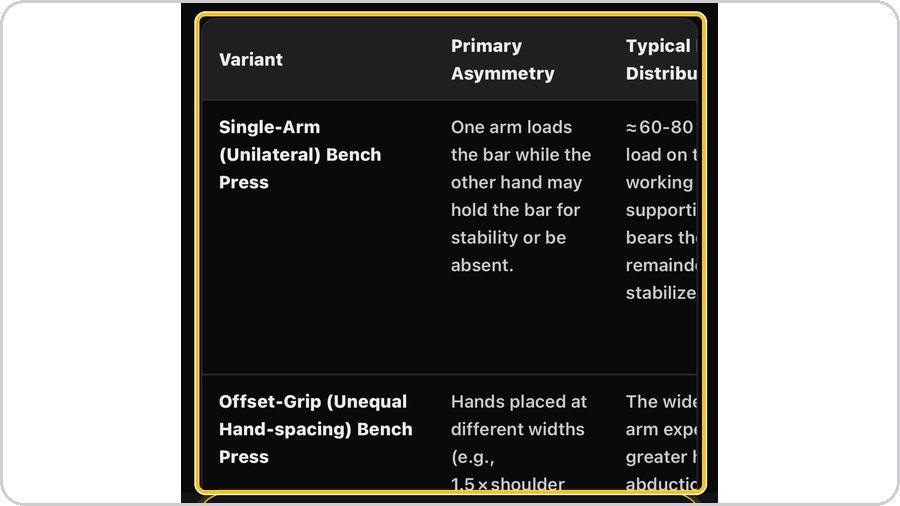 9 Tables and comparisonsWhen variants or options are compared, MoPro sets them side by side — variant, what differs, and the typical load distribution. | 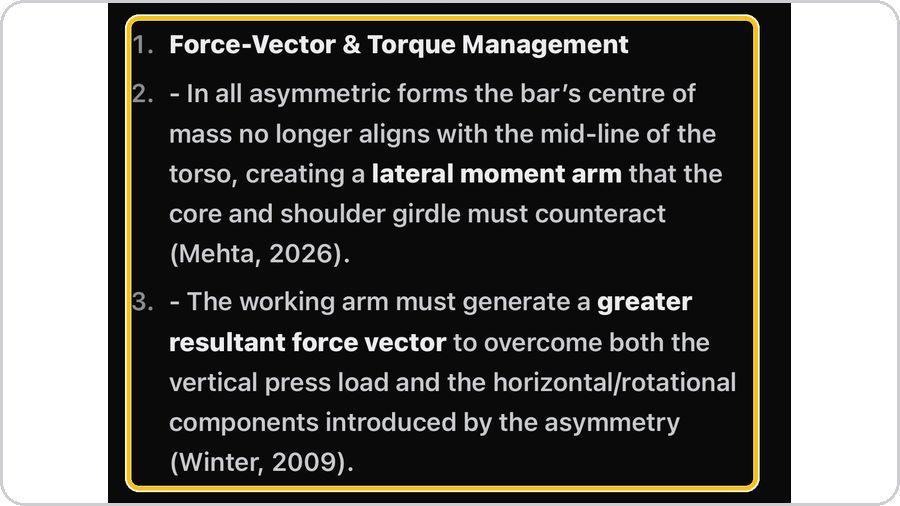 10 Rationale with citationsThe biomechanical rationale follows, numbered, with key terms in bold and citations in brackets — Mehta, 2026; Winter, 2009. | 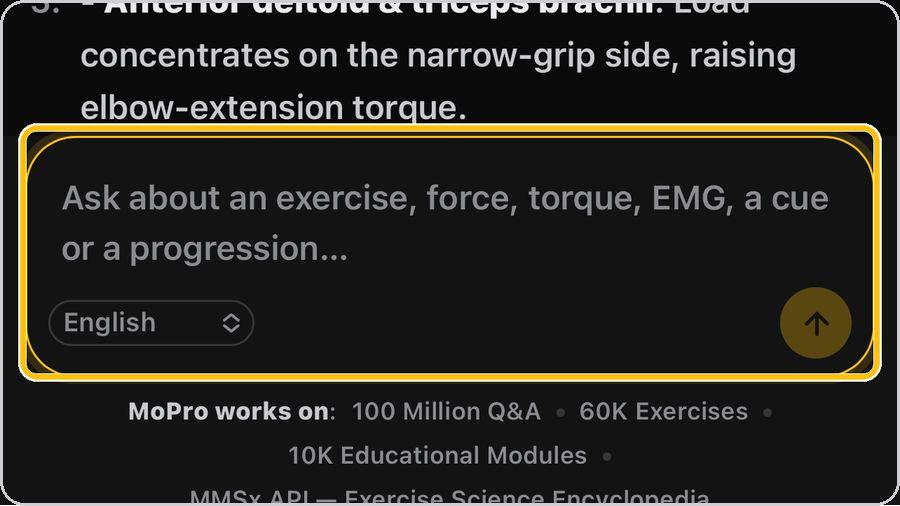 11 Ask a follow-upThe box stays at the bottom. Ask the next question in the same chat and MoPro keeps the context. | 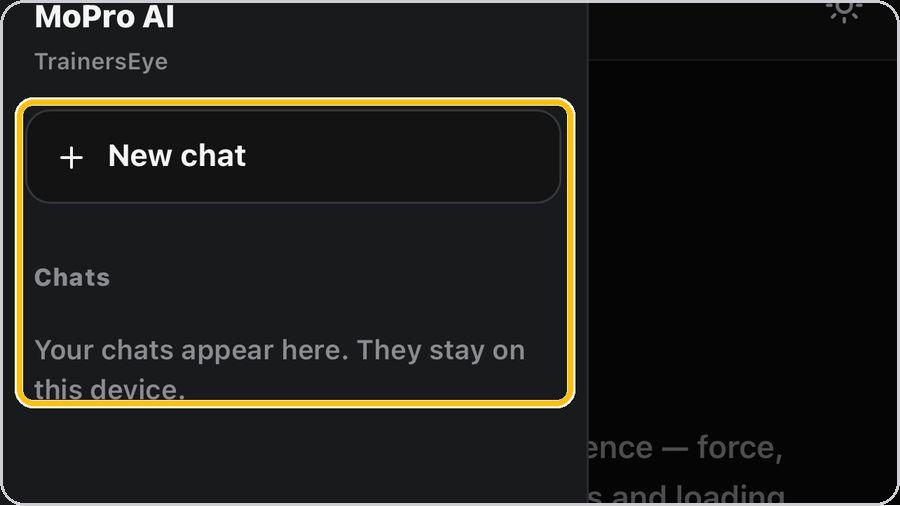 12 New chat, your chats, backTap the menu for New chat, the list of your chats — they stay on this device — and Back to dashboard. |
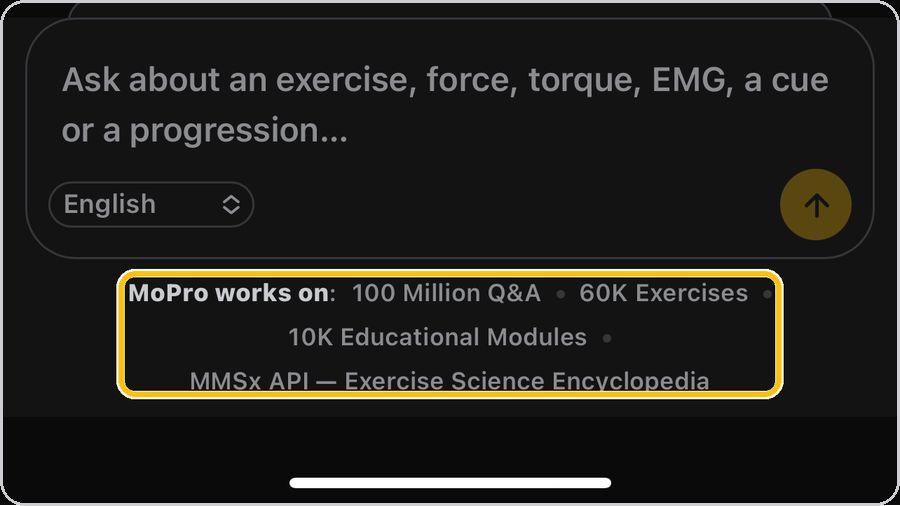 13 What MoPro works on — and what it is notThe strip under the box shows what MoPro draws on: 100 million Q&A, 60K exercises, 10K educational modules and the MMSx API — Exercise Science Encyclopedia. | ✓ You're readyThat's it. Open MoPro AI and ask your first question. | In an answerYour question · Answer title · Comparison table · Numbered rationale · Key terms · Citations · Follow-up box · Language and send | |