
Quick Builder
QuickBuilder builds a complete, professional training session for a client in about thirty seconds.
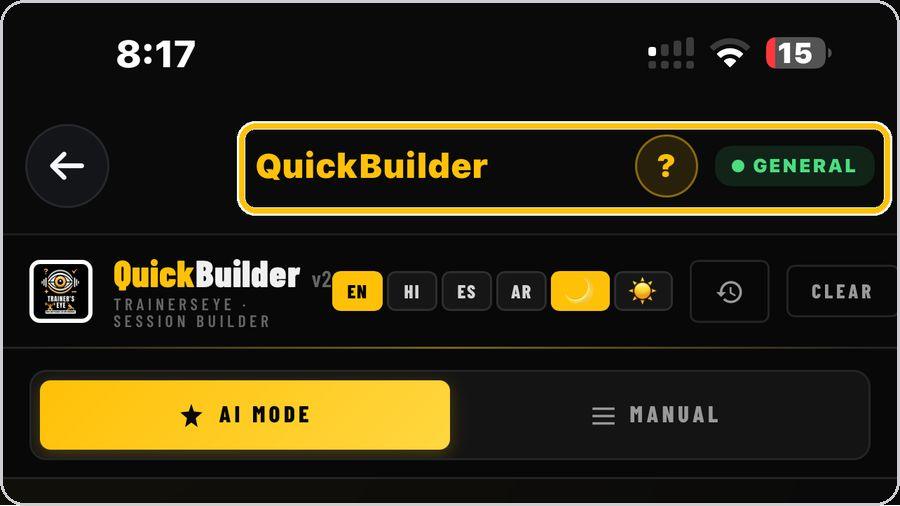 1 Open the toolFrom the Dashboard, tap QuickBuilder. It is part of the General plan, so every subscriber can use it. | 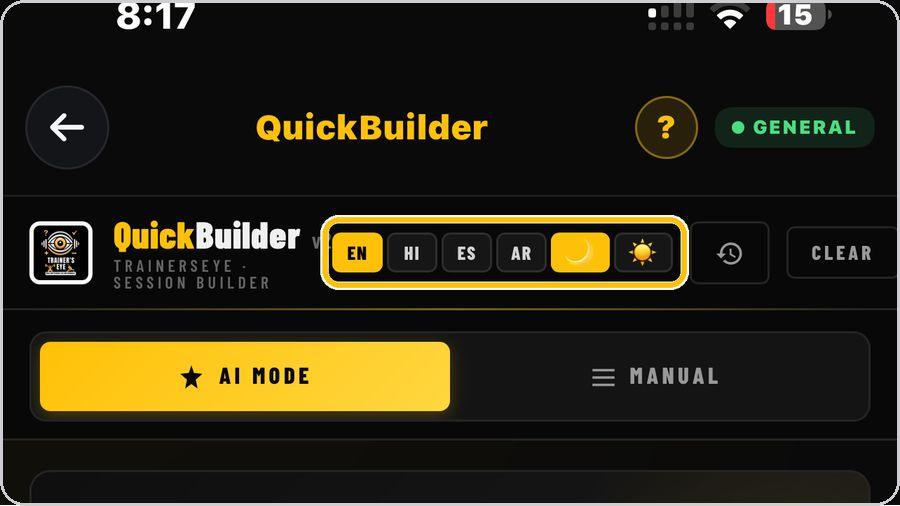 2 Choose your language and lookAt the top, pick English, Hindi, Spanish or Arabic, and switch between the dark and light look with the moon and sun buttons. | 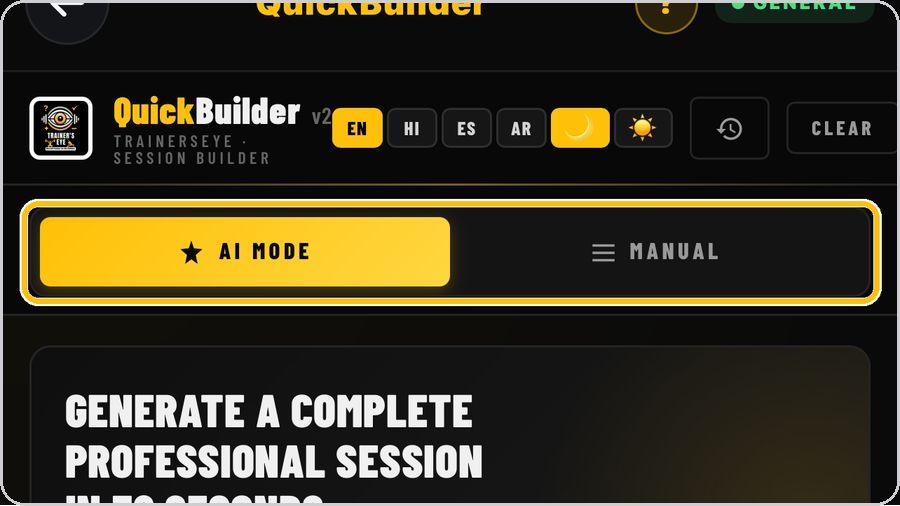 3 Two ways to buildAI Mode writes the whole session for you from a few choices. Manual lets you pick every exercise yourself. | 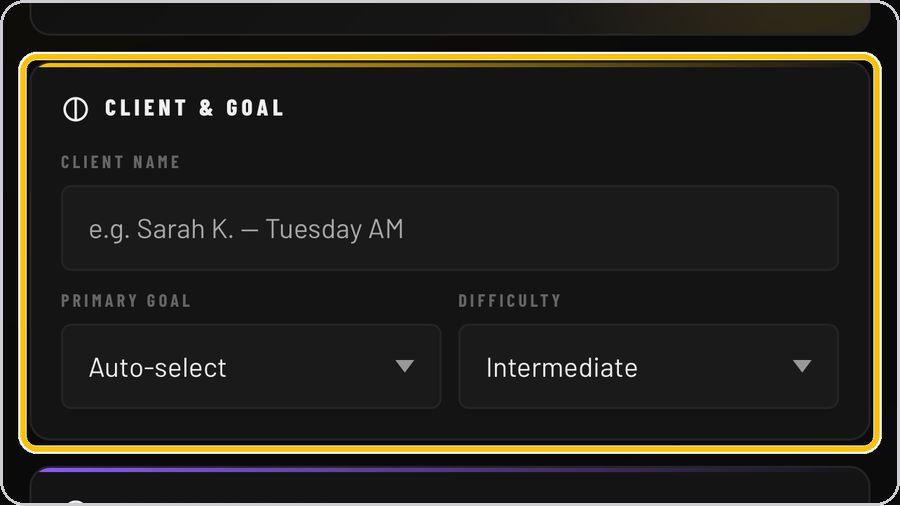 4 Name the client and set the goalType the client's name — it goes on the document — then choose the primary goal and the difficulty level. |
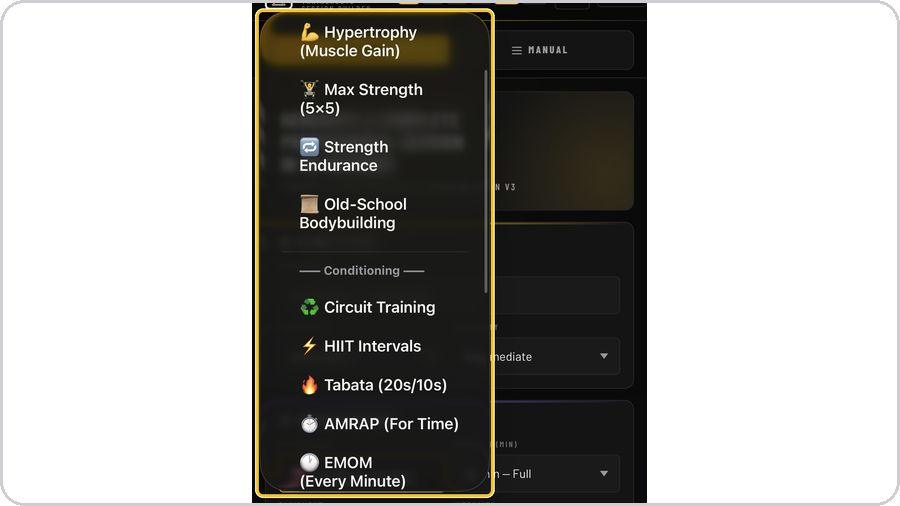 5 Choose the coaching brainOpen Methodology and pick a brain. | 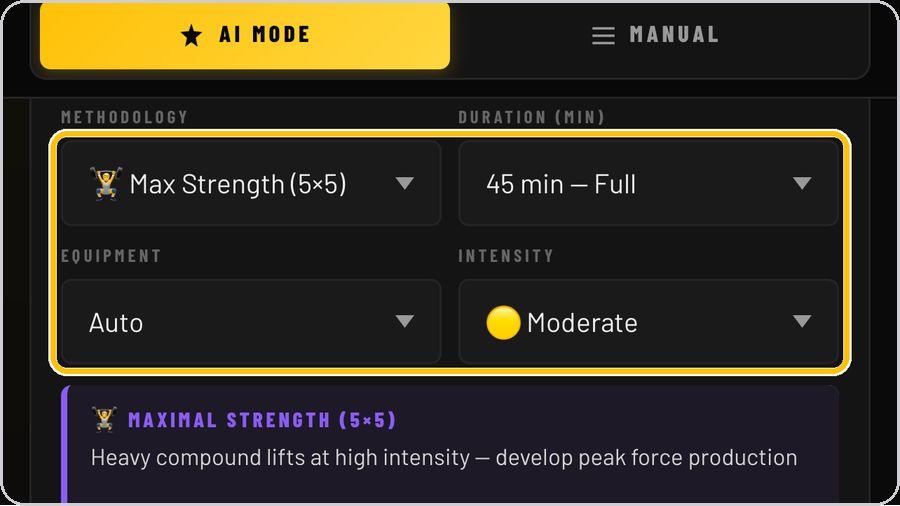 6 Set time, equipment and intensityChoose the session length, the equipment available and the intensity. | 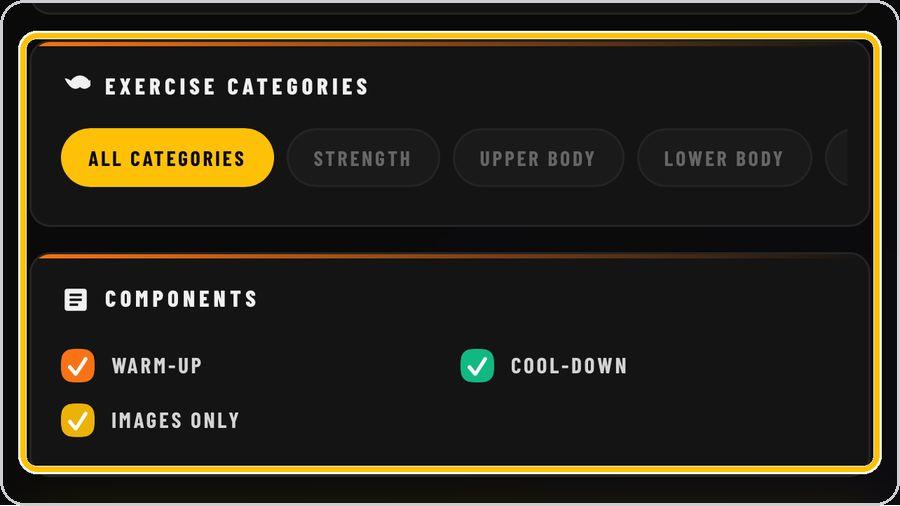 7 Categories and componentsNarrow the exercise pool with the category chips, or leave All categories on. | 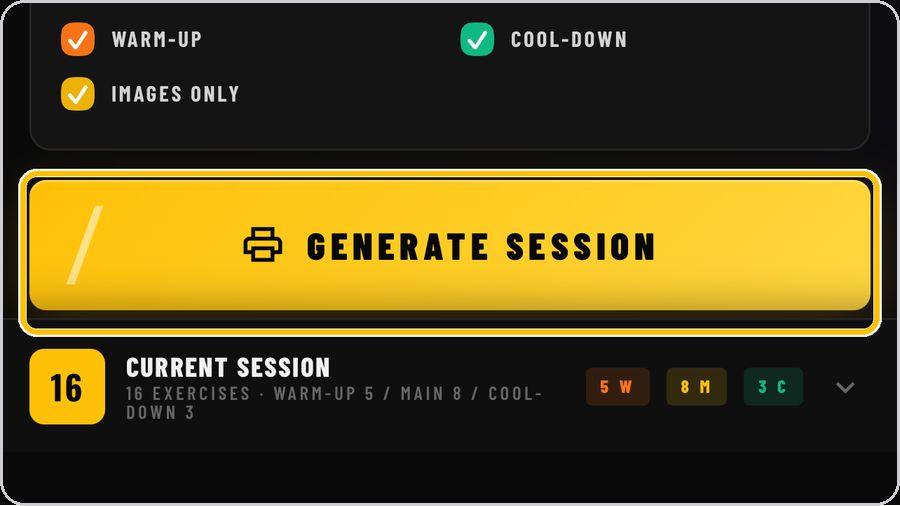 8 Generate the sessionTap Generate Session. In about thirty seconds the brain builds the full session and opens the document preview. |
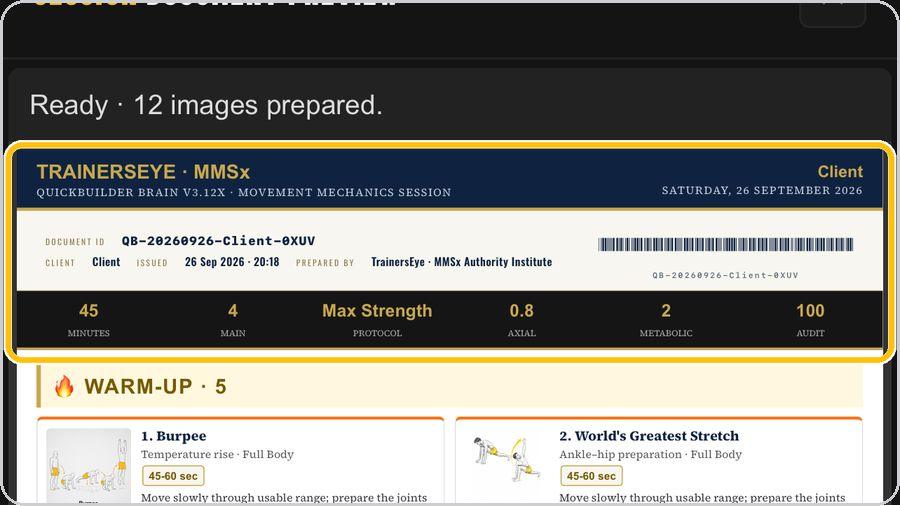 9 Read the documentThe preview shows the finished document: client and date, the document ID and barcode, the session numbers, then every exercise with its picture, dose and coaching cue. | 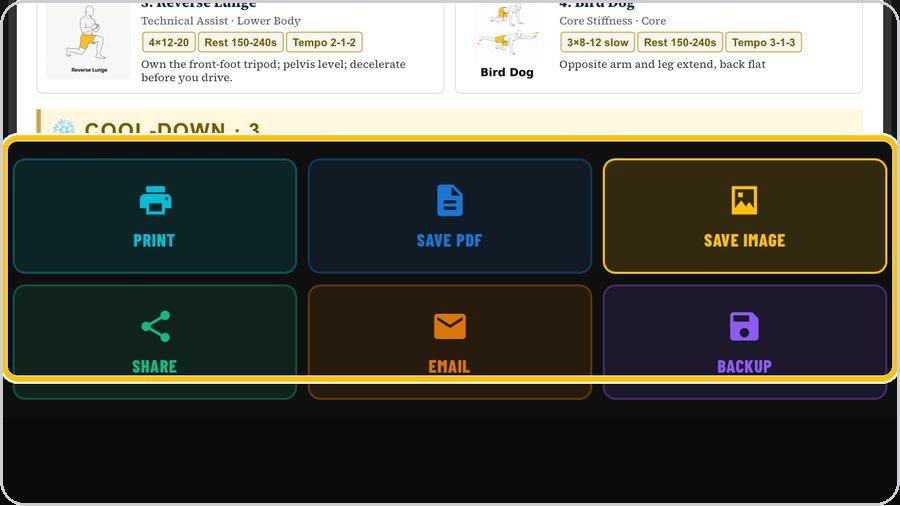 10 Print, save, share or emailUse the six buttons under the preview: Print, Save PDF, Save Image, Share, Email and Backup. | 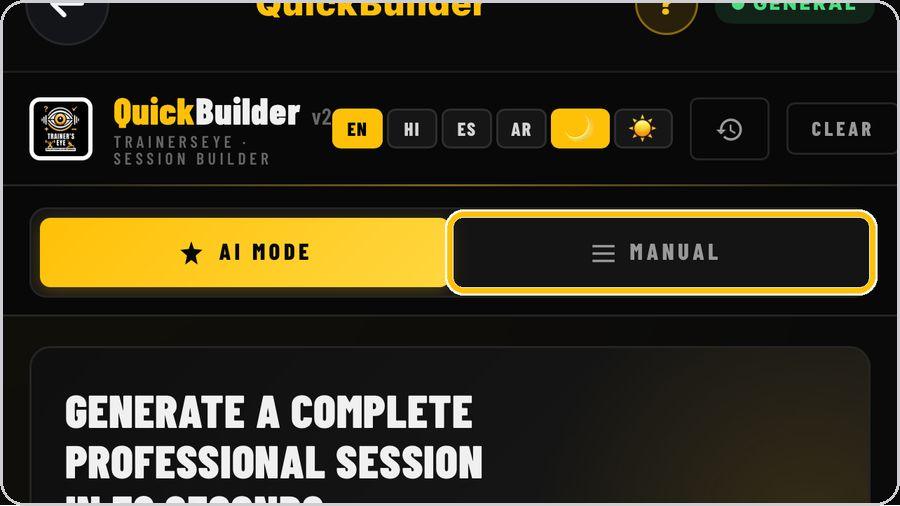 11 Or pick every exercise yourselfSwitch to Manual to browse the exercise library. |  12 Start again or bring back a sessionClear empties the form for a new client. The clock icon opens your session history. |
 13 Get help any timeTap the question mark at the top whenever you need help. | ✓ You're readyThat's it. Open QuickBuilder and build today's session. | On the documentDocument header · Document ID and barcode · Session numbers · Warm-up · Exercise card · Main workout · Cool-down · MMSx Coaching Intelligence · Footer | |