

TE-MMOForms
TE-MMOForms is the Movement Mechanics Observation Form — the professional clinical assessment for a single exercise.
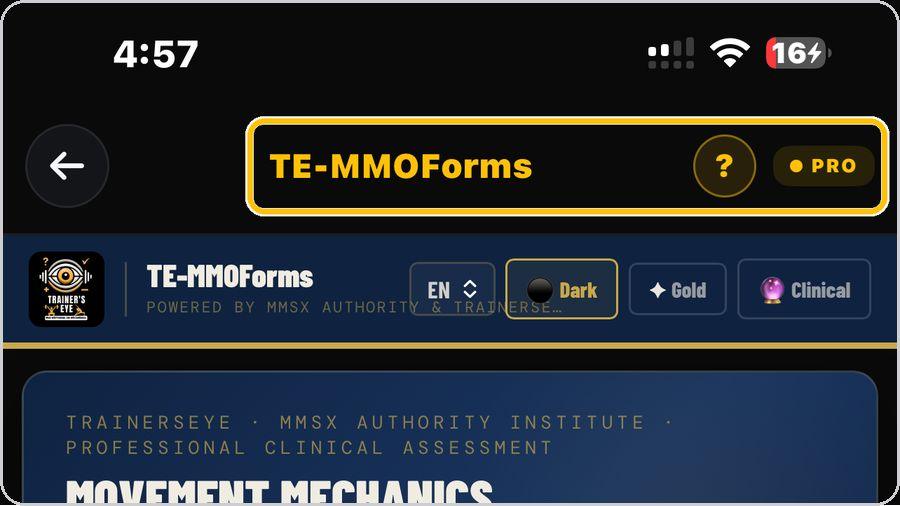 1 Open the toolFrom the Dashboard, tap TE-MMOForms — the Movement Mechanics Observation Form, powered by MMSx Authority and TrainersEye. | 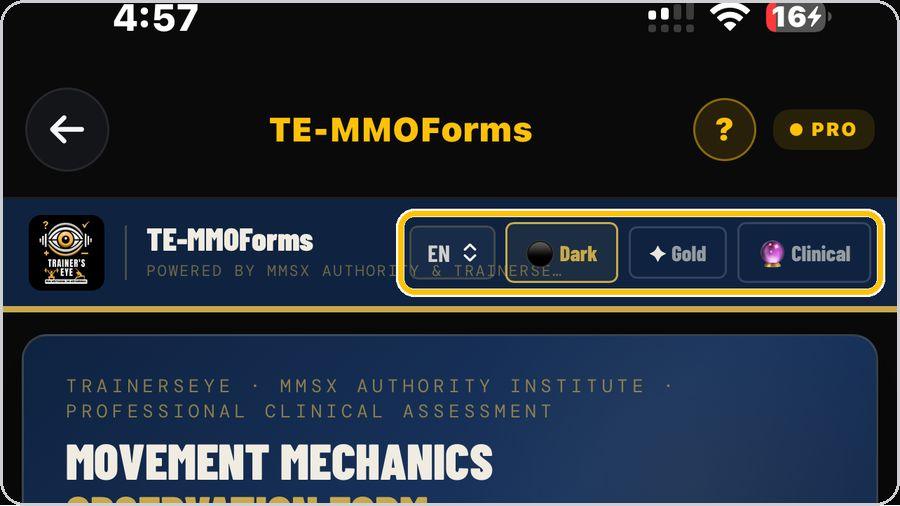 2 Language and lookEN sets the language — English, Hindi, Spanish or Arabic. Dark, Gold and Clinical switch the look of the form. | 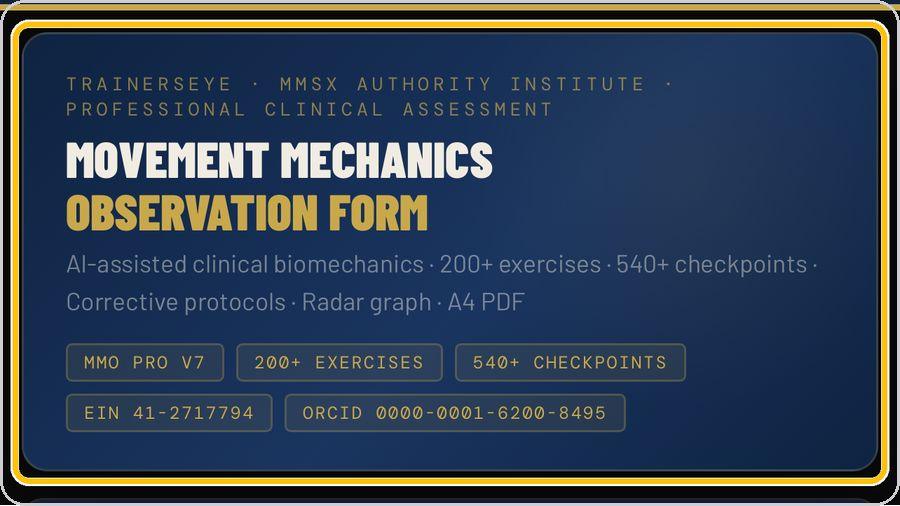 3 What the form doesThe header states the scope: AI-assisted clinical biomechanics, 200+ exercises, 540+ checkpoints, corrective protocols, radar graph, A4 PDF — with the institute's EIN and the principal investigator's ORCID. | 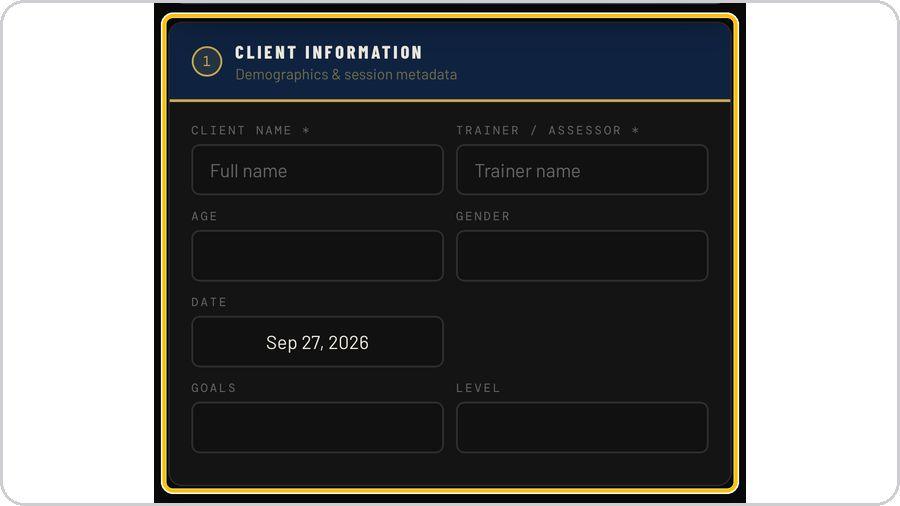 4 Client informationEnter the client's name and your own as trainer or assessor — both required — then age, gender, date, goals and level. |
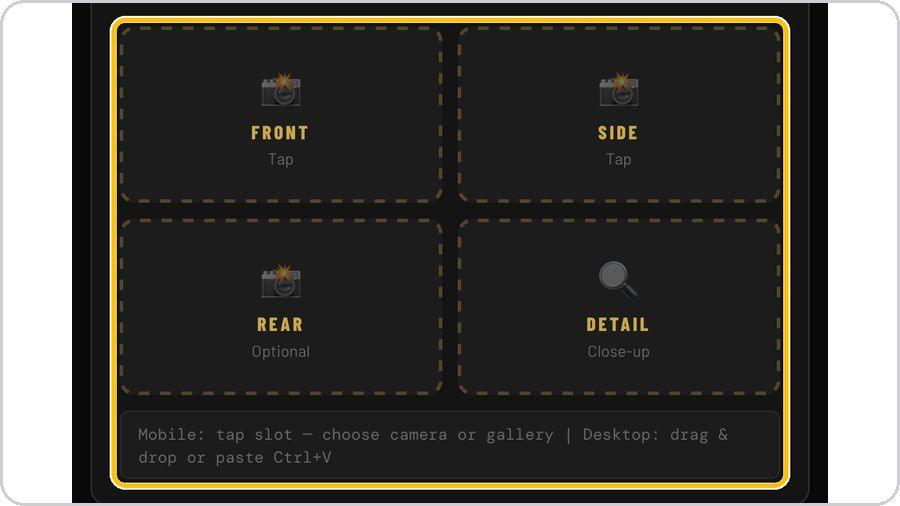 5 Visual evidenceTap a slot to take a photograph or pick one from the gallery: Front and Side are the two views to capture; Rear is optional; Detail is a close-up of the joint or the fault. | 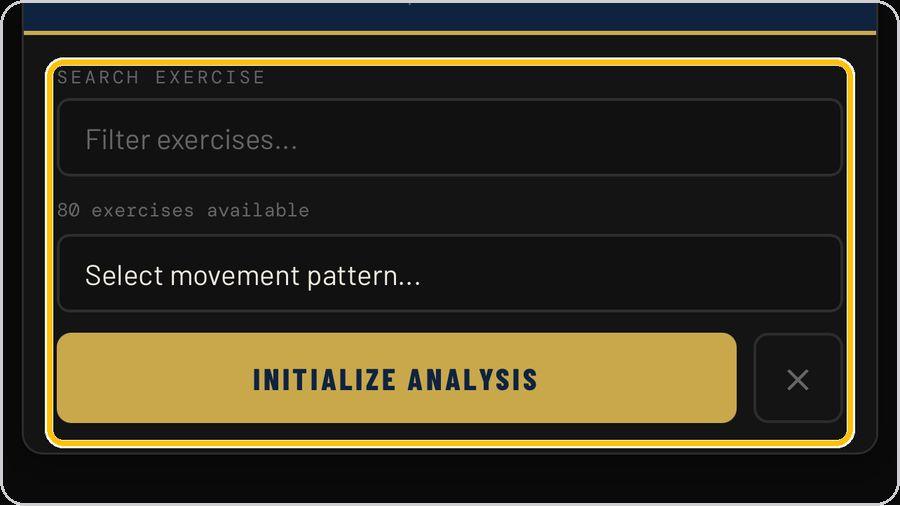 6 Movement patternSearch or choose the exercise, then tap Initialize Analysis. The form loads the checkpoints for that lift. | 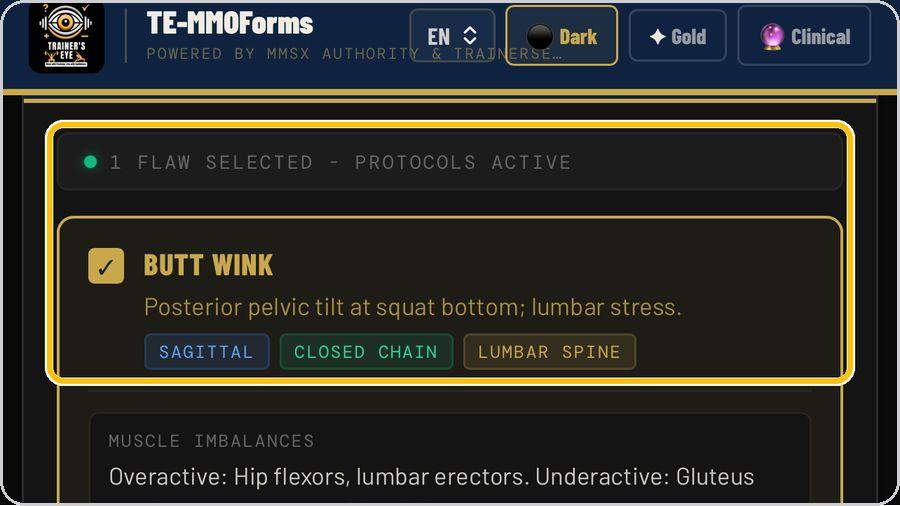 7 Tick the flawsSection 4 lists the checkpoints. | 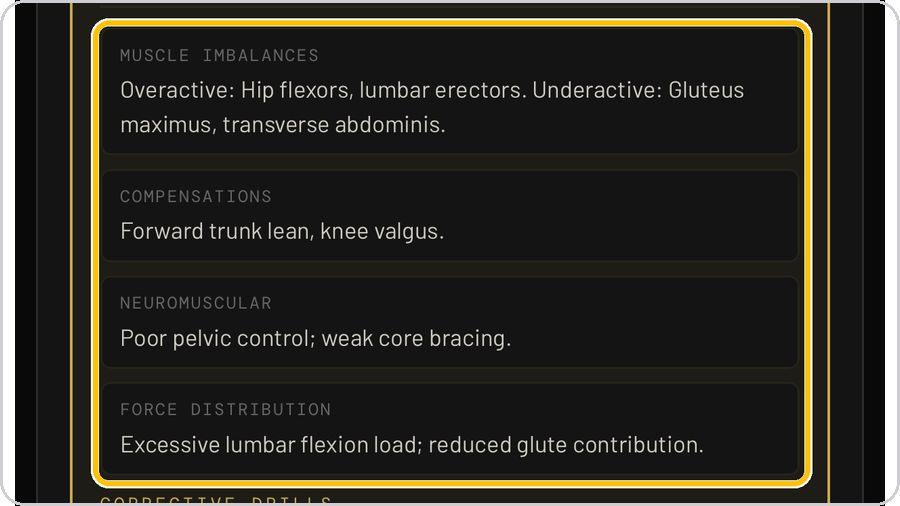 8 What each flaw carriesEach flaw opens with what it is and its plane, chain and region, then four blocks: muscle imbalances — overactive and underactive — compensations, neuromuscular control and force distribution. |
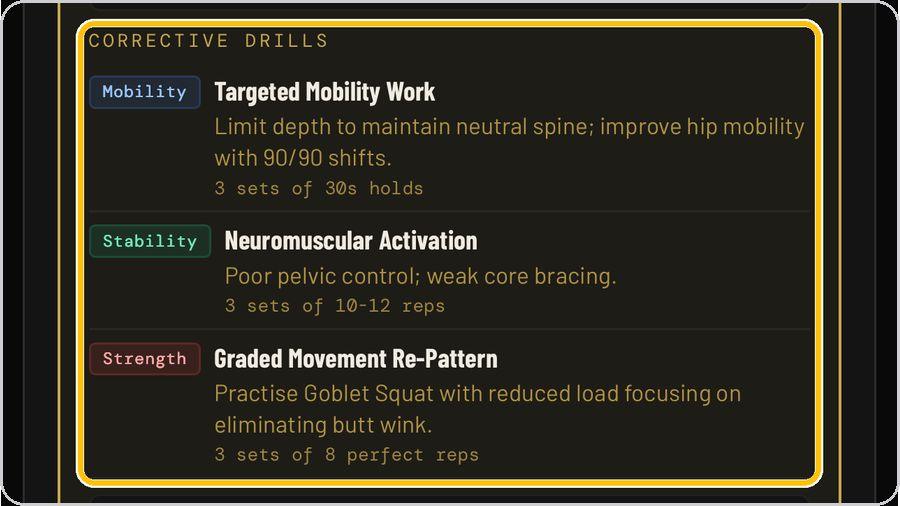 9 Corrective drillsThen the corrective drills — mobility, stability, strength or technique — each with its dose: sets, reps, holds or when to practise. | 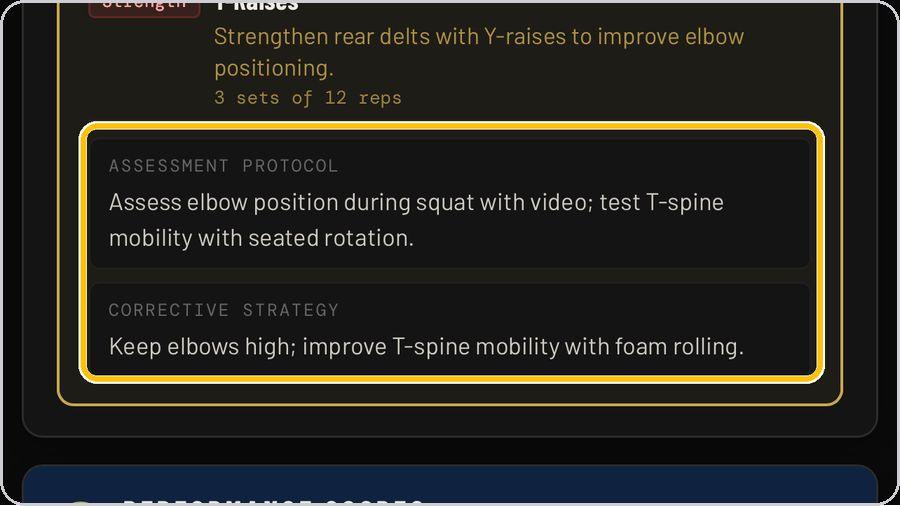 10 Assessment protocol and strategyThe card closes with the assessment protocol — how to test the flaw with video and a mobility test — and the corrective strategy in one line. | 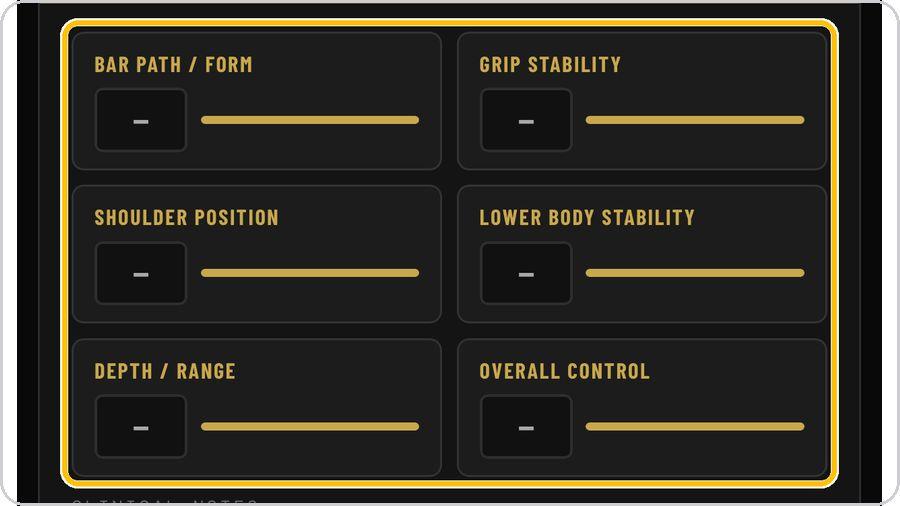 11 Performance scoresRate six dimensions from 1 to 10 — bar path or form, grip stability, shoulder position, lower-body stability, depth or range, overall control — by typing or sliding. | 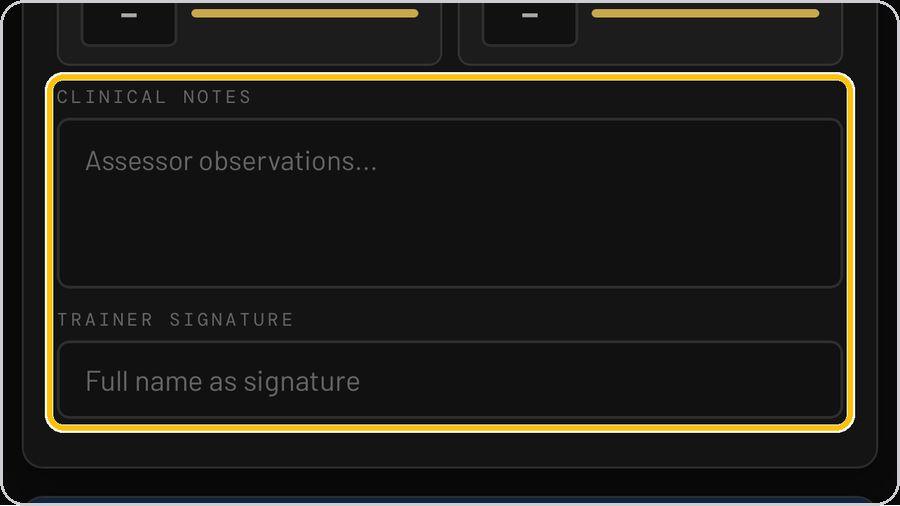 12 Clinical notes and signatureAdd assessor observations in the clinical notes, then type your full name as the trainer signature. |
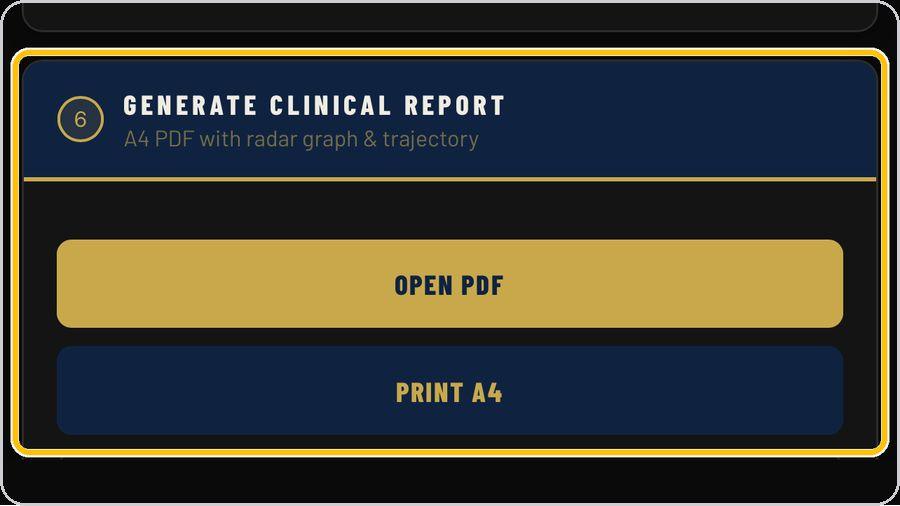 13 Generate the clinical reportTap Open PDF for the A4 clinical report with radar graph and trajectory, or Print A4 to print it directly. | ✓ You're readyThat's it. Open TE-MMOForms, choose the exercise and record the first observation. | In a flaw cardFlaw and tick · What it is · Plane, chain, region · Muscle imbalances · Compensations · Neuromuscular and force distribution · Corrective drills · Assessment protocol and strategy | |