

Document and report creator for movement professionals
Write a short brief, choose the audience and a style, and get a structured document you can edit, print or share as a PDF.
Every new user gets full access to all 23 tools for 7 days. See plans and pricing
- 23 tools
- General, Pro, Clinical plans
- A4 PDF output
- English, Hindi, Spanish, Arabic
- iPhone and Android
Why this takes too long today
Coaches, educators and clinicians write the same kinds of documents again and again: lesson notes, handouts, protocols and summaries. Formatting them well takes longer than writing them.
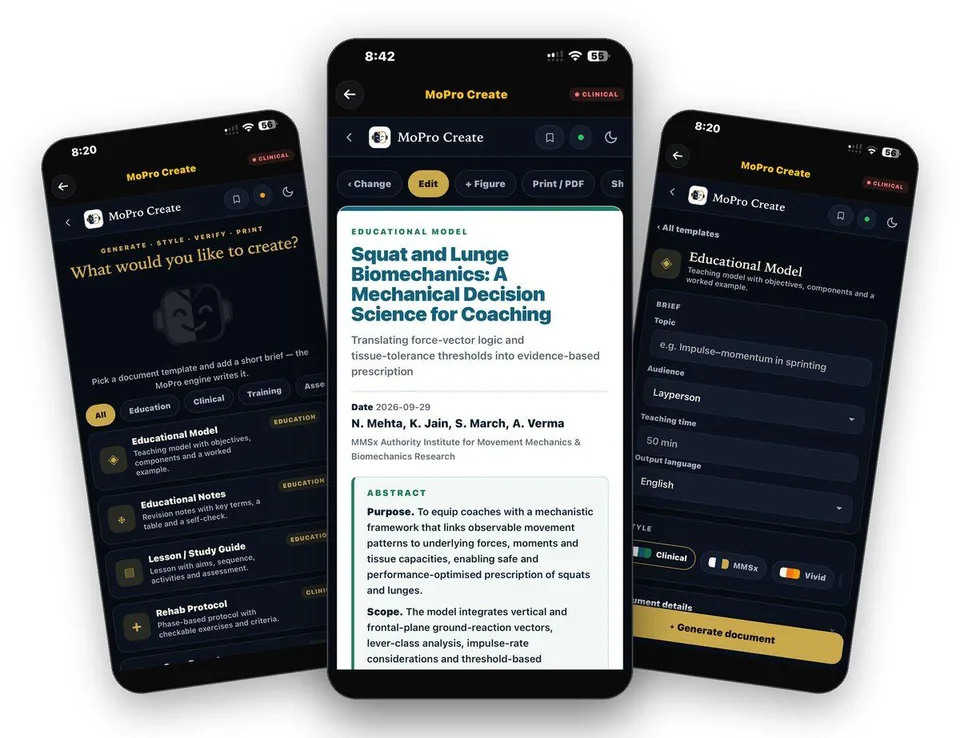
MoPro Create turns a short brief into a structured document with a title block, headings and figures, in the style and depth you choose. You review and edit it, then print or share it.
From first tap to finished document
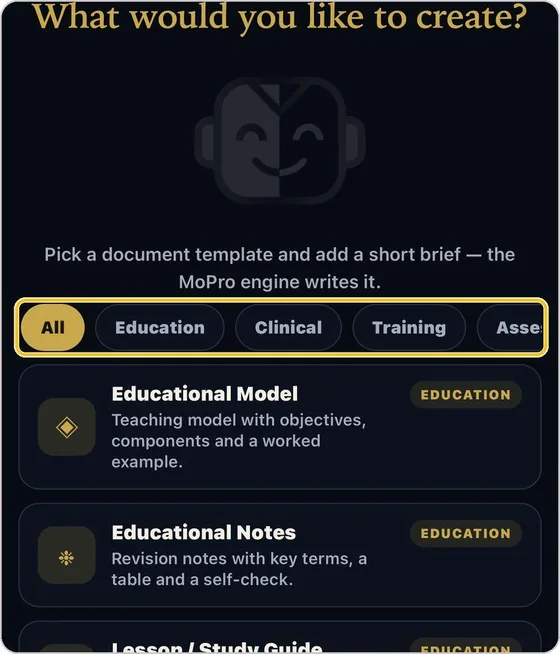
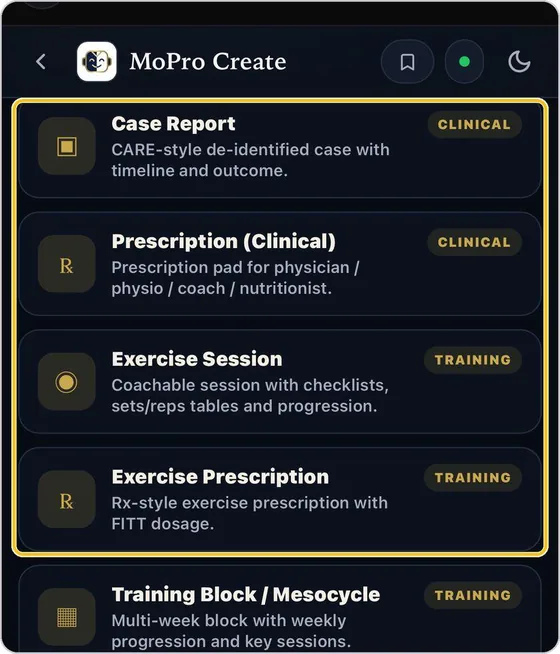
Choose a template
Twelve templates in five categories include Educational Model, Educational Notes, Lesson and Study Guide, and Rehab Protocol.
Guide: MoPro Create →Write the brief
Type the topic, then set the audience (layperson, coach, clinician, MSc or PhD), the teaching time and the output language.
Guide: MoPro Create →Pick a style
Style sets the look of the finished document. Add the printed head: title, author and organisation.
Guide: MoPro Create →Generate
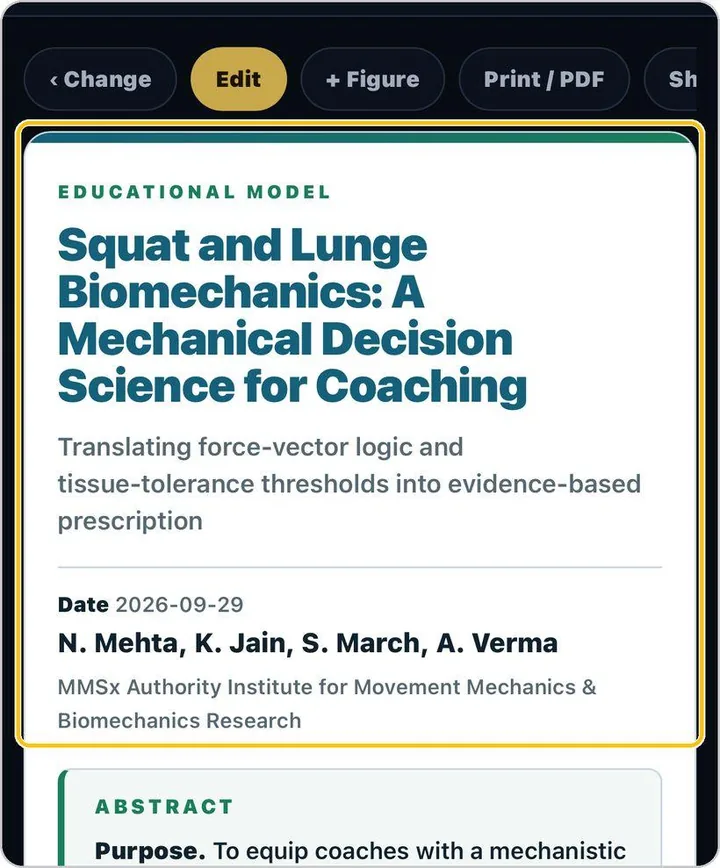
Tap Generate. The document opens in the chosen style with a structured head and sections.
Guide: MoPro Create →Add figures and edit
Insert figures from the TrainersEye exercise library, edit the text in place and review the references.
Guide: MoPro Create →What you actually see
The document your client or colleague receives
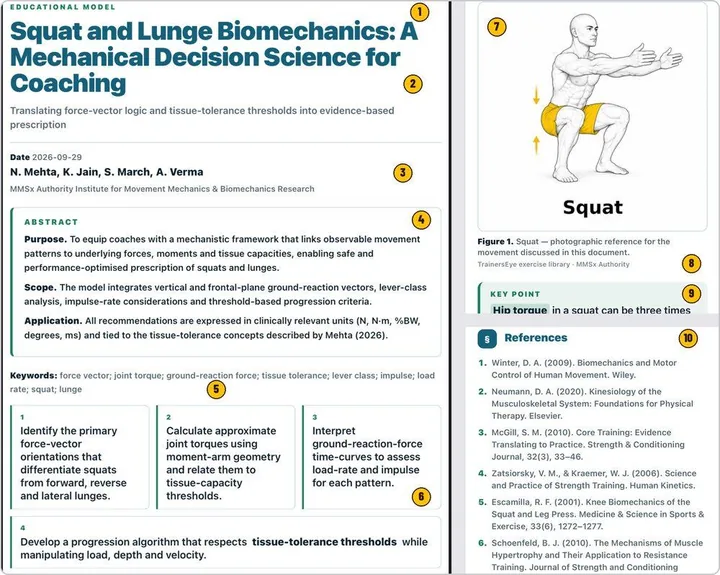
Documents you can hand over
- Structured documents in twelve templates
- Output in twelve languages including English, Hindi, Spanish and Arabic
- Figures from the exercise library
- A4 PDF you can print or share
Built for working professionals
- Educators who prepare lessons, handouts and study guides
- Clinicians and coaches who write protocols and client summaries
- Course creators who need consistent, branded documents
The tools behind this workflow
MoPro Create
Twelve document templates, a short brief and a style; the MoPro engine writes a document ready to edit, print or share.
Common questions
Who is the author?
You are. The author line is yours to set, and every document should be reviewed and edited before you use it.
Which languages can the output use?
Twelve output languages including English, Hindi, Spanish, Arabic, French, German, Italian, Portuguese and Dutch.
Can I control depth?
Yes. Audience sets depth and vocabulary from layperson to coach, clinician, MSc and PhD.
Can I add figures?
Yes. Insert figures from the TrainersEye exercise library, or build data figures with Figure Intelligence.
Can I try it?
Every new user gets full access to all 23 tools for 7 days from download.
Practising professional? Try it with a longer access code.
We are inviting working movement professionals to use TrainersEye for one or three months and tell us how it fits their real workflow. Request a code and a feedback slot; we reply with instructions.