

Pick the job. We have the workflow.
One app for movement professionals: assess, plan, coach and document. Choose what you do and see exactly how TrainersEye fits it.
Every new user gets full access to all 23 tools for 7 days. See plans and pricing
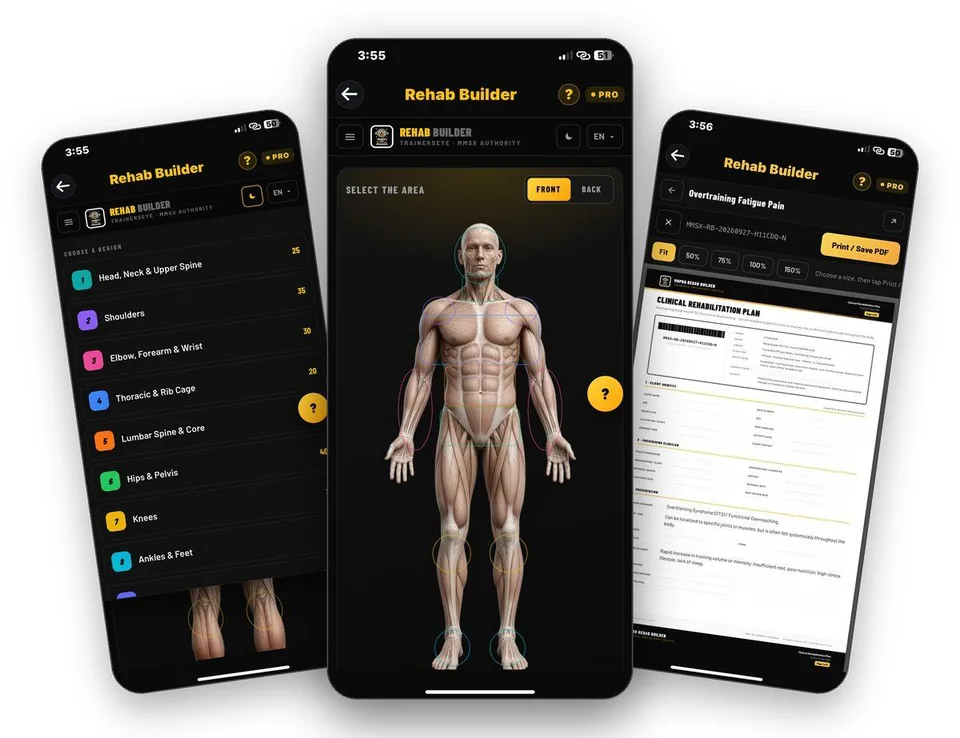
- 23 tools
- General, Pro, Clinical plans
- A4 PDF output
- English, Hindi, Spanish, Arabic
- iPhone and Android
9 ways professionals use TrainersEye
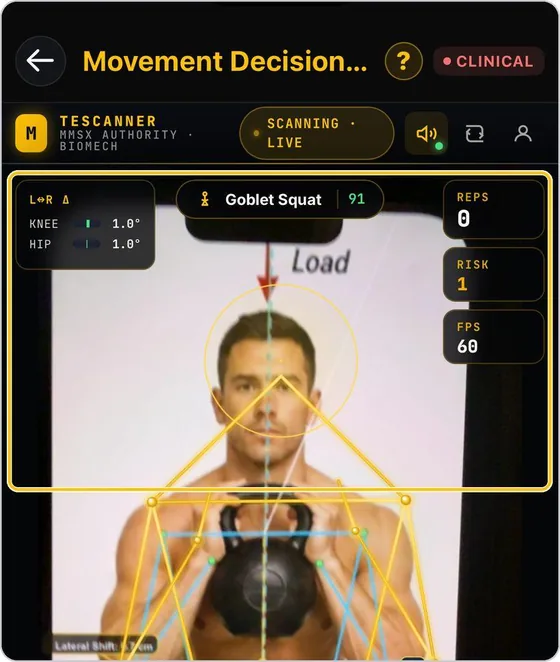
Movement assessment software for physiotherapists
Photograph the views, score the movement, record the findings and hand over an A4 report, all in one app on the phone you already carry.
See the workflow →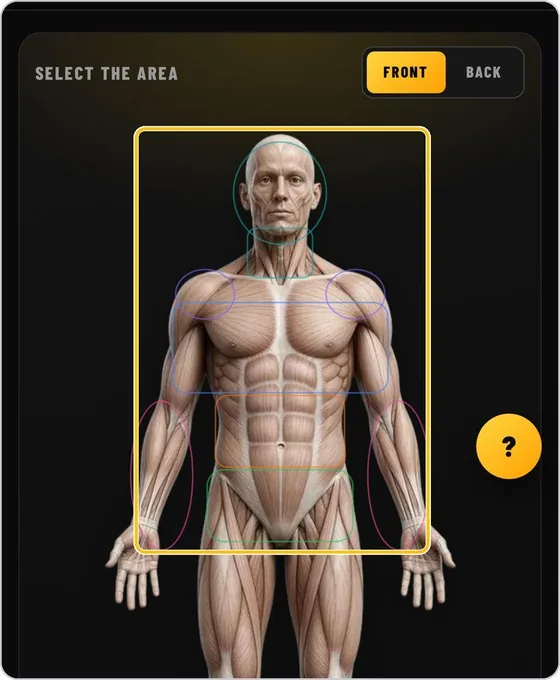
Rehab plan builder for personal trainers
Tap the area that hurts, choose the condition and get a phased plan with entry and progress criteria, safety gates and printable client cards.
See the workflow →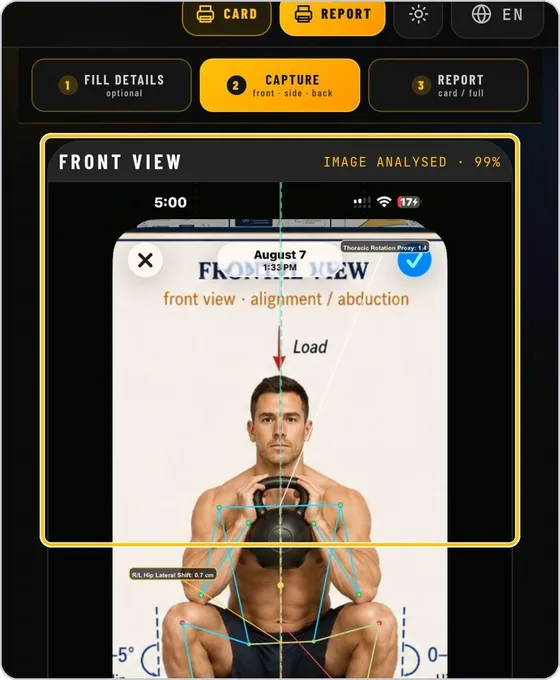
Asymmetry analysis tool for coaches
Capture three views of the same rep at the same phase, let the pose engine measure them and read one decision: green, red or recapture.
See the workflow →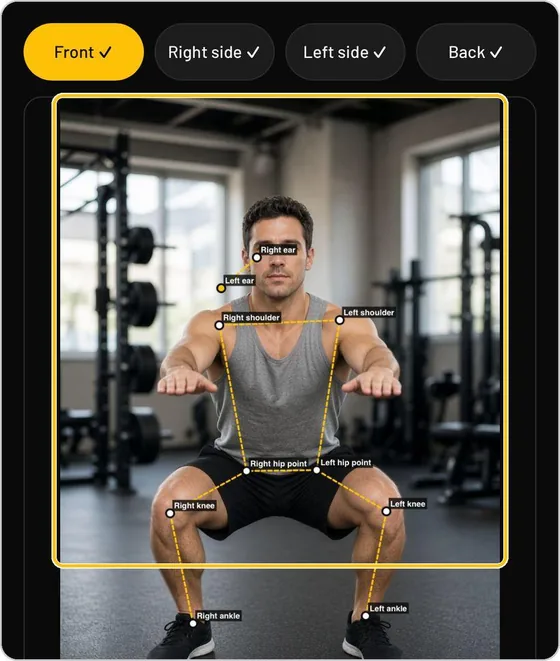
Posture assessment app for personal trainers
Photograph the front, both sides and the back, read the visible differences first, then step into a traceable assessment with an A4 report.
See the workflow →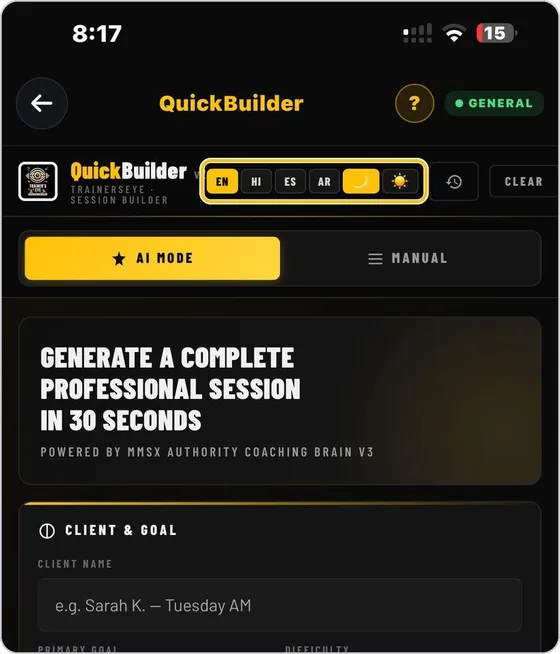
Workout session builder for personal trainers
Name the client, set the goal and the equipment, and get a finished professional session document with pictures, doses and coaching cues.
See the workflow →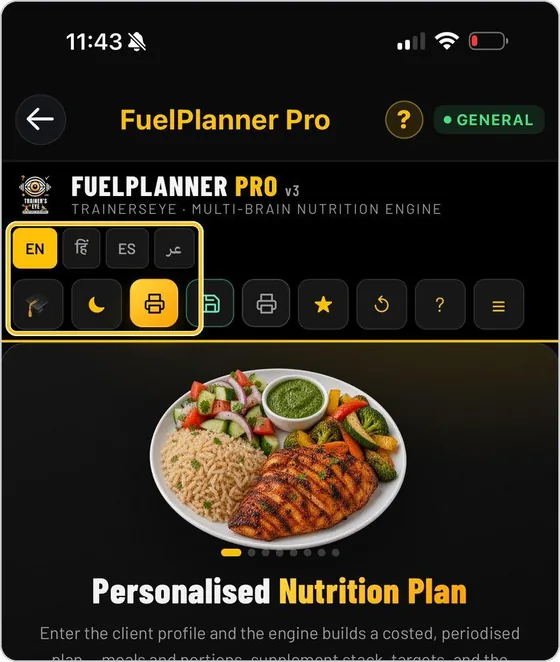
Nutrition and meal planner for personal trainers
Enter the client and the diet, generate a plan with targets and quality checks, adjust portions on each meal card and print a nutrition plan.
See the workflow →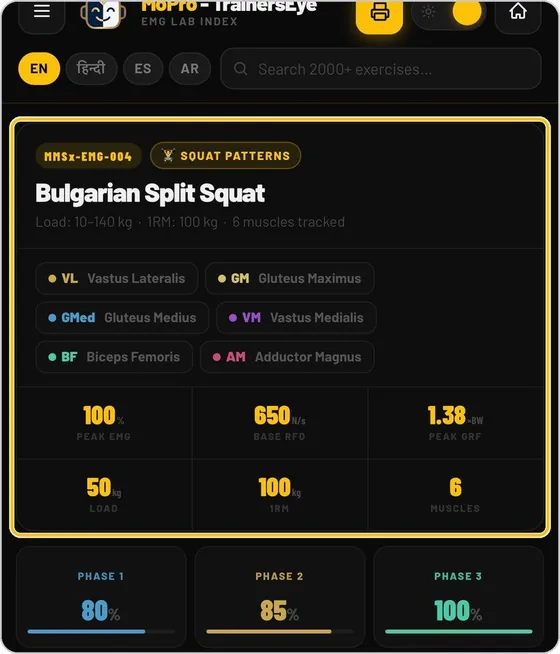
EMG and exercise reference for strength coaches
Look up how a muscle is loaded in an exercise, compare lifts side by side and read the reasoning in a library built for movement professionals.
See the workflow →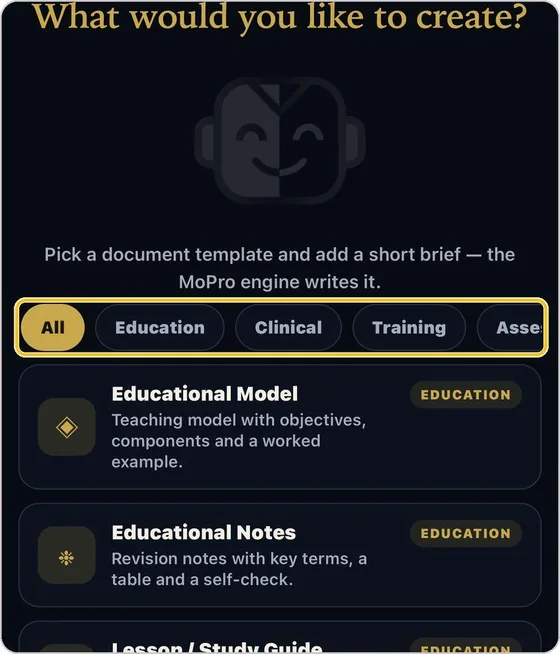
Document and report creator for movement professionals
Write a short brief, choose the audience and a style, and get a structured document you can edit, print or share as a PDF.
See the workflow →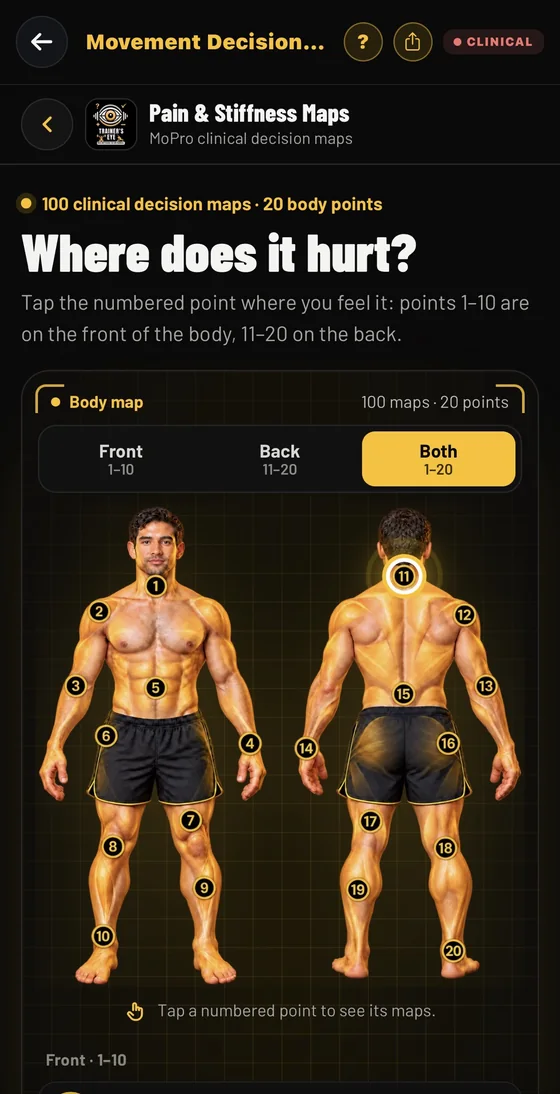
Clinical decision maps for pain and stiffness, for physiotherapists
Start from where it hurts. Tap one of 20 body points and open a clinical decision map that takes you through locate, screen, assess, act and reassess, with anatomy plates, movement options and evidence references.
See the workflow →Request a one- or three-month access code
For practising movement professionals who will share feedback on the real workflow.